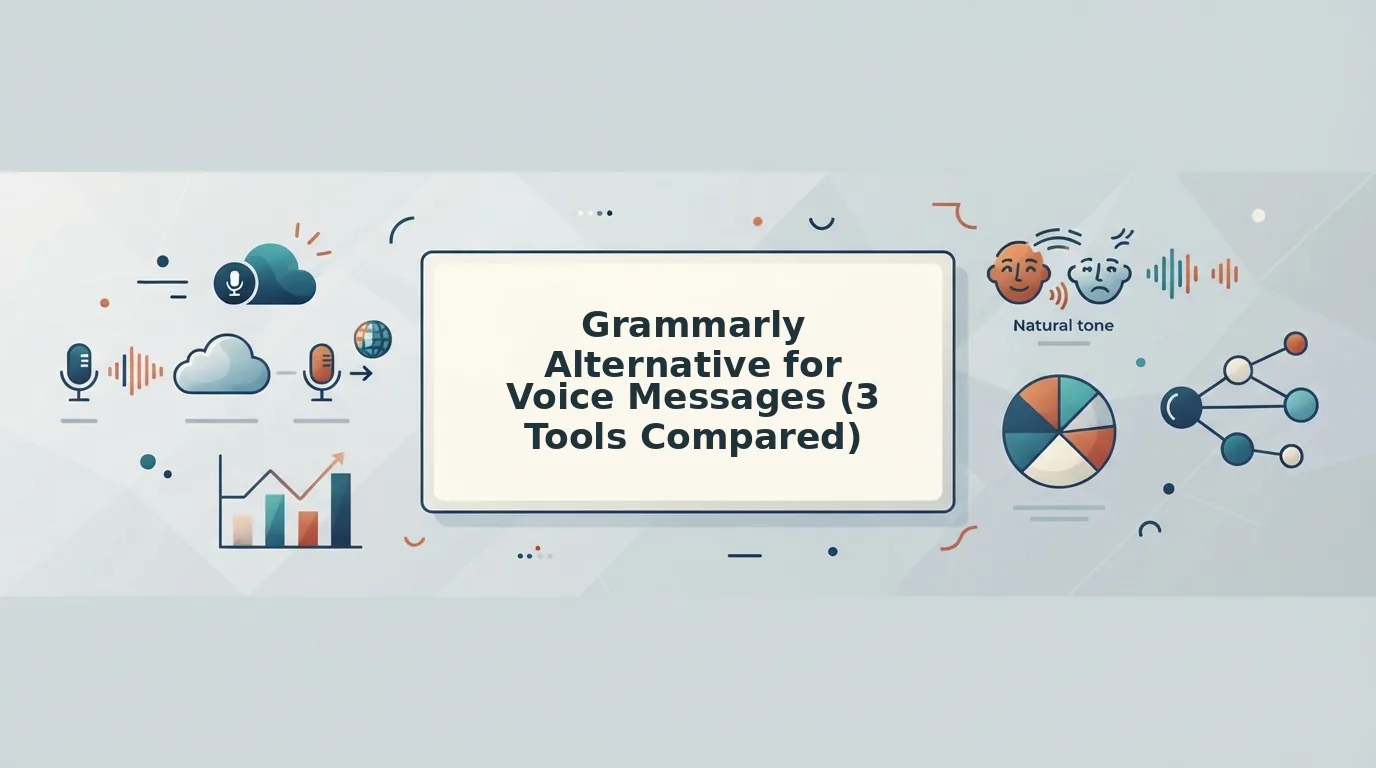

Grammarly cannot fix a voice message, because it corrects typed text, not recorded audio. The right Grammarly alternative for voice messages is a speech-first enhancer. It removes filler words, fixes spoken grammar, and reduces background noise while keeping your own tone, cadence, and accent intact.
Picture a founder recording an investor update. They play it back, hear the "ums" and a false start in the second sentence, and record it again. Then again.
That re-record loop is exhausting, and it rarely means you spoke badly. You think faster than you type, and the first take usually says exactly what you meant. That is why voice notes for founders work so well when the cleanup happens after you hit stop.
This guide shows you how to send messages in one take. You will compare three tool types: text grammar checkers, audio editors, and speech-first enhancers. You will also see why the most common workaround, transcribing first and then running Grammarly, quietly deletes the one thing your listener wanted to hear.
Key Takeaway: A good Grammarly alternative for voice messages is a speech-first enhancer, not a text checker. Grammarly only edits written drafts. Tools like VClar clean the recording itself by removing fillers, fixing spoken grammar, and cutting noise, while preserving your natural voice, tone, and accent, so you can record once and send.
How Do Grammarly Alternatives Compare for Voice Messages?
Grammarly alternatives split into two layers. Text Layer tools return written words. Voice Layer tools return your own edited voice. For voice messages, the deciding question is not how many features a tool has. It is whether your actual voice survives the edit.
- Spoken grammar correction fixes grammar errors inside recorded speech rather than in typed text.
- Verbal fillers are hesitation sounds and crutch words such as "um," "ah," "like," "basically," and "you know."
- A speech-first enhancer is a tool that edits the audio itself and outputs your cleaned voice, not a transcript.
| Tool type | Layer | Input | Output | Fixes spoken grammar | Removes fillers | Reduces noise, breaths, clicks | Keeps tone and accent | Translates audio | Editing effort |
|---|---|---|---|---|---|---|---|---|---|
| Text grammar checkers (Grammarly, ProWritingAid) | Text | Typed text | Text | No, written grammar only | Not designed for audio | Not designed for audio | No audio returned | No | Low, for text |
| Voice-to-text summarizers (AudioPen) | Text | Voice recording | Text | Rewrites into clean prose | Dropped from the text | No audio returned | No, voice is replaced by text | Not its core focus | Low |
| Audio and video editors (Descript) | Voice | Audio or video | Your edited recording | Manual, via editing | Yes, with editor tools | Yes, with cleanup tools | Yes | Not its core focus | Moderate to high |
| Speech-first enhancers (VClar) | Voice | Voice message | Your cleaned voice | Yes, automatic | Yes, automatic | Yes | Yes | 11 languages, 110 directions | Low, one take |
Best for: Grammarly and ProWritingAid suit writers polishing emails and documents. AudioPen suits thinkers who want spoken ideas turned into notes. Descript suits podcasters and video creators who are editing longer productions. VClar suits founders, sales teams, and cross-border operators who send voice messages and want to sound clear without re-recording.
Which tool keeps your voice in a voice message? Only Voice Layer tools return audio, so only they can keep your tone, cadence, and accent. Text Layer tools are excellent at what they do, but their output is words on a screen, and the listener never hears you. Among Voice Layer tools, the trade-off is effort. Editors like Descript give deep timeline control, which pays off for produced content but slows down a quick reply. A speech-first enhancer automates filler removal, spoken grammar fixes, and noise cleanup in one pass.
If you message across borders, VClar can also translate a cleaned message while keeping your voice. Browse more voice message guides on the VClar blog.
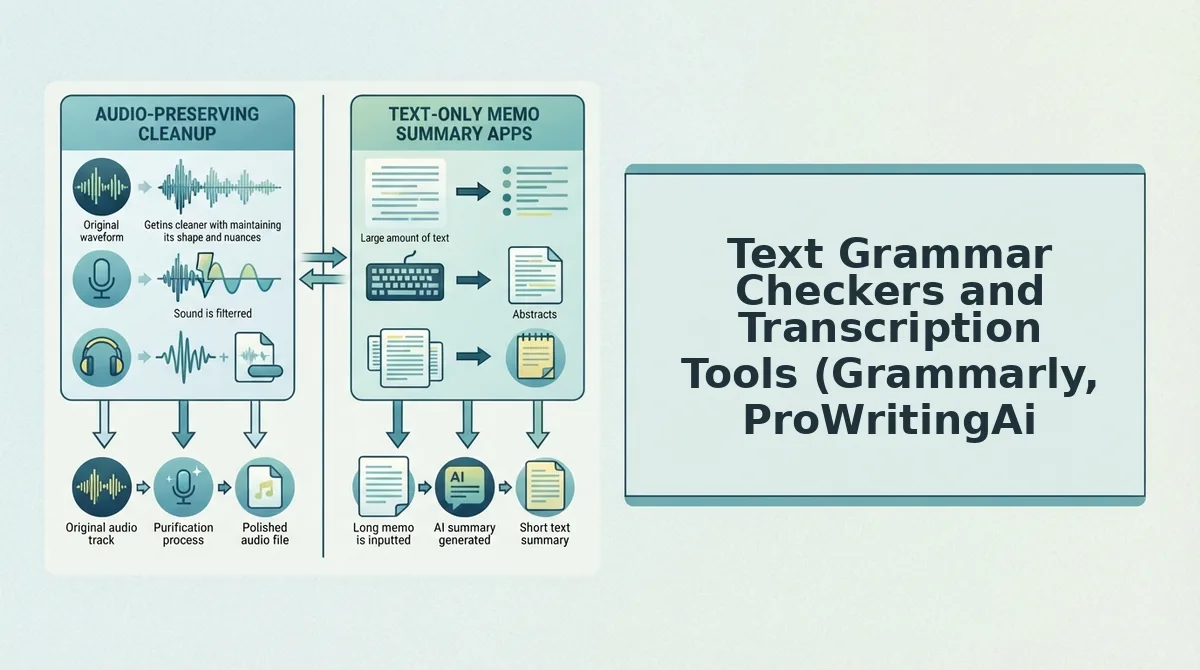
Text Grammar Checkers and Transcription Tools (Grammarly, ProWritingAid, AudioPen)
Text Layer tools are excellent at producing clean writing, but none of them return your voice. A text grammar checker is software that scans typed words and suggests fixes for grammar, spelling, clarity, and style.
Grammarly is the best-known example. ProWritingAid is an established text-focused alternative with deeper style reports for long-form drafts. Both are strong choices for emails, proposals, and documents.
AudioPen goes one step closer to speech. You talk, and it turns your rambling into tidy written text. For capturing ideas or drafting notes, that is genuinely useful.
The trouble starts with the popular workaround: transcribe the voice message, then paste the text into Grammarly. That workflow fixes grammar, but it also changes the format. Think of it like sending a photo of a handwritten card instead of the card itself. The words arrive, but the personal touch stays behind.
Illustrative example:
- Raw spoken take: "So, um, basically we, we closed the pilot, and like, the team's really excited about, you know, next quarter."
- Grammarly-corrected transcript: "We closed the pilot, and the team is excited about next quarter."
- What is lost: The sentence is now correct, but it is no longer a voice message. Your warmth, pacing, and accent are gone.
Transcription vs. voice enhancement
Transcription converts speech into written text, while voice enhancement edits the recording and returns it as audio. A transcription workflow, even one finished with a grammar checker, ends with words on a screen. The listener reads your message instead of hearing it. Voice enhancement keeps the message as sound. It removes fillers like "um" and "you know," fixes spoken grammar, and reduces noise, breath sounds, and mouth clicks. Your tone, cadence, and accent stay as they were. If the recipient expects to hear you, as in a client update or a team voice note, enhancement preserves the trust that text alone cannot carry.
For deeper breakdowns, see the VClar vs Grammarly comparison and VClar vs AudioPen.
Voice Layer tools keep the audio, starting with full editors.
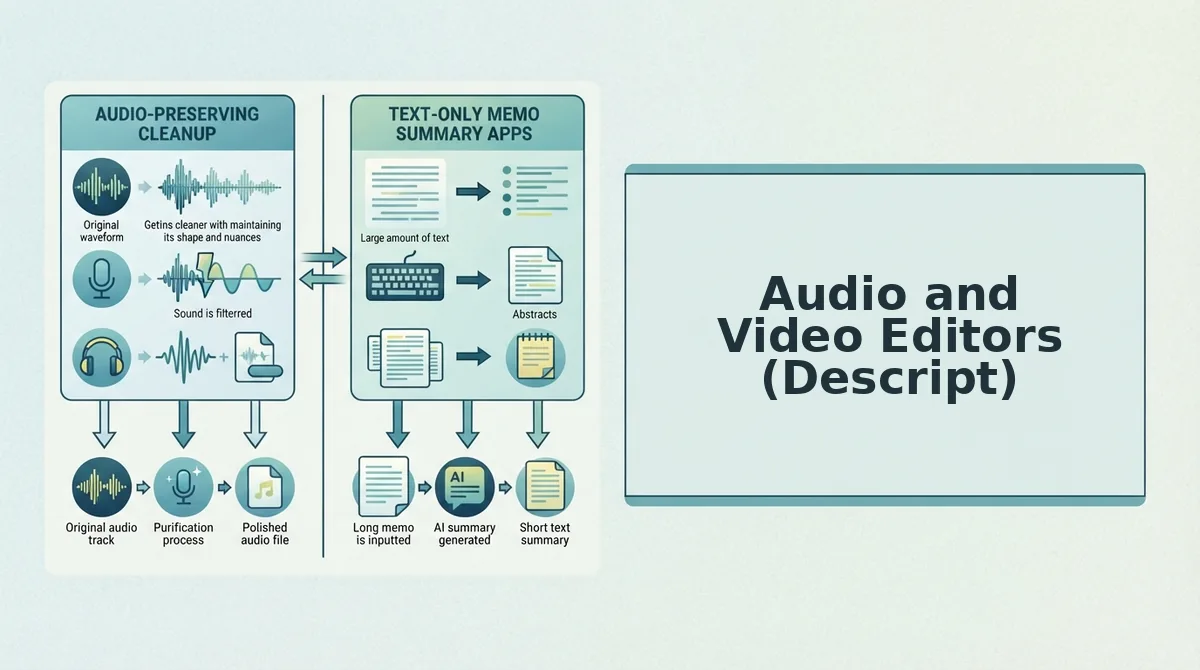
Audio and Video Editors (Descript)
Descript is a studio-style audio and video editor that lets you edit a recording by editing its transcript. It fits produced podcasts and videos well, but its project-based workflow is more than a quick voice message usually needs.
The basic idea is intuitive. Delete a word from the text, and that word disappears from the audio. If you can edit a document, you can rough-cut a recording.
The next layer is the timeline, which is the horizontal view of your recording over time where cuts, clips, and effects sit in order. You open a project, bring in your media, review the transcript, and trim sections deliberately.
At the advanced end is multi-track editing, where several audio or video layers, such as host, guest, and music, are stacked and synced together. That level of edit control is exactly what a podcast producer or video creator wants.
Now picture a 60-second follow-up to a client or investor. Opening a timeline project to clean it is like renting a commercial kitchen to make toast. Everything works, but the setup is bigger than the task, and you still have to review, cut, and export before you can send it.
This is a question of fit, not a flaw. Descript rewards deliberate production, while a voice message rewards speed and one-take confidence. VClar's niche is enhancing natural voice messages without complex timeline editing. For a full breakdown, see VClar vs Descript.
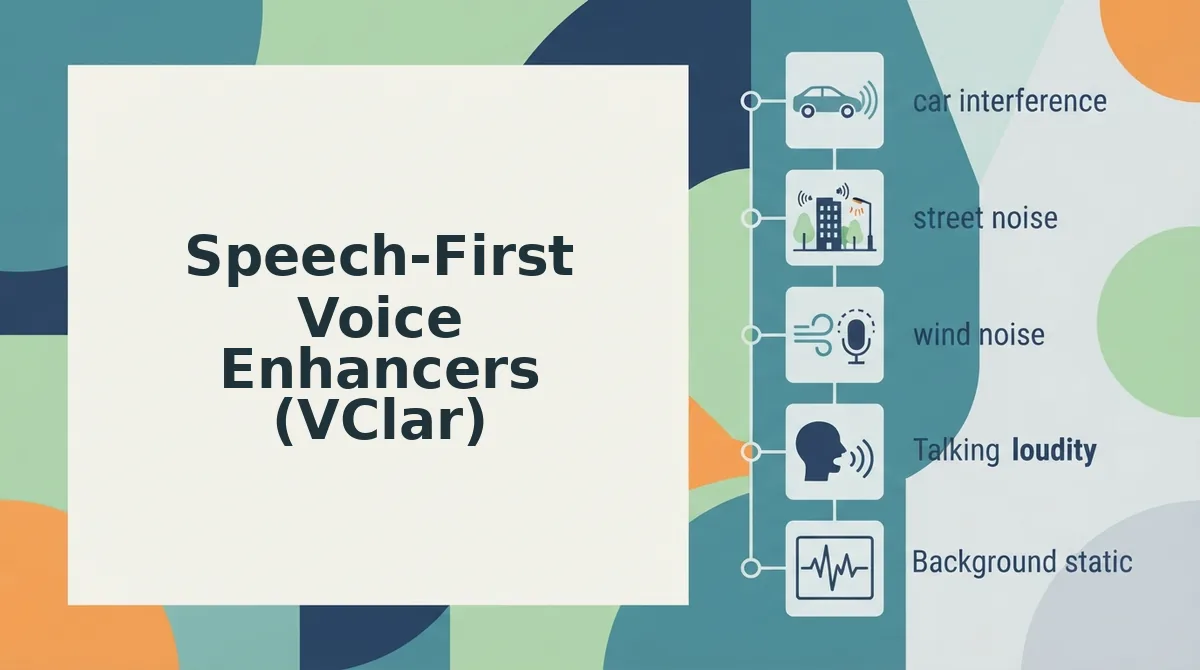
Speech-First Voice Enhancers (VClar)
A speech-first voice enhancer cleans your recording and gives you back your own voice, with no rewrite into text and no synthetic replacement. VClar does seven things, listed here in order of importance:
- Keeps your tone, accent, and rhythm. VClar returns your actual recorded voice, cleaned. It does not use synthetic cloning or text-to-speech. Listeners still hear you, which matters for trust in sales and client work, so record the way you normally speak.
- Removes verbal fillers. Ums, ahs, "like," "basically," and "you know" are cut from the audio seamlessly. Fillers are a normal part of speech, but trimming them makes a message sound decisive. You can remove filler words from audio without touching a timeline.
- Clears false starts. Repeated restarts like "So we, so what we're..." are taken out. This lets you think out loud without starting the recording over.
- Fixes sentence fragments and spoken grammar. Half-finished clauses are repaired so each point lands as a complete thought. You can fix grammar in voice messages directly in the audio, which suits both native and non-native speakers.
- Tightens circular phrasing. Points you made twice are condensed into one clear statement. The listener gets your meaning faster, and your intent stays intact.
- Reduces background noise, breath sounds, and mouth clicks. Acoustic distractions are lowered so your words come through. This lets you record in a café, a car, or a hallway with confidence.
- Shows side-by-side comparisons and grammar correction details. You can compare the original and cleaned versions and see what changed. Over time, those details help you notice your own patterns and speak more clearly from the start.
The workflow has three steps: record, clean, send. Take a B2B sales rep following up after an enterprise call. They record a spontaneous recap, run it through VClar, and send one clean take instead of re-recording it five times.
If you have ever deleted a voice note because of a stumble, try this workflow on your next follow-up. Record it once, let VClar clean it, and send it in your own voice.
Where VClar Falls Short and Which Option Fits Your Situation
VClar is built for short spoken messages, so it is not the right tool for long-form writing or multi-track production. Choose by what you are sending, not by how many features a tool has.
For documents and emails, Grammarly or ProWritingAid is the stronger editor. For podcasts and produced video, Descript offers edit control that VClar deliberately leaves out.
VClar's distinct strength is translation. You can translate a cleaned voice message across 11 languages (Hindi, English, French, Japanese, Korean, German, Russian, Portuguese, Spanish, Italian, and Chinese), covering 110 translation directions.
| Scenario | Needs audio | Needs translation | Needs edit control | Best fit |
|---|---|---|---|---|
| Investor update | Yes | Sometimes | Low | VClar, best for busy founders |
| Enterprise follow-up | Yes | Sometimes | Low | VClar, best for sales reps |
| Cross-border client update | Yes | Yes | Low | VClar, best for freelancers |
| Creator script | Final cut | Rarely | High | Grammarly or ProWritingAid to draft, Descript to produce |
Consider a freelancer who records a project update, cleans it in VClar, and translates it for a client abroad. The client gets a clear message in their own language, still delivered in the freelancer's voice.
Here is how that one-take workflow runs from start to finish.
Record Once, Clean It, Send It
Use Grammarly for what you type and a speech-first enhancer for what you say. Grammarly polishes the text layer. VClar fixes the voice layer: fillers, spoken grammar, and background noise, without swapping your voice for a synthetic one.
That resolves the question this article opened with. You do not have to choose between sounding polished and sounding like yourself. The re-recording loop was never a fluency problem. It was a tooling gap.
Your next move takes three steps:
- Record in one take. Say your next voice message once, ums and false starts included.
- Clean it. Let VClar remove the fillers, correct the grammar, and reduce the noise.
- Send it. Your tone, accent, and rhythm stay intact.
The result is a message that sounds decisive on the first try. Clean your next voice message with VClar.
The best grammar fix for a voice message is the one that keeps the voice.