
You record a 60-second project status note for a client, play it back, and hear three "um"s, a false start, and a sentence that circles back on itself. So you delete it and record again. Then again.
That re-record loop is the real problem behind VClar vs Descript for freelancer client update voice notes. Fillers, awkward pauses, and disjointed grammar don't change what you're saying, but they quietly undercut the authority you've built with the client.
Wanting a fix that doesn't eat your afternoon makes sense. This guide compares both tools on the job you're actually doing, not the job their marketing assumes you're doing.
You'll get a Message vs. Production framework, a side-by-side criteria table, a step-by-step client update workflow, and a clear look at when Descript is the better pick. One step in the workflow decides which tool fits, and most comparisons skip it entirely.
VClar fits one-take client update voice messages of 45 to 90 seconds that you want cleaned, grammar-corrected, and sent today in your own voice. Descript fits edited audio and video productions, where a transcript and timeline help you shape a final cut. Choose based on the deliverable, not the feature list.
VClar vs Descript, which job are you actually doing?
If you're sending a short, one-take voice update to a client today, you're doing a message job, and VClar is built for that. If you're assembling, editing, and publishing audio or video, you're doing a production job, and Descript is built for that.
VClar is a voice message enhancer and translator that cleans spoken notes while keeping your own voice. Descript is a text-based audio and video editor that lets you edit recordings through a transcript and timeline.
- Filler word removal: Detecting and cutting "um," "ah," "like," "you know," and false starts from the audio.
- Spoken grammar correction: Fixing grammar and tightening phrasing in what you said, so the message reads cleanly.
- Text-based audio editing: Changing audio by editing its transcript, with a timeline for finer control.
| Criterion | VClar (Message) | Descript (Production) |
|---|---|---|
| Job length | Voice messages of 45 to 90 seconds | Longer edited recordings and videos |
| Number of takes | One take, cleaned automatically | Multiple takes or tracks, assembled in editing |
| Editing surface | None required | Transcript and timeline |
| Voice output | Your own voice, tone, accent, and cadence preserved | Your recorded audio, edited (verify current voice features on descript.com) |
| Translation | 11 languages, including Hindi, French, Japanese, Korean, German, Russian, and Portuguese | Verify on descript.com |
| Best deliverable | A polished voice note sent the same day | A published podcast, video, or edited client asset |
Is Descript good for freelancer voice messages? Most freelancer-focused Descript comparisons center on client video editing, which is a production job: multi-track, edited, and published. Descript is genuinely strong there. Its transcript-based editing makes cutting long recordings far faster than a traditional waveform editor. A client update voice note is a different job. It's one take, under 90 seconds, and sent today, so an editing surface is overhead rather than an advantage. For that message job, a tool that removes fillers and corrects spoken grammar automatically, with no transcript or timeline to touch, fits the work more closely.
Best for VClar: Freelancers, consultants, and cross-border operators who send frequent client status notes, including in another language.
Best for Descript: Freelance video editors, podcasters, and creators who deliver edited, published media.
For a row-by-row breakdown beyond client updates, see the full VClar vs Descript feature comparison. If your clients work in another language, VClar can translate a cleaned update into any of its 11 supported languages without replacing your voice.
How VClar handles a client update voice note
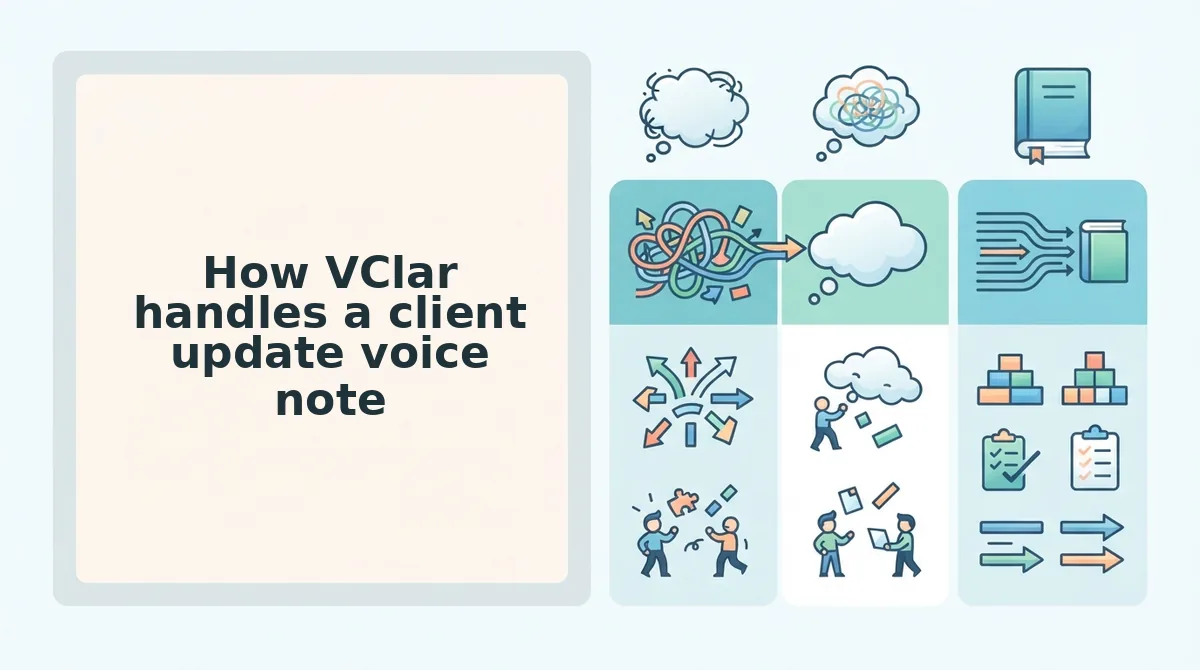
VClar turns a client update into a three-step job: record, auto-clean, send. That step count is the deciding factor from the intro, because a timeline adds friction to a status note that only needs to sound clear.
Before you start: You need a phone or computer microphone, a VClar account at vclar.com, and the project status you want to share.
| Workflow | Steps | Step count |
|---|---|---|
| VClar | Record, auto-clean, send | 3 |
| Descript | Import, edit transcript, remove fillers, export, send | 5 |
- Record your update in one take. Speak for 45 to 90 seconds, or upload raw audio you already have. Don't restart when you stumble. You should end with one complete recording.
- Let VClar auto-clean it. VClar removes filler words, fixes spoken grammar, tightens phrasing, and reduces background noise, breath sounds, and mouth clicks. You should hear a shorter, more decisive version of your message.
- Review the side-by-side view. Compare your original transcript with the cleaned one to see exactly what changed. Over time, this shows your own speech patterns without shaming fillers or non-native phrasing.
- Translate if needed, then send. Choose one of the 11 supported languages, or send as-is. Your client receives a clean voice note in your own voice.
Here's how that works on a real update. You say: "So, um, basically the homepage, the homepage design is, like, mostly done, and I think, you know, we're on track, we should be on track for Friday." After spoken grammar correction, the transcript reads like a memo: "The homepage design is mostly done, and we're on track for Friday."
Does VClar change how my voice sounds? No. VClar is not a synthetic voice clone and does not replace your delivery with text-to-speech. It edits your actual recording, removing fillers, breath sounds, mouth clicks, and background noise while preserving your natural tone, accent, and rhythm. The cleaned message still sounds like you on a focused day, not like a generated voice reading your script. That matters for client relationships, because clients recognize your voice and trust it. You keep the familiarity and lose only the hesitations that made the original take sound less sure than you actually are.
If your re-record loop comes from verbal tics, start with the filler word remover. If it comes from sentences that tangle mid-thought, use VClar to fix grammar in a voice message before it reaches your client.
So when does Descript's extra editing earn its place in a freelancer's workflow?
When is Descript the better choice for freelancers?
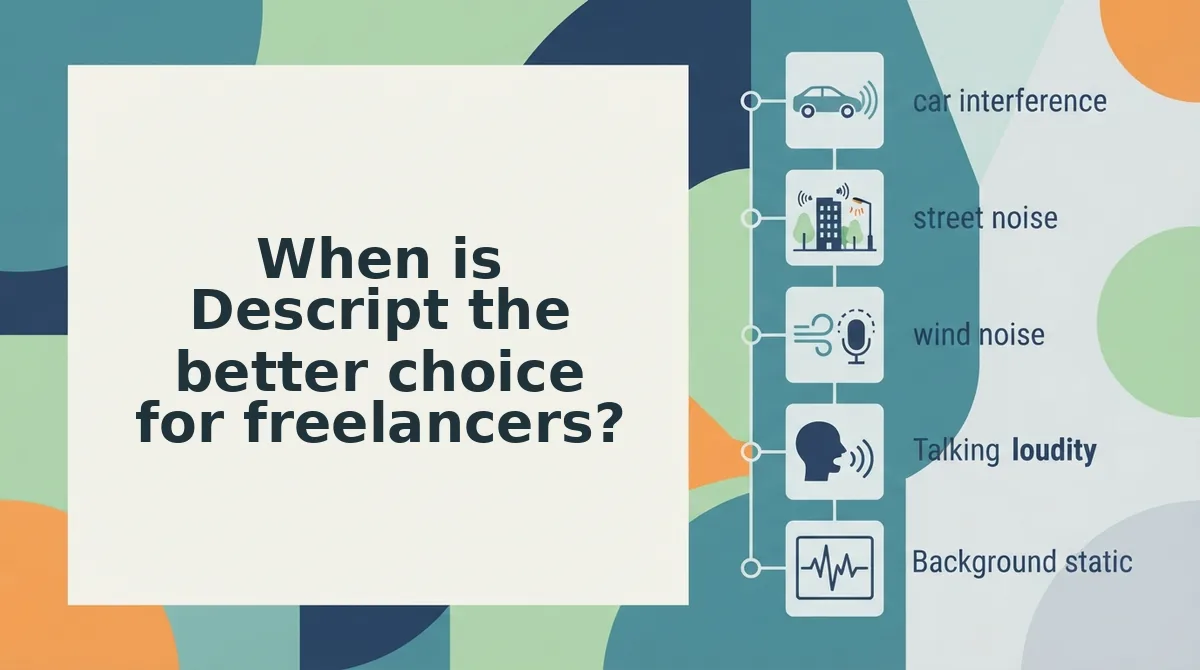
Descript is the better choice when your client update is really a production, such as a video deliverable, a podcast episode, or a published piece that needs timeline control. Its core strength is text-based audio editing, where you edit the recording by editing its transcript.
- Client video deliverables. Descript's freelancer content centers on client video and editing speed, so it fits when the update itself is a video. If you deliver edited explainers, walkthroughs, or social cuts, you can trim footage from the transcript instead of scrubbing a timeline.
- Podcast production. Podcasts run long and need structural edits, not just cleanup. Descript lets you cut sections, rearrange segments, and tighten pacing across a full episode from the text view.
- Multi-speaker editing. Interviews and recorded client calls need speaker-level control. Text-based editing suits this work because each speaker's lines appear in the transcript, so you can remove crosstalk or trim one voice without touching the others.
- Multi-track productions. Projects that layer music, voiceover, and sound effects need separate tracks. Descript is built to balance and align those layers, which a single-message cleaner is not designed to do.
- Published content that needs timeline control. Anything going live on a website, course platform, or channel benefits from precise placement of every cut. Descript gives you that control for final polish before publishing.
- Built-in AI audio features, verified first. Descript markets tools such as filler word removal, Studio Sound, and AI voice. Confirm current capabilities and plan details on Descript's official site before committing, because vendor feature sets change often.
If your work regularly includes any of the first five jobs, Descript earns its place in your stack. For quick spoken updates between deliverables, it is often more tool than the task requires.
Where VClar falls short
VClar is not a full editing suite, and it will not replace Descript for long or produced work. It is built for one job: making a short voice message clear in a single take.
An AI voice message enhancer is a tool that cleans, corrects, and translates a single spoken message without replacing the speaker's voice. Think of it like a spell-checker for speech. It fixes the note you are sending, but it does not lay out the whole magazine.
- No timeline or multi-track editing. A timeline is the visual strip where editors cut, move, and layer clips. VClar does not offer one, so you cannot arrange music beds or separate speakers.
- No video. VClar works on audio and transcripts only.
- Short-form by design. It is built for 45-90 second voice messages, not hour-long interviews or full episodes.
- Finite language coverage. The voice note translator supports 11 languages: Hindi, English, French, Japanese, Korean, German, Russian, Portuguese, Spanish, Italian, and Chinese. That adds up to 110 translation directions, but a client who speaks a language outside that list is not covered.
Use VClar if you send frequent 45-90 second client updates and want them clean, correct, and translated in one take.
Use Descript if you produce videos, podcasts, or multi-speaker recordings that need timeline-level editing.
VClar vs Descript FAQ
VClar cleans and translates short client voice messages in one take, while Descript edits longer audio and video productions through a transcript. The answers below cover sound quality, multilingual clients, and re-recording.
Will AI cleanup make my voice message sound robotic?
No, VClar keeps your natural tone, accent, and cadence. It removes fillers, fixes spoken grammar, and reduces background noise on your own recording rather than generating a synthetic voice clone. Your client still hears you, just clearer and more direct than in the raw take.
Can I send voice updates to clients who don't speak English?
Yes, VClar translates cleaned voice messages across 11 languages, covering 110 translation directions, including Spanish, Japanese, German, and Hindi. If you are considering Descript for translation, verify its current language support on the official site, because those features and their coverage can change between plans.
Can I send a voice message to a client without re-recording it?
Yes, record once and let VClar clean up the stumbles. It strips false starts, ums, and grammar slips from the single take, so you stop restarting a 60-second update five times. That one-take confidence ends the re-record loop and gets the message out faster.
Do I need both VClar and Descript?
Only if you do both kinds of work regularly. Freelancers who produce videos or podcasts and also send daily client updates often benefit from both tools. If your client communication is mostly short voice notes, VClar alone typically covers the job without timeline editing.
That leaves one practical decision for your next update.
Which tool should you use for your next client update?
Use VClar for client update voice notes and Descript for audio or video you plan to edit and publish. Messages go to VClar. Productions go to Descript.
That is the split the intro hinted at. The choice depends less on which tool does more and more on whether you are sending a message or building a production.
Picture a weekly update for a client in Germany:
- You record one spontaneous take in English, with the ums and false starts left in.
- VClar removes the fillers, fixes spoken grammar, and reduces background noise.
- It translates the cleaned message into German in your own voice, tone, and accent.
- You send it the same day, with no re-record loop and no script.
Your client hears a clear, decisive update in their language. You never open an editing timeline.
Your next step is to record your next client update in VClar instead of re-recording it. To see how this fits your projects, read about voice notes for freelancers.
Clients don't need a polished production. They need a clear message in your own voice, sent today.