
You record 90 seconds of feedback on a student's draft and play it back. You hear three "ums," a stray "basically," and one sentence that loops back on itself before it lands. You hit re-record. If that loop sounds familiar, the grammarly vs vclar for course instructors question comes down to where your feedback lives: on the page or in the student's ears.
Grammarly polishes typed feedback such as rubric comments and line edits. VClar cleans recorded voice feedback by removing filler words and fixing spoken grammar while keeping your own tone and accent. Most instructors benefit from both, split by task: feedback students read goes to Grammarly, and feedback they hear goes to VClar.
Your instinct to re-record makes sense. Raw voice memos carry verbal fillers, awkward pauses, and disjointed grammar that weaken clarity, and students notice. A fourth take, though, rarely sounds more natural than the first.
This guide compares the two tools by feedback channel, not by writing features. It covers a side-by-side table, the cases where typed Grammarly feedback is the right call, and the cases where cleaned voice feedback in VClar works better.
Before you choose, ask yourself one deciding question. It has nothing to do with AI quality, and it settles most of the choice in seconds. The question appears at the end of this guide.
What's the difference between Grammarly and VClar for instructor feedback?
Grammarly works on written text, and VClar works on spoken audio. Grammarly helps you refine feedback that students will read. VClar cleans feedback that students will hear by removing filler words and fixing spoken grammar without replacing your voice. Pick the tool that matches your feedback channel, not the one that "writes better."
Two terms matter here. Filler words are verbal hesitations such as "um," "ah," "like," "basically," "you know," and repeated false starts. Spoken grammar correction fixes the errors that happen when you think out loud, such as restarted clauses, mismatched tenses, and sentences that trail off.
| Criteria | Grammarly | VClar |
|---|---|---|
| Input type | Typed or pasted text | Recorded or uploaded voice messages |
| What gets fixed | Written text (text-focused editing) | Filler words, spoken grammar, loose phrasing, background noise, breath sounds, mouth clicks |
| Output | Edited text | Cleaned audio and transcript |
| Voice preservation | Not applicable, since no audio is involved | Keeps your tone, accent, and rhythm |
| Translation | Outside the scope of this comparison | 11 languages, 110 translation directions |
| Best feedback use | Rubric comments, LMS notes, line edits | Voice notes on drafts, audio walkthroughs, multilingual cohorts |
Grammarly's strength is real. It is a well-established tool for polishing written text, and if you already type your feedback, it fits that workflow without extra steps.
VClar's strength is that it starts from audio. Because it also reduces background noise, a note you record in a busy office still sounds focused.
Best for instructors who grade in writing: Grammarly, for typed comments students will scan and revisit.
Best for instructors who record voice feedback: VClar, for one-take voice notes that sound clear and still sound like you.
Best for international or multilingual cohorts: VClar, because cleaned voice notes can be translated across 11 languages.
For a broader feature-by-feature view beyond teaching, see the full VClar vs Grammarly comparison.
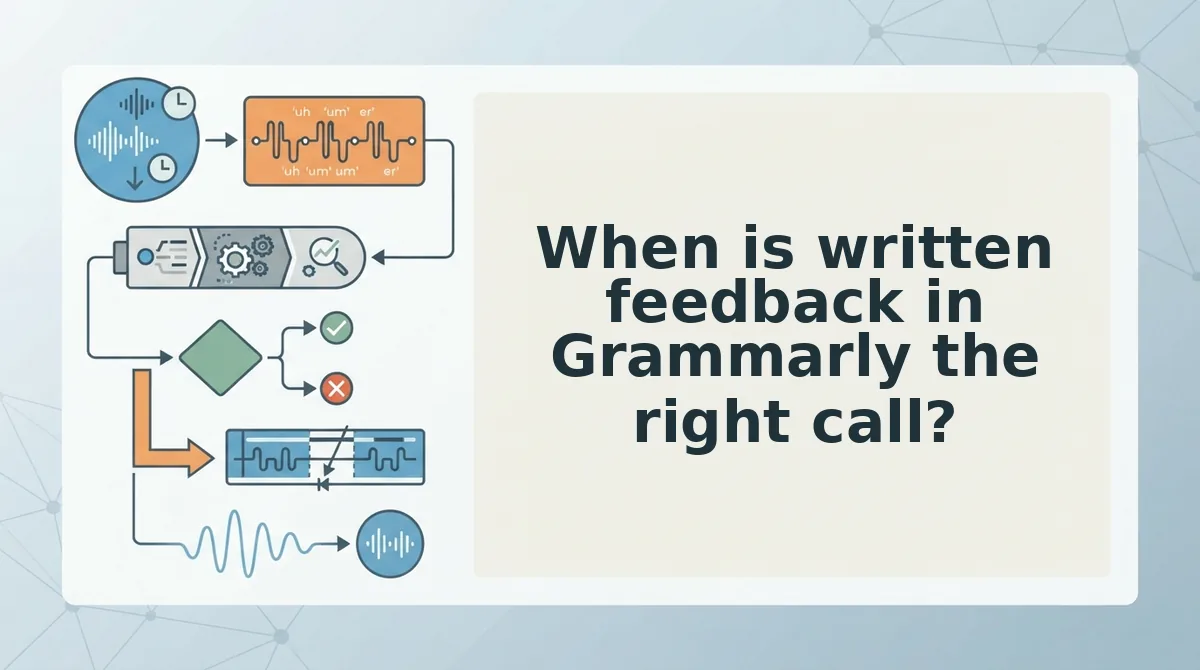
When is written feedback in Grammarly the right call?
Grammarly is the right call whenever students need to read, search, or reference your feedback later. Typed comments are scannable and permanent in a way a voice note is not.
That makes Grammarly a partner rather than VClar's real rival. The real competitor for your time is the re-record button.
- Formal grade justifications. These may be reviewed in appeals or kept as records, so they need precise, citable wording. Run them through text-focused editing before you submit the grade.
- Rubric comments. Rubric criteria are written, so the comments tied to them should be written too. Clean typed notes help students match each comment to a score.
- Line edits on a draft. Corrections anchored to a specific sentence only make sense on the page. Type them inline so students can see exactly what changed.
- LMS text comments. Students search and revisit comments inside the learning platform. Polished text keeps them useful when students revisit the assignment weeks later.
Can Grammarly edit audio or voice recordings?
Grammarly is designed around text-focused editing, not audio. If you record spoken feedback and want it polished, a text editor leaves you two options. You can re-record until the take sounds right, or you can transcribe the recording and type a cleaned-up version. Both options turn a quick voice note into a slow writing or retake task, and you lose the speed advantage of speaking. Instructors who prefer voice need a tool that edits the recording itself.
If you already prefer talking through feedback, learn how to fix grammar in a voice message while keeping your own tone and accent.
So where does voice actually win?
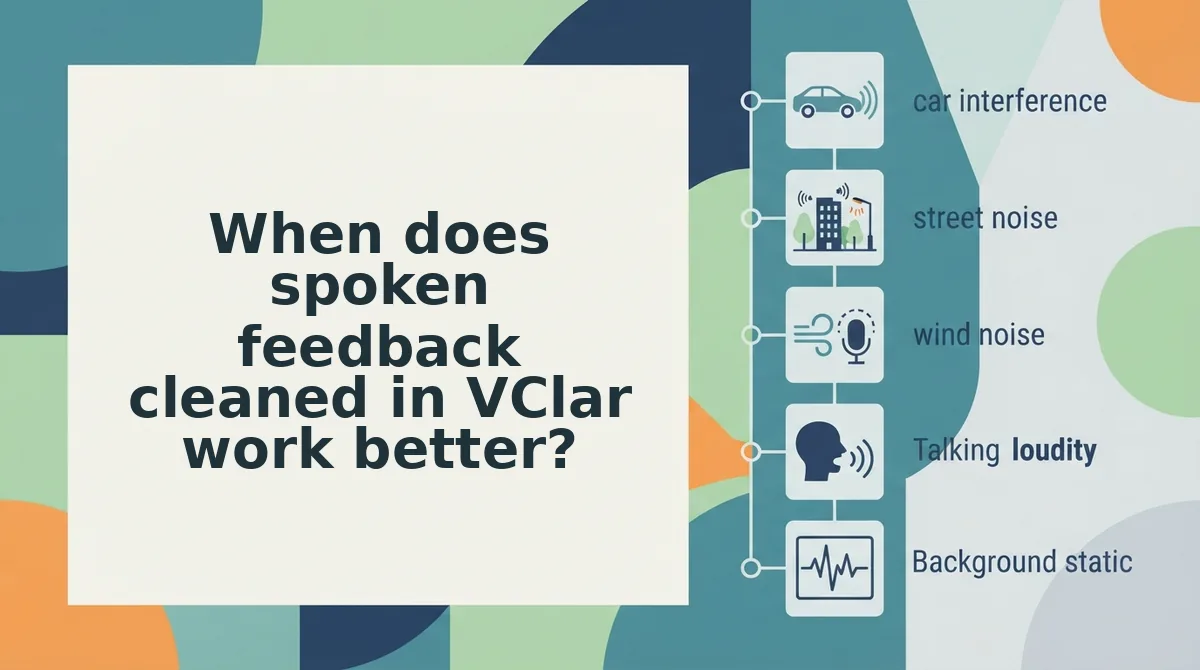
When does spoken feedback cleaned in VClar work better?
Spoken feedback cleaned in VClar works better when tone, encouragement, or a complex explanation lands better heard than read. VClar is an AI voice message translator and speech enhancer that removes filler words, fixes spoken grammar, and reduces background noise while keeping your own voice intact.
Instructors who record feedback are doing what creators, consultants, and freelancers already do with recorded client notes. The pain point is also the same: a rough take full of stumbles, followed by a loop of re-recording.
Simple: removing filler words
Filler words are the verbal placeholders that slip in while you think, such as "um," "ah," "like," "basically," "you know," and repeated false starts. VClar detects and removes them so your praise for a strong thesis sounds decisive instead of hesitant. You can see how this works on the page about how to remove filler words from audio.
Intermediate: fixing spoken grammar
Spoken grammar is the loose structure of speech: mid-sentence restarts, mismatched verbs, and phrasing that trails off. VClar corrects and tightens these so a multi-step explanation, like how to restructure a lab report, reaches the student in clear order.
Advanced: cleaning a home-office recording
Many instructors record at a kitchen table or a home desk. VClar reduces background noise, breath sounds, and mouth clicks, the small distractions that pull a student's attention away from the point you are making.
Think of it like a good tailor hemming a suit. The garment is tidier, but it is still unmistakably yours. VClar preserves your natural tone, accent, and cadence. It does not swap your voice for a synthetic text-to-speech clone or a robotic avatar, because students should hear the person who actually read their work.
Worked example: the instructor from the opening
Go back to the instructor recording feedback at the end of a long grading session. Their first take has two false starts, a pause to find a page number, and a dog barking. Instead of re-recording, they upload that raw take to VClar and send the cleaned version in one take.
Try it on your next batch of feedback: record one spontaneous voice note for a student, run it through VClar, and send it without a second take.
How do you give voice feedback to students who speak another language?
Record your feedback once in your own language, let VClar clean it, then translate it into the student's language and send the translated voice message. Before you start, you need a recorded or recordable voice note, access to VClar, and the student's preferred language.
- Record your feedback in the language you think in fastest, speaking naturally rather than reading a script. This takes as long as the feedback itself, and you should end up with one raw audio file.
- Upload the raw take to VClar so it can remove filler words, fix spoken grammar, and reduce background noise. You should hear a tighter, cleaner version in your own voice.
- Select the student's language as the translation target. You should get the cleaned message translated into that language.
- Send the translated voice message through the channel you already use with that student. The student receives feedback in their language without you re-recording anything.
VClar translates cleaned voice messages across 11 languages: Hindi, English, French, Japanese, Korean, German, Russian, Portuguese, Spanish, Italian, and Chinese. Because any of these languages can be translated into any of the other ten, that adds up to 110 translation directions. For an instructor with an international cohort, this means one recording in English can reach a student who reads Japanese, another who speaks Portuguese, and a third more comfortable in Hindi. The full list sits on the voice note translator page.
Worked example: an instructor records two minutes of feedback in English on a student's draft essay. They clean it in VClar, choose Spanish, and send the Spanish version, all from that single English take.
What VClar won't do for your course feedback
VClar won't edit typed text, produce full course lectures, or speak for you with a synthetic voice. A product limit is the boundary of what a tool is built to do, and knowing VClar's limits helps you pair it with the right tools.
Think of VClar like a microphone with a built-in editor, not a word processor. It works on spoken voice messages only.
- Typed text: VClar does not edit written rubric comments or text typed into your learning management system (LMS), the platform where you post grades and assignments. Grammarly or a similar writing tool still handles those.
- Lecture production: VClar is not a timeline audio editor, meaning software where you cut and arrange clips along a track. Use dedicated editing software for polished course lectures.
- Synthetic voices: VClar enhances your natural voice. It does not generate a cloned voice to record feedback on your behalf.
- Language coverage: translation covers only its 11 supported languages, so a student outside that list still needs another option.
With those limits clear, the choice comes down to how you work.
Which tool should course instructors use for recorded feedback?
Use both, split by task: Grammarly for feedback students should read, and VClar for feedback they should hear in your own voice.
So which one wins? No single tool wins every assignment. The feedback channel decides the tool.
Feedback Channel Decision Matrix
- Rubric comment: Best read. Use Grammarly, because students scan criteria and scores.
- Line edit: Best read. Use Grammarly, because corrections belong beside the exact sentence.
- Encouragement: Best heard. Use VClar, because your natural tone carries warmth that text flattens.
- Complex concept explanation: Best heard. Use VClar to talk it through once, with fillers and false starts removed.
- International student: Best heard. Use VClar to clean the message, then translate it into one of 11 languages while keeping your voice.
Precision belongs on the page. Meaning and motivation travel better in speech.
- Sort your next batch of feedback into the five rows above.
- Keep Grammarly for rubric and line comments.
- Record your next concept explanation in one take and run it through VClar.
See how instructors set this up on the voice notes for course instructors page, then send your next feedback recording through VClar.
Students read your corrections, but they remember how you sounded.