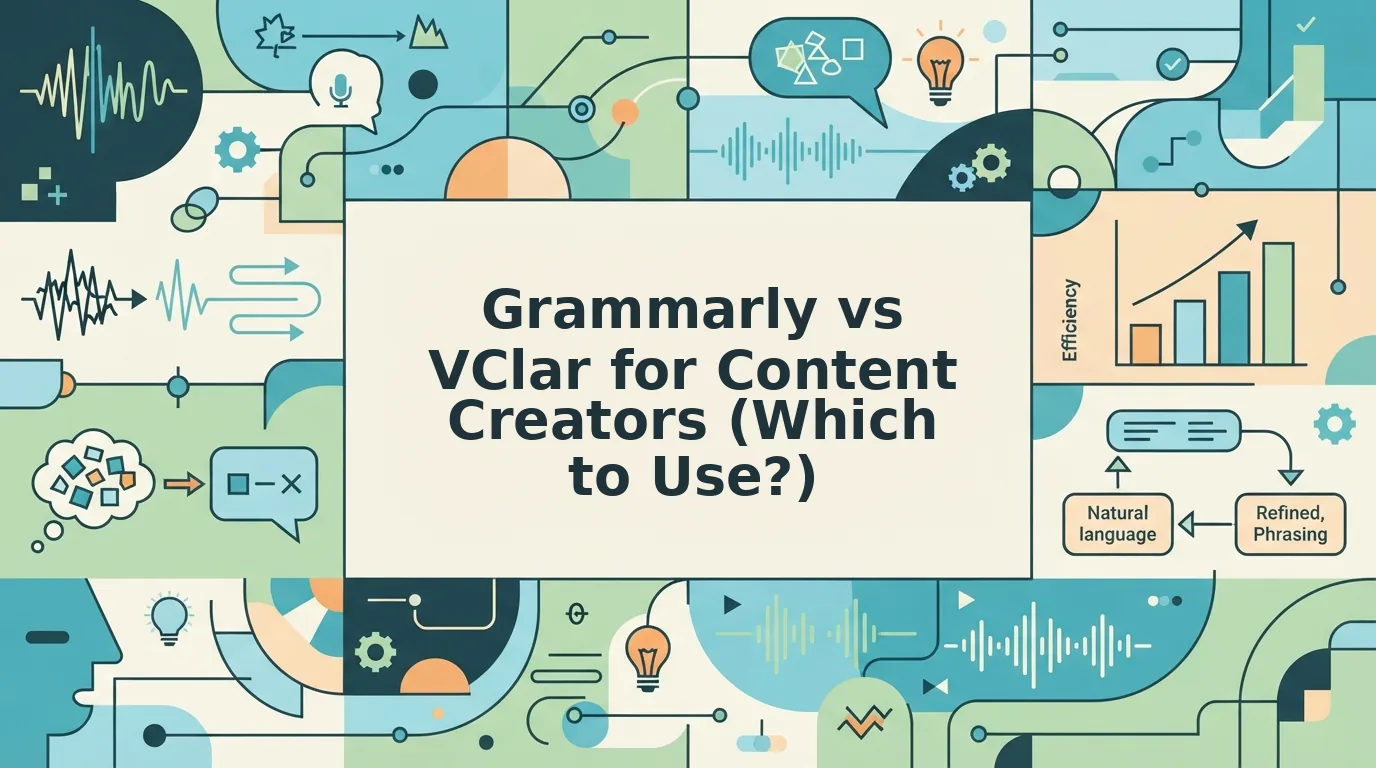

You hit record, talk through a script idea for your next video, and play it back: ums, long pauses, and a sentence that changes direction halfway through. So you record it again, and then again. If that re-record loop sounds familiar, the grammarly vs vclar for content creators question matters more than it looks, because each tool starts from different raw material.
Thinking out loud is often faster than typing, especially for creators and YouTubers who capture scripts and feedback by voice. Your ideas are fine. The trouble is that raw voice memos carry verbal fillers, awkward pauses, and disjointed grammar.
This guide gives you a clear way to pick the right tool. It covers the short verdict, a creator-specific criteria table, a fair look at each tool, and a quick routing test. One question decides it, and it isn't about features.
Key Takeaway: Grammarly polishes text you typed, while VClar cleans ideas you spoke into enhanced audio plus a transcript in your own voice.
Before reading on, check where your last three scripts started: on the keyboard or out loud.
Grammarly or VClar for Voice-Captured Scripts? The Short Answer
Use Grammarly when your script starts as typed text you want corrected. Use VClar when your script starts as a spoken idea that needs to stay in your voice. VClar removes fillers and false starts, fixes spoken grammar, and returns enhanced audio plus a transcript without synthetic voice cloning.
The table below compares the two tools on the criteria that matter for creators who capture scripts by voice. For the full feature breakdown, see the complete VClar vs Grammarly comparison.
| Criteria | Grammarly | VClar |
|---|---|---|
| Input | Typed text | Spoken audio (recorded or uploaded) |
| Output | Corrected text | Enhanced audio plus a transcript |
| What it fixes | Written grammar and phrasing | Fillers, false starts, spoken grammar, loose phrasing, background noise, breaths, and mouth clicks |
| Voice preservation | Not applicable (works on text) | Keeps your tone, accent, and rhythm, with no synthetic cloning |
| Translation | Not covered here (see full comparison) | 11 languages, 110 translation directions |
| Best for | Creators who draft scripts on the keyboard | Creators who draft scripts by talking |
Best for keyboard-first writers: Grammarly suits bloggers and newsletter creators whose drafts already exist as text.
Best for voice-first creators: VClar suits YouTubers and podcasters who brainstorm out loud and want usable audio on the first take.
How does VClar handle a rough spoken script idea? Say a creator records a two-minute idea for a video intro while walking. The take includes several "ums," a "you know," and a false start where the opening line is restarted. VClar detects and removes those fillers and the repeated start, corrects the spoken grammar, and reduces background noise and breath sounds. The creator gets back clean audio that still sounds like them, plus a transcript to paste into a script doc. The idea doesn't need to be re-recorded.
If your audience spans regions, VClar can also translate that cleaned message into any of its 11 supported languages.
What Does Grammarly Do Well for Creators?
Grammarly is a strong fit for creators whose drafts begin on the keyboard. It reviews written text and suggests corrections to grammar, spelling, and phrasing before you publish.
A text-based writing assistant is software that reads typed text and flags errors or unclear wording as you write. Think of it as a second set of eyes on a printed page. It catches the typo you skimmed past, but it can only read what is already on the page.
Creator tasks where a text checker fits
- Blog post drafts: long-form writing you compose in a document and revise before publishing.
- Video descriptions: short typed copy under a YouTube upload, where clarity helps viewers skim.
- Newsletters: email content you write, edit, and schedule from a text editor.
- Captions: social post copy where a single typo is visible to every follower.
- Typed scripts: scripts written line by line before you ever hit record.
The workflow scales with complexity. Start by fixing obvious errors in a short caption. Move on to tightening phrasing in a video description. Then do a full clarity pass on a long blog draft or a typed script.
All of these tasks share one trait: a text checker works on what you typed. Everything Grammarly sees already exists as text, so a script you spoke into a voice memo has to become text before a text checker can help.
That gap raises the next question.
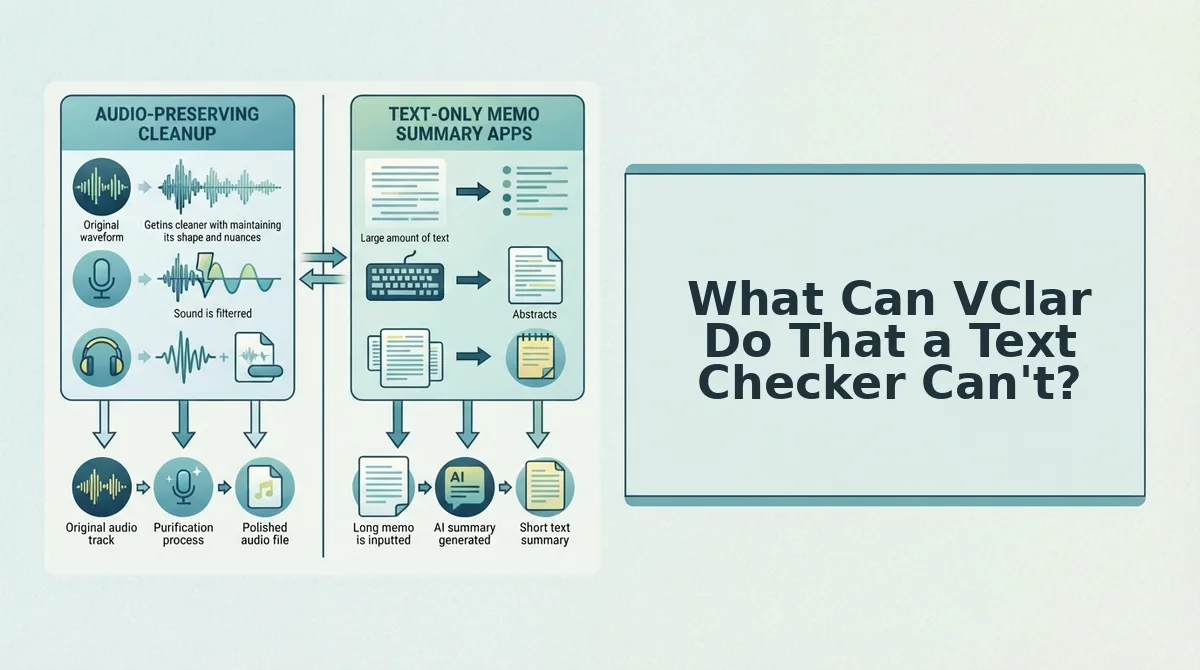
What Can VClar Do That a Text Checker Can't?
VClar repairs the recording itself, while a text checker only repairs words that have already been typed. Grammarly can't fix what you said, only what you wrote, so audio-only problems never reach it.
Can Grammarly fix a voice memo? No, because Grammarly works on text, so it never sees the filler words, false starts, breath sounds, mouth clicks, or background noise inside your audio file, and those are exactly the problems that make a spoken script idea sound rough when you share it. To repair the audio itself, you need a voice tool that edits the recording, cleans up spoken grammar, and keeps your delivery intact, which is the gap VClar was built to fill for creators who capture scripts by speaking.
- Filler word removal. VClar detects ums, ahs, "like," "basically," "you know," and repeated false starts, then cleans them from the audio timeline. Everyone uses fillers while thinking out loud, and you can remove filler words from audio without re-recording a single take.
- Spoken grammar and fragment fixes. VClar corrects the half-sentences and grammar slips that happen naturally in speech. Your idea comes through as complete thoughts, so a listener follows the point on the first play.
- Phrasing tightening. VClar trims rambling phrasing so the message gets to the point faster. This keeps spontaneous script ideas usable instead of buried in setup.
- Background noise, breath, and mouth-click cleanup. VClar reduces room noise, audible breaths, and mouth clicks that a text tool cannot detect. Notes recorded on a walk or in a café still sound clear.
- Transcript output. VClar produces a clean transcript alongside the polished audio. You get a text draft ready for your script document or a text checker.
- 11-language translation. VClar translates cleaned messages across Hindi, English, French, Japanese, Korean, German, Russian, Portuguese, Spanish, Italian, and Chinese, covering 110 language directions. A single take can reach a bilingual audience.
Will AI make you sound robotic? VClar preserves your natural tone, accent, and rhythm, and it does not use synthetic voice cloning, text-to-speech replacements, or avatars. For more ways to use this in practice, see voice notes for creators.
Which Tool Fits Your Workflow? The 'Where Does the Draft Start?' Test
Choose the tool based on where your draft starts and where it ends. If ideas arrive typed and ship as text, use Grammarly. If ideas arrive spoken, or the output must sound like your own voice, use VClar. If you speak first and publish text later, use both in sequence.
Now the real question: which of those describes your actual week? Before you start, have a recent script idea, a phone or laptop with a microphone, and access to both tools.
- Ask whether your ideas arrive spoken or typed (about 30 seconds). Look at your last five script ideas and note how each one was captured. If most started as voice memos, route them to VClar; if most started in a doc, route them to Grammarly.
- Decide whether the final output is audio, text, or both (about 1 minute). Write the destination next to each task, such as "voice note to editor" or "YouTube description." Audio goes to VClar, text goes to Grammarly, and mixed outputs go to both.
- Check whether the message needs to sound like you (about 30 seconds). If the listener should hear your real voice, tone, and accent, choose VClar. You should now have a clear tool assigned to every task.
| Creator task | Where it starts | Best tool |
|---|---|---|
| Blog post draft | Typed | Grammarly |
| Script idea captured on a walk | Spoken | VClar |
| Feedback voice note to an editor | Spoken | VClar |
| Video description | Typed | Grammarly |
| Bilingual audience update | Spoken | VClar translation |
Do You Need Both?
Many creators do, and the tools work best in sequence rather than in competition.
- Record the idea in one take while it is fresh (1-3 minutes).
- Clean it in VClar to remove fillers and fix grammar in a voice message; you should hear a tighter take in your own voice.
- Take the transcript and paste it into your script document.
- Polish the published text in a text checker before it goes live.
Picture a creator sending editing notes as a voice memo full of "wait, no, cut the part where" fragments. VClar fixes the fragments while keeping their tone, so the editor gets clear direction without a re-record.
If your best ideas arrive mid-walk, start recording, clean the take in VClar, and translate voice notes into 11 languages when your audience spans more than one.
What Are VClar's Limitations for Creators?
VClar is not a text editor or a full audio workstation, so it won't replace Grammarly for published writing or a timeline editor for long productions. It covers the spoken-message layer only.
But here's the catch. VClar is a voice message enhancer that cleans and translates short spoken recordings while preserving your natural voice, without synthetic cloning or complex timeline editing.
Think of it like a tailor, not a fabric mill: it refines what you already made, but it doesn't produce every garment in your closet.
- Not a long-form text editor. Published articles, newsletters, and video descriptions still belong in a text checker, which handles style and consistency across pages of writing.
- Built for short voice messages. VClar suits memos, feedback notes, and script ideas, not full timeline editing (cutting and arranging many tracks) of long videos or podcasts.
- The limit runs both ways. Grammarly cannot touch audio, so neither tool replaces the other.
If you never record voice notes and write every script by typing, skip VClar. Everyone else should match the tool to the starting point.
Pick the Tool That Matches Where Your Script Starts
Use Grammarly when your script starts as typed text, and use VClar when it starts as spoken audio. The whole decision comes down to one question: does your draft begin on a keyboard or out loud?
That is the finding the intro promised. Neither tool wins outright. Each one fixes problems at a different starting point.
Picture the routing test on a commute. A script idea hits while you're driving, so you record it hands-free, with road noise, "ums," and false starts included. VClar removes the fillers, fixes the spoken grammar, and reduces the background noise while keeping your tone, accent, and rhythm. You end up with usable audio and a transcript from a single take, and you don't need to re-record when you get home.
- Check where your last three scripts actually started.
- Send typed drafts to Grammarly and spoken drafts to VClar.
If most of your ideas arrive out loud, clean your next voice-captured script in one take.
The right editing tool is the one that meets your script where it starts.