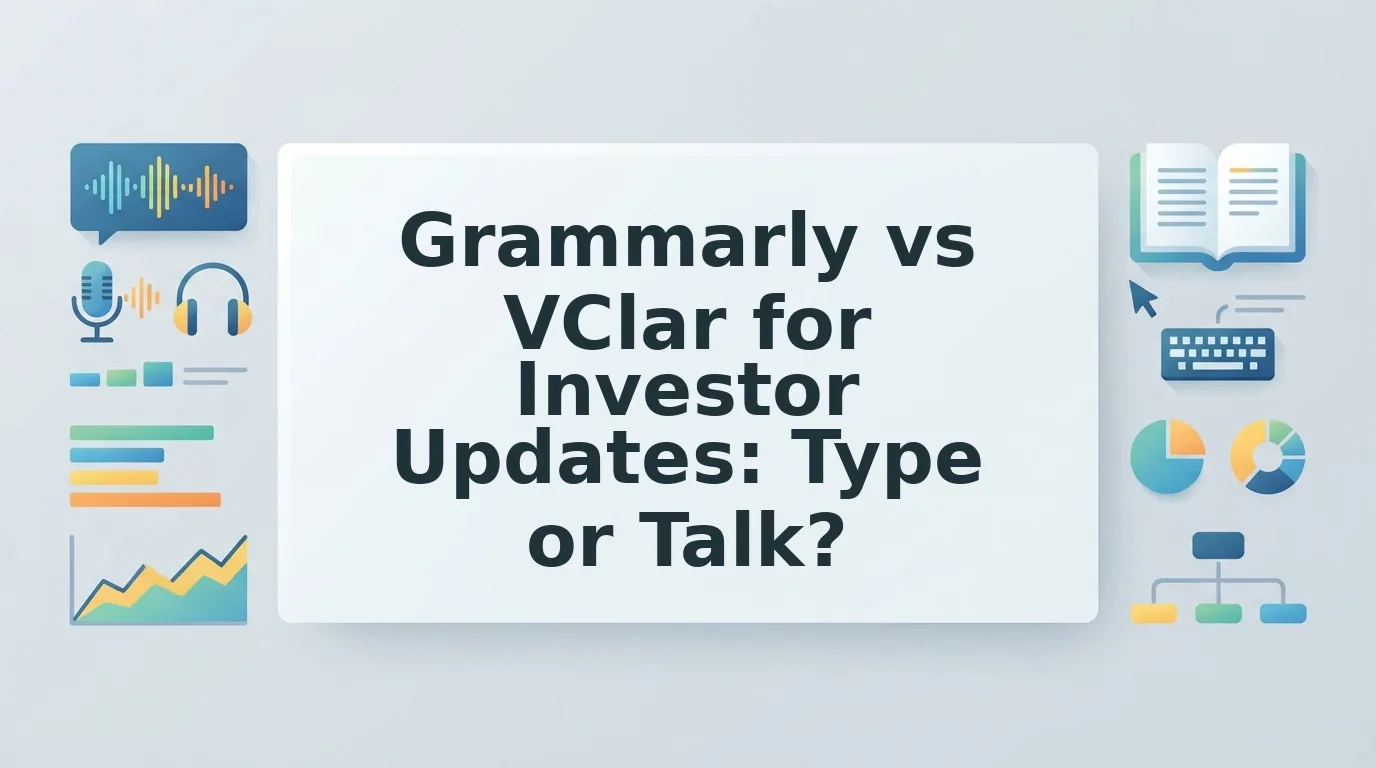

It's 9 p.m., this month's investor update is due tomorrow morning, and you have two options. You can type and polish it tonight, or record it and cringe at every "um." The real question in grammarly vs vclar for investor updates isn't which text tool is smarter. It's which medium fits the message.
Picture a founder recording the update in a parked car between meetings. Road noise hums underneath, "um" and "you know" keep slipping in, and one sentence gets restarted twice. So the founder deletes the take and records again, then again.
That re-record loop is the hidden cost. Founders think at 150 words per minute, then lose evenings retyping drafts or chasing one clean take. Your updates aren't the problem. Your tools just don't match how you think.
This guide gives you one clear rule for when to type and when to talk. You'll get a plain explanation of what each tool does, a side-by-side comparison, and a Type vs Talk matrix for five common update types. Along the way, you'll find the one update type you should never send as voice only.
Is Grammarly or VClar better for investor updates?
Neither tool wins outright, because the answer depends on the medium. A typed, metrics-heavy investor update calls for Grammarly. A spoken update calls for VClar, which removes filler words, fixes spoken grammar, and cuts background noise while keeping your own voice. Many founders need both: one for the numbers and one for the narrative.
An AI voice message enhancer is a tool that cleans recorded speech without replacing it. It removes fillers, corrects grammar, and reduces noise while keeping the speaker's real voice instead of swapping in a synthetic one.
Grammarly works on written text and cannot clean audio. Think of it as a copy editor marking up a printed page. VClar is closer to an audio editor who trims a recording without recasting the narrator.
The workflows differ too. With Grammarly, you type a draft, accept suggestions, and send. With VClar, you record or upload raw audio, and VClar strips the "ums," tightens phrasing, and lets you fix grammar in a voice message before you send it in one take.
Most "Grammarly vs" video comparisons miss this split. They test text tools against each other, so audio never enters the picture.
Key Takeaway: Use Grammarly when your investor update is written and metrics-heavy. Use VClar when you'd rather speak it: it removes fillers, fixes spoken grammar, and cuts noise while keeping your voice. Many founders need both.
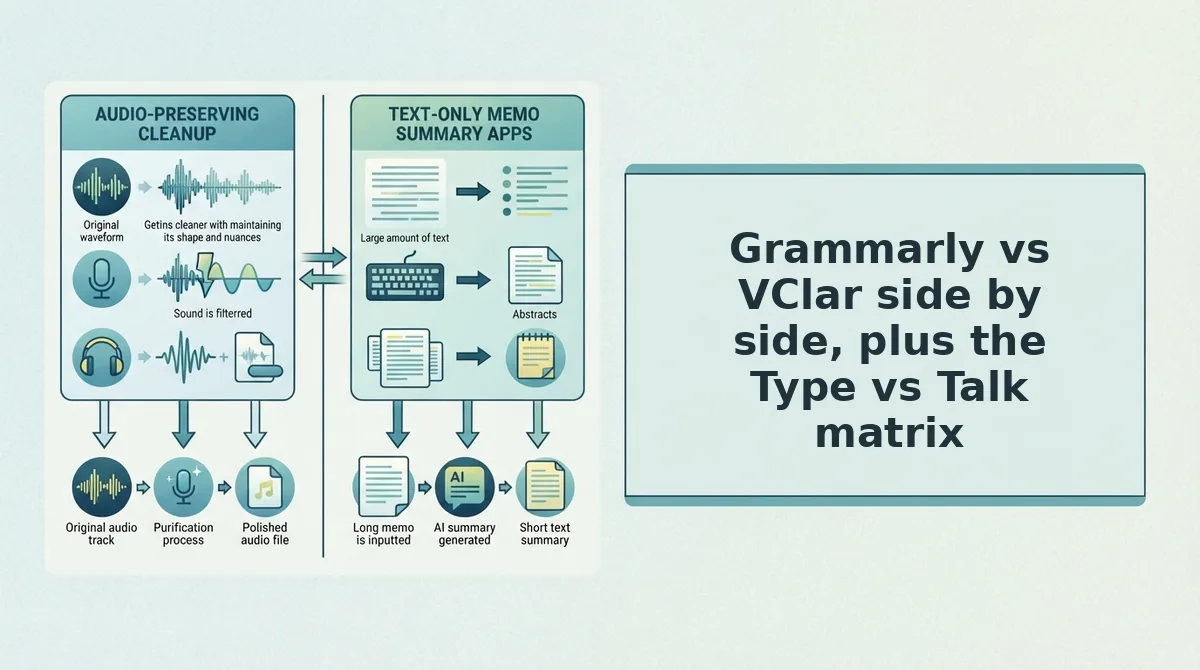
Grammarly vs VClar side by side, plus the Type vs Talk matrix
Here's where it gets interesting. Grammarly and VClar don't compete on the same input. Grammarly polishes typed text, while VClar cleans and translates spoken audio, so the right pick depends on whether a given investor update should be typed or talked.
| Criteria | Grammarly | VClar |
|---|---|---|
| Input | Written text only, with no audio input | Recorded or uploaded voice |
| Output | Edited written text | Polished audio and transcript |
| Filler word removal | Not applicable | Removes "um," "ah," "like," "you know," and false starts |
| Spoken grammar | Not applicable | Fixes spoken grammar and tightens phrasing |
| Noise cleanup | Not applicable | Reduces background noise, breath sounds, and mouth clicks |
| Translation | Text-focused, with no voice translation | 11 languages and 110 directions |
| Voice preservation | Not applicable | Keeps tone, accent, and rhythm |
| Best for | Founders who write dense, KPI-led updates | Founders who think faster than they type |
Grammarly deserves credit. For written updates full of tables, figures, and precise wording, a mature text editor is exactly what you need. Investors skim those numbers, and clean text makes them easy to scan.
Best for Grammarly: the operator-founder who sends a structured monthly email with KPIs. Best for VClar: the founder recording between meetings, or the cross-border founder updating investors in another language.
The second table is the decision layer. Tables and KPIs suit text. Context, conviction, quick wins, and relationship tone suit voice.
| Update type | Best medium | Right tool | Why |
|---|---|---|---|
| Monthly metrics update | Text | Grammarly | Investors need scannable numbers they can reference later |
| Bad-news update | Voice plus written numbers | VClar and Grammarly | Your voice carries accountability, while text keeps the figures exact |
| Quick traction note | Voice | VClar | A short win sounds more energetic spoken than typed |
| Ask or intro request | Voice | VClar | Conviction and context land better in your own voice |
| Post-meeting thank-you | Voice | VClar | Warmth builds the relationship |
This resolves the open loop. Never send the metrics-heavy monthly update as voice only, because investors can't skim a recording for your burn rate. Send it as text, and add a cleaned voice note if you want to share context. For a deeper feature breakdown, see the full VClar vs Grammarly comparison.
So when should text win outright?
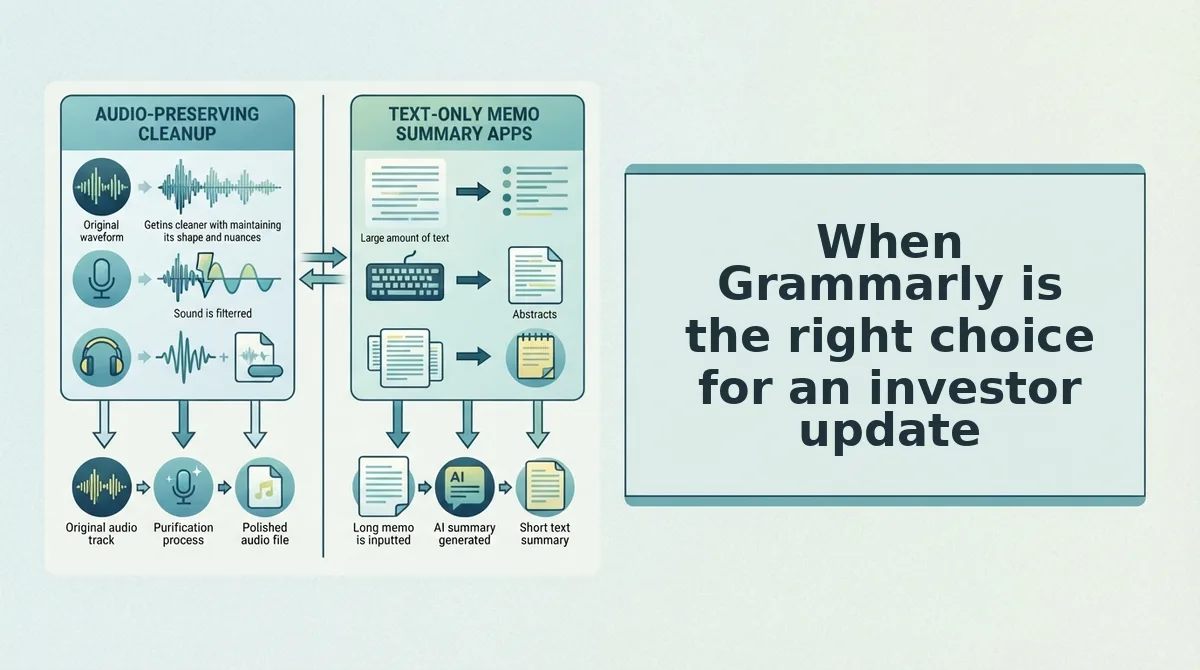
When Grammarly is the right choice for an investor update
Grammarly is the right choice when your investor update is mostly numbers, structure and asks laid out in a list. If investors will skim it, forward it or archive it, type the update and use Grammarly to polish the prose.
Grammarly is a writing assistant that checks typed text for grammar, spelling, clarity and tone as you write.
The simplest case is a metrics-heavy update. Revenue, burn, runway and headcount read faster as a table than as spoken sentences, because investors scan for the one row they care about.
A restaurant menu and a waiter reciting the specials show the difference. The recited specials feel personal, but nobody can glance back to check the price of the third dish.
The next case is forwarding. Investors often pass written updates to partners or co-investors. A document travels cleanly through email, while a voice note asks every new reader to press play and listen from start to finish.
The hardest case is the archive. A written update is searchable, so an investor can find last quarter's churn figure with a keyword search. Audio has no equivalent of a find command unless it ships with a transcript.
A typed workflow follows that progression:
- Draft the KPI table and your asks as bullets in your doc or email.
- Run the surrounding prose through Grammarly to tighten sentences and catch errors.
- Send a skimmable, searchable, forwardable version that investors can file and find later.
This is the honest trade-off. Voice is harder to skim than text, so for updates built on numbers and lists, typing usually wins.
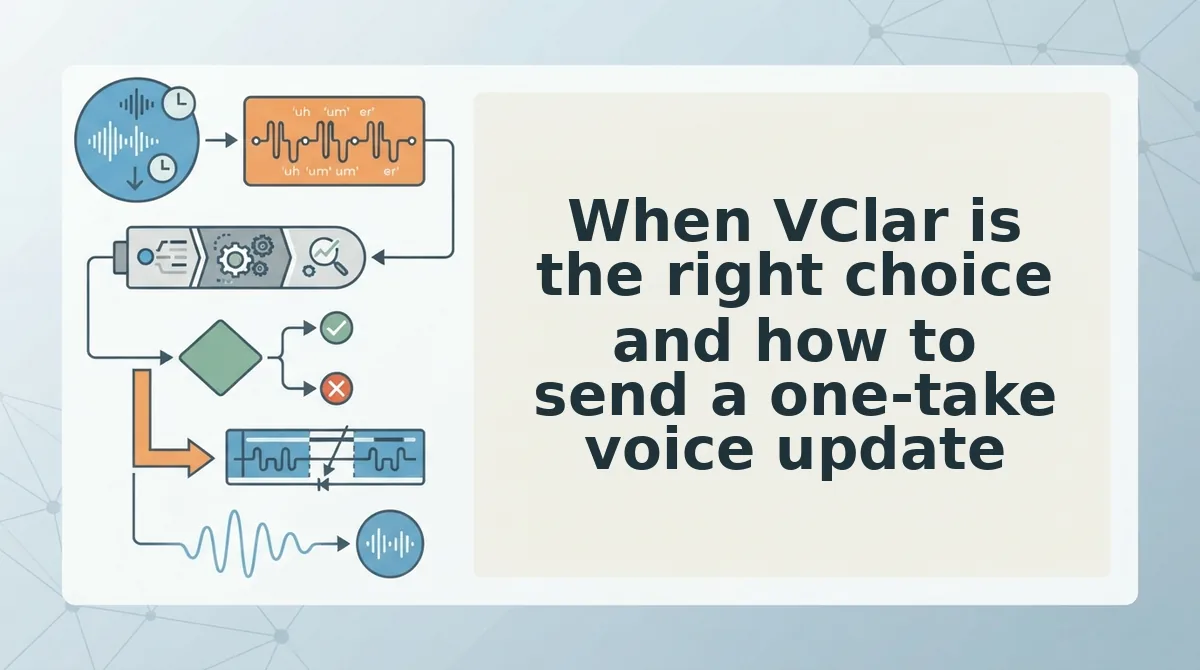
When VClar is the right choice and how to send a one-take voice update
VClar is the right choice when the update depends on context, conviction, quick wins or relationship tone rather than a table of numbers. Record one take, let VClar clean it, and send the polished audio with its transcript.
Voice carries things a document flattens. It can show why a customer win matters, how confident you feel about the next quarter, and how warmly you thank an investor who made an intro.
What you need: a phone or laptop microphone, a VClar account and a notes app for three quick bullets.
- Write three bullets (about two minutes). Note one win, one metric and one ask. You should end up with a short list that keeps you on track without a script.
- Record one take without stopping. Open VClar, tap record and talk through your bullets naturally. If you pause, say "um" or restart a sentence, keep going. You should finish with one raw recording and no re-record loop.
- Let VClar clean the audio. VClar will remove filler words from audio, fix spoken grammar and reduce background noise, breath sounds and mouth clicks. A cleaned version should appear next to your original.
- Check the side-by-side cleaned version. Compare the two versions and confirm that the metric and the ask sound exactly as you meant them. You should hear your own voice, only tighter.
- Send the cleaned audio with its transcript. Share both together. Investors can listen for tone and skim the transcript for the numbers.
To record an investor update voice message, start by writing three bullets: one win, one metric and one ask. Record the message in a single take without stopping, even if you hesitate or restart a sentence. Then run the recording through a voice message enhancer such as VClar, which removes filler words, corrects spoken grammar and reduces background noise. Review the cleaned version next to the original to confirm the numbers and the ask are accurate. Finally, send the cleaned audio together with its transcript, so investors can hear your tone and still skim or search the key figures.
Fillers are a normal part of thinking out loud, and cleaning them up doesn't make you sound like someone else. VClar keeps your natural tone, accent and rhythm and never uses synthetic voice cloning.
Consider a founder who records a quick traction note between meetings. The single take includes a few false starts and "you know"s. VClar cleans it, and the founder sends it without re-recording. See more voice notes for founders workflows if your updates already start as spoken thoughts.
But what about investors who don't speak English?
Sending the update to cross-border investors
VClar can translate the cleaned message for investors who prefer another language. You can translate voice notes into 11 languages: Hindi, English, French, Japanese, Korean, German, Russian, Portuguese, Spanish, Italian and Chinese, across 110 language directions.
What VClar can't do for investor updates
VClar can't make audio as skimmable as a document, and it won't write the update for you. It cleans and translates the voice message you have already recorded.
VClar is an AI voice message enhancer that cleans natural voice messages without synthetic cloning or complex timeline editing.
VClar works like a good copy editor for a phone call, not a film studio. It tidies what you said, but it doesn't rearrange scenes or add new ones.
VClar has clear limits for investor updates. Voice is harder to skim than text, so metrics, KPI tables and detailed financials still belong in a written format. VClar removes fillers, fixes spoken grammar and reduces background noise, but it is not a full timeline audio editor. A timeline editor lets you cut, splice and rearrange segments across a multitrack project. VClar also doesn't decide what to say. You still choose the win, the metric and the ask, and VClar only polishes how you said them.
If you need multitrack cuts or heavy restructuring, see VClar vs Descript. For any typed metrics section, run the text through Grammarly before you send it.
Used together, the two tools cover both halves of the update.
The hybrid workflow that sends the update tonight
The fastest way to send an investor update tonight is to use both tools: VClar for the spoken narrative and Grammarly for the typed numbers. VClar complements Grammarly. It does not replace it.
- Record one take wherever you are, without a script.
- Clean it with VClar to remove fillers, fix spoken grammar, and reduce background noise.
- Send the audio plus the memo-style transcript so investors can listen or skim.
- Polish any typed metrics in Grammarly before you paste them below the transcript.
Remember the founder recording in the car? That update goes out as one cleaned take, with the transcript underneath and a typed metrics block below it.
There was no re-recording loop. Investors hear the founder's own voice, accent, and cadence without the ums or road noise, and they find the numbers in seconds.
Your next step is simple: Record your next update once, then let VClar handle the cleanup while Grammarly checks the figures.
Talk through the story, type the numbers, and let each tool fix what it was built to fix.