
You record a voice note in your second language and hear every "um," restart, and broken sentence on playback. You delete it and record it again, then again.
In the Grammarly vs VClar for non-native speakers question, the verdict is simple. Grammarly is better for typed text. VClar is better for voice notes because it cleans spoken grammar and filler words in the audio itself, then translates the cleaned message across 11 languages.
That frustration is normal. Speaking a second language under pressure produces false starts that never appear when you type, and the re-record loop takes time you don't have.
Picture a founder recording an English investor update. It is full of restarts, and they are about to hit record a fourth time. Before you do the same, see how voice notes for founders can work in one take.
This guide covers what each tool actually fixes, when Grammarly is still the right choice, and when VClar fits better. One detail settles the voice-note question: one of these tools can't hear you at all.
What Does Each Tool Actually Fix?
Grammarly fixes typed text, including spelling, punctuation, written grammar, and tone in emails and documents. VClar fixes recorded speech. It removes filler words, corrects spoken grammar, tightens phrasing, and reduces background noise, breath sounds, and mouth clicks. It then translates the cleaned audio across 11 languages.
| Criteria | Grammarly | VClar |
|---|---|---|
| Input | Typed text | Recorded or uploaded audio |
| Output | Corrected text | Cleaned audio plus transcript |
| Error types | Written grammar, spelling, punctuation, tone | Fillers, fragments, false starts, spoken grammar, background noise |
| Translation | Not its core function | 11 languages, 110 translation directions |
| Voice preservation | Not applicable | Tone, accent, and rhythm kept, with no synthetic cloning |
| Best fit | Emails, docs, chat, long-form writing | Async voice notes and spoken updates |
Best for: Grammarly suits non-native writers who mostly communicate in typed text. VClar suits non-native speakers who send voice notes and want them to sound clear in one take.
Does Grammarly work on voice messages? Not directly. Grammarly checks typed text and does not process recorded audio, so it cannot remove an "um" or a false start from a voice note. You could transcribe your message, run the transcript through Grammarly, and then re-record a cleaner version. That workflow sends you back into the re-record loop, and any new take can bring new hesitations. VClar works on the audio file itself. It edits fillers and spoken grammar out of your recording while keeping your own voice, accent, and cadence. Check each tool's current feature set before you commit.
Grammarly deserves credit here. Its written-error coverage is mature, and it catches mistakes that only exist on the page. For a row-by-row breakdown, read the full VClar vs Grammarly comparison. If your next message is spoken, you can record it once and let VClar handle the cleanup and translation.
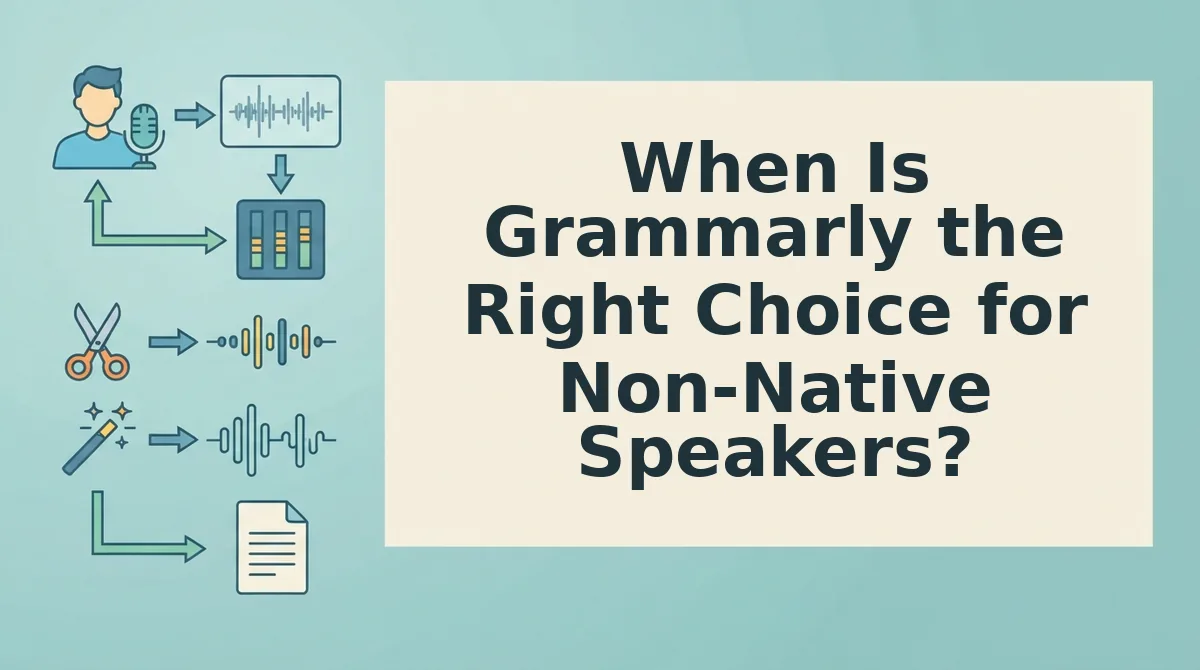
When Is Grammarly the Right Choice for Non-Native Speakers?
Grammarly is the right choice whenever your message ends up as typed text. VClar does not replace it for any of the channels below, because spelling and punctuation errors only exist in writing.
- Email. Client emails, cold outreach, and formal replies depend on correct spelling, punctuation, and register. A text checker flags these issues before you hit send, so run every important email through one.
- Documents and reports. Proposals, specs, and reports are read closely and often shared beyond the first reader. Written grammar and consistency mistakes damage credibility on the page, so check the full draft before you circulate it.
- Chat messages. Slack, Teams, and WhatsApp text replies are short, but typos and awkward phrasing still stand out to native readers. An inline checker corrects them as you type, which suits fast back-and-forth threads.
- Long-form writing. Blog posts, articles, and essays require sustained written clarity across many paragraphs. A text checker helps with sentence structure and tone, so use it in every editing pass.
Is Grammarly still worth it next to free AI tools? Judge it by channel fit, not price. If most of your communication is typed, a dedicated text checker that works inside your writing apps earns its place. If most of it is spoken, no text checker solves the problem.
Many non-native professionals do both, so the real question is where voice notes come in.
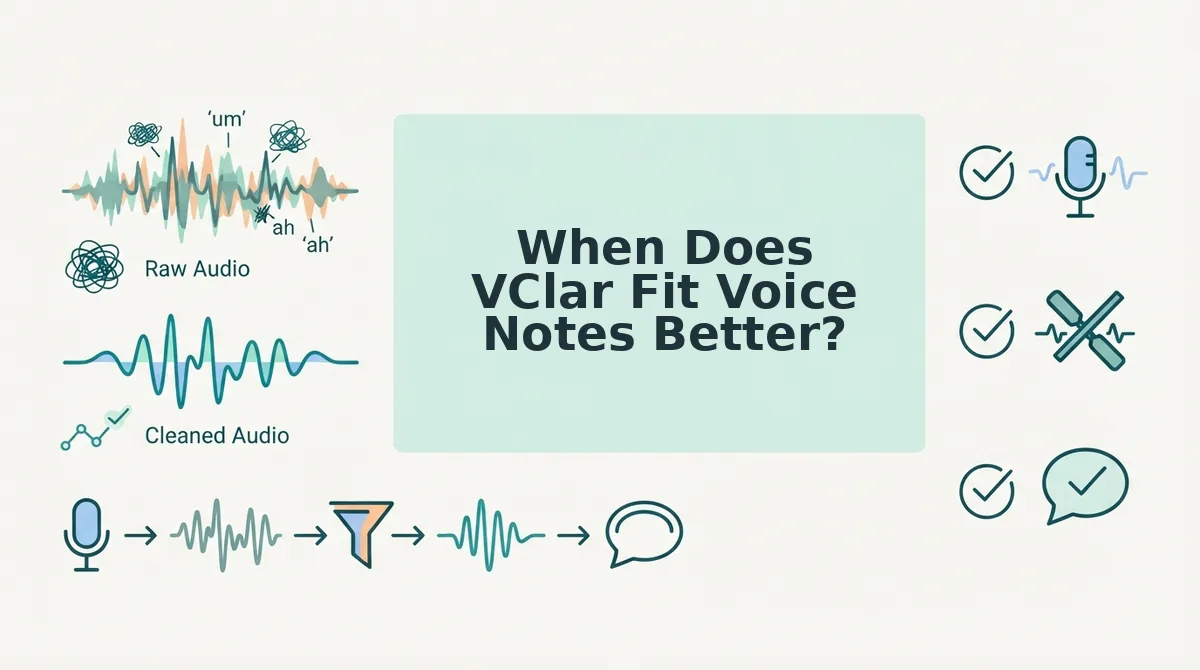
When Does VClar Fit Voice Notes Better?
VClar fits better when your message stays spoken from start to finish. It corrects what happens out loud, inside the audio file, which a text checker never hears.
Spoken grammar cleanup is the process of polishing how a message sounds when spoken, not how it reads on a page. Spoken errors are different from written errors, so they need a tool that listens rather than reads.
Spoken grammar and filler cleanup
Live speech is drafted in real time. That creates four common patterns: fillers ("um," "like," "you know"), false starts (beginning a sentence and then restarting it), fragments (half-sentences that trail off), and circular phrasing (making the same point twice in different words).
Every speaker produces these, native or not. They only cause trouble when they bury your point and force the listener to replay the note.
Think of it like a film editor trimming a scene. The performance stays, and only the stumbles between lines get cut. VClar works the same way: it lets you remove filler words from audio and fix grammar in a voice message directly in the recording, with no transcript to retype.
For example, a B2B sales rep records a follow-up voice note to an enterprise buyer. Instead of re-recording it again and again, the rep runs the first take through VClar and sends the cleaned audio.
Keeping your accent and tone
Does VClar make you sound robotic or change your accent? No. VClar edits your actual recording instead of generating a new voice, so your natural tone, accent, rhythm, and personal cadence stay exactly as you spoke them, and it does not use synthetic text-to-speech clones that imitate you. For non-native speakers, that matters because your accent is part of how colleagues and clients recognize you, and it builds trust. The cleanup tightens wording and removes background noise, breath sounds, and mouth clicks, but the person your listener hears is still you, saying what you meant.
Recording in one language, sending in another
Translation is the most demanding step. VClar works as a voice note translator for 11 languages, covering 110 translation directions, such as Hindi to English.
The order matters: clean first, then translate. Removing fillers and false starts before translation gives the engine a clearer source, so it translates your intended message rather than every hesitation along the way.
If you think faster in Hindi than you type in English, record the update in Hindi. Let VClar clean it and translate it, then send it in one take.
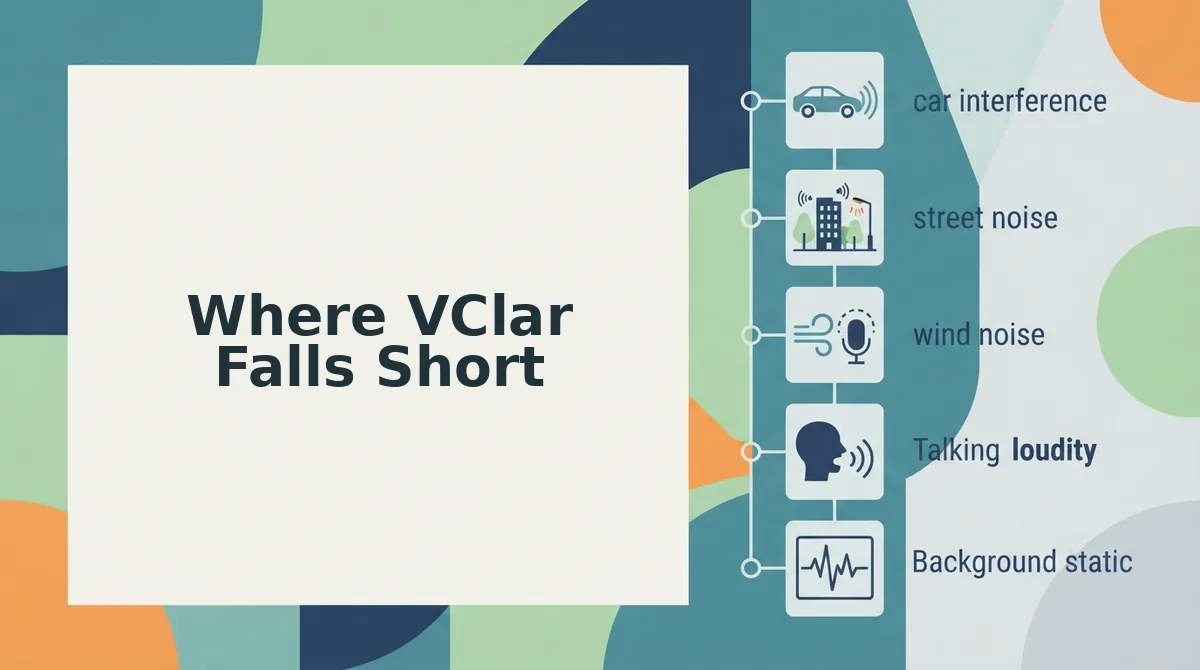
Where VClar Falls Short
VClar is built for one job, which is cleaning and translating short voice messages. It falls short for long recordings, typed writing, audio production, and languages outside its supported list.
- Short messages only. VClar is designed for voice messages of roughly 45 to 90 seconds. It is not built for podcasts, lectures, or hour-long meetings. Keep each note to a single focused update for the best results.
- No typed writing support. VClar does not check emails, documents, or long-form text. It is not a replacement for a writing assistant like Grammarly. Use VClar for what you say and a text checker for what you type.
- No voice cloning or timeline editing. VClar does not generate synthetic voices and does not offer multitrack, timeline-style audio editing. This is a deliberate choice to preserve your authentic voice. If you need full audio production, pair it with a dedicated editor.
- Eleven languages only. Translation covers Hindi, English, French, Japanese, Korean, German, Russian, Portuguese, Spanish, Italian, and Chinese. Speakers of other languages cannot translate their voice notes yet. Check the supported list before you build a cross-border workflow around it.
Should You Use Grammarly, VClar, or Both?
Most non-native speakers should use both, split by channel. Use Grammarly for typed messages, VClar for same-language voice notes, and VClar's clean-then-translate workflow for voice notes in another language. You don't need to pick a single winner, because each tool fixes a different kind of communication.
Grammarly is the stronger choice for written work. It checks emails and documents as you type, and VClar does not try to compete there.
| Channel | Language | Best tool | Best for |
|---|---|---|---|
| Typed | Same language | Grammarly | Professionals writing emails, docs, and chat replies |
| Spoken | Same language | VClar cleanup | Sales reps and founders sending quick voice updates |
| Spoken | Cross-language | VClar clean and translate | Cross-border operators who think in one language and send in another |
| Mixed | Either | Both | Freelancers who switch between voice notes and email |
Picture a freelancer recording a client update in a noisy home office. VClar removes the background noise and fillers from the voice note, while Grammarly stays in place for the follow-up email.
The workflow follows the channel, not the brand. Here is how to make your next spoken update count.
Send Your Next Voice Note in One Take
Keep Grammarly for what you type, and run your spoken messages through VClar. Grammarly checks written text. VClar cleans your recorded voice. You need both only if you both type and speak at work.
The question from the start has a short answer. You do not need a perfect accent to sound clear. You need a cleaner take.
- Typing an email or chat reply? Use your text checker as usual.
- Recording a voice note? Say it once. Let VClar remove the fillers and fix the spoken grammar instead of deleting and re-recording.
- Writing to someone in another language? Translate the cleaned message into any of VClar's 11 languages.
Your voice, accent, and tone stay your own. Listeners still hear you, just without the hesitation.
See how this works in practice in our guide to voice notes for non-native speakers. Then run your next voice note through VClar before you hit send.
Clarity comes from removing the friction around your voice, not from replacing your voice.