
You play back your voice memo before sending it and hear three "ums," a sentence that trails off, and a point you made twice. Most people delete it and record again. To check spoken English grammar before sending, you don't need another take. You need a quick review of the one you already have.
The re-record loop wastes time. Raw memos carry fillers, awkward pauses, and disjointed grammar that undermine your authority, especially with investors or clients.
Take a founder recording an investor update. On playback, she hears fillers and fragments. Instead of recording a third time, she runs that one take through a check and sends it, with no re-record. See how this applies to voice notes for founders.
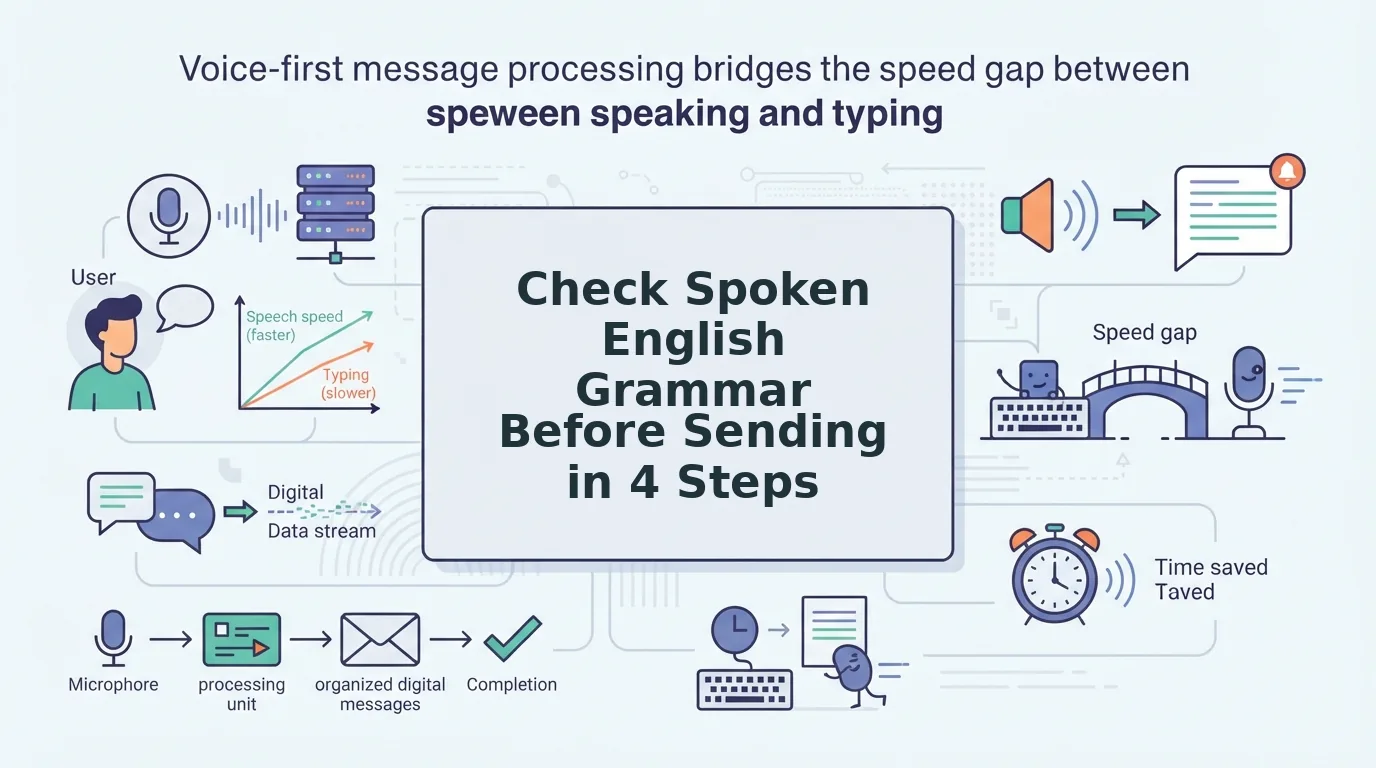
This guide covers four steps: record or upload, review the side-by-side transcript, accept corrections, and send. You need one recording or an existing audio file, plus a few minutes. You'll also learn about the one kind of mistake a text checker can't see.
You can correct spoken grammar in the take you already recorded. A check takes a few minutes, not another round of re-recording. The corrected message still sounds like you.
How Do You Check Spoken English Grammar Before Sending?
To check spoken English grammar before sending, run your recording through a voice grammar checker and compare the original transcript with the corrected version. Accept the fixes you agree with, then send the corrected audio. Your tone, accent, and rhythm stay intact, so you send one take instead of re-recording.
What you need: one fresh recording or an existing audio file, a voice message enhancer such as VClar, and about two to five minutes.
- Record or upload your message (about 1 minute). Speak naturally, or upload a voice memo you've already recorded. Don't script it or pause to restart. When the upload finishes, the file appears ready to process.
- Review the side-by-side transcript (1â2 minutes). Read your original words next to the corrected text. Look at removed fillers, completed fragments, and fixed verb agreement. Every change should be visible line by line.
- Accept the corrections (under 1 minute). Approve the edits that match what you meant. If a fix changes your intent, keep your original wording. Once you approve, the transcript reads as clean, complete sentences.
- Send the corrected audio (seconds). Export or share the cleaned message. It plays back in your own voice and sounds decisive, without the hesitations.
Pro tip: Scan the side-by-side view for repeat patterns. You might start sentences you never finish, or lean on "basically" in every message. Spotting these turns each check into a short lesson, so your next unscripted take needs fewer fixes.
Example: A sales rep records a follow-up to an enterprise buyer, then runs it through a check. They accept the corrections and send the same take, in their own voice, without recording it again.
Can you fix grammar in a voice message without re-recording it? Yes. A voice-first checker works on the audio itself, not only on a transcript. It removes verbal fillers such as "um," "like," and "you know," tightens fragmented or repeated phrasing, and corrects spoken grammar. The cleaned audio keeps your natural tone, accent, and cadence, so the listener hears you, only clearer. You keep your original take and its delivery, which is why this approach beats starting over. You can fix grammar in a voice message this way in a few minutes.
The side-by-side transcript shows exactly what changed, so you never send a correction you haven't seen.
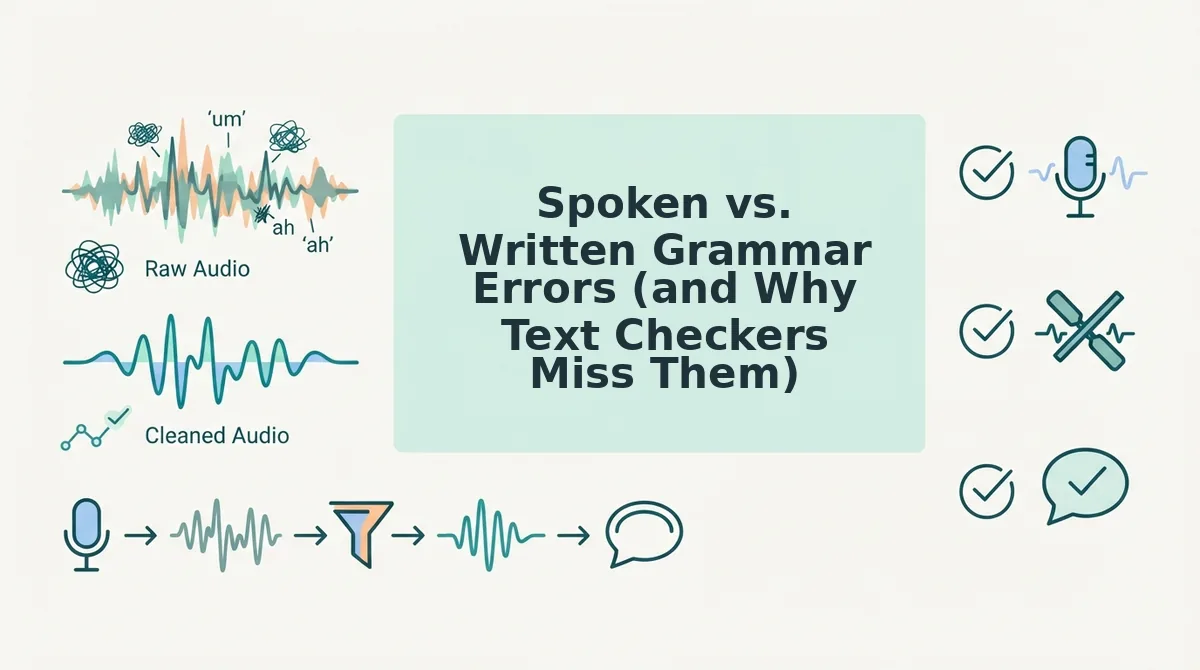
Spoken vs. Written Grammar Errors (and Why Text Checkers Miss Them)
Spoken grammar errors exist only in speech: fillers, false starts, fragments, and circular phrasing. A text checker sees only a transcript. It can tidy the words, but it discards your voice, so the audio you planned to send stays uncorrected.
| Spoken-only error | What it sounds like | What a text checker does with it |
|---|---|---|
| Filler | "So, um, basically, we're, like, ready." | Deletes words in the transcript. The audio still has the fillers. |
| False start | "We should â I think we could â let's ship Friday." | Flags messy punctuation. It can't cut the restart from the recording. |
| Fragment | "The pricing. For the pilot. Still open." | Suggests full sentences you would have to type or record again. |
| Circular phrasing | Restating the same point two or three ways | Often misses it, because each sentence is grammatically fine. |
Why can't a Grammarly-style checker fix a voice message? A written grammar checker works on text. To use it, you transcribe your memo, paste the text, and accept edits. You then have a corrected document, not a corrected recording. To send audio, you must re-record from that text, which brings back new fillers and a stiffer, read-aloud delivery. The checker never touches your tone, accent, or rhythm, because it never processes sound. For written emails and documents, it does that job well. For voice messages, the fix has to happen inside the audio. Read the full VClar vs. Grammarly breakdown.
Popular advice falls short in the same way. Channels such as English Speaking Success suggest recording yourself and using AI to review it, yet that still ends in rereading or re-recording. Rule-focused lessons like English with Lucy's "10 grammar rules" build written-style correctness, which is valuable but not aimed at voice messages. Our view is simple: stop re-recording and correct the original take.
- Grammarly-style text checkers: Best for writers polishing emails, docs, and posts.
- Rule-based grammar lessons: Best for learners building long-term accuracy.
- VClar: Best for founders, sales teams, and freelancers who send voice messages and want them sent in one take.
To clean up the audio itself, remove filler words from audio and send one take in your own voice.
Next, confirm the correction worked without losing your voice.
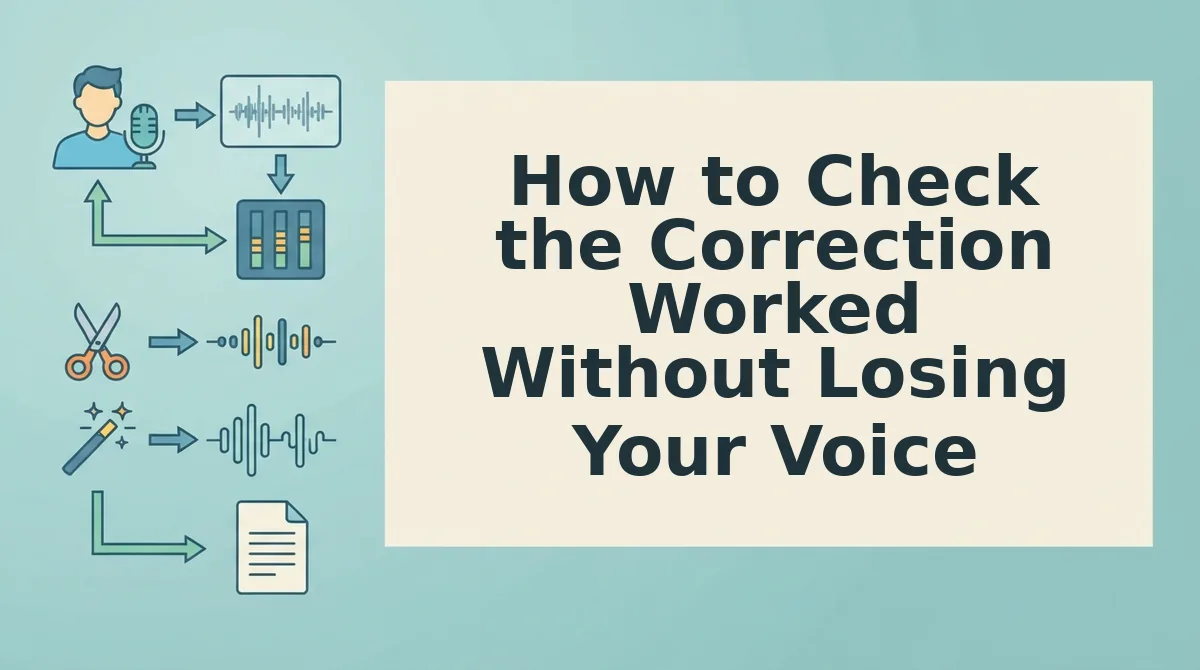
How to Check the Correction Worked Without Losing Your Voice
A correction worked when your meaning is unchanged, your tone still sounds like you, and the fillers are gone. Before you play it back, sort each flagged issue into "fix" or "leave," because not every difference from textbook English is a mistake.
| Fix it | Leave it |
|---|---|
| Errors that change meaning, such as the wrong tense on a deadline | Your accent |
| Sentences that break into fragments | Your natural cadence and pauses |
| Loops that circle back to the same point | Non-native phrasing that is still clear |
Next, play the cleaned message once and run this checklist:
- Confirm the meaning is unchanged. Listen for dates, numbers, names, and commitments first. A smoother sentence that promises the wrong thing is worse than the rough original.
- Confirm the tone still sounds like you. Your warmth, urgency, or humor should survive the edit. If it sounds flatter than you intended, compare the two versions and keep the phrasing you prefer.
- Confirm the fillers are gone. Listen for leftover "ums," "you knows," and false starts at the beginning of sentences. Fillers cluster there, so a quick check catches most of the strays.
If something still sounds off, match the problem to the right cleaning feature:
| Problem | Feature to use |
|---|---|
| Noisy car recording | Background noise reduction |
| Mouth clicks and breaths | Breath and click reduction |
| Long ramble | Phrasing tightening |
| Recipient needs another language | Translate after cleaning |
Translation always comes last. Translate a cleaned voice note so the polished version crosses languages, not the rough draft.
Voice Message Grammar Check FAQ
These answers cover the questions people ask most after their first grammar check.
Will fixing my grammar make me sound robotic?
No. VClar edits the recording of your own voice and does not generate a synthetic text-to-speech clone, so your tone, accent, and rhythm stay intact. Only fillers, grammar slips, and distracting noise change. The listener still hears you, just more clearly.
Do I have to re-record if I make a mistake?
No. You correct the single take you already recorded. VClar removes false starts, fixes spoken grammar, and tightens rambling phrasing in place. That means you skip the record-delete-retry loop and send a message that sounds decisive on the first attempt.
Can I translate a voice note after cleaning it?
Yes. You can translate across 11 languages and 110 translation directions. For example, a freelancer cleans a rough client update and then translates it into the client's language, so the client hears a polished update. See voice notes for freelancers.
Can I see exactly what was changed?
Yes. A side-by-side view shows the original and corrected versions, so you can review every removed filler and grammar fix before you send. Reviewing these edits also shows which spoken habits you repeat most often.
Record Once, Check It, Send It
Checking your spoken grammar is not about sounding like a textbook. It is about catching the few errors that change what you mean. Everything else, including your accent and rhythm, is part of why people listen to you.
Keep three habits: fix what changes meaning, leave your accent alone, and glance at the side-by-side diff before you send. Over time, those reviews reveal your recurring patterns, such as a favorite filler or a tense you tend to slip on. Once you know them, you start speaking more cleanly before any edit.
Record your next update once in VClar. Check it. Send it, sounding like yourself on the first take.