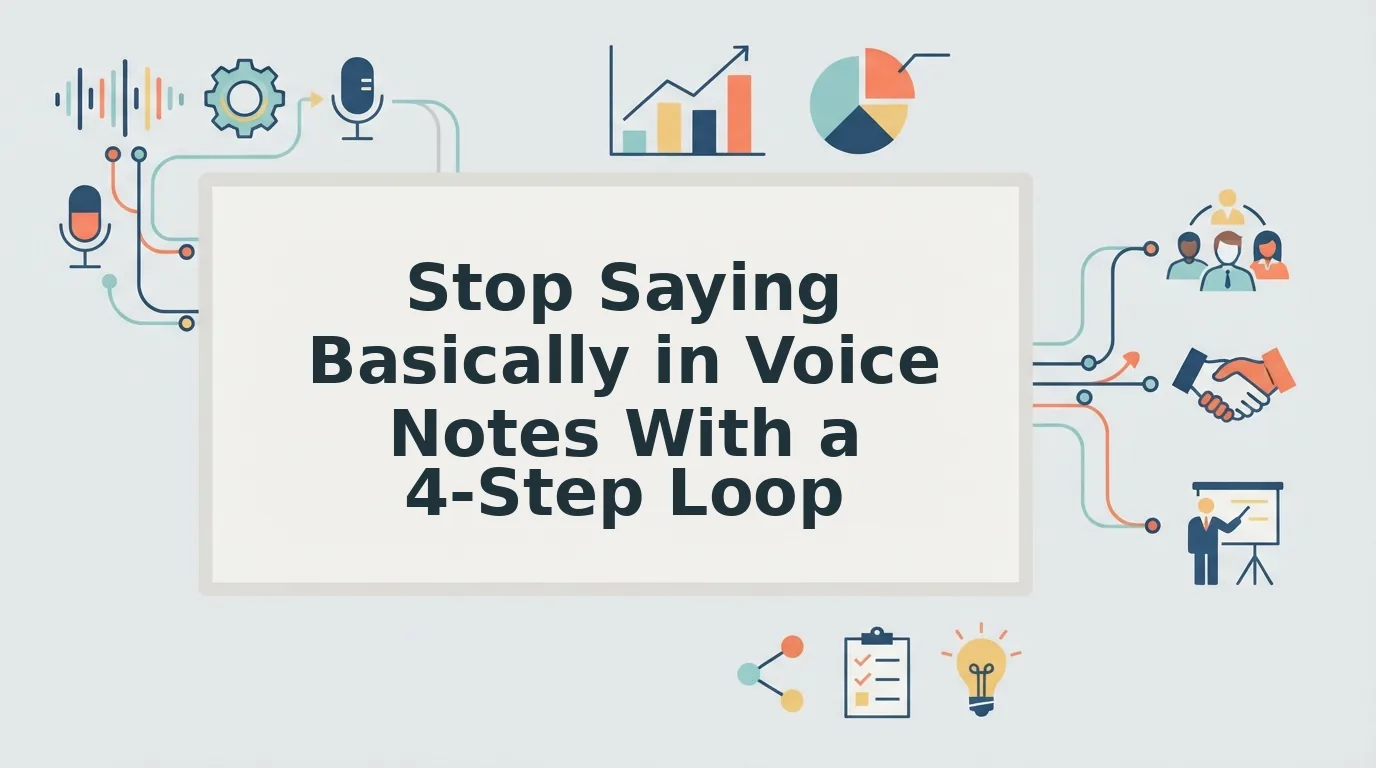

To stop saying basically in voice notes, and to drop "you know" too, replay the notes you've already sent, tally your two most frequent fillers, and replace each one with a short, silent pause. Voice notes let you review your delivery after you speak, so every message becomes practice instead of a live performance you must get right the first time.
Picture a founder recording an investor update. They replay it, hear "basically" again and again, and start a fourth re-record.
That loop is common, and it doesn't mean you're a weak speaker. Most people think faster than they talk, and fillers buy time while the next idea forms. Most advice treats this as a stage-speaking problem. A voice note is different because you can listen back before or after you hit send.
Below, you'll learn why these words show up, when "basically" is worth keeping, and a 4-step routine that uses replay to retrain the habit. One spoiler: the fix isn't re-recording.
Key Takeaway: Voice notes give you a review step that live speech doesn't. Use it to study your fillers instead of chasing a flawless take.
Why Do You Say Basically So Much, and Is It Always a Filler?
"Basically" usually fills planning time while you search for your point, or it signals a summary that never arrives. It isn't always a filler. Sometimes it introduces a real summary and earns its place.
A filler word is a sound or word that fills a pause without adding meaning, such as "um," "like," or "you know." A discourse marker is a word that organizes speech by signaling a turn, summary, or shift, such as "so," "anyway," or "basically."
Three causes drive most habitual use:
- Planning gap: your mouth keeps going while your brain picks the next phrase, often producing a false start, a sentence you begin and then abandon.
- Habit or discourse marker: the word once signaled a summary, then became an automatic sentence opener.
- Hedging: a hedge softens a claim so it sounds less blunt, as in "basically, the deal is delayed."
Think of fillers like the "loading" spinner on a website. One spinner is fine. A spinner before every click makes the whole experience feel slow.
Alexander Lyon's video "How to Avoid Filler Words" covers this well for live speaking. Voice notes add a nuance most guides skip: context decides whether the word stays.
| Pattern | Example | Verdict |
|---|---|---|
| "Basically" before a true one-sentence summary | "Basically, we need two more weeks." | Keep |
| "Basically" opening a sentence with no summary | "Basically, I was looking at the numbers and..." | Cut |
| "You know" tacked onto each point | "The price works, you know, and the timeline, you know..." | Cut |
The goal is to reduce habitual use, not to hit zero fillers. If you want polished output while the habit fades, you can fix grammar in voice messages and remove fillers while VClar keeps your natural tone and accent.
How to Stop Saying Basically and You Know in 4 Steps
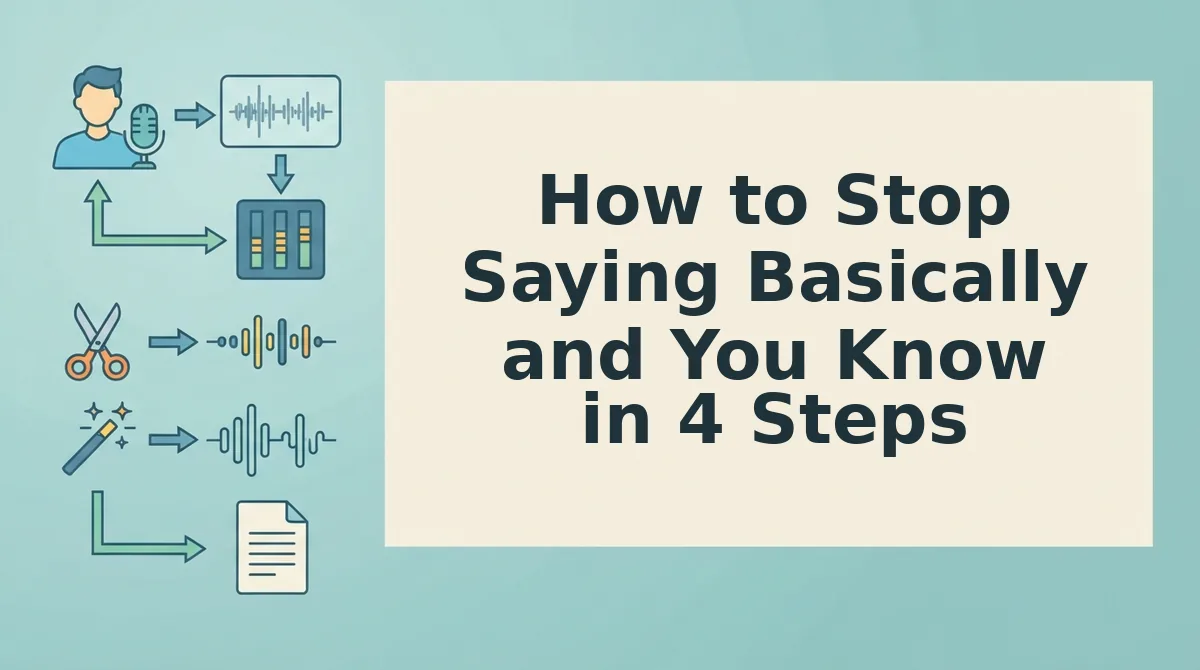
Record normally, compare your raw and cleaned audio, tally your top two fillers, and practice one swap per week. This routine turns messages you already send into practice material.
Re-recording rarely breaks a filler habit. A re-record loop is the cycle of recording, hearing a mistake, deleting, and trying again until the message feels acceptable. Each new take repeats the same delivery under more pressure, and you never stop to study what went wrong. Comparing a raw recording with a cleaned version works differently. It shows exactly where each filler landed, so every sent message becomes practice data. Live-speaking coaching assumes no replay is possible. Voice notes give you replay, and this method is built around it.
What you need: your phone or laptop microphone, 5 to 10 minutes per review, and a tool that shows raw and cleaned audio side by side, such as VClar.
-
Record Normally Without Self-Censoring
Record your next voice note in one take and speak the way you usually would. Don't try to suppress fillers yet, because self-censoring hides the pattern you need to see. You should end up with an honest sample in under 2 minutes.
-
Compare Raw and Cleaned Audio Side by Side
Upload the recording to VClar and open the side-by-side comparison. VClar removes fillers like "basically" and "you know," corrects spoken grammar, and tightens phrasing, so each difference marks a habit. Expect this review to take about 5 minutes.
For example, a B2B sales rep following up with an enterprise buyer reviews the comparison and notices "you know" after each point.
-
Tally Your Top Two Fillers
Write down every filler the cleaned version removed, then circle the two that appear most often. The sales rep above would pick "you know" as one of the two. You should finish with a short list of exactly two targets.
-
Practice One Swap Per Week
Choose one filler and replace it with a silent pause for the next seven days. Before each recording, take one breath and name your main point. After a week, review a fresh note and move to your second filler.
Pick the habit, not the take. Study one message, change one word, and repeat weekly. If you send voice notes daily, VClar can clean every message for delivery while the comparison builds your awareness.
Once a pause holds the space, you'll need better words to fill it.
What to Say Instead of Basically and You Know
The best replacement for "basically" and "you know" is usually a short silent pause. The lasting fix is deciding your conclusion before you hit record. Start with the swaps below, then use the frame that removes the planning gap behind most fillers.
| Filler | Replacement |
|---|---|
| "Basically" | Silent pause, or "In short" when a real summary follows |
| "You know" | Silent pause, or delete it entirely |
| Repeated false start | State the conclusion first |
- Pause instead of saying "basically." A one-beat silence buys the same planning time the filler does. Listeners hear it as composure, not hesitation.
- Say "In short" only before a real summary. The phrase signals compression, so it earns its place when a condensed point follows. If you aren't summarizing anything, pause instead.
- Delete "you know" outright. It asks for agreement the listener hasn't given yet. Drop it and let the next sentence stand on its own.
- Lead with the conclusion instead of restarting. False starts happen when you search for your point mid-sentence. Stating the outcome first ends the search.
The Conclusion-First Script Skeleton
- Answer or ask: the decision, result, or request.
- Reason: one sentence on why.
- Next step: who does what, and when.
For voice notes for investor updates, a founder might say: "We closed our second pilot. It came from the onboarding change we shipped last month. I'll share the full numbers in Friday's update."
For a sales follow-up, a rep might say: "Can we book a short demo Thursday? Your team flagged onboarding time, and that's where we help most. I'll send two time slots after this."
How Do You Know It's Working, and When Should a Tool Clean the Take?
It's working when your top-two filler tally drops across successive voice notes and you can measure that drop. A filler tally is a count of how often your two most frequent fillers appear in one recording.
Tally by ear first. Then paste a transcript into the filler word counter for an exact number. Think of it like a bathroom scale: weekly readings beat guessing from how your jeans feel.
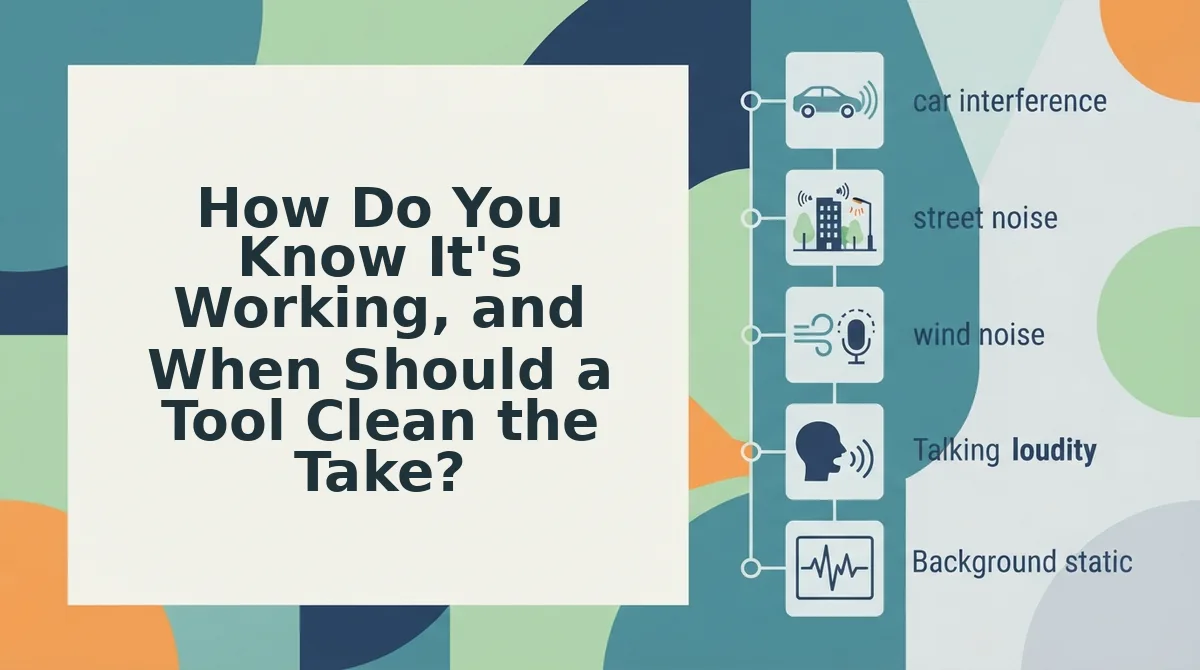
Should you practice or use a cleanup tool? Practice builds the habit over weeks, and cleanup handles today's message. Take a freelancer who records a client update from the car. VClar can remove filler words from audio and cut the road noise in one pass, without timeline editing. It keeps the speaker's natural tone, accent, and rhythm, with no synthetic voice. A tool cleans the message, but it does not build the habit. The side-by-side view of your raw and cleaned takes teaches you where your fillers cluster.
Send Your Next Voice Note in One Take
You don't need to re-record until a note sounds clean. You need a plan before you speak and a pause when the word isn't ready yet. Fillers fill gaps in planning, not gaps in character, so the fix is structural rather than a test of willpower.
- Pick your top two fillers and tally only those.
- Default to a pause whenever "basically" or "you know" rises.
- Lead with the conclusion, then give the reason and the next step.
Confidence in voice messages comes from saying the point first, not from perfect delivery. Your voice, accent, and rhythm stay yours. Only the clutter goes.
Record your next update once and compare it side by side in VClar. Each comparison makes your next one-take note easier.