
You record a quick update, play it back, cringe at the restarts, and hit record again. Then again. A founder records an investor update, runs the transcript through a grammar checker, sees zero errors, and still re-records it 3 times before sending.
Grammar checkers are useful for emails, decks, and docs. The re-record loop comes from something else: spoken grammar errors. Grammar checker misses happen because the tool reads text, while your listener hears sound. The odd part, which this guide explains later, is that the transcript isn't the problem.
Text checkers analyze written sentences. Errors that live in sound, such as false starts, fillers, circular phrasing, and self-repairs, either never reach the checker or get stripped out before it sees them.
Below, you'll find the 7 audio-only errors, why a clean transcript can still fail a listener, and step-by-step fixes. If you send voice notes for founders, investors, or clients, this applies directly to you.
Outcome: a voice message that sounds as clean as its transcript reads.
Prerequisites: a recorded message, a transcript or transcription tool, and 2 minutes to listen back.
Which Spoken Grammar Errors Do Written Grammar Checkers Miss?
Written grammar checkers miss 7 spoken errors: false starts, verbal fillers, circular phrasing, spoken fragments, run-on chains, self-corrections, and agreement drift. Checkers are built for text, so they only see what the transcript keeps. Can Grammarly check a voice message? Only after transcription, and only the words that survive it.
1. False Starts
A false start is a sentence you begin, abandon, and restart. A text checker misses it because transcription often drops the abandoned fragment. Example: "We should, the plan isâ¦"
2. Verbal Fillers
A verbal filler is a sound or word that fills thinking time without adding meaning. A text checker misses it because fillers are often omitted or read as valid words. Example: "um, like, basically, you know."
3. Circular Phrasing
Circular phrasing is restating the same point in new words before moving on. A text checker misses it because each sentence is grammatical on its own. Example: "The main thing, the key point really, is pricing."
4. Spoken Fragments
A spoken fragment is an incomplete clause that tone of voice makes feel finished. A text checker misses it because transcription punctuation can disguise it. Example: "Which is why. Anyway, Tuesday."
5. Run-On "And-So-Then" Chains
A run-on chain is a series of clauses linked by "and," "so," or "then" without a pause. A text checker misses it because transcription inserts periods that the speaker never paused for. Example: "We shipped and so then QA flagged it and thenâ¦"
6. Mid-Sentence Self-Corrections
A self-repair is fixing a word aloud partway through a sentence. A text checker misses it because transcripts usually keep only the corrected word. Example: "Revenue grew 12, sorry, 15 percent."
7. Agreement Drift
Agreement drift is when a verb stops matching a subject spoken many words earlier. A text checker misses it because transcription may split the sentence and separate the subject from its verb. Example: "The list of open issues we discussed last week areâ¦"
Fillers and restarts usually get through grammar checks because the checker never receives them. Transcription engines are designed to produce readable text, so they often clean up hesitations before any grammar analysis runs. The checker then reviews a tidier version of your speech than the one your listener hears. Fixing this requires editing the audio itself. That's how VClar differs from Grammarly: it can remove filler words from audio and fix spoken grammar while keeping your natural tone, accent, and rhythm.
| Error | Visible in raw transcript? | Flagged by a text checker? | Heard by the listener? |
|---|---|---|---|
| False starts | Depends on transcription settings | Depends on transcription settings | Yes |
| Verbal fillers | Depends on transcription settings | Depends on transcription settings | Yes |
| Circular phrasing | Yes | No, sentences are grammatical | Yes |
| Spoken fragments | Yes | Depends on transcription settings | Yes |
| Run-on chains | Depends on transcription settings | Depends on transcription settings | Yes |
| Self-corrections | Depends on transcription settings | Depends on transcription settings | Yes |
| Agreement drift | Yes | Depends on transcription settings | Yes |
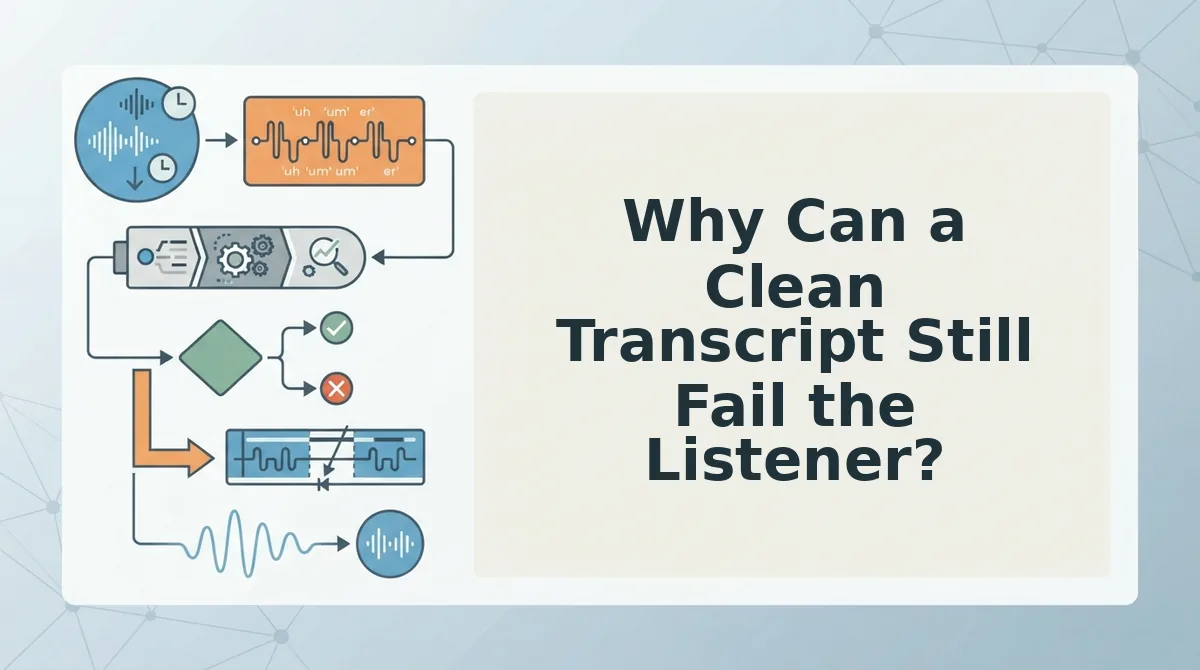
Why Can a Clean Transcript Still Fail the Listener?
A clean transcript can still fail because it may describe a tidier message than the audio delivers. The checker approves the text, but the listener hears every stumble.
A false pass is a grammar check that approves a normalized transcript while the original audio still contains errors. Think of proofreading a film's subtitles while the actor keeps fumbling lines on screen. The subtitles look perfect, but the audience still watches the stumble.
Why does my voice note sound worse than my transcript? Some transcription tools normalize speech by dropping fillers, collapsing restarts, and adding punctuation, and this behavior varies by tool. Your grammar checker then reviews that cleaned-up text and finds nothing wrong. The audio file never changes, so the listener still hears "um," abandoned sentences, and mid-sentence corrections. The transcript and the voice note are 2 different artifacts, and only the transcript got checked. To close the gap, edit the audio itself or listen back before sending.
Fillers are normal. engVid's lesson "English Grammar Mistakes that are Accepted in Casual Speech" makes the same point: everyday speech tolerates a lot. Whether an error matters depends on the stakes of the message.
| Fine in casual speech | Costs authority in high-stakes audio |
|---|---|
| "Um" in a voice note to a friend | Fillers in an investor update |
| Restarting a sentence in a team chat | False starts in an enterprise follow-up |
| Loose "and-so-then" storytelling | Run-on chains in a client status update |
Consider a B2B sales rep who records an enterprise follow-up, cuts the fillers and false starts from the audio, and then sends the message in their own voice.
The next step is to apply that same workflow to your own messages.
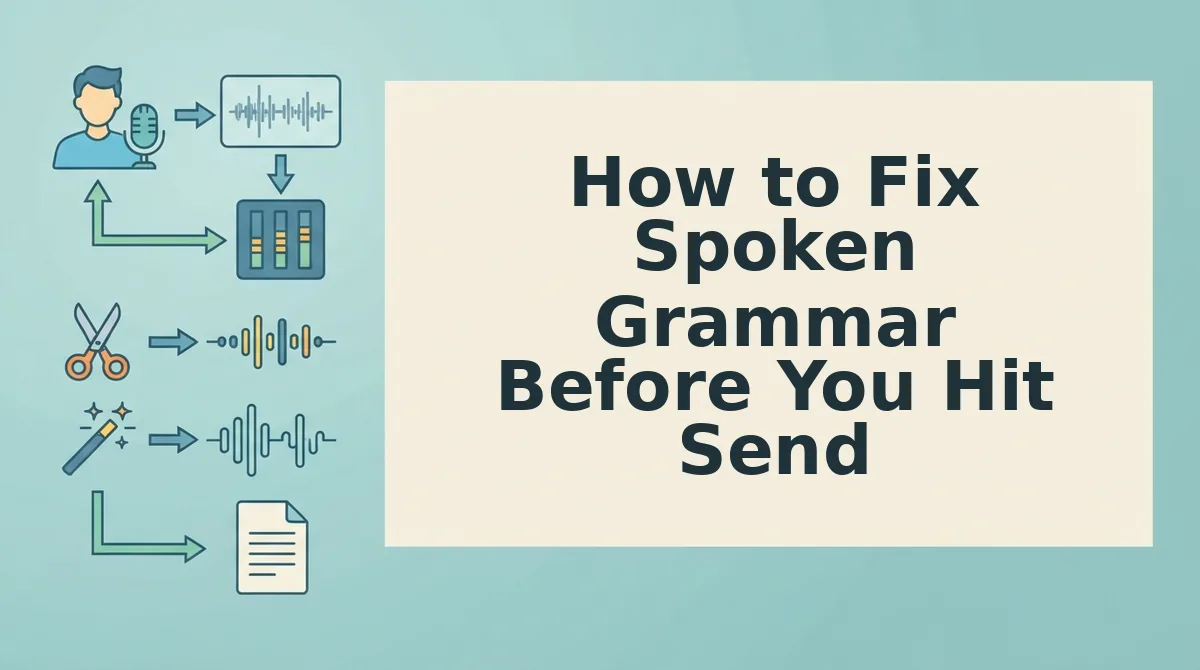
How to Fix Spoken Grammar Before You Hit Send
To fix spoken grammar, edit what the listener hears, not just the transcript. Listen back once, compare the transcript to the audio, cut fillers and false starts, state your main point once, split run-on chains, then re-listen or clean the audio. The full pass takes about five minutes for a two-minute message.
What you need: your raw voice message, headphones, and its auto-generated transcript. Keep a notes app open for timestamps.
- Listen back once at normal speed (about as long as the message). Mark every restart and loop with a timestamp. You should end with a short list, such as "0:14 restart, 0:41 repeat."
- Compare the raw transcript with what you heard (1â2 minutes). Note anything the transcript dropped or smoothed over, such as ums, half-words, or abandoned clauses. These gaps are the errors a written checker cannot flag.
- Cut fillers and false starts. Delete "um," "like," "you know," and any sentence you dropped midway. When you finish, every sentence should start once and end once.
- Restate your main point once. Pick the clearest version, move it to the opening, and remove circular repeats. You should have one sentence a listener could repeat back.
- Split "and-so-then" chains into separate sentences. Then check subject-verb agreement across long sentences. For example, write "The files the client sent are ready," not "is ready." Each sentence should fit in one breath.
- Re-listen or clean the audio (about 1 minute). Re-record the tightened version in one take, or run the original through a cleaner. On a single listen, you should hear no restarts.
Pro tip: Record one breath per idea. Pause and inhale before each new point, and your sentences will end naturally instead of chaining together.
If re-recording is your bottleneck, you can fix grammar in a voice message with VClar. It removes fillers and repairs spoken syntax while keeping your natural tone, cadence, and accent. It does not swap your voice for a synthetic clone.
How to Check the Fix Worked
The fix worked if one listen at normal speed reveals no restarts and states your main point exactly once. If the message fails that test, match the symptom below to its cause.
| Symptom | Likely cause | Fix |
|---|---|---|
| Checker shows no errors, but the message sounds rambling | Circular phrasing | Restate the point once and cut the loop |
| Transcript reads clean, but the audio stumbles | Transcription dropped the fillers | Listen and clean the audio, not the text |
| Listener asks you to repeat the point | A false start buried the lead | Open with the conclusion |
| Sentences sound endless | An and-so-then chain | Split it into separate sentences |
Pass test: one listen, no restarts heard, main point stated once.
Your tool shapes how you apply these fixes. Transcript-based editors like Descript give precise word-level control, which makes them best for podcasters and video creators who want to fine-tune every cut. VClar offers editing without a timeline, which makes it best for founders, sales reps, and freelancers sending quick voice messages.
Clean the Audio, Not Just the Transcript
A grammar checker covers the text layer, and only your ear covers the audio layer. That second layer is where the missed spoken errors live, so treat the recording, not the transcript, as your final draft.
Picture a freelancer sending a client update. She listens once, cuts the loop where she circled back to the deadline, and sends a single take.
Your next step is to try VClar on one voice message and compare the original and cleaned versions side by side. Each comparison tunes your ear, so the next message starts closer to one clean take.