
You record an investor update, run it through a translator, and send it to an investor who doesn't speak English. The app worked, and the audio played. Then the reply asks what you meant, because the listener heard half-sentences and the same point circling back.
That frustration makes sense when you followed every step. Most translated voice message mistakes start before the engine touches your words. Tutorials from TechUnow and Fix369 show which buttons to press, but they don't explain why the output still reads poorly.
The fix happens before you hit translate. This guide explains why a working translator can still confuse listeners. It then walks through the 7 mistakes to correct first, whether you send voice notes for founders updates or client check-ins.
Unclear translations usually come from the source recording, not the translator. Fillers, sentence fragments, circular phrasing, background noise, idioms, and vague numbers all get translated faithfully. The listener receives every flaw, just in a new language.
What Mistakes Make a Translated Voice Message Hard to Understand?
A translated voice message becomes hard to understand when the source recording contains verbal fillers, sentence fragments, circular phrasing, background noise, idioms, or ambiguous numbers. The engine translates these faithfully, so errors in the original audio reach the listener in another language. Fixing the source first prevents most confusion.
A clear translated message has complete sentences, one idea per point, and exact figures. Before translating, you need three things: a clean recording, a reviewed transcript, and a chosen translation direction.
Key terms in plain language
- Verbal filler is a sound or word that carries no meaning, such as "um," "like," or "you know."
- A sentence fragment is an incomplete thought, such as a sentence that trails off before its point.
- Circular phrasing is restating the same idea in slightly different words.
- Translation direction is the source language and target language pair, such as English to Japanese.
Where errors enter the process
Mistakes appear at three stages. Recording errors include fillers and noise. Transcript errors include fragments, loops, and ambiguous numbers. Translation errors are mostly idioms that have no literal equivalent.
Think of a translator like a photocopier. It copies a smudged page exactly, smudges included. So when your app "works fine" but the output reads wrong, the cause is usually the source audio, not the engine. This is why the workflow runs Clean â Check â Translate.
VClar follows this order. It cleans the recording first, then translates the result across 11 languages.
How to Fix the 7 Mistakes Before You Translate
Fix each mistake in Clean â Check â Translate order: clean the audio, check the transcript, then translate and review. The full process typically takes 5 to 10 minutes for a short message.
Before you start, you need: your raw recording, a quiet place to re-record if necessary, and a tool that cleans audio, shows a transcript, and translates.
- Remove fillers and false starts (1â2 minutes). Strip "um," "basically," and restarted phrases from the raw recording. Fillers can get transcribed as real words or break sentence boundaries, which distorts the translation. You can remove filler words from audio automatically. After this step, the message should sound decisive.
- Complete sentence fragments (1â2 minutes). Read the transcript and finish every trailing thought. For example, in the founder update, "Revenue's up, and the hiring, so we'reâ¦" becomes "Revenue is up, and we plan to hire two engineers." You can also fix grammar in a voice message without re-recording. Each line should now read as a full sentence.
- Cut circular phrasing (1 minute). Delete these loop patterns:
- Restating the same point twice
- "Like I said" callbacks
- Trailing "so yeah" endings
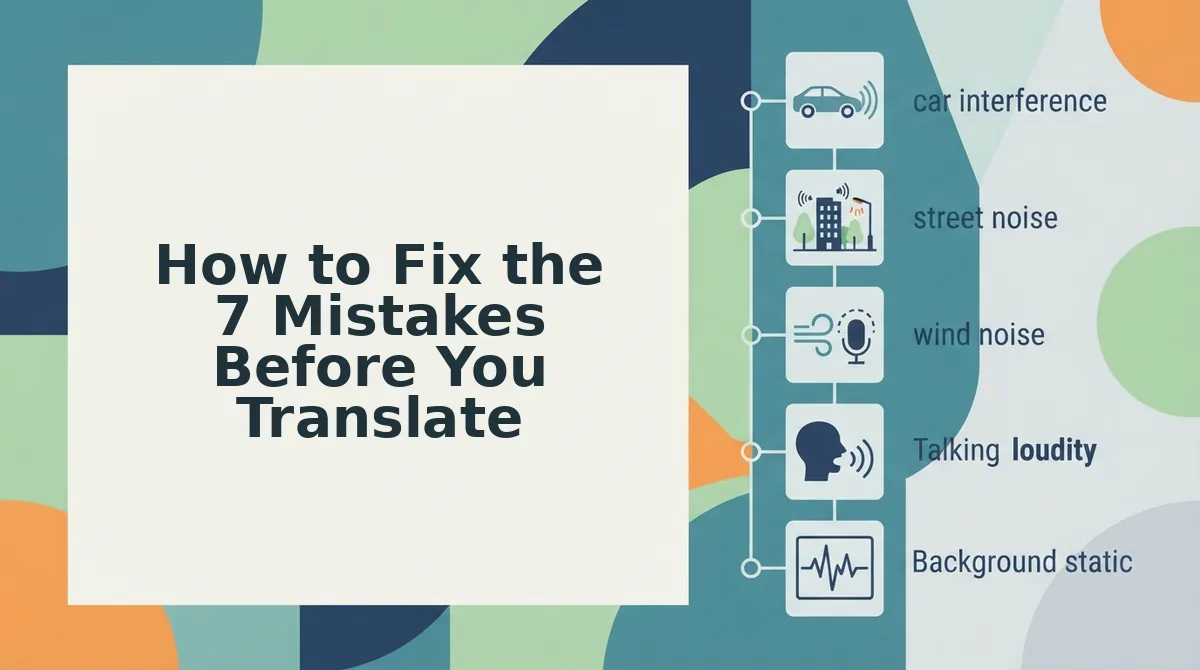
- Re-record or clean over background noise (1â3 minutes). Consider a sales rep who records from a car. Road noise causes a word to be misheard, and the translator converts that wrong word faithfully. Re-record somewhere quiet or apply noise cleanup. You should hear your voice clearly above the background.
VClar reduces background noise, breath sounds, and mouth clicks while preserving your tone, accent, and rhythm. You get a cleaner source without timeline editing.
- Swap idioms and slang for plain phrasing (1 minute). Don't say: "Let's circle back once we're out of the weeds." Do say: "Let's discuss this again after we solve the current problems." The transcript should now hold only literal statements.
- State numbers, names, and dates unambiguously (1 minute). Consider a freelancer giving a client a deadline update. Saying "Done by the fifth" or "end of next week" leaves the listener guessing which month or which week. Say "Delivered on Friday, March 5" instead. Every figure should have exactly one possible reading.
- Pick the correct translation direction and review the output (1â2 minutes). Select your source language and target language, then translate. Read the translated transcript and confirm that names, numbers, and key points match your original. The output should mirror your cleaned message line for line.
Once all seven fixes are done, the next step is confirming the result actually lands with your listener.
How to Check Your Translated Voice Message Worked
Check the transcript before you send. If every sentence is complete, nothing repeats, and names and numbers read correctly, the translation will carry your meaning.
A voice translation is usually inaccurate because the translator faithfully converted flawed source audio. Half-finished sentences, fillers, restarts, and mumbled names enter the transcript as text and are then translated as if you meant them. You rarely notice these problems in your own recording because your brain fills in what you intended, but the transcript shows them plainly: a sentence with no verb, a phrase looped three times, or a price rendered as the wrong number.
- Fragments complete: Every sentence has a subject, a verb, and an ending.
- No circular loops: Each point appears once, not restated in new words.
- Names and numbers clear: People, products, dates, and amounts are spelled and written correctly.
| Mistake | What the Listener Experiences | Fix |
|---|---|---|
| Filler words | Stray words or broken sentences | Remove fillers before translating |
| Unfinished fragments | A thought that never lands | Complete or cut the sentence |
| Circular loops | Repetition that hides the request | State each point once |
| Mumbled names and numbers | Wrong person, date, or price | Say them slowly and confirm in the transcript |
| Background noise | Missing or misheard words | Clean the audio first |
| Idioms and slang | Literal, odd phrasing | Use plain wording |
| Spoken grammar errors | Unclear who did what | Correct grammar before translating |
Pro tip: Read the transcript as if you were the recipient. If you have to guess at any line, the listener will too.
Translated Voice Message FAQ
These answers cover the questions people ask most after a translated voice note goes wrong.
Do filler words get translated?
Filler words often do get translated, because a speech engine may transcribe "um," "like," or "you know" as real words before translation begins. That can produce odd phrases in the target language or split one clear thought into several broken sentences that read like separate ideas. Removing fillers from the source audio first, for example with a filler words remover, gives the translator a clean sentence to work from.
Can I translate a voice note and keep my own voice?
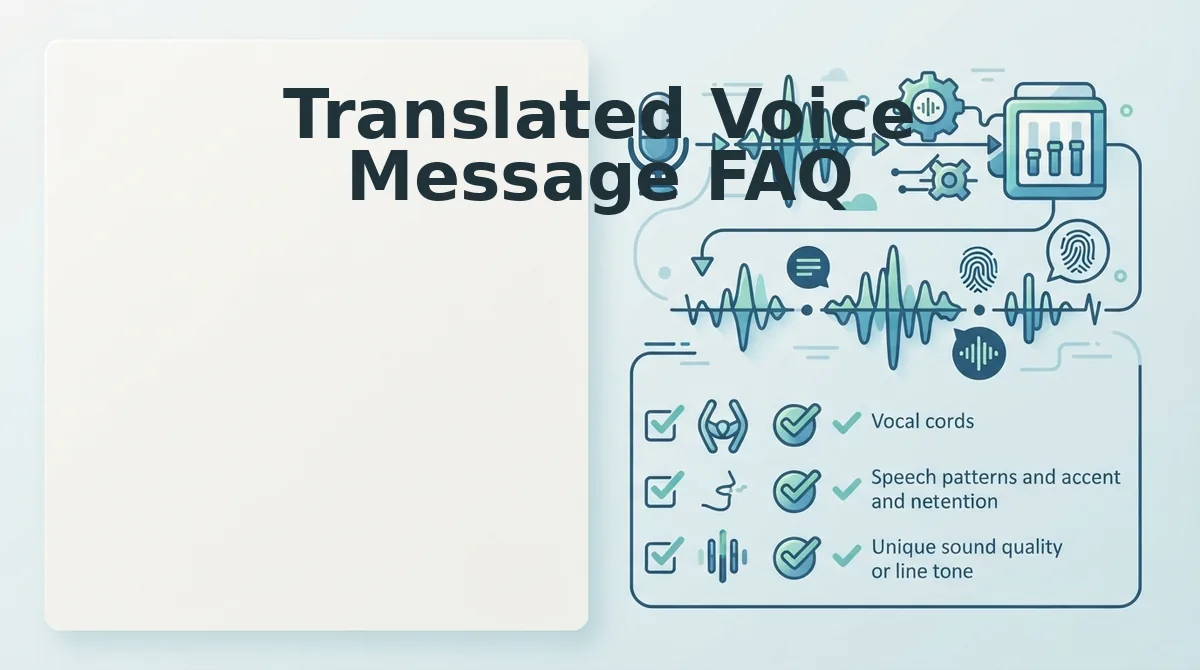
Yes, but most methods return only text. Basic tutorials end with a written translation the recipient reads. VClar produces translated audio that preserves your natural tone, accent, and rhythm, so the listener still hears you instead of a synthetic voice.
Why is my WhatsApp voice note translation inaccurate?
Most errors come from the source audio, not the translator. WhatsApp tutorials such as those from TechUnow and Fix369 show the steps but end at text, with no accuracy guidance. Noise, fragments, and mumbled names in the original recording drive most mistranslations.
Clean, Check, Then Translate Your Next Voice Note
Most translation errors start in the source recording, not in the translation engine. Fixing the audio first is what makes a translated message land on the first listen.
Treat the three stages as one workflow. Clean the recording to remove fillers and noise, check the transcript from the listener's seat, then translate. That sequence replaces the re-record loop with a single confident take.
Your next step is to run a cleaned voice note through VClar's voice note translator. It covers 11 languages: Hindi, English, French, Japanese, Korean, German, Russian, Portuguese, Spanish, Italian, and Chinese. That adds up to 110 translation directions, and every one keeps your natural tone, accent, and rhythm with no synthetic clone.
Your voice can reach listeners in any of those languages and still sound like you.