
A founder steps out of a client call, records a 90-second investor update between meetings, plays it back, and hears three ums, a false start in sentence two, and a keyboard clicking under the part that mattered. So they record it again. Then again.
That re-record loop is the problem both tools claim to solve. Raw voice memos carry verbal fillers, awkward pauses and disjointed grammar that quietly undercut authority â and VClar and AudioPen both promise to clean that up. This vclar vs audiopen for voice notes breakdown settles the choice on output format rather than a feature checklist, and hands you a four-question test you can run in under a minute. For the full side-by-side, see our complete VClar vs AudioPen comparison.
First we'll define what each tool actually produces, then give AudioPen the credit it deserves, then map both onto real recipients: investors, prospects, clients. One of the four questions decides the majority of cases on its own â we'll get to which one when we build the framework.
The short answer: AudioPen turns speech into written text â you talk, it returns organized notes. VClar keeps your voice and returns cleaned audio plus a transcript, stripping fillers, fixing spoken grammar and reducing noise while preserving your tone, accent and rhythm. One is a voice-to-text summarizer; the other is a voice message enhancer.
What's the core difference between VClar and AudioPen?
AudioPen converts speech into written text. VClar improves the spoken audio itself and adds a transcript, so what you send is your voice â cleaned â not a summary of it.
Neither approach is a downgrade. They answer different questions: what should the recipient receive, and in what medium? Three entities are worth naming plainly before comparing them.
- Voice-to-text summarizer â takes spoken input and outputs organized writing. AudioPen's documented positioning is exactly this: a voice to text AI tool that moves you "from fuzzy thought to clear text, fast," per the AudioPen Demo by Louis Pereira.
- Voice message enhancer â keeps the audio as the deliverable and improves it in place. VClar returns cleaned audio in the speaker's own voice plus a transcript, preserving tone, accent, cadence and rhythm.
- Spoken grammar correction â fixes the grammar problems unique to speech (false starts, dangling clauses, repeated subjects) rather than the ones that appear in writing.
| Criterion | VClar | AudioPen |
|---|---|---|
| Output format | Cleaned audio in your own voice plus a transcript | Written text notes |
| Speaker's voice preserved | Yes â tone, accent, cadence and rhythm retained | Not applicable to a text output (verify) |
| Filler word removal | Yes â ums, ahs, "like," "you know," "basically," repeated false starts | Fillers don't survive transcription into a written note (verify audio-level cleanup) |
| Spoken grammar correction | Yes â corrected in the audio timeline and the transcript | Cleaned within the written note (verify) |
| Noise, breath and mouth-click cleanup | Yes â background noise, breath sounds, mouth clicks reduced | verify |
| Translation | 11 languages (Hindi, English, French, Japanese, Korean, German, Russian, Portuguese, Spanish, Italian, Chinese), 110 directions | verify |
Every AudioPen cell marked "verify" means its documented positioning doesn't address that capability â not that the capability is absent. Confirm directly at audiopen.ai before assuming either way.
Best for the operator on the move: AudioPen, if you think in speech and want a written artifact â notes, drafts, summaries â you can edit later. Best for the person whose voice is the message: VClar, if a client, prospect or investor needs to hear you, in your accent, saying it once, cleanly, in one of 11 languages.
VClar vs AudioPen, in one paragraph: Choose by deliverable, not by feature count. AudioPen is a voice-to-text summarizer: you speak, it writes, and the end product is something to read â useful for drafting, journaling and quick capture of scattered ideas. VClar is a voice message enhancer: you speak, it removes filler words, corrects spoken grammar, reduces background noise, breaths and mouth clicks, and returns cleaned audio in your own voice alongside a transcript, with translation across 11 languages and 110 directions. If the recipient presses play, VClar fits. If they scroll and read, AudioPen fits.
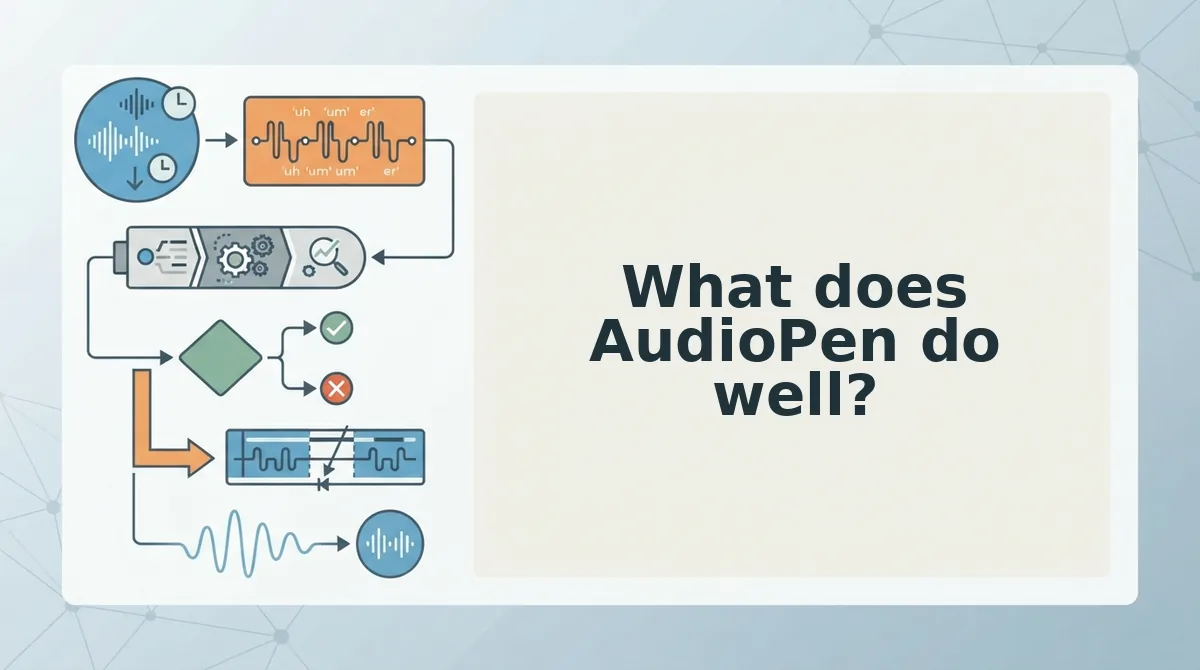
What does AudioPen do well?
AudioPen is genuinely good at one thing: getting tangled speech out of your head and onto a page in a readable shape. Any fair comparison has to start there.
- It converts rambling speech into organized written text. The input is unstructured talk; the output has structure. That matters because most people can talk through an idea faster than they can type it, and raw transcripts are unreadable without editing.
- It makes capture almost frictionless. Its own framing is "all you have to do is talk." No blank page, no outlining step, no formatting decisions â press record and keep moving. Use it in the gap between meetings when an idea is still forming.
- It suits drafting. Because the output is editable prose, you can dictate a rough version of an email, post or memo and revise the text directly. The tool does the transcription labor; you do the shaping.
- It suits journaling and personal note-taking. Spoken reflection becomes a written record you can search later. This is the lowest-stakes, highest-frequency use case, and where the voice-to-text approach feels most natural.
- It suits written summaries meant for reading. When the recipient will skim rather than listen, a text note is the correct format â and that is precisely the output AudioPen produces.
Does AudioPen keep your voice? Only in the sense that your words survive. AudioPen's documented positioning is that it turns fuzzy thought into clear text, and its output is written notes â so what a reader receives is your language, organized, not your voice. Tone, accent, pauses and delivery don't travel through a transcript; a reader can't hear emphasis or warmth, only word choice. That's not a flaw in the product, it's a property of the format. If the message depends on how you sound â reassurance, urgency, authority â text removes exactly that layer. VClar keeps it.
That distinction is the whole argument â so let's look at what VClar does when the audio itself has to be the deliverable.
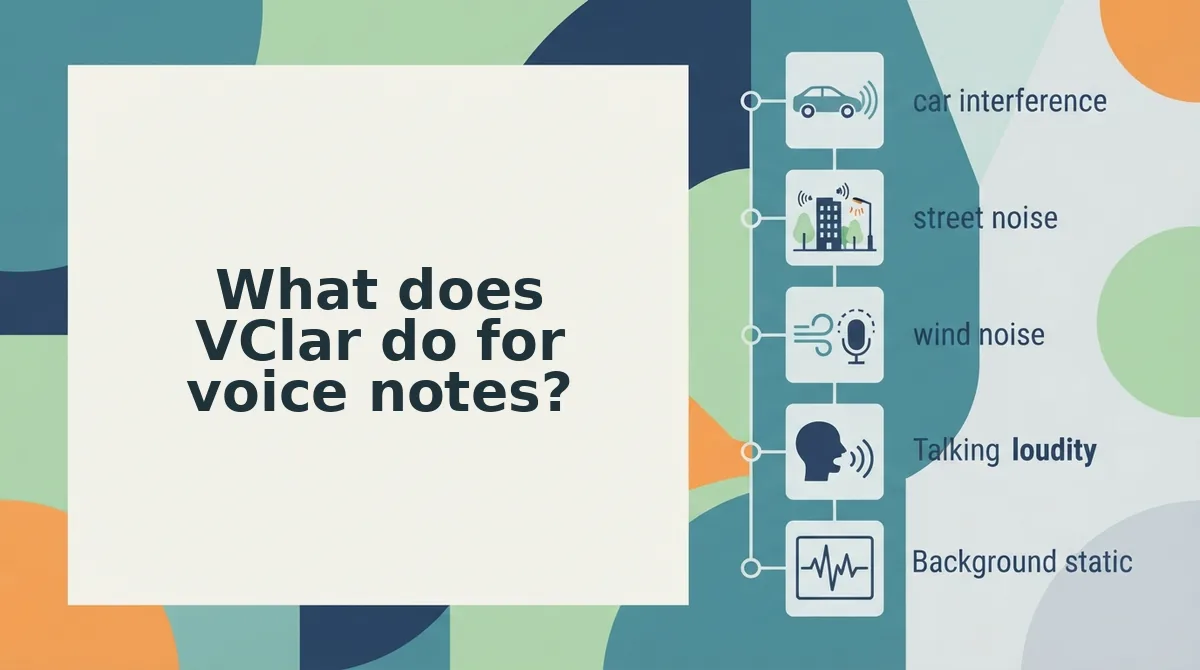
What does VClar do for voice notes?
VClar is an AI voice message translator and speech enhancer that cleans a raw recording and returns polished audio plus a transcript without replacing your voice. It targets the four things that make a spontaneous memo sound unsteady: filler words, spoken grammar, room noise, and language.
Think of it as a copy editor who works in audio instead of on a page. The editor doesn't rewrite your argument or hire a narrator to read it back â they just cut the throat-clearing so the argument lands.
1. Filler word removal: the ums, the "likes," the false starts
Fillers are the audible pauses and hedges you produce while thinking out loud â "um," "ah," "basically," "you know," and the half-sentences you restart mid-thought. VClar detects them and removes them from the audio timeline, so the message sounds decisive rather than uncertain.
This is the fastest win in the whole workflow: one pass through the filler words remover turns a two-take memo into a single sendable file. Fillers aren't a character flaw â they're what thinking sounds like â so the goal is a cleaner delivery of your point, not a different personality.
2. Spoken grammar repair and a clean transcript
Speech doesn't follow written grammar. Sentences trail off, clauses circle back, and subjects change halfway through. VClar repairs fragments and tightens circular phrasing while keeping the intent you actually spoke, and it returns a transcript alongside the audio.
If you'd rather see the fixes first, start with the voice message grammar fix workflow, then send. Readers get structure; listeners get the same message in your cadence.
3. Noise, breath, and mouth-click cleanup
Breath sounds, mouth clicks, keyboard taps, and room hum sit under every recording made at a desk or in a car. VClar reduces them without flattening the voice into something thin or obviously processed â an important detail, because over-filtered audio reads as fake.
4. Translation across 11 languages and 110 directions
This is the advanced layer. VClar translates cleaned voice messages across 11 languages â Hindi, English, French, Japanese, Korean, German, Russian, Portuguese, and others â for 110 translation directions in total, so a note can cross a language boundary and still sound like the person who recorded it.
On the "translate a voice note and keep my voice" question: VClar preserves your natural tone, accent, and rhythm rather than swapping you out for a synthetic text-to-speech clone or a voice avatar. The output is your delivery, cleaned and re-languaged, not an impersonation. See the full language list on the voice note translator page.
Which should you use? The Ear-or-Page framework
The Ear-or-Page framework is a four-question test that sorts AudioPen from VClar by output format. Question one asks whether the recipient listens or reads; the next three settle whether your voice, your language, or your recording conditions make the decision for you.
| The question | Points to AudioPen when⦠| Points to VClar when⦠|
|---|---|---|
| 1. Does the recipient listen or read? | They read â the deliverable is a written note, summary, or draft. | They listen â the message arrives as audio, with a transcript alongside. |
| 2. Must your voice stay in the message? | No. The words carry everything and the delivery is incidental. | Yes. Tone, emphasis, and pacing are part of what you're saying. |
| 3. Does the message cross a language? | Not part of its documented positioning as a text-note tool; confirm current capabilities before relying on it here. | Yes â 11 languages and 110 translation directions. |
| 4. Is the recording noisy or full of fillers? | Secondary. Speech becomes text, so the raw audio never ships. | Primary â fillers, breath, mouth clicks, and background noise are removed before sending. |
The decision path is short: if the recipient reads, AudioPen fits. If they listen, run questions two through four.
A worked example: the enterprise follow-up
A B2B sales rep is following up with an enterprise buyer who has met them on calls and expects to hear them. The rep records once, and VClar removes the fillers and the background noise from a desk recording, then returns audio in the rep's own voice with a transcript attached for the buyer who forwards it internally.
This is the re-record loop problem in plain form. A text output doesn't help when the recipient expects audio â the rep still has to record again until the delivery is clean. The voice notes for sales follow-ups workflow exists precisely because the second and third takes are where the time goes.
Best for each option
- AudioPen is best for the writer. Use it when you're turning a rambled thought into a structured written note you'll edit, file, or paste somewhere else.
- VClar is best for the sender. Use it when the finished thing leaves your hands as a voice message and the listener's impression of you matters.
Neither tool is a compromise. They produce different artifacts â one a page, one an earful â and the only wrong move is picking by brand familiarity instead of by what lands in the recipient's inbox.
Which tool fits your role?
The right pick usually follows the recipient's format rather than your job title. These five roles cover the segments where the choice is least ambiguous.
- Founders sending investor updates. Investors back people, and they hear conviction in a voice that a summary flattens. Record the update, let VClar strip the fillers and tighten the phrasing, and send audio with the transcript attached. See voice notes for founders.
- Sales reps following up with enterprise buyers. Buyers who have met you expect to hear you, so a written recap alone reads as distance. VClar gives you one clean take in your own voice, with a transcript for anyone who forwards it internally.
- Freelancers and consultants sending client updates. Choose by what the client does next: VClar's cleaned audio when they want a status walkthrough, AudioPen when they want a written recap they'll file or quote.
- Creators capturing scripts and feedback. AudioPen fits drafting, where you want the words out of your head and into text you'll rewrite. VClar fits recorded feedback, where your delivery is part of the note. See voice notes for creators.
- Cross-border teams working in translation. When the note has to cross a language, VClar handles 11 languages and 110 translation directions while keeping your tone and accent intact. The full breakdown sits in the VClar vs AudioPen comparison.
Before you commit to either, it's worth knowing where VClar's approach stops being the right answer.
Where VClar falls short, and when to use both tools
Voice note enhancement is the process of cleaning an existing spoken recording â filler words, spoken grammar, noise â while keeping the speaker's actual voice. VClar is built for exactly that, which also means it does nothing outside that lane.
Three limits are worth knowing before you record.
- It won't turn a ramble into a written document. VClar tightens what you said; it doesn't restructure scattered thoughts into headings, sections, or a memo. If you need a formatted page, you need a transcription-and-rewrite tool.
- Translation covers 11 languages â Hindi, English, French, Japanese, Korean, German, Russian, Portuguese and others â across roughly 110 directions. That is broad, not universal.
- You still have to speak. VClar cleans your real recording rather than generating a synthetic voice from text, so it can't produce a message you never recorded.
Think of the two tools as a stenographer and a sound engineer. The stenographer turns your spoken mess into a tidy written memo; the sound engineer makes the take you're about to send sound like you on a good day. Neither replaces the other.
The practical move is sequencing them. Draft and think out loud in AudioPen, where scattered speech becomes text you can cut and rearrange. Then, once the argument is settled, record the final version yourself and run it through VClar so the delivery is clean.
A freelancer sending a client update can run that as a two-step loop: sketch the outline as text, then record it once and send clean audio plus a transcript. This is a workflow description, not a tested benchmark â treat it as a starting pattern. For the recording half, see voice notes for freelancers, and for the full feature-by-feature breakdown, read VClar vs AudioPen for voice notes.
The verdict on VClar vs AudioPen
The finding worth carrying forward is that these two tools were never really competing for the same job: page means AudioPen, ear means VClar. Pick by the output your recipient consumes, not by which app has the longer feature list.
That reframing is the payoff. A comparison only feels unresolved when you assume one winner; once the output format splits the decision, the choice takes seconds.
So run your next message through the four questions â does the recipient listen or read, must your voice stay in it, does it cross a language, is the recording rough â and act on the answer. If it lands on the ear side, record a 45â90 second message and put it through VClar to hear the cleaned version before you send anything longer.
When the job is finished audio rather than a voice note, the same logic applies to editing; our VClar vs Descript breakdown covers that boundary.
Your voice is already the asset. The only remaining step is deciding which ears or eyes should receive it â and then sending it once, cleanly.
You can also edit and share a voice note.