
A voice note tool returns only text when its architecture was built to convert in one direction â audio in, transcript out â and the audio was never an output in the first place. You recorded a memo, tapped share, and now you are staring at a wall of text with no file to attach. That is not a bug you can toggle off in settings.
Here is the part worth knowing before you re-record anything: your original recording most likely still exists â in your phone's recorder app, in the messaging app's media folder, or in a cloud backup. That recovery path is cheaper than any tool purchase, and it is the one almost no guide documents. The rest of this article walks it end to end, showing you how to get back to clean audio without losing the message you already delivered well.
You will get three things: why text-only output is structural rather than fixable, a three-question test that tells you whether recovery or re-recording is the right move, and a five-rung recovery ladder ordered from cheapest to most expensive in time. One of those rungs fails more often than people expect â the reason is covered below, and it changes which rung you should try first.
If you are still deciding which artifact your recipient actually needs, the distinction between voice vs text is worth settling before you spend time on either.
Why does a voice note tool hand back text and nothing else?
Text-only transcription is a conversion that runs in a single direction: the platform accepts your audio, derives a transcript from it, and returns the downstream artifact while the source stays on its servers. You received a rendering, not a copy. That is why no setting restores the audio â there is no audio output to restore.
Start with the pipe. Think of a one-way valve: water flows from the tank into the pipe, and nothing flows back up. A transcriber is built that way on purpose, because the transcript is the product and the audio is raw material. The tool did exactly its job. Asking it for the recording is like asking a coffee grinder to hand the beans back whole.
The wanted outcome is usually two artifacts, not one: a clean audio file and a clean transcript of the same message. Text-to-speech looks like the repair â it produces audio, after all â but it generates a synthetic voice that discards your accent, cadence, and pacing. The words survive; the delivery does not. So it is a different deliverable, not a recovered one.
The prerequisites for fixing this are deliberately short: the source file, the device it was recorded on, and roughly two minutes. Once you have the original audio back, a speech enhancer can remove filler words, tighten phrasing, and fix spoken grammar without touching your vocal identity â the same cleanup the transcriber never offered.
What should you do when a tool returns only text and you need audio?
Work down a recovery ladder before you consider re-recording. In most cases the original audio still exists somewhere, and recovering it takes less time than a second take that sounds worse than the first.
You need three things to start: the device the voice note was recorded on, the app you sent it through, and access to your cloud backup if one is enabled. Budget about two minutes for rungs one through three combined.
The three-question test
Answer these before touching a tool. The answers determine whether you recover, clean, or re-record.
| Question | If yes | If no |
|---|---|---|
| Is the original file still on the device? | Recover it â rungs 1 or 2 | Check cloud backup â rung 3 |
| Are the defects fixable without re-speaking? | Clean the recovered file â rung 4 | Re-record â rung 5 |
| Does the recipient need your voice, or just your content? | Recover and clean | Send the transcript |
The recovery ladder, cheapest first
- Open your phone's recorder app and check recent recordings. Go to the app you used, then its library or Recents list. Many recorder apps keep the source file after a share to another tool. You should see the clip with its original duration. Fails if the app was set to delete after sharing, or if you recorded directly inside a chat. Time: under 30 seconds.
- Open the messaging app's media folder. In the chat where you sent the note, long-press the audio message and choose Save or Download. Alternatively, browse the app's media directory from your file manager. You should end up with a playable audio file in your downloads. Fails if the note was sent as a voice message that the app stored only in an encrypted cache. Time: about one minute.
- Open your cloud backup and search by date. Check the backup service tied to your phone account, filter to the recording date, and look for the audio file or the app's data folder. Restore that single file rather than the whole backup. Fails if backups were off or run on a schedule that skipped that day. Time: two to five minutes.
- Clean the recovered file instead of re-recording it. Upload the original to a speech enhancer, which removes filler words and repeated false starts while preserving your accent and cadence. See how to remove filler words from audio. You should get back audio that sounds like your best take, not a new one. Fails if the recording itself is inaudible under background noise. Time: under two minutes.
- Re-record as a last resort, working from the transcript. Read the cleaned text aloud once for structure, then record from your own memory of the point rather than reading word for word. Fails â and this is the rung people get wrong â because reading a summary aloud strips the names, numbers, and hedges that made the original credible. Time: three to five minutes plus review.
Can a transcript be turned back into your voice?
A transcript cannot be converted back into your voice â only into some voice. Any tool that accepts text and returns audio performs text-to-speech, which generates a delivery from scratch rather than restoring the one you recorded. Accent, cadence, pacing, and emphasis are not stored in the words. They exist only in the original audio waveform, which is why recovery beats regeneration every time the source file can still be found.
If your note needs to cross a language boundary, do the recovery first and the translation second. Audio-in, audio-out conversion â where a cleaned recording is translated into another language while keeping your tone intact â is the only route that preserves how you speak. Converting a transcript first forces you into the one-way pipe again.
The remaining problem is what happens when you skip the ladder and re-record from the summary â which is exactly where the next section picks up.
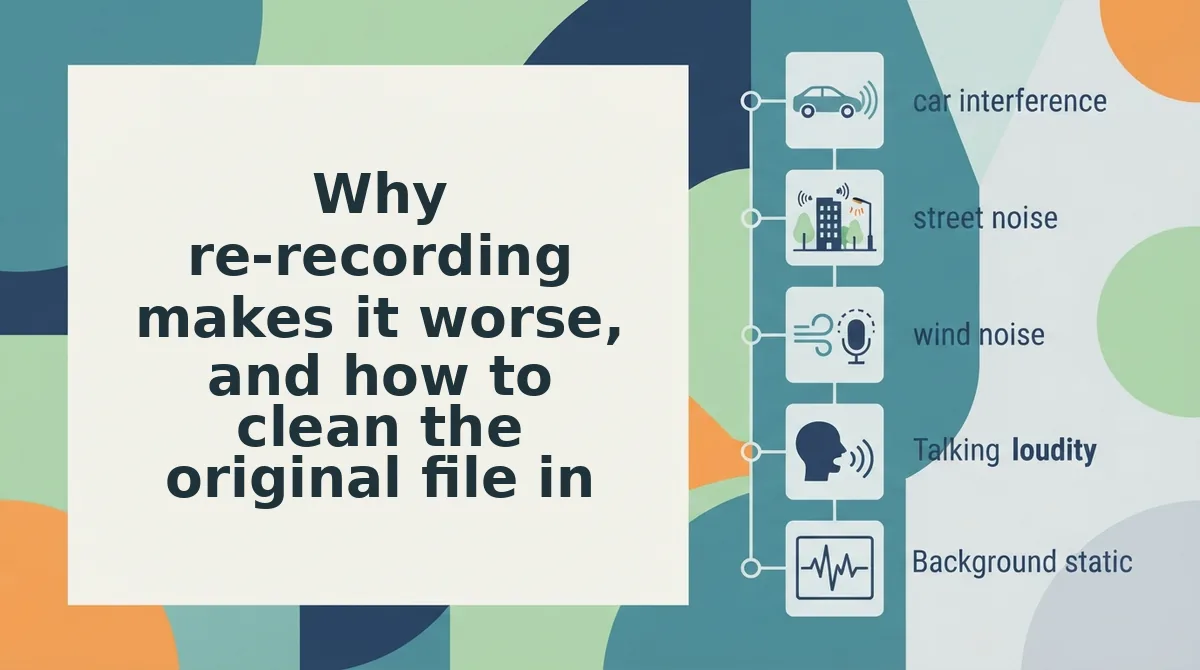
Why re-recording makes it worse, and how to clean the original file instead
Re-recording from a summary makes the message worse because you are re-speaking from a compression, not from your own words. Clean the original file instead, since it already holds the names, figures, and tone you need.
The summarizer tax is the authority you lose when you re-record from a summary. A summarizer does not return your words. It returns a compression that has already dropped proper nouns, figures, and qualifications such as "roughly" or "pending sign-off." Anyone who reads that text aloud is speaking from a lossy source, so take two sounds thinner than take one, and delivery cannot restore the missing detail. Re-recording also rebuilds the whole performance, which adds new fillers, new hesitations, and a flatter, read-aloud cadence. Cleaning edits the existing waveform and keeps everything the first take got right.
Apply these three moves to the recovered file, in this order:
- Strip filler words first. Removing ums, ahs, "like," "you know," and false starts cuts the most noise for the least effort. The message sounds decisive, and none of the facts you said are touched.
- Correct spoken grammar in place. Fix tense slips and tangled clauses inside the original recording instead of rephrasing from scratch. You can fix grammar in a voice message and keep your accent and cadence intact.
- Re-cut the opening sentence only. If the first line wanders, re-record only that sentence and leave the body untouched. The opening shapes the listener's first impression, so it is the one place where a fresh take is worth the cost.
Picture a founder whose investor update came back from a summarizer as five bullet points. They skip re-recording from those bullets, retrieve the source recording, and clean it. That is the approach behind voice notes for investor updates.
What changes when the recipient needs another language?
When the recipient needs another language, the deliverable becomes translated audio, not translated text. A translated transcript arrives as text, which hands the language problem back to the recipient instead of solving it.
A voice note translator is a tool that takes spoken audio in one language and returns spoken audio in another. A document translator works differently because it only converts written words into other written words.
Think of the difference between reading a subtitled film and taking a phone call. Subtitles carry the words, but the person on a call expects to hear someone speak.
A common middle-ground fix is synthetic narration. It uses text-to-speech, a computer-generated voice that reads text aloud. This solves the language but replaces the speaker, which is usually the opposite of what a voice note is for.
The complete workflow is audio in, audio out, and it is the only path that keeps tone, accent, and cadence intact for a listener. VClar cleans the message while preserving your tone, accent, and rhythm, then translates it across 11 languages and 110 directions. In most messaging apps, an audio attachment plays with a tap, so the recipient presses play and hears you in their language.
How to check it worked before you hit send
Run a four-point check that takes under a minute, and do it by listening rather than proofreading. Test playback in the recipient's app, not your editor, because attachment behaviour differs between apps.
- It plays in the recipient's app. Send it to yourself or a test chat and press play.
- The opening sentence lands without filler. The first few seconds decide whether the rest gets heard.
- Names and numbers survived. Listen for proper nouns, figures, and qualifiers. These are the first things lost in any re-record from a compression.
- The language matches the listener. Confirm the output language is the one they actually speak.
A tool that returns only text never called for a second take. Your first recording already carried the authority, and cleaning it keeps that while ending the re-recording loop.
Your next step is to upload the original recording to VClar so it can clean the take you already have and translate it if needed. For more fixes, browse the guides on when a tool returns only text. Then send the message once, in your own voice.
You can also edit and share a voice note.