
You record an investor update in the car between meetings, run it through a translator for an investor who speaks another language, and your thumb hovers over send. Do you know what will actually arrive in their inbox?
That hesitation is justified. A garbled revenue figure or a message translated into the wrong language costs more credibility than the few minutes it takes to review. Making it a habit to check translated voice message before sending protects the version of you that the recipient hears.
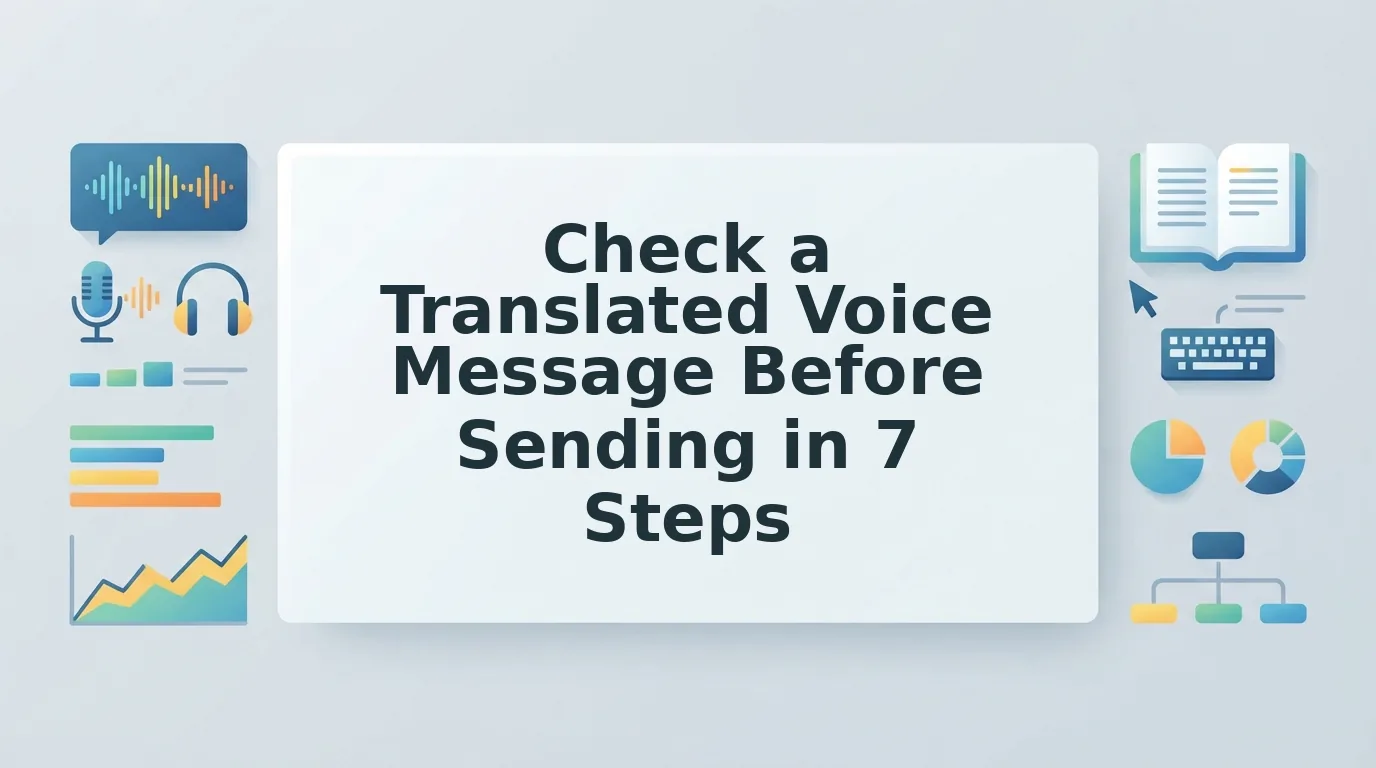
Most popular tutorials cover the opposite situation: how to translate voice messages you receive. This guide is for senders. It gives you a 7-point pre-send checklist that covers language direction, meaning, grammar, filler words, noise, transcript accuracy, and tone.
Before you start, have three things ready: your recorded message, the recipient's language, and a few minutes to review. If you already rely on voice notes for founders, you have the first one covered.
Pay close attention to check #2. Most people skip it, and fluent-sounding translations still get it wrong.
What Should You Check Before Sending a Translated Voice Message?
Before you send, check seven things: the target language and direction, your meaning anchors, complete sentences, filler words, background noise, whether the transcript matches the audio, and whether the tone still sounds like you. A full review takes about three to five minutes.
What you need: your original recording, the recipient's language, and a voice note translator that can clean and translate speech. VClar supports 11 languages.
- Confirm the target language and direction (15 seconds). Open the language selector. Make sure the source is the language you spoke and the output is the language the recipient reads. The translated transcript should appear in the recipient's language, not in yours.
- List your meaning anchors (1 minute). Write down every name, number, date, and amount you said. Then find each one in the translation. Every anchor should appear with the same value it had in the original.
- Complete any half-finished sentences (30 seconds). Fix grammar in a voice message before you translate it, because a fragment in the source becomes a confusing fragment in the target. When this step is done, each sentence should have a clear subject and verb.
- Strip fillers from the source (30 seconds). Remove filler words from audio, including "um," "like," "you know," and false starts, so they don't get translated as literal words. The cleaned clip should sound like one decisive take.
- Clean background noise (30 seconds). Listen for car hum, street traffic, or a home-office fan, as well as breaths and mouth clicks. When you're done, your voice should be the only thing in the foreground.
- Read the transcript while the audio plays (1 minute). Recipients often read the transcript instead of listening, and tutorial videos regularly show people doing exactly that. The transcript should contain no words that aren't in the audio, and the audio should contain none that are missing from the transcript.
- Listen for your own tone (1 minute). Check that the result keeps your cadence, accent, and intent rather than sounding like a generic synthetic voice clone. An accent or non-native phrasing is not an error. It is part of your voice.
Why clean the message before you translate it? Translation engines convert what you said, not what you meant. That means hesitations, repeated words, and unfinished clauses in the original recording get carried into the target language, where they often read as confusion or uncertainty. Cleaning first gives the translator complete, direct sentences to work with, and complete sentences translate more reliably than fragments.
Illustrative before: "So, um, basically we could, like, do the pilot in⦠March? Or, you know, whenever."
Illustrative after: "We can start the pilot in March, or on a date that works for your team."
Here is how that looks in practice. A B2B sales rep following up with an enterprise buyer who speaks another language records the follow-up, cleans the fragments and fillers, and only then translates the polished version.
VClar handles cleanup and translation in a single pass while keeping your natural voice. Browse more spoken-clarity guides for related workflows.
How Do You Know the Translation Kept Your Meaning?
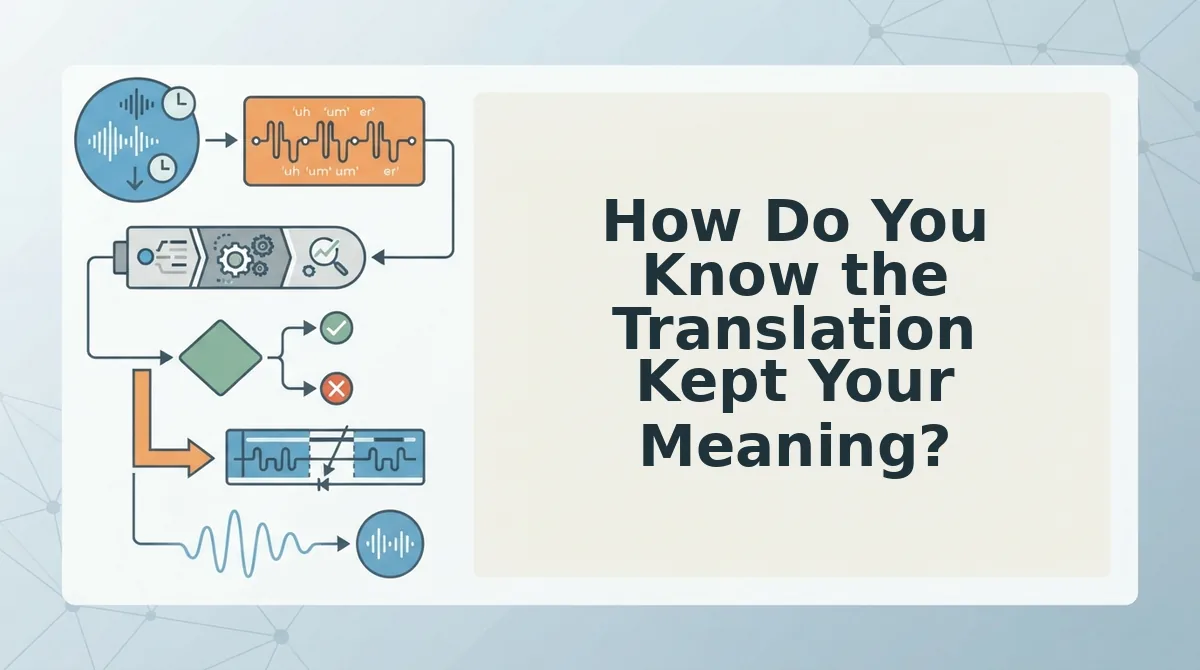
You know the translation kept your meaning when every meaning anchor matches the original and a back-translation reads the same as what you said. Back-translation is a verification technique that converts the output back into your own language so you can compare the two versions directly.
Meaning anchors are the specific facts a message cannot afford to change. They include:
- Names of people and companies
- Numbers and percentages
- Dates and deadlines
- Monetary amounts and currencies
- Proper nouns such as product names and places
Simple: Scan the translated transcript for each anchor. This is the check from #2 that most people skip, because fluent output sounds correct even when one figure has drifted.
Intermediate: Treat the process like reading a phone number back to someone over the phone. You aren't judging the style. You are confirming that the digits survived.
Advanced: How do you verify a translation into a language you don't speak? Run a three-step back-translation spot check. First, translate the output back into your own language. Second, compare each name, number, date, and amount against your original recording. Third, flag any anchor that drifted, along with any sentence whose intent changed, and fix those before you send. This works even when you can't read the target language, because you only ever judge the text in a language you understand.
Wording that differs slightly is fine. A changed anchor is not.
Once you've verified the meaning, the next decision is whether to re-record, fix, or send.
Should You Re-record, Fix, or Send?
But accuracy isn't the whole story. Re-record only when the meaning in your source recording is wrong, fix the message when the problem is delivery, and send as-is when the only issue is minor.
Re-recording has one real strength: it is the only way to change what you actually said. For everything else, a fresh take often brings new fillers and new stumbles.
| Error type | Action | Why |
|---|---|---|
| Wrong target language | Fix | Your source audio is fine. Choose the correct language and translate again. |
| Wrong number or name in the source | Re-record | The error is in what you said, so editing the delivery cannot correct it. |
| Sentence fragment | Fix | Spoken grammar correction can complete the thought without changing your intent. |
| Filler words | Fix | Removing "um," "like," and false starts tightens the message without a new take. |
| Background noise | Fix | Noise, breath, and mouth-click reduction cleans the audio you already have. |
| Tone sounds slightly off | Send as-is | Your natural cadence is part of your voice. Re-record only if the tone changes the meaning. |
Worked example: A freelancer reviews a translated client update and finds three fillers and one unfinished sentence. Both rows in the matrix point to "fix," so the freelancer cleans the existing recording and does not re-record it.
Best for founders and sales reps: re-record only when a figure or name is wrong. Best for creators and cross-border operators: fix delivery issues and keep the original take.
If you send client updates every week, see how voice notes for freelancers fit into a one-take workflow.
Frequently Asked Questions
These answers cover the sender-side questions people ask most often.
Can I translate a WhatsApp voice note before sending it?
Yes, but you process the recording before you share it. Most popular tutorials explain how to transcribe and translate voice notes you have received. To send a translated note, record or upload your audio to VClar, review the cleaned translation, and then share the file in WhatsApp.
Will translation change my accent?
No. VClar keeps your natural tone, accent, and rhythm. It does not replace your voice with a synthetic clone, so the translated message still sounds like you. Only fillers, spoken grammar slips, and background distractions are removed.
Which languages can I check?
VClar supports 11 languages: Hindi, English, French, Japanese, Korean, German, Russian, Portuguese, Spanish, Italian, and Chinese. Together, these languages cover 110 translation directions, so you can move a message between any pair.
Why should I clean a voice message before translating it?
Cleaning first removes fillers, false starts, and fragments that can confuse a translation. When the source sentence is complete, the translated sentence is easier to check and less likely to carry over awkward phrasing.
Send It Once, Send It Right
You can end the re-record loop by recognizing that most errors do not need a new take. Only a mistake in what you actually said requires you to record again.
Use this 30-second habit before every send:
- Check the anchors: names, numbers, dates, and the target language.
- Check that every sentence is complete.
- Listen to the audio for fillers and noise, then compare it with the transcript.
- Confirm that the tone still sounds like you.
Keep the order simple: clean first, then translate. Clean and translate your next voice message in one take, and send it in your own voice with confidence.