
Your teammate in Seoul records a two-minute voice note. You replay it twice, catch the deadline, miss the third sentence, and type "can you send that in text?"
Translating voice messages in a multilingual team fails right there. Every message crosses three layers before a colleague understands it: a language, a filler layer, and a fragment layer. That is the triple translation tax, and it gets paid in re-records, re-listens, and quiet misunderstandings.
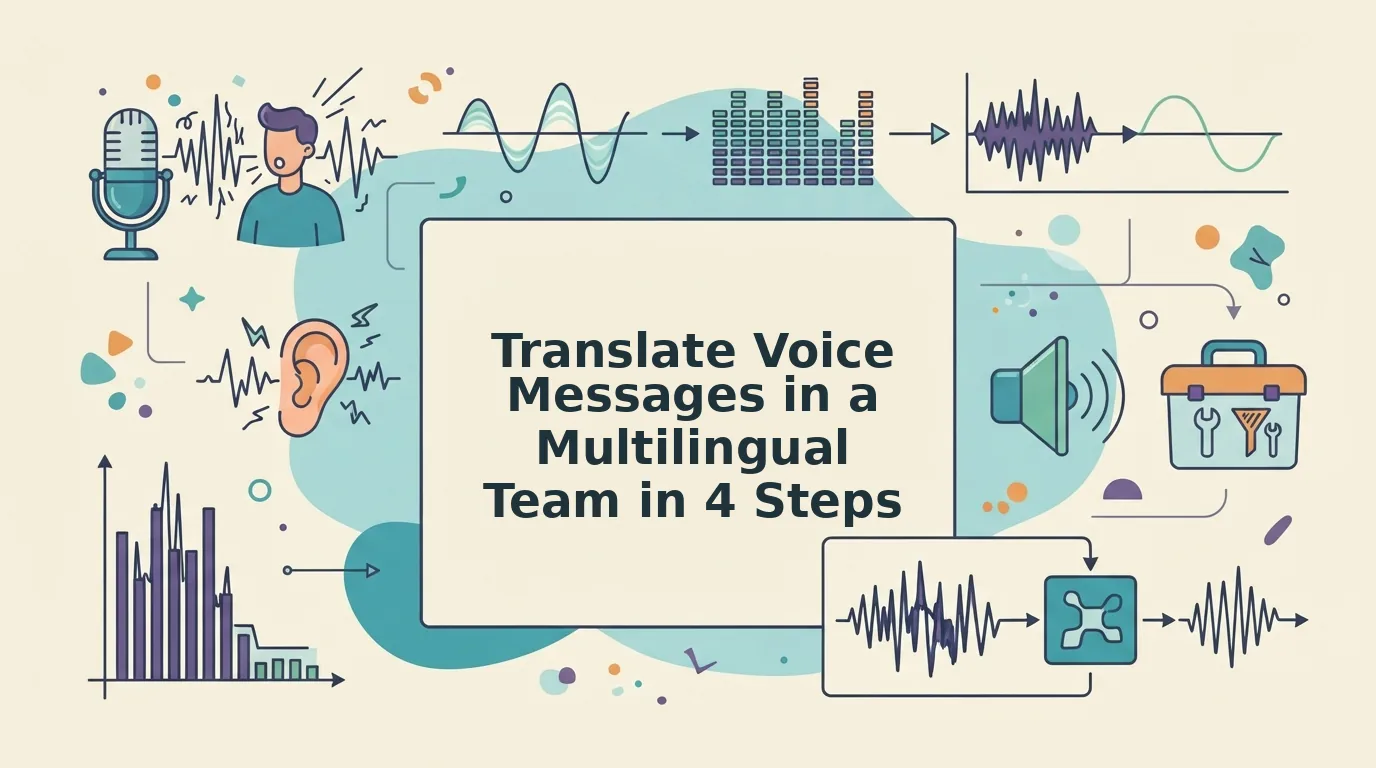
How can a multilingual remote team share voice messages everyone understands? Four moves, in this order: record the note in your native language, clean the audio, translate once into the team's shared language, then confirm by transcript. Native recording preserves intent, audio cleanup removes fillers before they cross languages, a single translation pass stops drift, and the transcript lets everyone verify names, numbers, and next steps without replaying the file.
Cleaning the audio before it travels clears two of those three layers, and the fix turns out to be recording order rather than better English.
Below: who the loop fits, the four steps in detail, and what raw versus cleaned output actually looks like.
Who This Voice Message Workflow Is Built For
This workflow fits teams that already send updates by voice and lose them at the language border. Five roles in particular.
- Cross-border product teams. Design and engineering threads spanning two or three languages. Everyone records in the language they think in, so the shared channel stays readable instead of dissolving into half-translated threads.
- Founders sending updates. One recorded update beats five written summaries. Clean the take once and the same message ships to every language the team works in.
- B2B sales follow-ups. Deal context after a call is spoken and nuanced. Record the recap natively, clean it, translate once, and the buyer hears your tone rather than a synthetic reader.
- Agencies and consultants. Client recaps cross borders weekly. The transcript becomes a written record you can paste straight into a project doc.
- Support teams splitting shifts. Handoffs across regions need the previous shift's judgment intact, including the hesitation about an edge case that a summary would flatten.
It is not for single-language teams, live negotiation, or anything that needs legal or HR sign-off in real time. Those need a person in the room, not a cleaned file.
VClar covers the cleanup and translation pass in one place while keeping your accent and rhythm intact.
How Does the Native-First Loop Work in Four Steps?
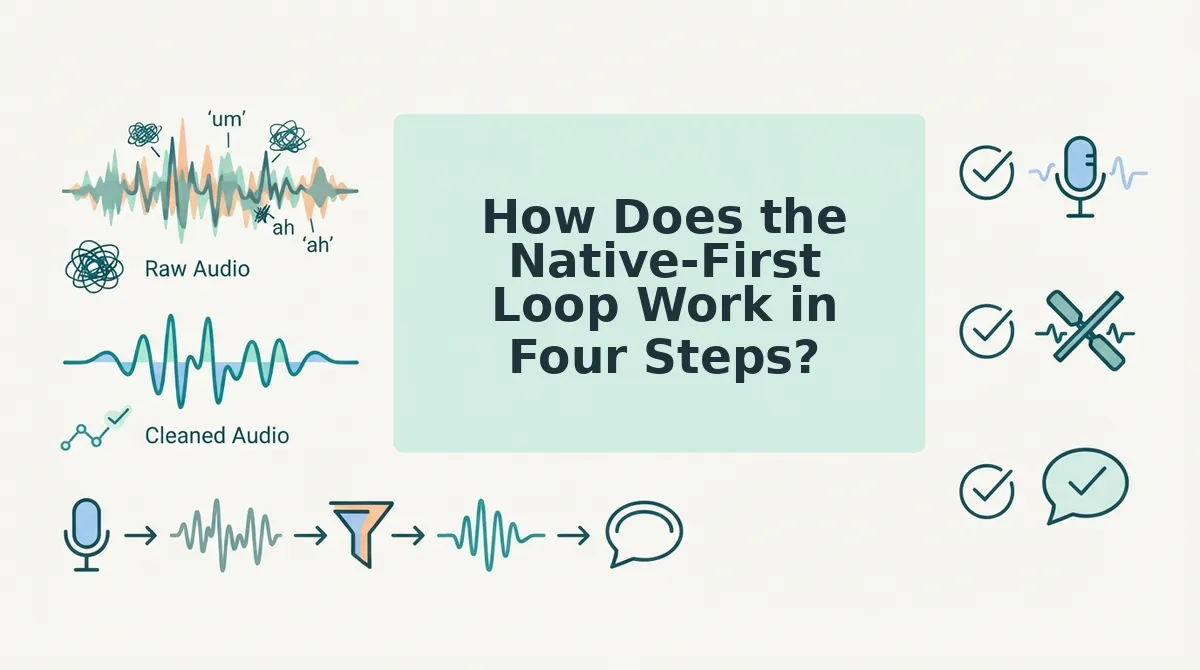
The Native-First Loop is a four-step order for cross-language voice messages: record in your native language, clean the audio, translate once, confirm by transcript. Cleanup comes before translation because fillers and broken fragments survive a language swap and land intact in the target language.
You need three things first: a phone or laptop mic, a decided target language for the channel, and the habit of sending the transcript alongside the audio.
Here's the part most playbooks skip. Steps two and three stay separate on purpose â one repairs the source, the other swaps the language, and reversing them means editing a translation instead of fixing a recording.
- Record in the language you think in. Open your voice recorder and speak the update once, slowing slightly on names, numbers, and dates. One take is enough; you should end with a file you did not rehearse. Failure mode: recording in careful English, which trades intent for self-editing. Time: one to two minutes.
- Upload and clean the audio. Upload the file and let VClar remove filler words from audio, fix spoken grammar and false starts, tighten phrasing, and cut background noise, breath sounds, and mouth clicks while keeping your accent and rhythm. Success looks like a note running shorter that sounds decisive. Failure mode: translating raw audio, which carries every "um" across the border. Time: under a minute.
- Translate once, into the shared language. Select the target language and translate the cleaned file, not the original â the voice note translator covers 11 languages and 110 directions. You should hear yourself speaking the second language, not a reader. Failure mode: translating first and then editing the target text, which fights the translation instead of the source.
- Confirm by transcript. Read the transcript before sending, check names, figures, and dates against what you said, then post audio and transcript together. Recipients can scan the text on mute and listen when they can. Failure mode: sending audio alone into a channel where nobody can play it.
If the question is how to translate a WhatsApp voice note to English without retyping it, forward the file rather than transcribe it by hand: upload the recording, run the cleanup pass, choose English as the target, then share the audio with its transcript. Retyping loses tone and takes longer than the recording did; a transcript alone loses how you said it. Cleaned audio plus transcript keeps both, and the recipient can read it in five seconds or listen in one.
What the difference looks like on paper comes next: raw versus cleaned output for the same fifty words.
What the Output Actually Looks Like, Raw vs Cleaned
Voice message cleaning is the repair of spoken grammar at the audio layer â fillers, restarts and dead air cut from the timeline â rather than a rewrite applied to a transcript afterward.
The distinction matters. Think of it like editing a home video: you cut the seconds where the camera pointed at the floor, but you never reshoot the scene with different actors.
That's the theory. Here's the 60-second version â the same standup update, three ways.
1. Raw spoken transcript. "Okay so, um â quick update on the Q3 pipeline. We closed, uh, two of the three enterprise deals, like, basically on schedule. The third one is â sorry, restart â the third one slipped to next week because legal is still, you know, reviewing. Which is, yeah."
2. Cleaned script. "Quick update on the Q3 pipeline. We closed two of the three enterprise deals on schedule. The third slipped to next week because legal is still reviewing the redlines."
Same order, same words, same short sentences â tightened, not formalized.
3. Translated audio plus transcript. The recipient hears the update in their own language and reads the cleaned transcript while listening, so tone and intent get verified without a call. The file then travels onward as translated WhatsApp voice notes.
How do you translate a voice memo without retyping it? You skip transcription as the input. Upload the original audio, let filler removal and spoken-grammar repair run on the file, then translate the cleaned audio into the recipient's language. The transcript that returns is a confirmation layer, not the source. The order matters: translating a written script and reading it aloud yields a flat, machine-paced message, while translating audio that was already cleaned keeps the speaker's cadence, emphasis and pauses intact for whoever listens.
What Voice Message Translation Cannot Fix
Voice message translation cannot fix what it never heard in context â a mispronounced name, humor carried by delivery, or urgency that has to land instantly in a second language. Nor does it replace consent before forwarding audio, or a human decision on HR and legal wording.
| Dimension | Live interpretation | Async voice translation |
|---|---|---|
| Latency | Real time; everyone present at once | Each recipient opens it when they can |
| Prep time | Scheduling, agenda, interpreter briefing | Record and send; no coordination |
| Time-zone coverage | Only overlapping working hours | Every zone, any hour |
| Cost | Interpreter time plus platform licensing | One tool subscription; no interpreter hours |
| Original voice | Replaced by the interpreter's | Speaker's own tone and cadence kept |
Which raises the obvious question. Microsoft Teams' own interpretation material and the De Luca and Collaboration Simplified tutorials both show speech-to-speech interpretation running inside a scheduled meeting and mediated by an interpreter â not applied to a single message.
For a team spread across three or more time zones, async beats live for anything that is not a negotiation.
Can Grammarly fix grammar in a voice message? No. It is a text-layer tool, and an "um" or a dangling fragment buried inside an audio file is invisible to it. The filler has to be cut from the waveform before any grammar pass can even see the sentence, which is why repair happens at the audio layer â see fix grammar in a voice message. Re-recording the note in careful English is the alternative, and it is slower than cleaning.
- Consent before you forward anyone's translated audio.
- Humor, idiom and sarcasm, which rarely survive a literal pass.
- Urgency, HR and legal messages, which a person should deliver.
Best for scheduled negotiations: live interpretation, where the mediated conversation is the point. Best for distributed teams: async translation, where nobody has to be awake at the same hour.
Compare the two approaches in VClar vs Grammarly for spoken audio before your next send.
Start With One Message, Not a Team-Wide Policy
The loop is one line: native in, clean the audio, translate once, confirm by transcript. That is the whole payoff â nobody on the team re-records in a second language just to be understood.
You do not need a rollout meeting. Clean a single voice message you were going to send anyway. Translate that same message into one teammate's language and send the audio with its transcript. If their reply comes back on the substance rather than on your phrasing, extend the loop to the wider team.
The habit compounds: the first cleaned note sets the standard for what a clear update sounds like, and people copy the format before they copy the tool.
Open VClar's voice message translator, record one note, and hear what your first take sounds like with the fillers gone. It is the same loop that voice notes for founders runs on every week â and once you have it, your next message in a second language sounds like you, in one take.
You can also translate a voice message.