
You have already recorded the memo: ninety seconds, one take, a recipient on the other end who does not speak the language you spoke it in. Now you are deciding what to send.
Weighing VClar vs AudioPen for translating a spoken memo comes down to one question that feature grids blur â what do you need to hand over? AudioPen is built to return written notes. VClar is built to return a cleaned voice in the listener's language, across 11 languages and 110 translation directions per vclar.com/languages/.
Both tools exist because of the same friction. Raw memos carry fillers, pauses, and disjointed grammar that undercut your authority, so the instinct is to record again â the exact loop both products are meant to end.
What follows is a plain split of the two workflows, a four-question test that routes you to one of them, and the order of operations most comparison pages skip. One finding worth holding onto: the sequence in which you clean and translate shapes the result more than the tool choice does.
No prices, benchmarks, or head-to-head test results appear below â none were supplied â so product behavior is attributed to each vendor's own documentation. If you want to hear the difference before deciding, upload a rough draft memo and let the enhancer strip the fillers first.
So which one delivers a translated spoken memo?
A translated spoken memo is a message delivered in a second language, and the format you pick â text or audio â decides which tool can finish the job. AudioPen translates what you said into text; VClar keeps you saying it in another language.
The two-sentence verdict: AudioPen gives you your words in another language as writing. VClar gives you your words in another language as a cleaned voice recording. Neither is a downgrade â they land in different inboxes.
The split is easier to hold if you picture a translated novel versus a dubbed film. The novel carries the words; the dub carries the performance. A translated transcript carries your words, a translated voice carries your delivery â and whether either preserves your tone is something you judge by listening, not by reading a claim.
Start with the simplest version: one recorded memo, routed two ways. The text route ends with a transcript you paste into email or a project thread. The audio route asks more of the source file, because fillers, pauses, and false starts survive into the translated take unless something removes them first â which is why a voice message translator that cleans before it converts tends to produce a shorter, more decisive result.
A voice message translator is a tool that takes a spoken recording in one language and returns the same message in another, as text or as audio. Language coverage and output format are separate specs, so check both before you commit. A tool can list wide language support and still hand back only text, just as it can produce audio within a narrower set of pairs. Confirm AudioPen's current translation languages and output behavior on its own product pages rather than repeating a secondhand claim as fact.
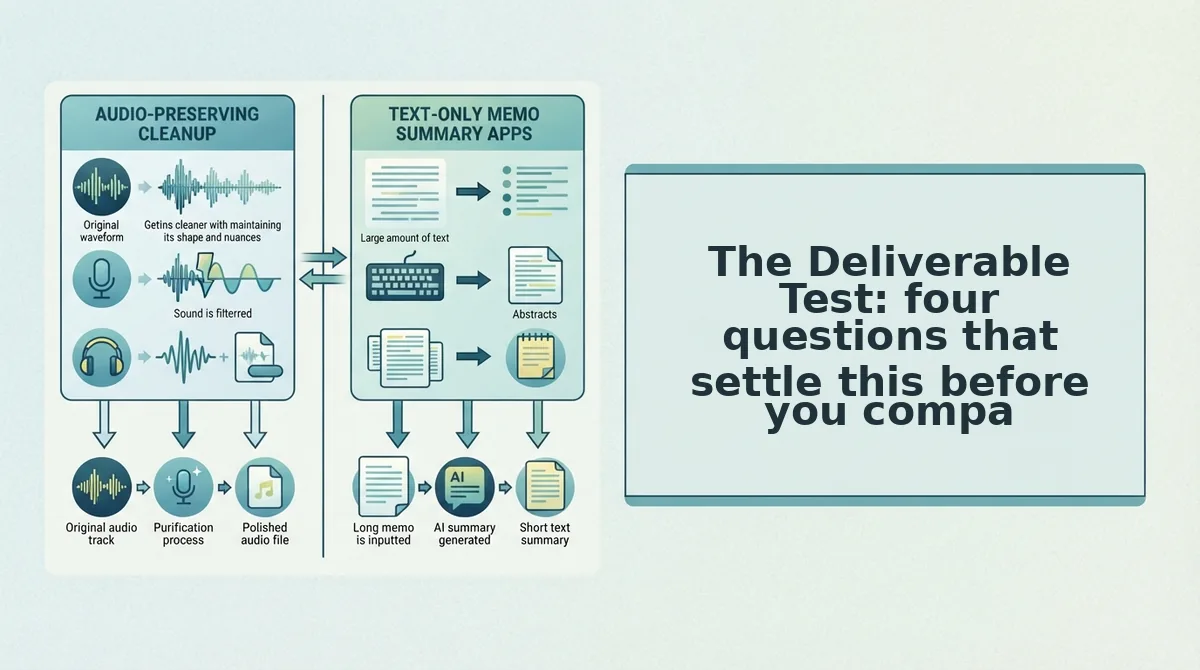
The Deliverable Test: four questions that settle this before you compare features
The Deliverable Test is a four-question routing check that decides which workflow you need before any feature comparison starts. Answer them in order and the tool choice usually makes itself.
- Does the listener need to hear it or read it? Reading routes you to a transcript workflow; hearing routes you to an audio workflow. This single answer eliminates one option most of the time.
- Is your voice itself part of the message? A pricing confirmation can travel as text. A tense client update or a founder's pitch carries authority in the delivery, and text strips it out.
- Is this one recipient or a channel that gets forwarded? Anything forwarded gets read in pieces, often on mute, which favors a written artifact alongside the audio.
- Does the source speech need repair before it can be translated? Heavy fillers, false starts, or non-native phrasing mean the recording needs cleanup upstream, not a better translation engine.
| What the listener receives | AudioPen workflow | VClar workflow |
|---|---|---|
| Text only, original language | Its described strength â structured written notes | Available as transcript output |
| Cleaned audio, original language | Not the described output | Core function â fillers, noise, and clicks removed |
| Translated text | Translation step into written text | Transcript in the target language |
| Translated audio | Not the described output â verify on vendor pages | Core function â voice kept, language swapped |
The two tools sit on different rows rather than competing on one. That is also where AudioPen earns its place: if the deliverable is a readable summary of a rambling note, its focus on written output is a genuine advantage, and forcing an audio-first tool into that job helps nobody.
Best for the researcher or project lead who wants reading material to skim and file: AudioPen. Best for the founder, sales rep, or cross-border operator sending one spoken message to one listener who must hear the intent: VClar.
Now the sequence. Clean the audio, verify the cleaned version says what you meant, translate, then deliver. Filler removal and spoken-grammar repair belong on the audio before translation, not on the transcript after it â remove filler words from the audio first, then fix spoken grammar before translating so the translator is not working from a rough source. Non-native phrasing is where this matters most, and the supported language pairs determine where it can run at all.
That leaves the question most buyers ask second: can AudioPen translate a spoken memo into another language as audio?
Can AudioPen translate a spoken memo into another language as audio?
According to AudioPen's own product documentation, a spoken memo becomes written text, and its language setting governs that text output rather than returning a second voice recording. Audio translation â a new audio file in the listener's language â is a separate deliverable.
Audio and text are two different deliverables, and that distinction decides the tool. Transcript translation converts speech to writing and then rewrites that writing in another language: the output is something you read, search or paste into an email. Audio translation keeps the recording and re-renders the spoken words in the target language, so the listener hears pacing and tone instead of reading a paragraph. If the recipient will read, a transcript is enough; if they will listen, you need audio back.
Transcript translation is the process of turning spoken audio into text and then rendering that text in a second language, so the original voice never reaches the listener. Think of subtitles versus dubbing: subtitles let you read a film in your own language, dubbing lets you hear it in your own language.
That doesn't make the text route a downgrade. It's the right call for long recordings you'll skim, notes you need to search later, or a memo destined to become an email. Text is easier to quote and archive.
The harder question is sequence. Fillers and false starts are speech problems, so translating before you remove them means paying to translate noise. Clean first â strip the fillers, correct spoken grammar, tighten phrasing â then translate. The translating a voice memo workflow runs in that order and keeps your own voice in the output.
AudioPen's language setting and output scope are described on its own product pages and should be re-verified before you commit; the vendor's documentation is the source of truth on current capabilities.
If your listener needs to hear you rather than read you, take the memo already on your phone and run it through the clean-then-translate path.
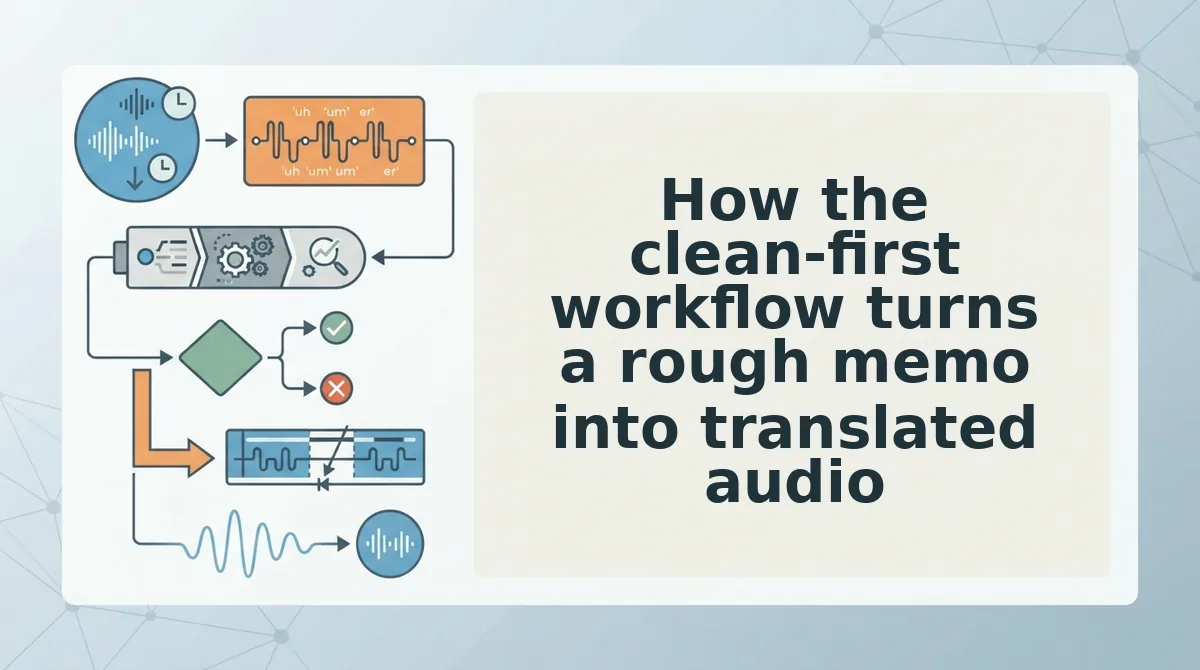
How the clean-first workflow turns a rough memo into translated audio
The workflow is six moves in a fixed order: record once, strip filler words, repair spoken grammar, check the cleaned cut against your intent, translate into the listener's language, and send. The recording you already have stays the input at every step, so the second take never happens.
That is the finding the intro promised, and it's less about which tool wins than about sequence. The deciding variable is whether cleaning happens before translation â not how many languages a dropdown lists.
Walk it with a founder carrying a roughly 90-second investor update bound for a Tokyo-based LP. The raw memo opens with two false starts, carries a handful of "basically"s, and trails off near the end. Record it once. The repair steps VClar documents â filler-word removal, spoken-grammar correction, tighter phrasing, and reduced background noise, breath sounds and mouth clicks â run on that file while the speaker's tone, accent and rhythm stay intact.
Listen back once, confirm the cleaned cut says what you meant, then translate into Japanese. VClar documents 11 languages and 110 translation directions, so the choice is a selection rather than a guess about coverage.
The no-re-record answer, plainly: nothing in this sequence asks you to perform the memo twice. Your original voice is the asset, and the cleanup plus the language switch are edits applied to it rather than performances you have to repeat.
Two next steps worth taking now. Run the order once on a memo you've already recorded using the voice message workflow, and if your updates cross borders, read the founders sending investor updates walkthrough for the same sequence in context.
The memo sitting on your phone is already the first draft. From here, clarity is a matter of order â clean it, check it, translate it, send it.
You can also translate a voice message.