
The memo is already sent: recorded in a parking garage with the fan on, addressed to someone who does not share your language, and impossible to reshoot.
That file carries two defect layers at once â the ambient sound around your voice, and the disfluency in it. To translate a noisy voice note, clean the source first, because translation inherits every defect it is handed.
The clean-first workflow exists for one reason: translation is the last step you can still fix cheaply. After it, every edit means reading a language you may not control.
This guide gives you the order, a triage method for deciding which car noise is worth fighting at all, and the repair pass that turns a spoken fragment into a complete thought before the language step begins.
One result runs against intuition: the loudest noise in your recording is rarely the one that ruins the translation. Steady hum is the easy case.
VClar's voice message translator strips fan hum, breath, and filler words from the source audio, then translates the cleaned note across 11 languages without altering your tone or accent.
Why should you clean the audio before you translate it?
Clean the audio before you translate it because noise removal and filler cleanup repair the source signal in the language you actually spoke, while translation only renders whatever signal it receives. Reverse the order and every defect arrives in the output already converted.
Source-signal repair is the process of fixing a recording's audio quality and spoken wording in your own language before any language conversion happens.
For a memo recorded in a car, the working sequence is triage, repair, translate: import the file, run noise reduction and de-click to strip fan hum and mouth sounds, cut filler words and false starts, rewrite any sentence that trails off into a complete one, then translate that cleaned version into one target language. Aim for a memo short enough to review line by line, with one named listener in mind. The result is a translated note that sounds like a decision rather than a transmission.
Translate first and you tidy a rendering of a damaged source. A fragment stays a fragment, now sitting in a language you cannot repair by ear, and a filler word that carried no meaning in English surfaces as a hedge the listener reads as uncertainty.
Translation behaves like a photocopier, not a filter: it copies whatever sits on the glass, coffee stain included. Cleaning first keeps the repair work on speech you can hear and judge, in your own words and your own accent.
The sequence needs four things before you touch a tool: the recording you already have, one target language, one named listener, and a memo short enough to review line by line. Any of the four missing turns the pass into guesswork.
VClar runs cleanup and the language step in that order, so hum and fillers are gone before any translated audio is generated.
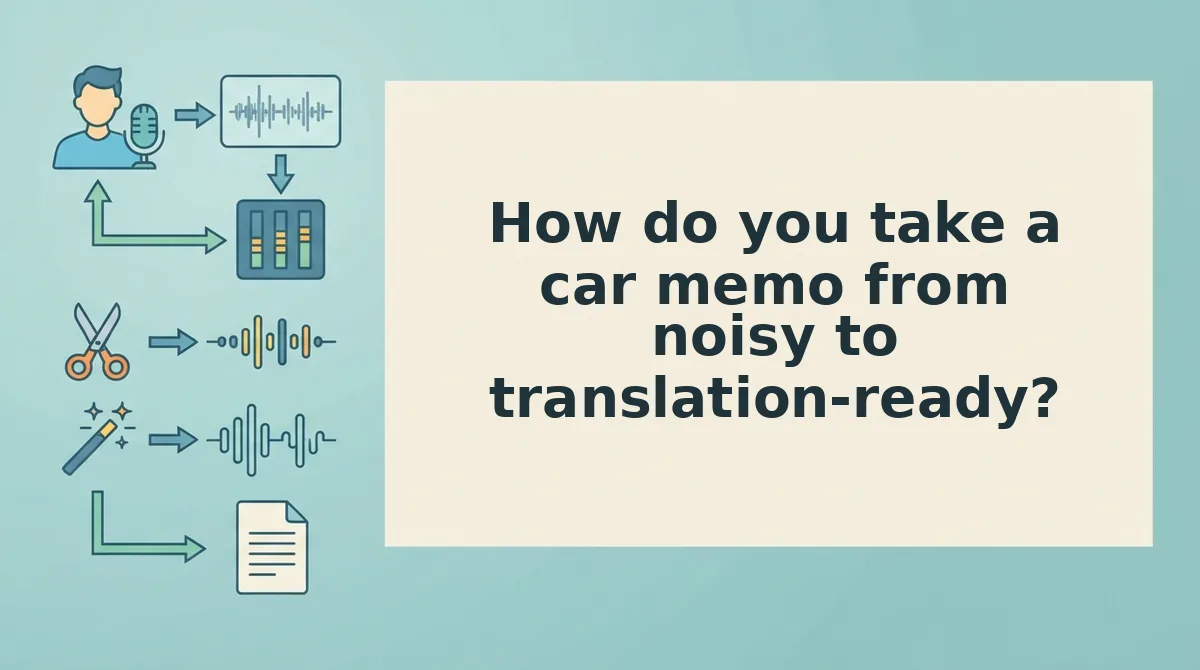
How do you take a car memo from noisy to translation-ready?
Take a car memo from noisy to translation-ready in five steps: import the original file, triage each noise by whether it survives translation, run cleanup, repair fragments into complete sentences, then translate the cleaned version. A one-minute note takes about 15 minutes end to end.
You need the memo you already recorded, one target language, one named listener, and a tool that can clean audio and repair wording â remove filler words from audio covers the audio side.
Which car noise survives translation?
| Noise in the recording | What it does to your speech | Survives translation? | What to do |
|---|---|---|---|
| Steady fan, AC hum, engine idle | Sits under the voice at one pitch | No â masked by noise reduction | Clean it; no re-record |
| Wind buffeting, plosives on "p" and "b" | Clips or smears the consonant | Partly â recoverable if brief | Clean it; re-record the word if the consonant is gone |
| Breath, mouth clicks, lip smacks | Occupies the gaps between words | No â removable | De-click and gate |
| Road roar at speed | Buries whole syllables | Yes â unrecoverable | Re-record that one sentence in a quieter spot |
| Overlapping speech (passenger, radio) | Competes with your voice at the same volume | Yes â cleanup cannot separate it | Re-record with the source silenced |
- Import the original file. Upload the recording rather than playing it through a speaker, which re-records the room. You should see the full waveform with the hum visible as a flat band between phrases.
- Triage against the table (2 minutes). Note the timestamp of any row marked as surviving translation. Outcome: a short list of sentences to re-record, usually one or two.
- Run cleanup. Apply noise reduction, de-clicking, and filler removal in a single pass. Success looks like the hum dropping out between words while the voice stays exactly where it was.
- Repair the fragments (5 minutes). Read the transcript against the audio and rewrite anything that trails off, then fix grammar in a voice message where spoken phrasing collapsed.
- Spoken: "so the shipment, uh, lands Tuesday and â I mean, if customs holds it, then â"
- Repaired source: "The shipment lands Tuesday. If customs holds it, I will call you Wednesday morning."
- What the listener now hears: a commitment with a fallback, not a clause that stops mid-air.
- Translate into one target language. Generate the output and listen once at normal speed. You should hear complete sentences with no filler surviving as literal phrasing â "like" and "basically" can arrive as comparisons or hedges, an observation from practice rather than a measured finding.
The translated file is not the finish line â next comes the check that it still says what you meant.
How do you check the translation kept your meaning?
Run a five-point review pass before you send: register, numbers, tail, side-by-side comparison, then a listen-only test. The step is a stage, not a button, and it takes a couple of minutes.
Review means opening the cleaned transcript beside the original and reading them as two separate documents. Confirm the register still sounds like a colleague speaking, confirm every number, date and proper noun matches character for character, and confirm the final fifteen seconds still land as a finished thought. Then play the translated audio once without reading anything, exactly as the recipient will. If you understand the ask on that single pass, the memo is ready. If you have to rewind, the fault is almost always the tail of the recording, not the vocabulary.
- Register check. A translated line should sound like a colleague speaking, not like a document being read aloud. Machine output drifts formal whenever the source is casual, and listeners read that stiffness as distance. Read the opening sentence out loud and loosen anything you would not say to a coworker.
- Numbers, dates and proper nouns. These are the items that survive cleanup intact but drift in translation. Compare every digit, date format and surname against the original character by character. A swapped month or a shortened name is the error recipients notice first and forgive last.
- Tail check. The last fifteen seconds of a car memo are where a sentence most often dies, and that is precisely where a machine render sounds most confused. Read the closing line of the transcript and confirm it ends a thought rather than trailing into one.
- Side-by-side transcript comparison. Place the cleaned transcript and the translated transcript in two columns and scan for omissions rather than wording. With timeline-based editors you scrub a waveform to find the same passage; a text-against-text view is faster when the question is meaning, not timing.
- Listen-only pass. Play the translated audio once with the transcript closed, then state the memo's ask in one sentence. This is the only test that matches what your recipient actually does. Across the 11 supported languages the rule holds: if the ask is unclear on one listen, fix the source and re-run.
In VClar the cleaned transcript, the translated transcript and the audio sit in one view, so this checklist is a two-minute pass instead of a second tool.
Frequently asked questions about noisy voice notes
How do I translate a WhatsApp voice note to English?
Export the voice note from the chat, upload the audio, clean it, then select English as the target. Cleaning first matters because chat apps compress voice notes heavily, and a translator working from already-damaged source audio inherits every artifact it is handed.
How long should a voice note be before I translate it?
Roughly thirty to ninety seconds per translated segment. Longer memos drift in tone midway and make line-by-line review expensive, because you have to hold too much context at once. Past ninety seconds, split the recording and translate each part separately.
Does cleaning a voice note change how I sound?
No. Cleanup keeps timbre, accent and rhythm intact and removes hum, breath sounds and mouth clicks. You get your voice with the room taken out, which is why the translated version still sounds like you rather than a generic narrator.
Can I skip cleanup if the background noise is mild?
Sometimes. Mild steady noise such as road hum or air conditioning is often survivable. Overlapping sound is not: the moment a horn, a radio or a second voice occupies the same instant as your words, information is gone and no translator can recover it.
Send the memo that sounds like you in any language
The fix for a car memo is almost never a better microphone. It is the order of the work: triage the noise, repair the speech, then translate and review. Three moves in that sequence turn a recording made at a red light into a message someone abroad understands on the first listen.
Start with one memo you already have. Upload it to the VClar voice note translator, run the cleanup, choose your target language, and walk the review checklist before you hit send. If you record async updates for a team or investors, the voice notes for founders workflow runs those same three moves as a weekly habit.
The recording in your car is usually recoverable, and the only genuinely unrecoverable case is overlapping sound, so check for that first and re-record only then. Clear speech, first pass, in a language you do not speak â that is the outcome worth recording for.
You can also translate a voice message.