
You ran a rough memo through a voice note translator, and the French version came back with the ums still in it. The half-finished clauses stayed half-finished, so you re-recorded. Then you re-recorded again, and the third take still isn't one you want to send.
That loop is common, and it doesn't mean you lack effort. Raw voice memos carry verbal fillers, awkward pauses, and disjointed grammar that weaken authority and clarity in any language. The missing step is voice note translation grammar cleanup: fixing the spoken grammar before the note ever reaches a voice note translator.
The thesis is simple. A translator is a renderer, not a polish stage. Translation amplifies what is already in the note. It does not fix it.
Below, you'll learn why the order matters and which three mechanisms turn small spoken slips into bigger translated errors. You'll also get a three-pass workflow (Clean, Repair, Translate) with a clear finish line for each pass.
One of those mechanisms explains how a single missing word can leave the translator guessing the speaker's gender. VClar removes fillers and repairs spoken grammar before translation, so your own voice and cadence carry through.
Why does cleanup have to happen before translation, not after?
Cleanup has to happen before translation because translation engines render what is present in the source. Filler words, false starts, and sentence fragments go in as messy input and come out as the same mess in the target language, where they are often harder to spot and harder to fix.
Spoken grammar cleanup is the process of removing verbal fillers and rewriting broken spoken sentences into complete clauses. It keeps the speaker's meaning and tone intact.
Think of a photocopier. It reproduces a crumpled page faithfully, creases included, and smoothing the original afterward does nothing to the copy. A translator treats your voice note the same way.
Why translating first makes a messy voice note worse
A translator cannot tell which words you meant to say and which were thinking noise. It treats every um, restart, and dangling clause as content to carry over. Once the note is in another language, cleanup gets harder for two reasons. You may not read the target language well enough to spot what went wrong. And any fix means editing a translation of a mistake rather than the mistake itself. Cleaning the source first gives the engine complete sentences, which is the only input it can render accurately.
Three mechanisms cause the damage:
- Fillers map inconsistently. An "um" either survives untouched or becomes an odd hesitation marker that reads as uncertainty in the target language.
- False starts duplicate. "We should, we need to ship Friday" comes through as two clauses that say nearly the same thing.
- Fragments lose agreement. Some languages mark gender, case, or number, and that marking has to attach to a subject. A subject-less clause gives it nothing to attach to.
Here is an example. The fragment "Really happy with the final version" leaves a French translator guessing between content, contente, and contents. The repaired clause "We're really happy with the final version" has one correct rendering: Nous sommes très contents de la version finale.
Cleanup has one honest limit. It will not rescue an inaudible recording, and translation quality still depends on the source being coherent.
Before you start, have three things ready:
- An audible recording
- The source text in front of you
- A target language chosen before you begin
VClar produces cleaned audio and a transcript, so you can read the source text before anything gets translated.
How do you clean and translate a voice note in three passes?
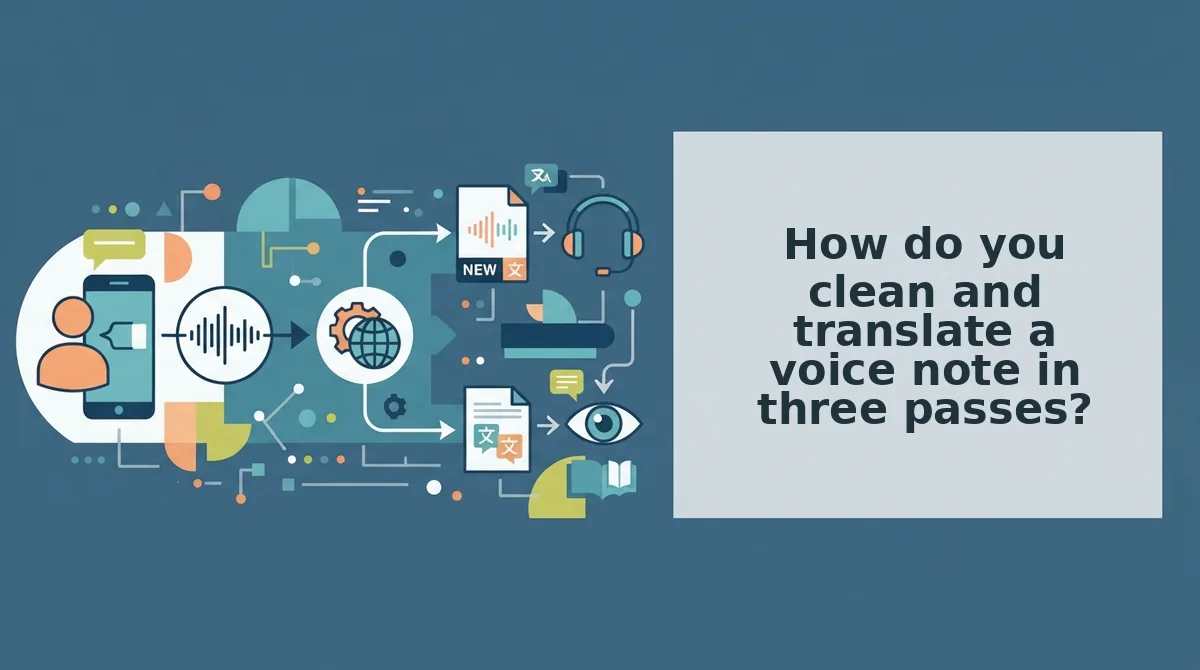
Clean and translate a voice note in three passes, in this order: Clean out fillers, Repair broken sentences, then Translate the finished note. Each pass has an acceptance criterion, so you know when to move on instead of guessing.
Before you begin: have a recorded or uploaded voice note, its transcript open next to the audio, and your target language selected. You won't need a separate timeline editor, because VClar runs all three passes.
- Clean: strip fillers and repair the splice. Record or upload the raw memo, then remove filler words from audio. That includes ums, ahs, "like," "basically," "you know," and repeated false starts. Play the result back once from start to finish. Done when: no filler token remains in the transcript and no audible gap or jump sits where a word was cut. Time: about one listen-through.
- Repair: rewrite fragments into complete clauses. Read the cleaned transcript line by line and repair sentence fragments in a voice message. Give every clause a subject and a verb, and tighten circular phrasing that restates the same point. Done when: every sentence reads correctly as written text and each point appears only once. Time: a minute or two for a short note. The re-record loop ends here, because translation no longer has anything broken to carry forward.
- Translate: render the cleaned note. Select your target language and run the translation. VClar can translate across 11 languages and 110 language directions. It keeps your natural tone, accent, and rhythm, with no synthetic re-voicing. Done when: the translated transcript holds the same points as the repaired source and the audio still sounds like you.
Why the passes run in this order
Cleaning comes before repairing because fillers and false starts hide the real sentence structure. Until you remove them, you can't see which clauses are actually incomplete. Repairing comes before translating because a translator renders exactly what it receives. A fragment sent to translation stays a fragment, and in languages with gender, case, or number marking it can come back grammatically wrong. Translation comes last because it is the only pass that can't fix what came before it. Run the passes out of order, and every error multiplies into a language you may not be able to proofread.
If you think faster than you type and keep re-recording, run your next memo through VClar in this order and send it after one take.
Before you translate, though, confirm that the first two passes actually held.
How to check the cleanup worked before you translate
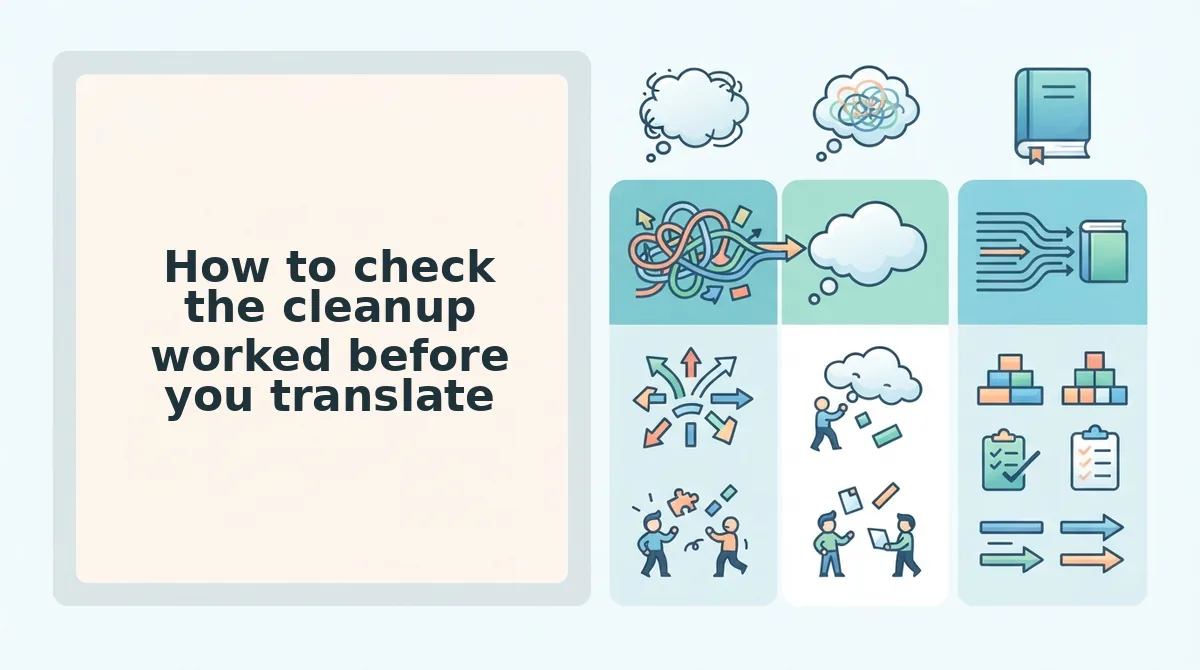
Five checks confirm a cleaned voice note is ready to translate: filler residue, duplicated false starts, subject-verb completeness, sentence boundaries, and a read-aloud test. Run them in pass order and fix failures before the text reaches a translator, because translation reproduces whatever is still there.
- Filler residue count. Count every um, ah, "like," and "basically" still audible on playback. Residue means pass one missed a cut, and the translator will carry that filler straight into the target language. Paste the transcript into the filler word counter when you want a number instead of an ear.
- Duplicated false starts. Scan the first six words of each sentence for a repeated opener, such as "I thinkâ I think we should." A half-removed restart reads as content to a translation engine, which then renders the stutter in the target language.
- Subject-verb completeness in every clause. Confirm each clause states who does what, not only what happens. A clause with no subject gives agreement-heavy languages nothing to agree with, so the engine infers one.
- Sentence boundaries at the right places. Check that full stops fall where one idea closes and the next opens. Merged sentences come back as run-ons the listener has to re-parse while the audio plays.
- The read-aloud test. Speak the transcript once, out loud, at normal pace. Clean-looking text can still stumble in the mouth, and since the output is spoken audio, the ear is the final gate before pass three.
VClar handles the clean and repair passes in a single run, so these five checks take less time than one re-record. Verify the transcript, then translate.
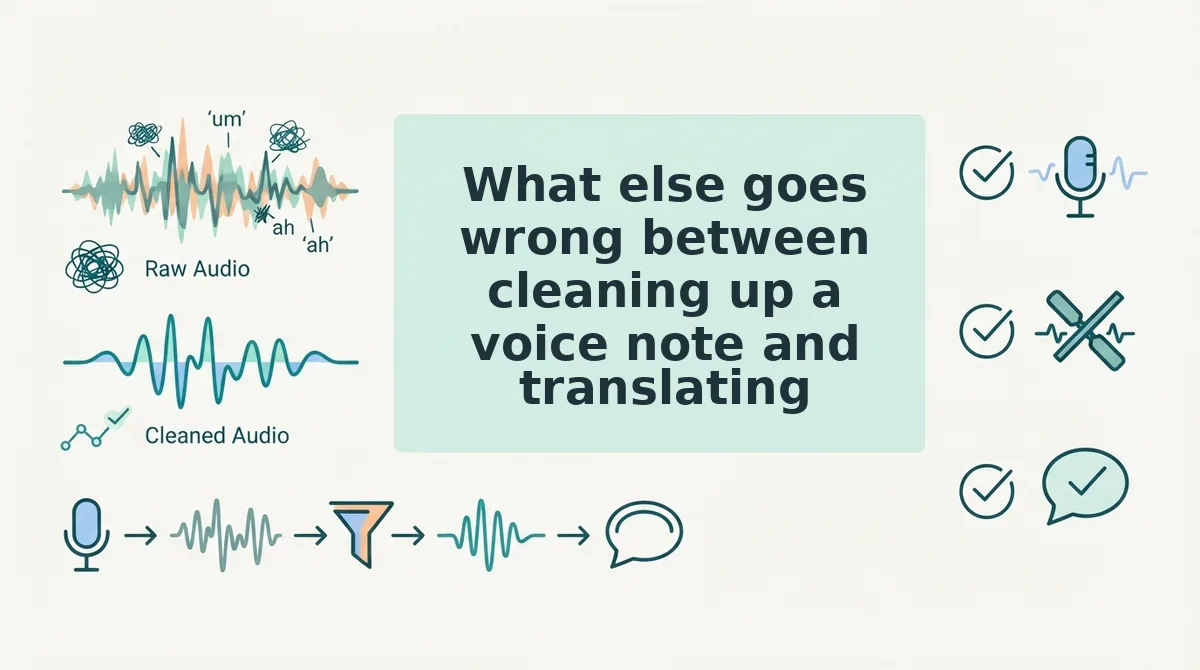
What else goes wrong between cleaning up a voice note and translating it?
Three failures survive an otherwise clean transcript: rhythm holes at splice points, unnecessary timeline work, and short-message handling in chat apps. Each has a specific fix.
Why does my edited voice note sound choppy?
Because deleting a filler word removes the sound but not the space it occupied. The splice leaves a hole in the rhythm, so the delivery stutters across the cut even though the words are gone. Repair the cadence at the splice rather than cutting again.
Do I need timeline editing to clean a voice note?
No. Cleanup is a text-and-timeline problem solved in one pass, not a clip-by-clip session in a DAW. You review a transcript and the audio follows it, so no waveform editing is required.
Does the same order apply to translating WhatsApp voice notes?
Yes â clean, repair, then translate. Chat voice notes are usually shorter, so the first two passes take less time than exporting the file does. The walkthrough on how to translate WhatsApp voice notes follows the same sequence.
Do sentence fragments actually break a translated voice note?
In languages with gender, case, or verb agreement, yes. A subject-less clause gives the engine nothing to agree with, so it infers a subject â and an inferred subject can invert the meaning of the sentence in audio where no one can see the correction.
Start with the note you were about to re-record
Clean, repair, translate â that order is the whole framework, and the reason is mechanical rather than stylistic. A translator reproduces what it receives, so the cleanup pass is the only quality control the target language ever sees.
Run the check on a note already sitting in your drafts. The comparison worth doing is a single recording sent two ways: raw translation, then all three passes, listened back to back. The cleaned version still carries your accent and cadence, which is why it sounds like you and not a polished stranger.
For founders shipping updates across borders, that is the voice notes for investor updates workflow. Then take one memo through translate a voice note end to end and hear the difference yourself â the second version is the one worth sending.
You can also translate a voice message.