
The playback is cleaner, quieter, tighter â and on the second listen you stop hearing your point and start hearing someone else read it. That unease is legitimate, not vanity: whether a cleaned voice note sounds like me is testable in about ninety seconds, on your own audio, before you press send.
Picture a founder recording a weekly investor update â two replays of the cleaned take, cursor hovering over send, still undecided. Top-ranking results on this problem are mic-technique and DAW tutorials plus tool landing pages that play a demo clip and ask for trust; none hands you a test.
This article hands you one: four checks in a fixed order, run as a blind A/B listen. If you record updates often, the workflow in voice notes for founders is the context those checks apply to. Nothing is being sold yet â the outcome and the prerequisites come first. One finding runs against expectation, though: the check most people skip is the one that catches a note that sounds like you and still arrives as if someone else delivered it.
What Changes After Cleanup and What Should Stay the Same?
Cleanup should change how you delivered the note, not who it sounds like. Voice cleanup is processing that evens volume, shortens long pauses and removes filler beats so a spoken note lands decisively â while timbre, accent and cadence survive untouched.
The test needs five things you already have: the original recording, the cleaned version, headphones, a quiet room and ninety seconds. It runs on your own audio, not a demo clip.
Split the file into two layers. The identity layer is timbre, accent, mouth-to-mic distance and the shape of your vowels. The habit layer is fillers, restarts, pause length and pacing. Cleanup should touch only the second â like retouching a photo of a room by straightening the clutter, not swapping out the people standing in it.
That split explains most robotic results. Aggressive noise gating and filler removal applied inside a sentence flatten rhythm, because they cut through the middle of a phrase; deleting whole filler beats between phrases leaves cadence intact. Same tool, different setting, opposite outcome â a settings problem before it is an AI-voice problem. Remove filler words from audio at phrase boundaries and you keep the rhythm; remove them mid-sentence and you take it with you.
Mic-technique tutorials from audio creators answer how to sound professional while recording â a different question from whether the processed file still contains you. Manual cleanup chains in an editor need judgment calls a listener cannot later verify.
Why does a cleaned note sound like a different person?
A cleaned note sounds like someone else when processing reaches the identity layer. Long pauses compressed hard shorten the thinking beats that made the delivery recognizable; heavy gating thins the low end of your voice; sentence-level filler cuts delete the small breaths that carry emphasis. Each change is minor on its own, and together they even out the unevenness that identified you. The repair is to pull processing back until the texture returns, not to re-record â a second take only gives the same tool another clean pass at the same habits.
How Do You Check a Cleaned Voice Note Still Sounds Like You?
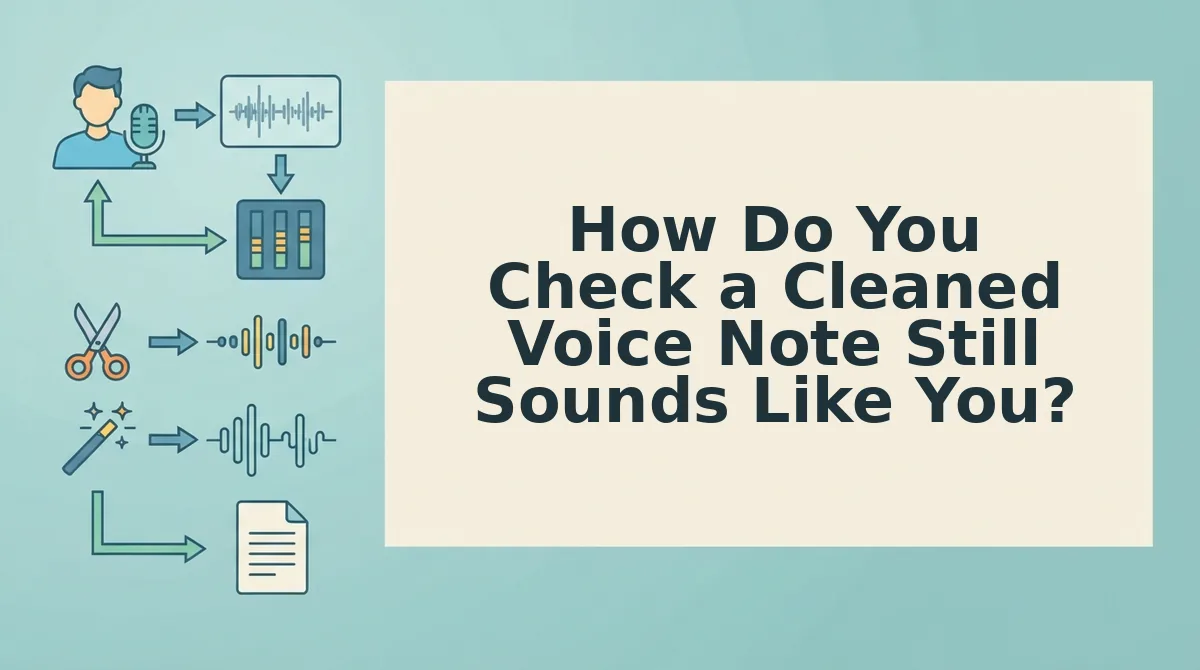
Play the raw take, then the cleaned take, without watching the timeline, and listen for one thing per pass: timbre, then accent, then cadence, then meaning. Four passes at roughly twenty seconds each tell you whether the file is sendable.
- Check 1 â Timbre. Timbre is the weight and texture of a voice, the part that makes two people saying identical words sound different. Ask whether the cleaned file still carries that weight or has gone thin, glassy or over-compressed. Play three seconds of each back to back; the change should register as clarity, not as a smaller body.
- Check 2 â Accent. Listen for vowel shapes and word stress, including the places where you normally flatten or roll a sound. Cleanup that normalizes pronunciation files down regional markers, and that is the shift listeners hear as "not quite you" even when they cannot name it.
- Check 3 â Cadence. Cadence is the rhythm of your sentences â where you speed up, where you land. It is the check most people skip, and the one that catches a note that sounds like you syllable by syllable yet arrives as if someone else delivered it. A sales rep running this pass hears the pricing sentence rushed into the same breath as the greeting.
- Check 4 â Meaning. Confirm every sentence still says what you intended, including the hedges and qualifiers that soften a request. Filler removal can strip a "maybe" that was doing real work and turn an ask into a demand.
| Check | What to listen for | Fails when |
|---|---|---|
| Timbre | Weight and texture of the voice | Thin, glassy, over-compressed |
| Accent | Vowel shapes and word stress | Regional markers flattened out |
| Cadence | Rhythm, pace changes, landing points | Every sentence trimmed to one even length |
| Meaning | Hedges and qualifiers | A softened ask turns into a demand |
Cadence is the failure mode almost nobody diagnoses correctly. A cleaned voice note can pass timbre and accent on every syllable and still feel wrong on arrival, because the cleanup trimmed sentence lengths toward an average and compressed the pauses where you would normally let a number sit. Listeners read that evenness as distance or haste. If your cleaned take consistently runs faster than your normal rate, check your speaking speed against the original before you blame the edit â the raw file tells you which one moved.
Run the four checks as a blind comparison rather than a casual replay, and the next step is timing the passes so you do not listen yourself into doubt.
How to A/B a Cleaned Note in 90 Seconds
To A/B a cleaned voice note, play the raw and cleaned takes back to back and listen for only one check on each pass. Keep your eyes off the waveform. The test takes about 90 seconds and needs no audio editing software.
Before you start: Have the raw take, the cleaned take, and headphones or a quiet room ready. You are testing a specific claim, not a vague impression. That claim is how VClar preserves your voice: your natural tone, accent, and rhythm should stay intact.
- Play the raw take once with your eyes closed (about 20 seconds). Listen only for timbre, which is the texture and weight of your voice. When it ends, you should have a clear mental reference for how you actually sound.
- Play the cleaned take once and listen for the same thing (about 20 seconds). Compare timbre and nothing else. The check passes if the voice is clearly yours, just without the ums and false starts.
- Alternate between the raw and cleaned takes twice more, using one check per pass (about 40 seconds). Listen for accent on pass three and cadence on pass four. One check per pass works better than listening for everything at once, because timbre and cadence compete for the same attention.
- Turn your screen away from the waveform or timeline on every pass. If you can see where the edits landed, your ear starts expecting them. You want to react to the sound, not to visible cuts.
- Say the key sentence out loud, then replay the cleaned version (about 10 seconds). This is the meaning check. It passes if the cleaned sentence says what you meant, in words you would actually use.
Troubleshooting: Sometimes the cleaned take sounds fine on its own but wrong next to the original. If it sounds thinner only at loud moments, the noise gating or compression is working too hard on peaks, not on your voice. Lower the cleanup strength and re-clean.
If you send voice notes every day, build this check into your routine. Record once, remove filler words and background noise, run the 90-second A/B, then send.
When a Check Fails, Should You Fix the Setting or Re-record?
Fix the setting first. Re-clean before you re-record, and re-record one sentence rather than the whole note. A failed meaning check is the exception, because no setting can restore a sentence you never actually said.
The table lists the cheapest action first. A manual audio editor gives you finer control over every cut, which makes sense for a podcast. For a one-take message, re-cleaning keeps you out of the timeline.
| Failed check | First action | Re-record? | Best for |
|---|---|---|---|
| Timbre | Lower noise reduction and compression, then re-clean | No | Creators recording in noisy rooms |
| Accent | Check whether a dialect or language default was applied, which is common when you also use a voice note translator, then re-clean | Not before you re-clean | Cross-border operators working across languages |
| Cadence | Restore the deleted pauses between sentences | Only the single sentence that still feels rushed | Sales teams sending quick follow-ups |
| Meaning | Repair the wording in the text, or re-record the sentence | Yes, one sentence | Founders sending decisions where exact wording matters |
If grammar correction drifted from what you meant, review how to fix grammar in a voice message without changing your intent.
Send the Note That Still Sounds Like You
The question from the intro comes down to four words: timbre, accent, cadence, meaning. A cleaned note that passes all four checks still sounds like you. That is the goal, not a studio-quality recording.
Most people fail the same check every time. Once you know which one is yours, the protocol becomes a personal default rather than a one-off inspection.
The math also favors checking. The four checks take ninety seconds, while a re-recorded note costs far more time.
- Run the checklist before your next send.
- Apply it to one note today and write down which check fails.
- Clean a note and A/B it side by side.
Start with your next message. Clean and compare your voice note side by side on VClar, then send the version that sounds decisive, clear, and still unmistakably yours.
You can also edit and share a voice note.