
You open Descript to send a two-minute update, and the recording turns out to be the shortest part of the job. Project, import, transcription, transcript scrub, cleanup, export, re-download â the setup chain outlasts the sentences. That is why descript feels heavy for short voice updates: it is a production suite, metered and laid out for long-form episodes, not for a 300-word status note.
Your instinct is right, and it is not you being slow. Below you get an eight-second test for whether you need an editor at all, and a one-pass route that keeps your voice, accent, and cadence instead of swapping in a synthetic one. Bring a phone or a browser, the raw take, and a decision about who receives it â voice notes for founders usually settle that third question before you hit record.
We will define what "heavy" means in metering terms, run the cleanup step by step, and check the result before it sends.
One detail goes missing from every review: two meters run on each upload, and nobody warns you about the second one.
What Does "Heavy" Actually Mean on a Two-Minute Recording?
Heaviness on a two-minute recording means setup cost that never shrinks with length. A two-minute note still triggers project creation, import, transcription, a cleanup pass, and an export â the same chain a 40-minute interview triggers â and it draws on two separate meters while doing so.
Media time is the minutes of audio and video you upload into a project. AI credits are the separate currency spent each time an automated operation runs on that audio, such as filler-word removal or a rewrite.
Think of it as renting a moving truck to deliver one envelope. The truck is excellent. The envelope never needed it.
The six steps between speaking and sending
- Install or open the desktop app.
- Create a project.
- Import the recording and wait for transcription.
- Scrub the transcript.
- Run the cleanup pass.
- Export the file, then download it again to send.
Transcript-based editing â where you delete words in text and the audio follows â is genuinely powerful for a 40-minute interview and pure overhead for a 300-word update.
Which control removes the ums, and what does it cost? In Descript, filler removal runs as an AI action on the transcript, so it spends AI credits on top of the media minutes the file already burned. That is the mismatch in one line: the upload is charged by duration, the cleanup is charged per pass, and neither charge shrinks because your message is short. Check the current plan page for exact allowances â pricing as listed changes, so verify it before you build a workflow around it.
A two-minute upload consumes media minutes. A filler pass consumes credits. Your plan cost is decoupled from how short the message actually is.
For the short case, the lighter route is the point: VClar strips fillers, repairs spoken grammar, and translates across 11 languages while leaving your accent, cadence, and intent in place.
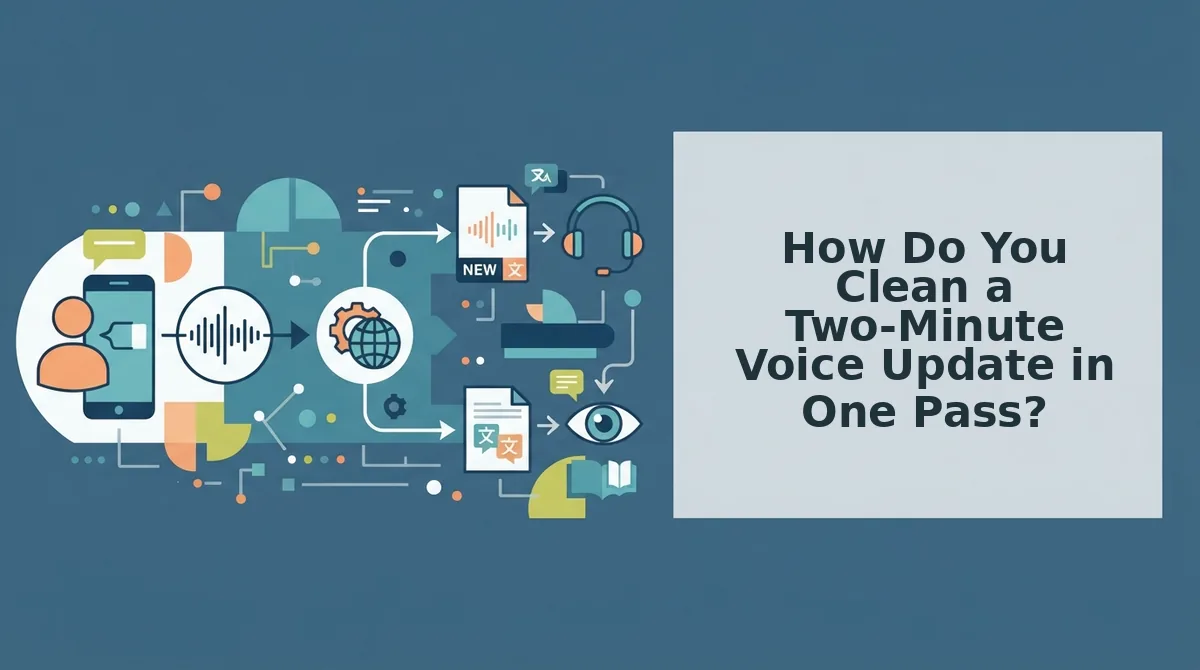
How Do You Clean a Two-Minute Voice Update in One Pass?
Record once, clean once, listen at 1x, send. The whole job fits in a browser tab, including on a phone.
Gather four things first: the raw take, the recipient's name, the one action you want them to take, and a browser.
Before step one, run the eight-second fit test. Under about three minutes of audio, no visuals, and a single recipient means you are enhancing a message, not editing a production. Stop setting up a suite.
- Record it once. Speak the update straight through without stopping to correct yourself. You should end with one file and no second take.
- Drop the file into a browser-based cleaner. Upload it directly â no install, no project canvas, no timeline. You should see the audio accepted and ready to process.
- Strip the fillers. Run the cleanup to remove filler words from a voice note â ums, ahs, "like," "basically," and repeated false starts. Playback should sound decisive with the timeline intact.
- Repair spoken grammar. Run the grammar pass so you can fix spoken grammar without re-recording. Your first sentence should land on the first listen.
- Handle a cross-border recipient. If they do not share your language, translate the voice note across 11 languages â 110 translation directions â keeping your accent and cadence rather than substituting a synthetic voice.
- Listen at 1x, once. Do not scrub. Listen for one thing only: whether your ask arrives early and unambiguously. Success is hearing it before you start wondering when it comes.
- Export or forward. Send the cleaned file or the link. You should be done inside the same tab you started in.
Take a sales follow-up that normally costs a re-record loop. It now takes one cleanup pass, and the pass is judged by a single question: does the ask still land first?
One check remains before the send button.

How Do You Check the Update Worked Before You Send It?
Verify a cleaned voice update with five binary checks: listen once at normal speed, confirm the ask lands in the first 15 seconds, compare filler count against the raw take, spot-check names and numbers in the transcript, and confirm the voice still sounds like you. Each returns a yes or no in seconds.
- The hear-it-once check. Play the finished file at normal speed exactly once. If you reach for the scrubber, the edit isn't finished â a clean note does not need a rewind.
- The ask test. The recipient should know what you want within the first 15 seconds of audio. If the request only arrives at 40 seconds, tighten the opening instead of appending a summary.
- Filler count against the raw take. Count fillers in the original and in the export rather than trusting your ear. Run a filler word counter over both files to see exactly what the pass removed.
- Name and number spot-check on the transcript. "Fifteen" and "fifty" both survive a grammar fix, which is why spoken figures are where cleanup passes introduce doubt. Read the transcript and confirm every name, date, and figure matches what you said.
- Identity check. Your accent, rhythm, and phrasing should still sound like you, not a synthesised substitute. Flat, even pacing means the enhancement over-corrected â re-export with a lighter setting.
Checking only works on clean input, which is why the pass comes first: filler removal, spoken-grammar fixes, and breath and click reduction give these five checks something worth confirming.
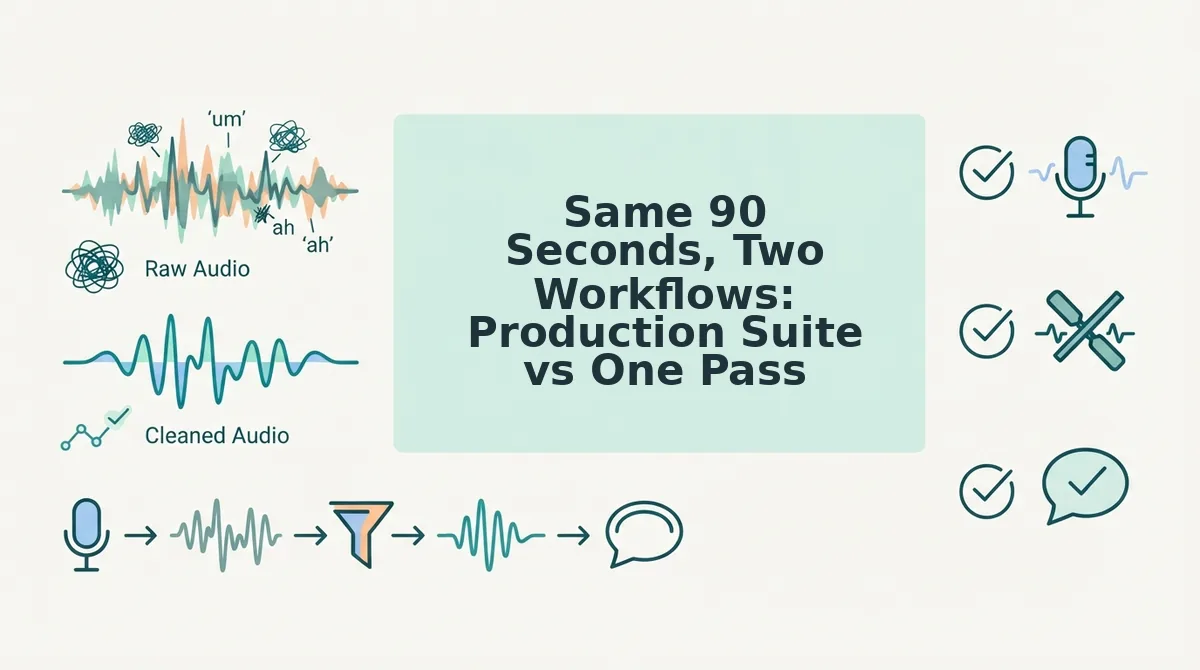
Same 90 Seconds, Two Workflows: Production Suite vs One Pass
Descript is built for editing; a one-pass enhancer is built for sending. The same 90-second update clears six stages in both, but the production suite adds a project, a timeline, and a credit-metered cleanup pass where the enhancer treats the recording as the entire job.
| Stage | Descript production suite | One-pass enhancer |
|---|---|---|
| Open | Desktop app, then a new project | Browser tab |
| Import | Upload to project, wait for transcription | Drop the file or record in place |
| Cleanup mechanism | Timeline edits plus AI cleanup passes billed in AI credits; media time is metered separately | Single pass for fillers, spoken grammar, and noise |
| Review | Playback inside the timeline, then a render | Play the export once |
| Export | Render to file in a chosen format | Download audio and transcript |
| Where the file lives | Project library, plus the export | Local download, plus transcript |
Where Descript wins: episodes, multicam, dialogue-heavy edits, and anything with visuals or a timeline that needs cutting. A user on Descript's public feedback board reports the app getting very slow on 5â7 minute HD clips and asks for timeline fixes rather than more AI; a Trustpilot reviewer notes filler-word removal now consumes credits on each pass. Best for podcast and video teams whose editing load exceeds their recording load.
Where a one-pass enhancer wins: sub-three-minute audio, one recipient, no visuals, mobile-first recording. Best for founders, sales reps, and cross-border operators sending async updates.
Can you clean a voice note on a phone without a desktop app? Not in Descript, which has no native mobile app, so audio recorded on a phone has to travel to a desktop project before any cleanup starts. Browser-first tools remove that hop: record, clean, and export in one tab, with the transcript landing beside the audio. For a two-minute update recorded while walking, that difference decides whether the note goes out today or waits until you reach a laptop.
See VClar vs Descript compared stage by stage, or try a two-minute update in the browser.
The Trade Is Simple: Match the Tool to the Length
The rule fits in one line: under three minutes, no visuals, one recipient means enhancement, not editing. Descript was never overbuilt â it just serves a different ratio of editing to recording, and the two-minute note is where that ratio stops paying for itself.
Three takeaways carry forward: measure with the fit test rather than a feature list, count meters rather than minutes, and verify with one listen instead of trusting a demo. If the fit test fails, stay with Descript. If it passes, take the cheapest possible step â run a two-minute update in the browser and put the export through the five checks before you send anything.
The recording habits around that step are covered in the voice message workflow guide. Match the tool to the length, and a two-minute update goes back to being a note rather than a production.
You can also edit and share a voice note.