
You just recorded a solid investor update in your parked car, but the engine hum runs under every sentence. Re-recording means another take, another stumble, and another ten minutes you don't have.
That frustration is legitimate, and choosing between Descript or VClar for noisy voice memos depends on one thing: whether you're sending a message or publishing content. The founder scenario is common in voice notes for founders, where a quick update has to land clearly in one take.
The outcome you want is a clean, natural-sounding memo that's ready to send. Before you start, have three things ready:
- The raw audio file
- A decision about whether you're sending or publishing
- Access to either tool
This guide compares both tools by noise type and walks through each cleanup workflow step by step. You'll also see why the noise isn't your biggest problem.
Key Takeaway: Descript is a full production editor for podcasts and video. VClar is a one-step cleaner for short voice messages that handles noise and filler words while keeping your natural voice.
Is Descript or VClar Better for Quickly Cleaning Noisy Voice Memos?
For a short voice message you plan to send, VClar is the faster fit. For a recording you'll edit into a podcast or video, Descript is the stronger choice.
For a 45 to 90 second message, the verdict depends on what's actually wrong with the recording. Descript's flagship noise feature is Studio Sound, and Descript's own demos show AI fixes for echo, background noise, and bad mics inside a full editing project. VClar reduces background noise, breath sounds, and mouth clicks, then also removes filler words and fixes spoken grammar while preserving your tone, accent, and rhythm. Here's the twist: most rough memos suffer more from verbal noise, such as "ums" and false starts, than from acoustic noise. No competitor separates the two.
| Problem | Descript | VClar | iOS Voice Memos |
|---|---|---|---|
| Hum | Background noise fixes shown in Descript's demos | Background noise reduction | Background noise option |
| Typing | Background noise fixes shown in Descript's demos | Background noise reduction | Background noise option |
| Echo | Shown in Descript's demos | Check current docs | Check current docs |
| Breath | Check current docs | Yes | Check current docs |
| Mouth clicks | Check current docs | Yes | Check current docs |
| Street or car noise | Background noise fixes shown in Descript's demos | Background noise reduction | Background noise option |
| Filler words | Check current docs | Yes | Not shown |
| Broken grammar | Check current docs | Yes | Not shown |
The iOS entries reflect only the built-in background noise option shown in Jacob's QuickTips iOS 27 video. Descript's entries come from its Studio Sound and audio enhancer videos.
- Best for podcasters and video editors: Descript, for multi-track podcast and video production.
- Best for founders, sales reps, and freelancers sending messages: VClar, for short memos that need noise, fillers, and grammar fixed together.
- Best for a free quick fix: iOS Voice Memos, for a single background noise pass.
If your memo also needs to reach someone in another language, VClar can translate the cleaned message across 11 languages. See the full VClar vs Descript comparison for more detail.
How to Clean a Noisy Voice Memo Step by Step in Each Tool
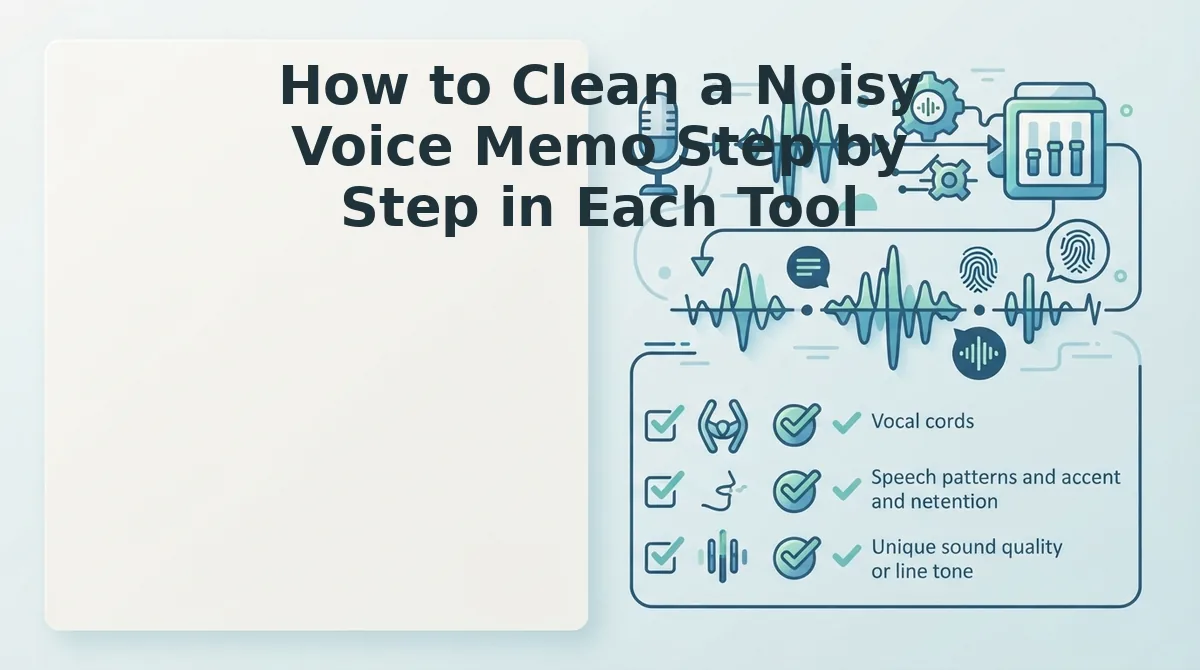
Both tools follow the same basic workflow: import, clean, and send. Descript adds project, timeline, and export steps built for production. VClar uses a single upload-and-clean step designed for messages you want to send quickly.
Prerequisites: Have the raw audio file saved on your device, plus an account or access to the tool you're using. Interfaces change, so check each tool's current docs for exact button names.
Worked example: A sales rep records a follow-up to an enterprise buyer on a busy street. Traffic sits under the voice, and the pitch includes a few "you knows." This is a typical voice notes for sales situation.
Descript Path
- Import the memo into Descript. The file should appear in your media or project list.
- Open a project containing the memo. You should see the recording laid out with its transcript and timeline.
- Apply Studio Sound, as shown in Descript's demos. The street noise should drop noticeably on playback.
- Review the result on the timeline and trim any distracting words by hand. Check current docs for automated filler removal.
- Export the audio file, then attach it to your message. You should end up with a finished file ready to share.
VClar Path
- Upload the memo or record directly in VClar. Your audio should appear ready for processing.
- Run the one-step cleanup. VClar reduces background noise, breath sounds, and mouth clicks, removes filler words, and fixes spoken grammar in the same pass.
- Compare the original and cleaned versions side by side. Your tone, accent, and rhythm should still sound like you, minus the traffic and the "you knows."
- Send the cleaned message to the buyer, or translate it first if they work in another language.
For a 60-second follow-up, Descript's project, timeline, and export steps are overkill. They're valuable for an episode but unnecessary for a single message.
If your workflow is recording on the go and sending fast, clean voice memos online with VClar and skip the re-record loop entirely.
Before you hit send, run one final check.
How to Check the Memo Is Ready to Send
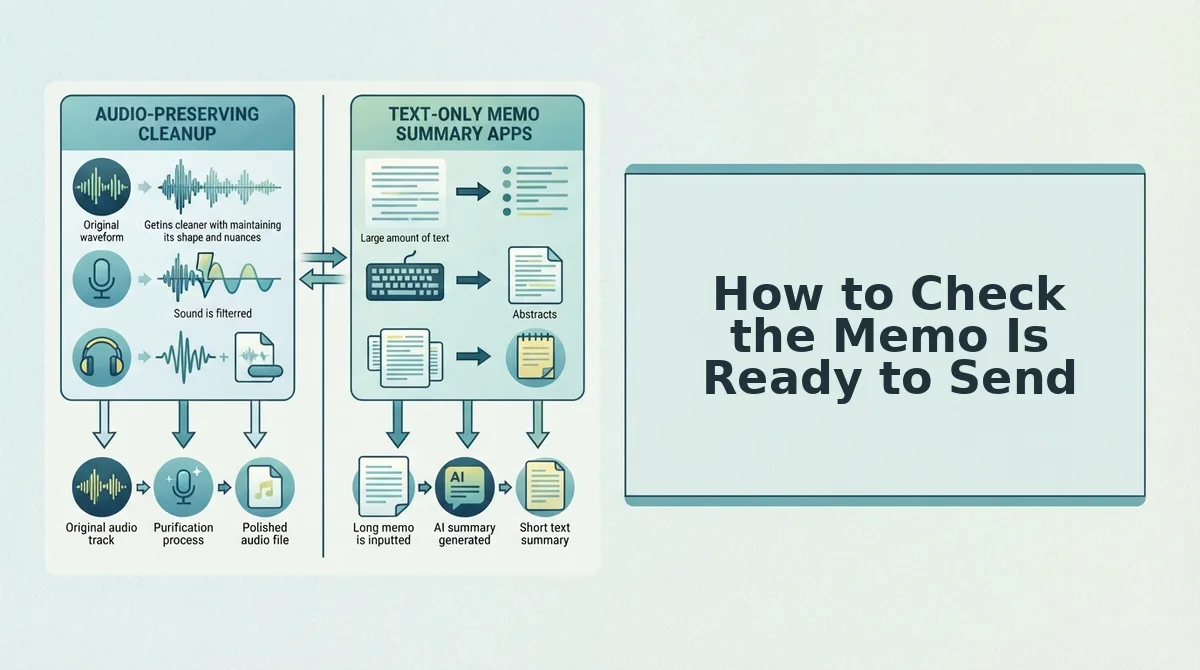
A memo is ready to send when it sounds clean and also says what you meant. Play it back once and run these five checks, most important first.
- Check that fillers and broken sentences are gone. Acoustic cleanup alone leaves "um, so basically" in place, which weakens your authority and starts the re-record loop. Use VClar to remove filler words from audio and fix grammar in a voice message in the same pass.
- Check that it still sounds like you. Your tone, accent, and rhythm should come through naturally, not robotically. If the voice sounds flattened, the cleanup went too far.
- Check that background noise is gone without warble. Listen for leftover hum or street noise and for watery artifacts where noise was removed. Headphones make both easier to hear.
- Check that echo is reduced. Room reflections make a memo sound distant. Your voice should sound close to the listener.
- Check that breaths and mouth clicks are gone. These small sounds are distracting in quiet listening environments. Skip to the pauses between sentences to find them.
Still unsure which tool fits? Use the "Message or Production?" test. Ask three questions: Am I sending this to one person or team? Do I need fillers and grammar fixed along with the noise? Do I want to send it within minutes, without editing a timeline? If most answers are yes, VClar fits, because it cleans the noise and the wording together. If you are publishing multi-track audio or video, choose Descript for the editing control.
Descript vs VClar for Voice Memos FAQ
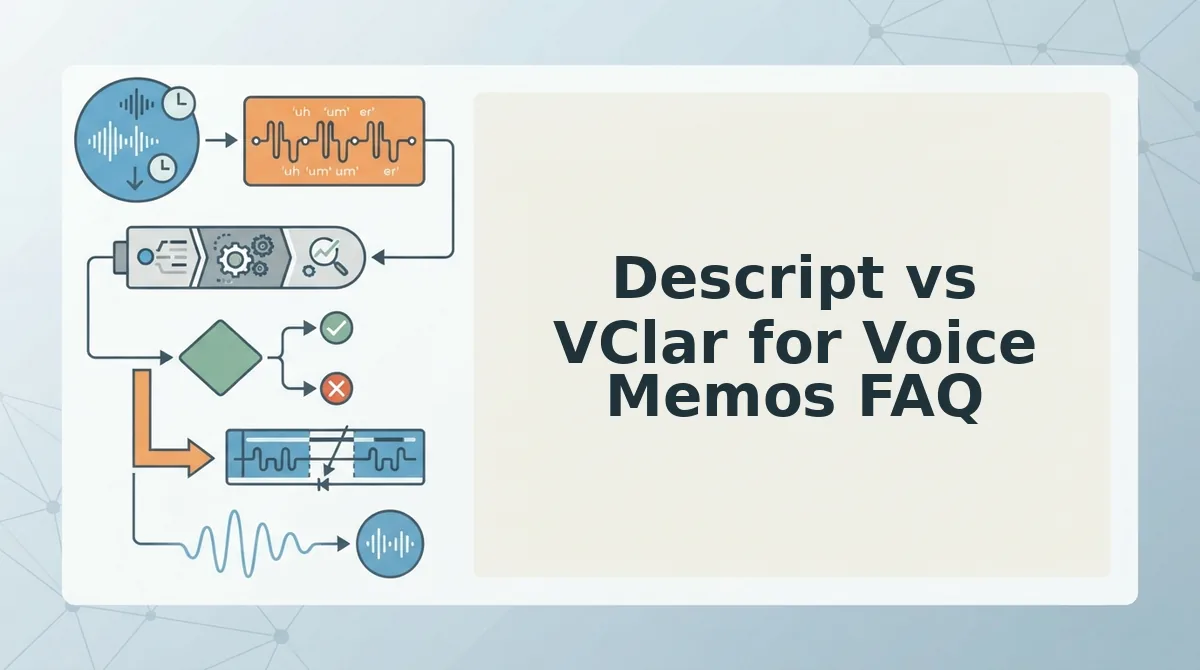
These short answers address the questions people ask most often before choosing a cleanup tool.
Do I need Descript if my iPhone can already enhance Voice Memos?
Not for noise alone. The iOS 27 Voice Memos noise option, covered by Jacob's QuickTips, handles background noise for free. It does not remove fillers or fix spoken grammar, so you need a dedicated tool when the wording also needs cleanup.
Will cleanup make my voice sound robotic?
Not with VClar. It preserves your natural tone, accent, and rhythm and uses no synthetic voice cloning. Aggressive noise reduction in any tool can cause warbling, so always listen back before sending.
Can one tool clean the audio and fix what I said?
Yes. VClar reduces background noise, breath sounds, and mouth clicks while removing fillers and correcting spoken grammar in one pass. Descript is designed for project-based editing on a timeline.
Can VClar translate a cleaned memo?
Yes. VClar works as a voice note translator across 11 languages and 110 translation directions. Your cleaned message can reach clients in their language while still sounding like you.
Which Tool Should You Use for Your Next Noisy Memo?
Choose based on what you are making: a message or a production. Noise was never the whole problem. The fillers that make a memo sound unsure are what start the re-record loop.
Consider a consultant recording a client update in a home office while typing clatters in the background. Running the framework gives three yes answers: the update goes to one client, the wording needs tightening, and it has to go out quickly. VClar removes the keyboard noise and the "so, basically" filler together, and the update goes out in one take.
- Noise-only, free: use the iOS Voice Memos enhancement.
- Podcasts or video: use Descript for timeline editing.
- Messages that need noise and filler cleanup: use VClar.
Record your next memo once and clean it with VClar. You will send exactly what you meant, in your own voice.