
You think in one language, speak in another, and the sentence comes out tangled. In the Grammarly vs VClar for language learners question, the verdict is simple: Grammarly is better for written accuracy, while VClar is better for practicing spoken grammar.
The reason is the input each tool accepts. Grammarly analyzes written text, while VClar processes recorded audio, removes fillers, fixes spoken grammar, and keeps your tone and accent.
If your writing has improved faster than your speaking, the input type explains much of that gap. Most video comparisons look only at text tools, such as Grammarly vs LanguageTool or Paperpal vs Grammarly. None of them check what happens when you talk.
Consider a cross-border consultant who records a client update in non-native English. Grammarly has nothing to review because the message is audio, not text. VClar returns the original recording next to a corrected version, so the consultant can hear and read exactly what changed before sending.
This guide shows you how to choose the right tool for each practice goal. It covers:
- A criteria table that compares written-text checking with recorded-speech correction
- What Grammarly does well for learners, and where it stops
- The spoken grammar errors that text checkers never see
Keep one question in mind as you read: which of your mistakes disappears the moment you start typing? That mistake is the one Grammarly never sees.
Grammarly vs VClar at a glance: which criteria matter for learners?
Grammarly checks written text, and VClar corrects recorded speech. For a language learner, that difference decides where errors get caught, what feedback you see, and whether you finish with an edited document or a cleaned voice message that still sounds like you.
Spoken grammar is how sentences are actually structured when you say them out loud. It includes fragments, false starts, and fillers that rarely appear in a typed draft. Side-by-side correction means you see your original speech next to the corrected version, so you can compare the two line by line.
| Criterion | Grammarly | VClar |
|---|---|---|
| Input type | Typed text | Recorded or uploaded audio |
| Where the error is caught | In the written draft | In the spoken recording |
| What the learner sees | Inline suggestions in the text | Original and corrected speech side by side |
| Output | Edited text | Cleaned audio that keeps the speaker's voice, plus a transcript |
| Spoken errors handled | Not applicable to audio | Fillers, false starts, fragments, spoken grammar |
| Noise and mouth-click cleanup | Not applicable | Reduces background noise, breath sounds, and mouth clicks while preserving tone, accent, and rhythm |
| Translation | Not its core function | 11 languages and 110 translation directions |
| Best for | Learners polishing emails, essays, and written assignments | Learners practicing spoken messages and voice notes |
Grammarly deserves real credit here. If your daily output is written, its inline suggestions give you fast, focused feedback on each sentence.
Best for writers: Grammarly suits students and professionals whose weakest skill is written accuracy. Best for speakers: VClar suits learners who send voice messages, such as consultants, sales reps, and cross-border teams, and who want spoken corrections without losing their own accent.
For every capability side by side, including filler removal and translation across 11 languages, see the full VClar vs Grammarly feature comparison.
What does Grammarly do for language learners, and does it work on speech?
Grammarly is a writing assistant that checks written text and flags grammar, spelling, and clarity issues with inline suggestions. For non-native speakers, it works well on emails, essays, and other written work, but it reviews only words that already exist as text.
Where Grammarly helps learners
At the simplest level, Grammarly catches surface errors as you type, such as a missing article or a wrong verb tense. Each suggestion appears directly in your draft, so you can accept it or learn from it in context.
At an intermediate level, those suggestions build pattern awareness. If you keep dropping "the" before nouns, repeated corrections teach you to notice the habit while you write.
Think of Grammarly like a proofreading teacher who marks up your homework in red ink. The feedback is useful, but the teacher only sees what you hand in on paper.
Can Grammarly check what I say out loud?
Grammarly cannot check speech directly because it analyzes written text, not audio. When you speak, your errors happen in sound: a dropped article, a false start, a sentence that changes direction halfway through. None of that reaches Grammarly unless you first type the words or transcribe the recording. Even then, it sees a cleaned-up transcript, not your delivery. The fillers, hesitations, and restarts that make a voice message sound uncertain get lost before the check begins. For learners whose main goal is spoken fluency, Grammarly gives indirect help at best. It improves the written version of what you meant, not the spoken version you actually recorded.
At an advanced level, this is the real limit for speaking practice: your feedback loop never includes your own voice.
So which spoken errors slip through that gap?
What does VClar catch in spoken grammar that text checkers miss?
VClar catches the mistakes that only exist in speech, such as fillers, false starts, fragments, circular phrasing, and awkward pauses, and it fixes them inside your own recorded voice. These errors never reach a text checker because they are never typed.
- Filler words: These are verbal crutches like "um," "ah," "like," "basically," and "you know" that learners lean on while searching for the next word. VClar detects them and cleans the audio timeline so the message sounds decisive. You can remove filler words from audio with no manual editing.
- False starts: A false start happens when you begin a sentence, abandon it, and restart, as in "I want, I wanted, we should." VClar removes the abandoned attempts and keeps the version you meant, so listeners hear one clean thought.
- Sentence fragments: Fragments are incomplete clauses that make sense in your head but confuse a listener. VClar restructures them into complete sentences, which is how you fix grammar in a voice message without re-recording.
- Circular phrasing: This is repeating the same point in different words because you are unsure it landed. VClar tightens the phrasing so the idea is stated once, clearly.
- Awkward pauses: Long hesitations break the listener's attention and signal uncertainty. VClar trims them while keeping the natural rhythm of your speech.
Spoken mistakes are invisible to text checkers for a simple reason: a text checker only sees what you type. When a language learner speaks, the most common errors are not misspellings or wrong verb endings on a page. They are fillers, false starts, unfinished fragments, repeated phrasing, and hesitations that happen in real time. None of these appear in a written draft, so a tool built to analyze text cannot flag them. Correcting them requires analyzing the audio itself, which is the layer where VClar works.
Will AI erase your accent? No. VClar enhances your real voice and preserves your tone, accent, and cadence. It does not replace you with a text-to-speech clone.
The side-by-side view of original and corrected speech turns every message into a feedback loop. You see exactly what changed, with no judgment of non-native phrasing, and you can review it before your next recording.
Worked example: A founder records an investor update full of repeated false starts. VClar removes the fillers, restructures the fragments into complete sentences, and returns an update that still sounds like the founder. See the full workflow for voice notes for founders.
If you keep re-recording the same voice message until it sounds right, record it once and let VClar clean up the grammar and fillers instead.
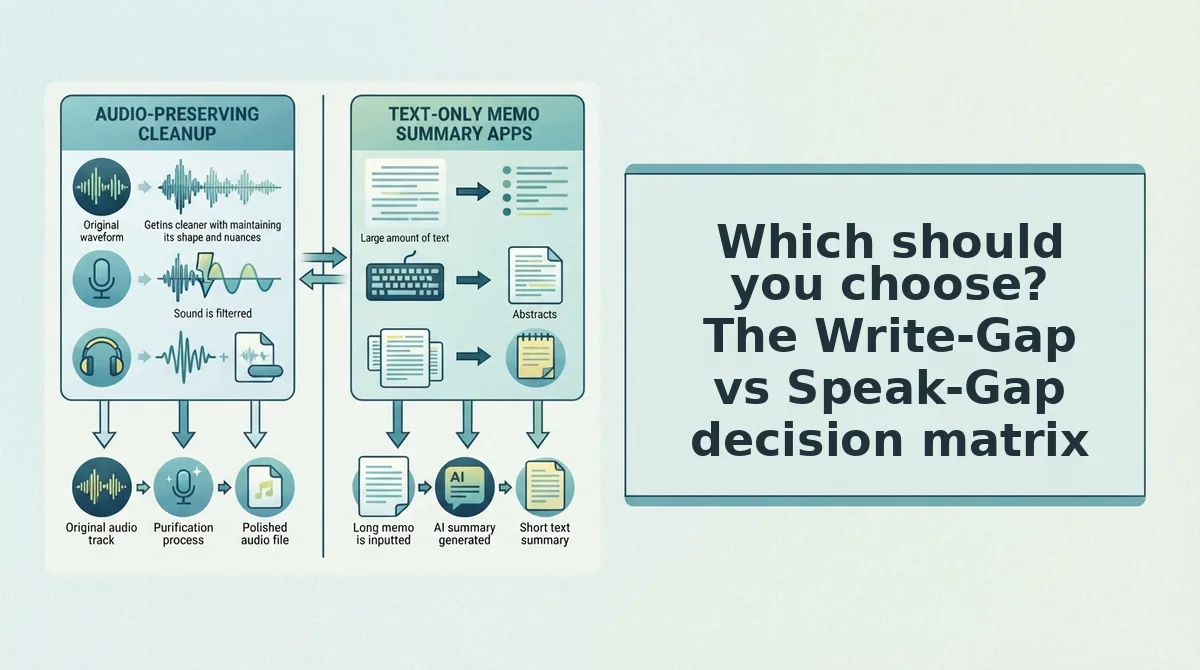
Which should you choose? The Write-Gap vs Speak-Gap decision matrix
Choose Grammarly if your gap is written accuracy, and choose VClar if your gap is spoken fluency. Many learners have both gaps, and the two tools cover different ones.
The Write-Gap is the distance between what you mean and what you type correctly. The Speak-Gap is the distance between what you mean and what you say clearly in one take. These are separate deficits, so one tool rarely closes both.
Grammarly is the stronger choice for written work. It is built for drafts, emails, and essays, and VClar does not compete there.
| Learner goal | Gap | Recommended tool | Why |
|---|---|---|---|
| Polish emails and essays | Write-Gap | Grammarly | Checks typed text for grammar and clarity |
| Sound clear in meetings and voice notes | Speak-Gap | VClar | Removes fillers and fixes spoken grammar in your own voice |
| Send messages across languages | Speak-Gap | VClar | Translates cleaned voice messages across 11 languages |
| Write drafts and follow up by voice | Both | Grammarly + VClar | Grammarly for drafts, VClar for spoken follow-ups |
For cross-language messages, VClar works as a voice note translator across 11 languages: Hindi, English, French, Japanese, Korean, German, Russian, Portuguese, Spanish, Italian, and Chinese. That adds up to 110 translation directions.
- Best for students writing essays and assignments: Grammarly, because their main gap is written accuracy.
- Best for professionals who speak more than they type: VClar, because their main gap is one-take spoken clarity.
- Best for cross-border operators and multilingual teams: VClar, for cleaned and translated voice messages.
Should you use both tools? Yes, if you write and speak at work. Draft in Grammarly, then send spoken follow-ups through VClar.
Where VClar falls short for language learners
VClar falls short on written work, live conversation, and pronunciation coaching. It is a speech enhancer for recorded messages, not a complete language-learning system.
A speech enhancer is a tool that cleans and corrects recorded audio while keeping the speaker's own voice. Think of it like an editor for a recorded letter: it improves what you already said, but it cannot speak for you in the moment.
Written work: VClar does not check essays or other written work. Grammarly remains the stronger tool there.
Recorded, not real-time: VClar works on recorded messages, not live speech. It cannot fix a sentence mid-call.
No substitute for a tutor: VClar does not replace a human tutor for pronunciation coaching or live conversation practice. A tutor can hear patterns over weeks and push you to speak spontaneously.
Worked example: A freelancer drafts a client email in Grammarly to get the written details right. Later, they record a quick follow-up voice note, and VClar removes the fillers and fixes the spoken grammar before it is sent. The two tools work together rather than competing.
The best way to see where VClar fits is to test it on a single message.
Start with one recorded message
The fastest way to choose is to name your gap: if your mistakes show up when you type, you have a write-gap; if they show up when you talk, you have a speak-gap.
Most learners have both. The tools simply split the work.
- Keep Grammarly for text. Emails, essays, and chat replies stay in its lane.
- Record one real voice message in VClar. Speak naturally, with no script and no retakes.
- Review the original and corrected versions side by side. You will see your own spoken patterns: the fillers you lean on, the tenses you drop, the false starts you repeat.
That side-by-side review becomes a repeatable practice loop. Run it weekly, and your corrections start showing up before you hit record.
For the full workflow, see voice notes for language learners.
Record one message and compare your original vs corrected speech.
A text checker shows you how you write; only your own recorded voice shows you how you actually speak.