
You record a 60-second investor update, play it back, and hear three "ums," a false start, and a sentence that loses its verb halfway through. So you delete it and start over, then do it again.
That re-record loop is why many founders consider Descript for short voice messages. The instinct makes sense. Descript is a capable editor, and if you have ever cut a podcast by deleting words from a transcript, you know how useful that can be.
The better question is whether a full editing suite fits a clip shorter than your coffee order. This article answers that question by clip length rather than by feature list.
You will see three things:
- A step-by-step count of both workflows
- A check on whether editing changes how you sound
- A decision matrix for choosing the right tool
If you send voice notes for founders to investors, cofounders, or hires, count every action from recording to send as you read. The step gap is wider than most people expect.
Is Descript Worth Using for Short Voice Messages?
For most short voice messages, Descript is more setup than the job needs. It is built for podcasts, tutorials, interviews, and business videos. Its project-based workflow pays off on multi-minute productions, but it adds unnecessary overhead to a 45 to 90 second message that you only want to clean and send.
Two terms explain why.
- Text-based editing means editing audio or video by changing its transcript. When you delete a word on the page, Descript cuts the matching audio.
- A project-based workflow means every edit lives inside a saved project file. You create the project, import media, generate a transcript, edit, and then export a finished file.
Descript does several things well:
- Transcript-driven cuts that make long edits faster than scrubbing a waveform
- Multi-track podcast and video projects with several speakers or sources
- Reusable projects for recurring shows, courses, and tutorials
Think of it like renting a moving truck. The truck is the right choice when you move an apartment. It is the wrong choice for carrying one bag of groceries across the street.
To get value from Descript, you need three things in place: the desktop app installed, a project created, and a transcript generated. On a 20-minute interview, that setup is a small share of the total effort. On a 60-second Slack update or WhatsApp follow-up, the setup can take more effort than the edit itself. Clip length should drive the decision. Use Descript when you are producing content. Use a lighter tool when you are sending a message.
For short clips, VClar removes filler words and fixes spoken grammar in the browser. It can also translate the cleaned message into 11 languages. See the full VClar vs Descript comparison for a side-by-side breakdown.
How Many Steps Does It Take to Send a Cleaned Voice Message?
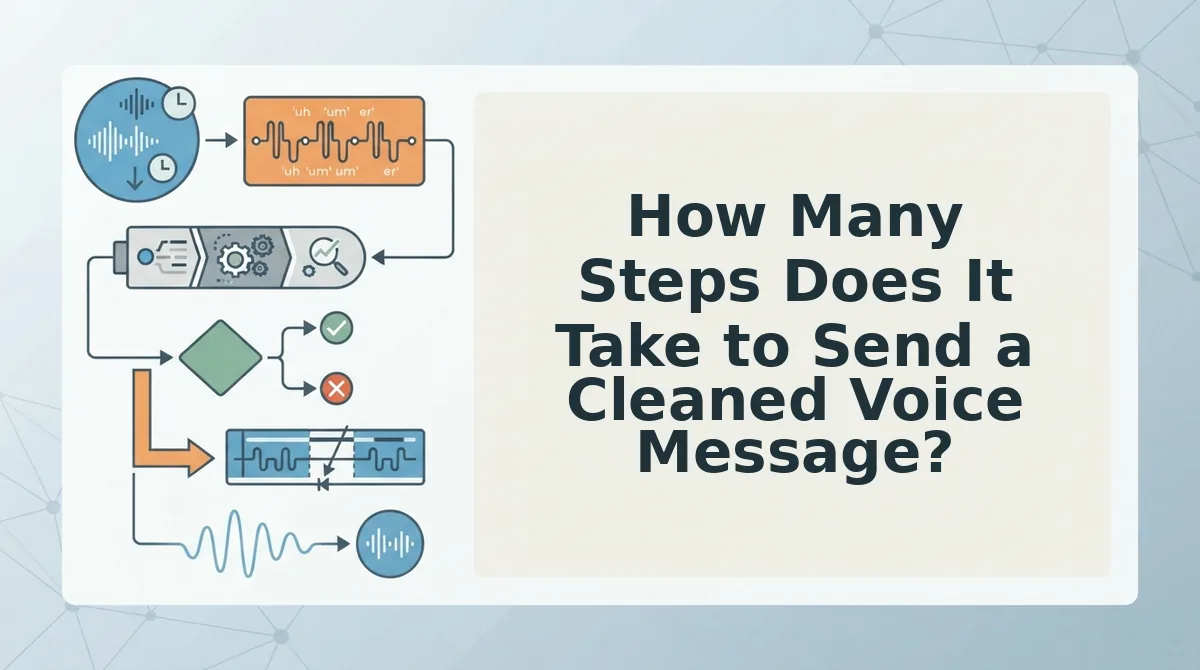
A typical Descript project workflow takes 8 steps from opening the app to sending the file. A browser-first workflow takes 3. Browser-first cleanup means you record or upload audio in a web page, clean it, and get a sendable file without installing software or managing a project.
Prerequisites: a recorded message or a microphone. Descript also requires the installed app and an account.
Descript project workflow
- Open the Descript app. The project dashboard appears.
- Create a new project. An empty editor opens.
- Import your audio file. The clip appears in the project.
- Transcribe the audio. Editable text appears next to the waveform.
- Edit by deleting fillers and false starts in the transcript. The matching audio is cut.
- Choose export settings, including format and quality.
- Export the file. A finished audio file saves to your device.
- Send the file in your messaging app.
VClar browser-first workflow
- Record or upload your message in the browser. The clip loads.
- Clean the clip. Fillers, grammar slips, and background noise are removed.
- Send the cleaned file.
| Workflow | Steps to send | Output |
|---|---|---|
| Descript project | 8 | Editable project plus an exported file |
| VClar browser-first | 3 | Sendable cleaned file |
Consider a B2B sales rep following up with an enterprise buyer. The rep needs a clean file they can send right away. An edited project they will never reopen adds steps without adding value.
Filler words and spoken grammar
VClar detects "um," "like," "you know," and repeated false starts, then fixes spoken grammar and tightens phrasing. You do not need to touch a timeline editor. If retakes are slowing down your follow-ups, remove filler words from audio in one pass and send your first take.
Noise, breaths, and mouth clicks
VClar also reduces background noise, breath sounds, and mouth clicks. It keeps your natural tone, accent, and rhythm, so the message still sounds like you.
That raises the next question: does editing change how your voice sounds?
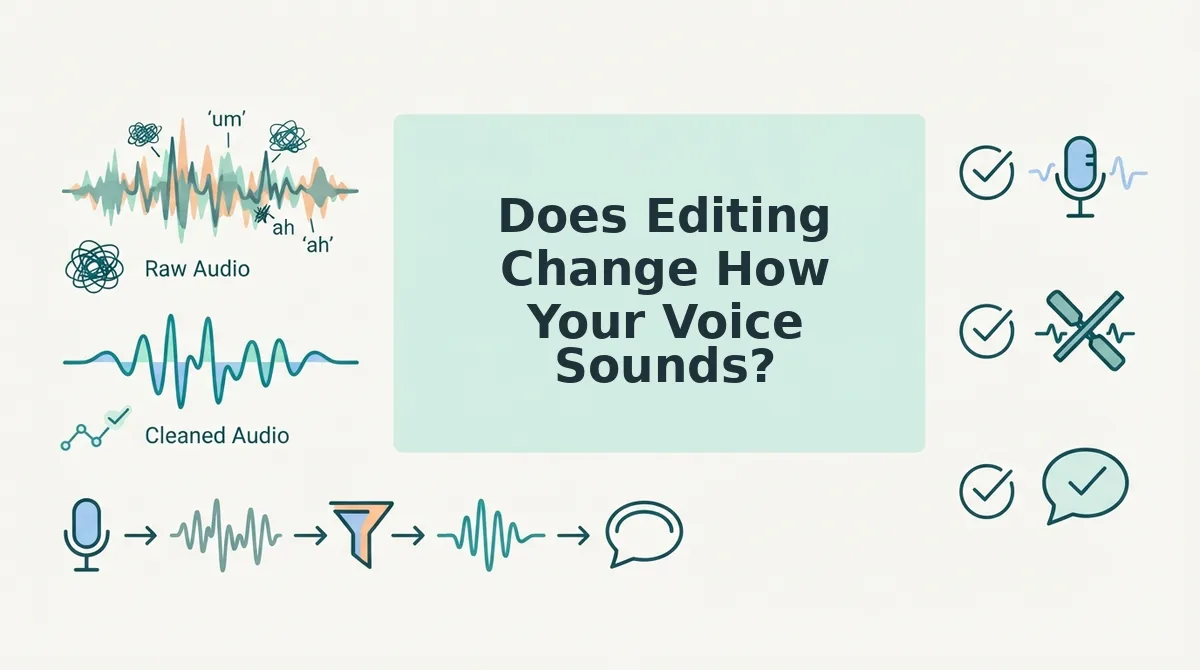
Does Editing Change How Your Voice Sounds?
Editing changes your voice only if the tool generates new speech instead of cleaning your real recording. Cleaning keeps your tone, accent, and rhythm. Synthetic voiceover replaces them.
Voice cloning is training an AI model on your recordings so it can generate new speech that imitates you. Some of Descript's most visible YouTube tutorials focus on this, with titles like "Create AI Voiceovers in Seconds with Descript (No Talking Needed!)" and "How To Clone Voice In Descript." Those titles show where attention goes. They don't describe how every user works.
Think of photo retouching versus a generated portrait. Retouching removes a stray hair. A generated portrait is a new image that only resembles you. For a narrated explainer, the portrait may be fine. For a personal message, the listener expects the original.
Why a Regenerated Voice Is a Trust Risk
In an investor update or client follow-up, your voice carries meaning of its own: listeners who know you notice how you pause before a number, how your accent shapes certain words, and how fast you talk when you're confident. A regenerated voice can flatten those cues, and a recipient who senses that a message sounds slightly off may start doubting what it says. VClar avoids that risk by cleaning the real recording rather than synthesizing a voice, removing fillers, fixing spoken grammar, and reducing background noise while keeping your natural tone, accent, and rhythm.
How to Check It Worked
- Play the original and cleaned versions side by side.
- Confirm your cadence and accent are intact.
- Confirm the meaning is unchanged, including every number and commitment.
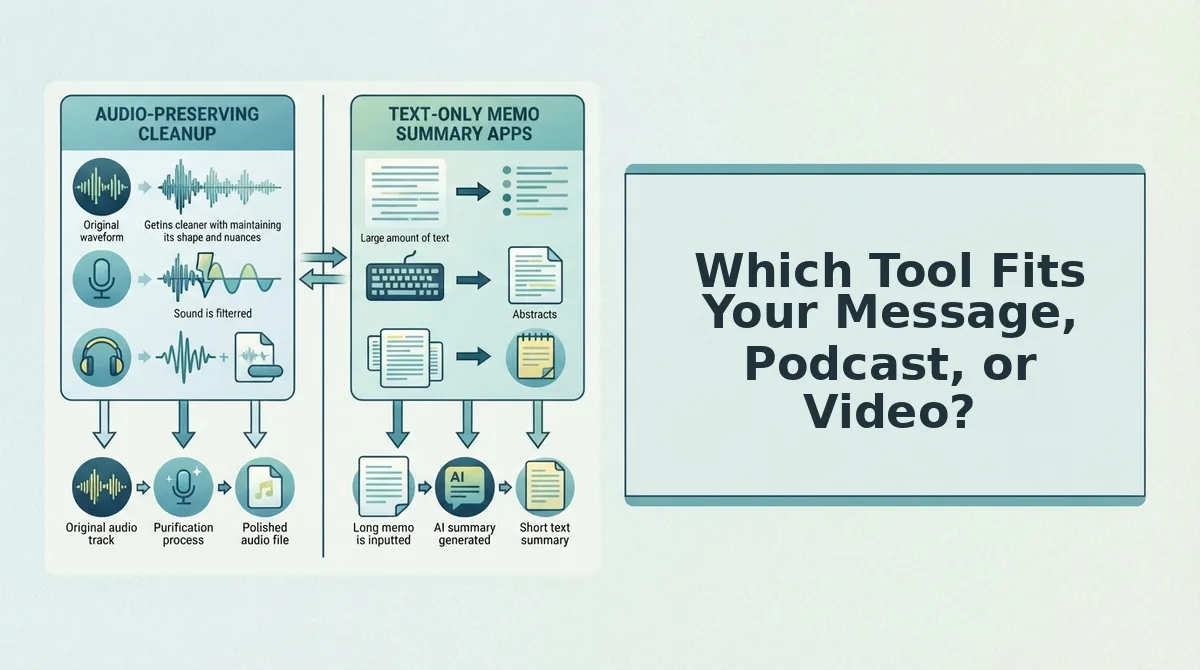
Which Tool Fits Your Message, Podcast, or Video?
Match the tool to clip length and output. Descript suits edited episodes, video, and long-form production. VClar suits short messages you need to send as-is.
| Clip length | Send as-is | Edited episode | Video |
|---|---|---|---|
| Under 90 seconds | VClar: clean it and send it in one take | Descript, if the clip is one segment of a larger edit | Descript, for timeline-based video editing |
| 5 to 30 minutes | Uncommon. Messages this long usually benefit from editing. | Descript, built for project-based audio editing | Descript |
| 30+ minutes | Rarely a message format | Descript, for long-form production | Descript |
- Best for podcasters and video creators: Descript. Its project-based workflow pays off when you'll revisit, restructure, and publish the timeline.
- Best for founders, sales teams, and freelancers: VClar. It fits messages you record once and want to send without opening an editor.
A Note for Cross-Border Teams
VClar also translates cleaned messages across 11 languages, which covers 110 translation directions. You can translate voice notes across 11 languages without losing the speaker's natural delivery.
Recommendation: Use Descript for production work. Use VClar for 45 to 90 second messages that need to sound clear on the first send.
Send It in One Take, Not One Project
Descript's setup pays off when you're producing something. It rarely pays off when you're simply replying to someone. The real cost of a short message is the re-recording loop, not the editing.
Take a consultant sending a client update after a strategy call. They record once, VClar strips the fillers and fixes the grammar, and they send it. They never open a project and never record a second take.
- Clip length: Short messages and long productions need different tools.
- Step count: Count the steps between recording and sending.
- Voice authenticity: The cleaned version should still sound like you.
To weigh the trade-offs again, revisit the comparison in Section 2. To tighten your phrasing, learn how to fix grammar in a voice message.
When you're ready, try VClar on your next voice message and let one take be enough.