
A startup founder records an investor update in one take. It is full of "basically," it has two false starts, and the translated version comes out reading oddly. If that sounds familiar, the cause is probably a filler words translation accuracy problem, not a speaking problem.
The usual fix is the re-record loop: say it again, slower, and hope the next take is clean. That costs time, and it is the friction voice notes for founders are meant to remove. Cleaning the message before you translate it fixes most of the problem without a second take.
This guide covers three things: the Filler Risk Ladder, which ranks fillers by how much meaning they distort, a clean-then-translate workflow, and a quick review check before you hit send. Along the way, you will see why one filler type does more damage than the rest. It is not the one most people expect.
Filler words can lower translation accuracy because translation tools may carry hesitation sounds, filler words, and false starts into the target language. Removing them before translating gives the listener a cleaner, more direct message in their own language.
Do Filler Words Make a Translated Voice Message Less Accurate?
Yes, they can. Translation tools work from the words they receive. When a recording includes "um," "like," or a restarted sentence, those pieces can pass into the target language as fragments, odd literal wording, or a shifted meaning the speaker never intended.
Filler words are sounds, words, or phrases that fill pauses in speech without adding meaning.
Most voice translation runs in two steps. First, speech-to-text software turns your audio into a written transcript. Then a translation engine converts that transcript into the target language. If the transcript keeps "basically," "you know," and a half-finished opening sentence, the translator treats them as content to convert. The result is meaning drift, where the translated message slowly moves away from what you meant. It can also produce sentence fragments and odd literal wording that a native listener would never say. The translator cannot tell a filler from a real word, so it translates both.
Think of it like photocopying a page with sticky notes still attached. The copy faithfully reproduces the clutter along with the content.
A clean translated message should sound decisive. It should contain complete sentences, keep your intent intact, and still sound like you. To get there, you need three things:
- The recorded message
- A known source language and target language
- A willingness to review the transcript before sending
It also helps to fix spoken grammar before translating. VClar removes fillers and corrects spoken grammar while keeping your natural tone, accent, and cadence.
Fillers are not a flaw to be ashamed of. Videos such as "10 Filler Words That Make You Sound MORE Fluent" reflect a real point about live conversation. The difference is context:
- Interruption: In live talk, the listener can stop you and ask what you meant. In a recorded message, they cannot.
- Thinking time: In conversation, fillers buy you time to think. In a recording, they add noise.
- Intent: People infer intent from tone, but translation works only from the words.
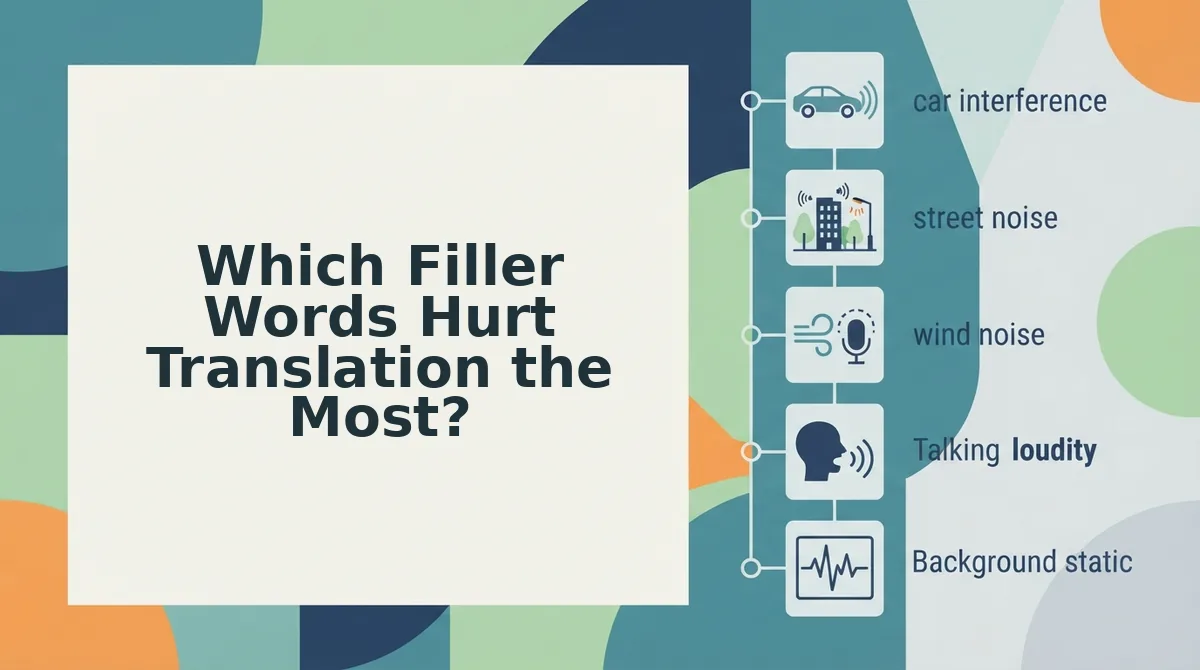
Which Filler Words Hurt Translation the Most?
Lexical fillers do the most damage, because they are real words that a translator will try to convert. Sound fillers and structural fillers also cause problems, but they are usually easier to spot and remove.
A hesitation sound is a non-word vocal pause, such as "um" or "ah." A discourse marker is a real word or phrase used to manage the flow of speech rather than add meaning, such as "like" or "basically." A false start is a sentence that you begin, abandon, and then restart.
| Type | Examples | What happens in translation | Meaning risk |
|---|---|---|---|
| Sound fillers (hesitation sounds) | um, ah | Often dropped, but they can show up as stray fragments | Low |
| Structural fillers | False starts, repeats, circular phrasing | Translated as broken or duplicated sentences | Medium |
| Lexical fillers (discourse markers) | like, basically, you know | Translated literally, as if they carry meaning | High |
Different readers will feel each risk most:
- Sales teams sending quick follow-ups should watch for sound fillers.
- Founders who think out loud should cut structural fillers.
- Cross-border operators should treat lexical fillers as the top priority.
To be fair to general-purpose translators, they handle clean, well-formed sentences well. The weak point is what goes into them.
Why like and basically cause the most drift
These words have real dictionary meanings, so a translator has no reason to skip them. Here is an illustrative example that has not been tested: in "It was, like, a good meeting," the filler "like" may be read as a comparison word. The translation could then suggest the meeting only resembled a good one.
"Basically" carries a similar risk. It can make a firm update sound hedged or oversimplified.
Do other languages have their own fillers?
Yes. Every language has hesitation sounds and discourse markers, but they do not map one-to-one across languages. A filler that sounds natural in your source language may land as noise or as false meaning in the target language. This matters especially for voice notes for non-native speakers, who often carry habits from one language into another.
The fix starts before translation, with a clean recording.
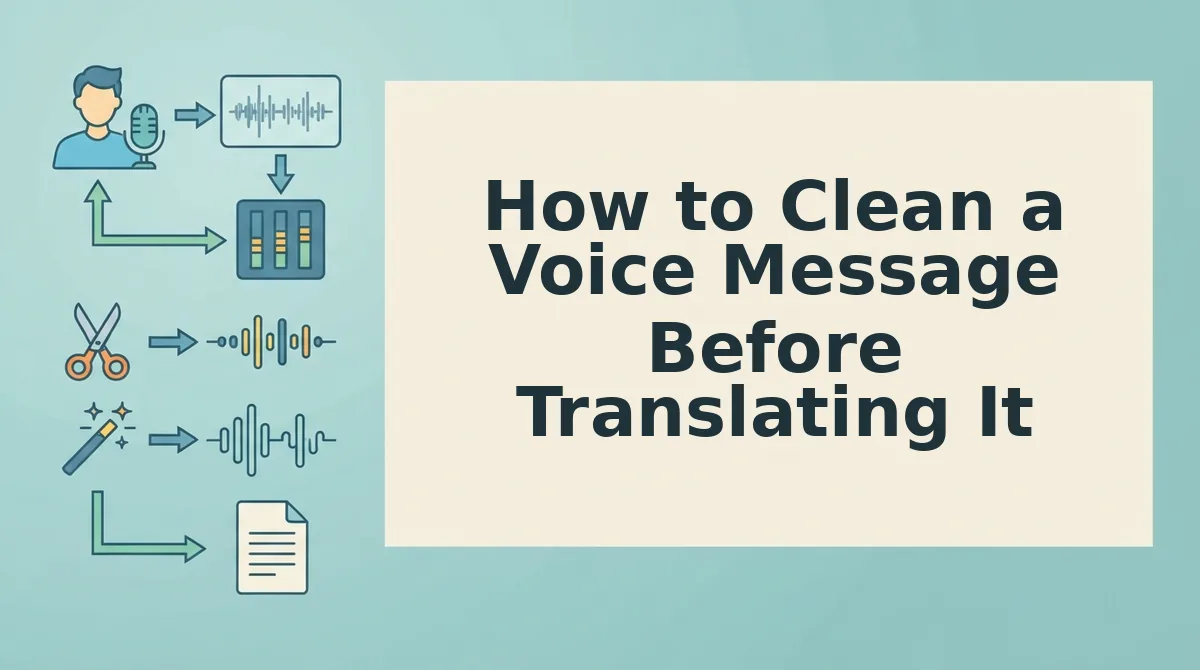
How to Clean a Voice Message Before Translating It
Clean the voice message first, then translate it. Record in one take, strip filler words and false starts, fix spoken grammar so every sentence stands alone, and only then translate the cleaned version. Translation engines work sentence by sentence, so broken source sentences become broken target sentences.
What you need: a raw voice message (recorded on your phone or exported as an audio file) and an AI voice message translator that cleans speech before translating, such as VClar.
- Record your message in one take. Speak naturally and keep going through stumbles instead of stopping to restart. This takes as long as the message itself, and you should end up with one complete, unedited recording.
- Strip fillers and false starts. Upload the recording and remove filler words from audio, including "um," "like," "basically," and repeated openings. This usually takes under a minute. You should hear a tighter, more decisive version of your own voice.
- Fix spoken grammar. Read the cleaned transcript line by line and correct sentences that trail off, double back, or merge two thoughts. Use this decision rule: if the sentence would look wrong typed out, fix it before translation. Each sentence should now read as complete on its own.
- Translate the cleaned version. Select your target language and translate. VClar runs this clean-first pipeline across 11 languages and 110 translation directions. You should receive a translated message that still carries your tone and cadence.
Pro tip: Read your transcript first. If a sentence looks broken in text, it will translate broken.
Consider a B2B sales rep following up with an enterprise buyer in another language. Normally, they would re-record the follow-up three times to get past hesitations, a restarted pitch, and a sentence that lost its verb halfway through. With a clean-first workflow, they record once, strip the fillers and false starts, fix the one broken sentence, and then translate. The outcome is fewer re-records and a cleaner message that the buyer reads or hears without guessing at intent. The same order of operations underpins most voice notes for sales, where one clear follow-up beats three rushed attempts.
Stuck in a re-record loop? Run your next message through the VClar filler words remover before you translate it.
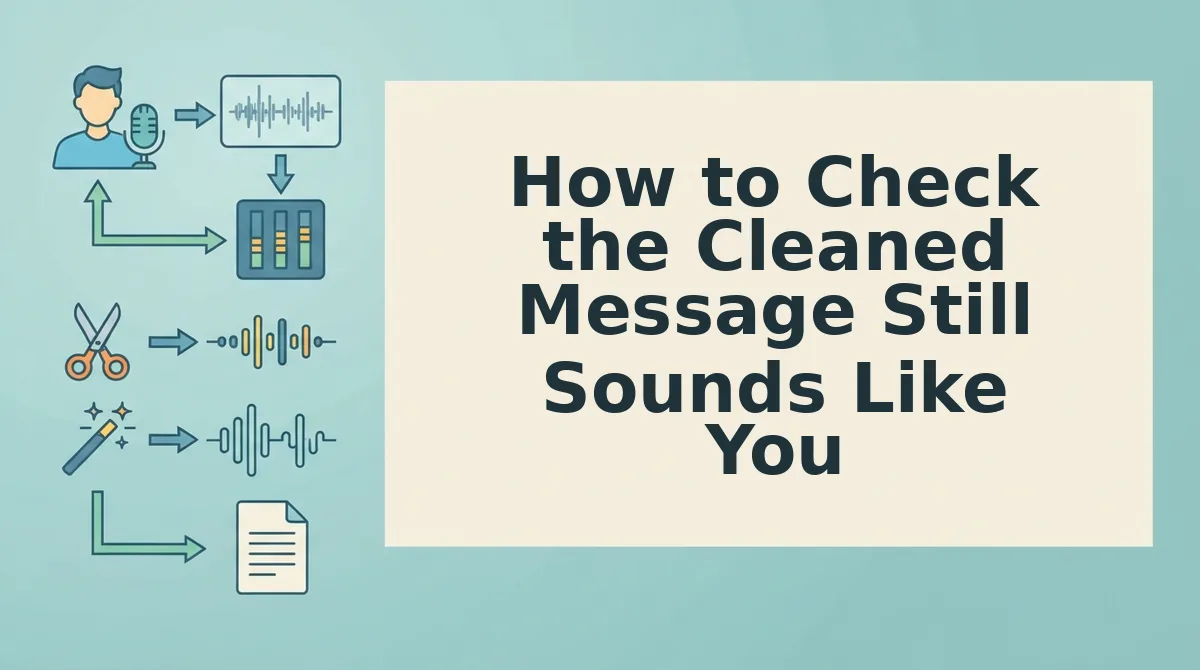
How to Check the Cleaned Message Still Sounds Like You
Check the transcript, the translation, and your own voice before you send. A cleaned message should read complete, translate without filler leftovers, and still sound recognizably like you.
- Confirm every sentence reads complete. Scan the cleaned transcript for fragments or sentences that change direction midway. Complete source sentences are what make the translation accurate.
- Confirm no fillers survived as content. Look for words like "like" or "basically" translated literally as meaningful terms. A surviving filler signals that the cleanup step missed something.
- Confirm your voice is still yours. Listen for your natural tone, accent, and rhythm. Will it sound robotic? No, because VClar cleans your recording rather than cloning it, so no synthetic voice replaces you. Text-only tools take a different approach and return a written transcript instead of your voice; see VClar vs AudioPen.
- Review the side-by-side comparison. Compare the original and cleaned versions to spot the fillers and grammar slips you repeat. Over time, your next recording needs less cleanup.
Send Translated Voice Messages in One Take
Filler words do lower translation accuracy, but the fix belongs before translation, not after it. Lexical fillers like "like" and "basically" carry the biggest risk because translation engines mistake them for meaning.
The workflow has three parts: clean before you translate, check that the transcript reads complete, and listen to make sure your voice still sounds like you. Once that order becomes routine, recording stops being a performance you have to perfect.
Picture an independent freelancer sending a project update to a client abroad. They speak once, clean the message, and deliver it in the client's language with no re-record loop. Explore more workflows in voice notes for freelancers.
Your next step: open the VClar voice note translator and send your next message in any of 11 languages, sounding like yourself on the first take.