
You recorded a 60-second voice note, ran it through a translator, and the file that came back sounded like a polite stranger reading your script. That reaction is common, and it usually means the tool translated your words rather than your voice.
Your confusion is fair. Nearly every tutorial on getting a translated voice note in my own voice is a screen recording of someone clicking buttons inside a voice message translator; almost none of them explains what happens to the audio itself. A note that gets converted to text, translated, and read back by a synthetic speaker is no longer your audio at all. That single step is where "sounds like me" quietly disappears.
Below you will find the three approaches tools actually take, which one carries your timbre, accent, and rhythm into another language, and a five-step workflow for sending a translated note you would be comfortable hearing played back to you. One of those steps is almost always done in the wrong order, and it is the one that decides whether the result sounds clean or stitched together.
Does a Translated Voice Note Keep Your Own Voice?
Yes, a translated voice note can keep your own voice, but only when the tool translates the audio signal itself. If the tool converts your speech to text first and re-speaks it, what comes back is a new recording, not yours.
Voice-preserving speech translation is a process that rewrites what you said into another language while carrying the original acoustic properties, meaning your timbre, cadence, and accent, into the new audio. Nothing is regenerated from a model of your voice; the signal you recorded is reshaped. That distinction answers the whole query. Translation moves your speech into another language the way a live interpreter speaks over your recording, rather than the way a narrator reads your transcript. Your vocal identity stays attached to the file because it was never separated from it in the first place.
Four things people lump together
- Timbre is the texture that makes you identifiable, the quality a listener recognises before they process a single word.
- Cadence is your rhythm and pause pattern, including how long you hold a beat before a point lands.
- Accent is your set of pronunciation habits, the way vowels and consonants sit in your mouth.
- A voice clone is a model trained to imitate you, generating new audio from patterns rather than preserving the audio you made.
Keeping your timbre is not the same as cloning you. Think of a clone as a cover band that has studied your setlist note for note: accurate, sometimes impressive, and still not you. A clone is a regenerated imitation, so even a good one is a copy of you rather than you, which is the difference readers are actually asking about.
Timbre survives translation when the tool operates on the audio signal, and it disappears when the tool converts to text first. Accent is the part listeners notice most, and it is also the part cloning tools most often flatten into a neutral broadcast voice.
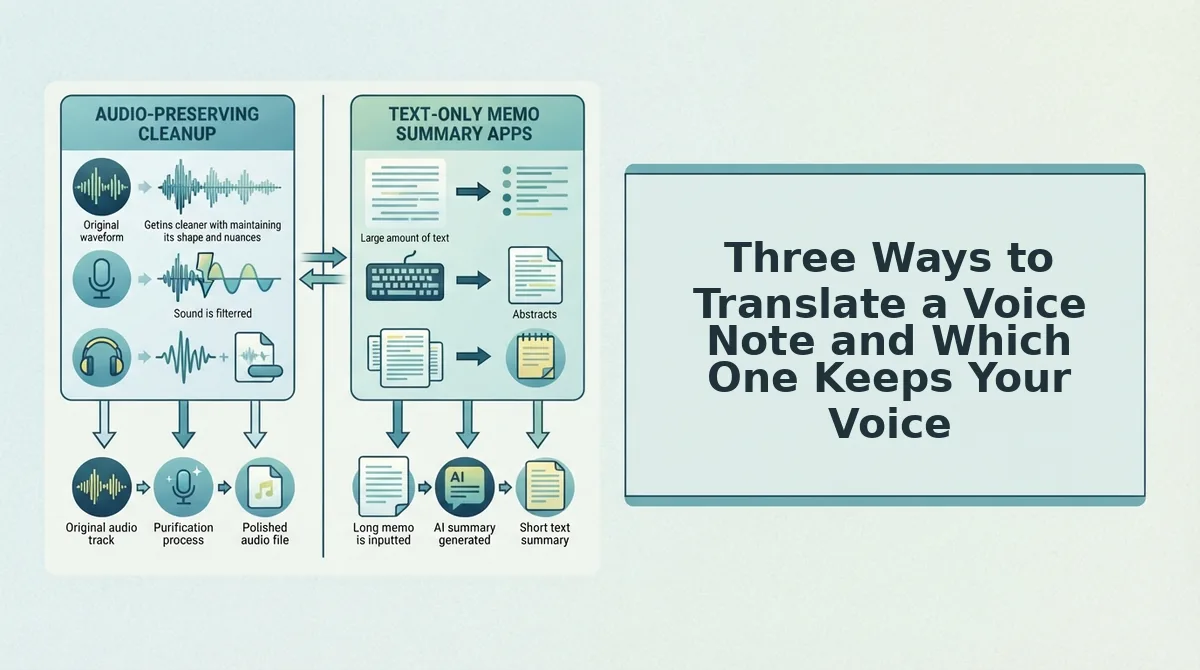
Three Ways to Translate a Voice Note and Which One Keeps Your Voice
Only one of the three common approaches preserves your actual voice, and it is rarely the one the tutorials demonstrate. Here is the part most tutorials skip: the method they show is usually not the method the query is asking for.
- Transcribe, translate the text, then re-record or let a synthetic voice read it. This is what most WhatsApp walkthroughs actually do, and it is genuinely useful when you only need the words to land. Use it when the content matters and the delivery does not. Trade-off: your audio is discarded entirely, so what arrives is a different speaker.
- Synthetic dubbing or a cloned voice. Closer to you than a generic narrator, and worth it when the listener expects something recognisable. Use it when you have consented to your voice being modelled and reused. Trade-off: a clone is a regenerated imitation, it raises a consent question, and it builds a reusable asset of your voice instead of a single file.
- Voice-preserving speech translation. Carries timbre, accent, and cadence into the target language while keeping your delivery intact. Use it when the recipient already knows how you sound. Trade-off: it works best on clean input, so the recording has to be tidied before translation, not after.
| Approach | Keeps your timbre | Creates a voice model | Best for |
|---|---|---|---|
| Transcribe and translate text | No | No | Teams sending written summaries of a call |
| Cloned or synthetic dubbing | Approximately | Yes | Creators producing repeat content in many languages |
| Voice-preserving translation | Yes | No | Founders and sales reps sending short personal updates |
Take a founder deciding between a cloned dub and a preserved translation for a 45 to 90 second investor update by voice note. The investor has heard that founder on calls for months. A recognisable voice outperforms a synthetic one in that context, because the recipient is not evaluating the audio quality, they are checking that the person they know is still in the room.
Scope is worth stating honestly: translation coverage here spans 11 languages and 110 translation directions, which covers most cross-border operator needs without pretending to be universal. The practical path is to record once, strip the fillers and false starts, then translate the cleaned audio, so the hesitations are never rendered as literal words in the target language.
Next, the five-step workflow that produces a file you can send without a second take.
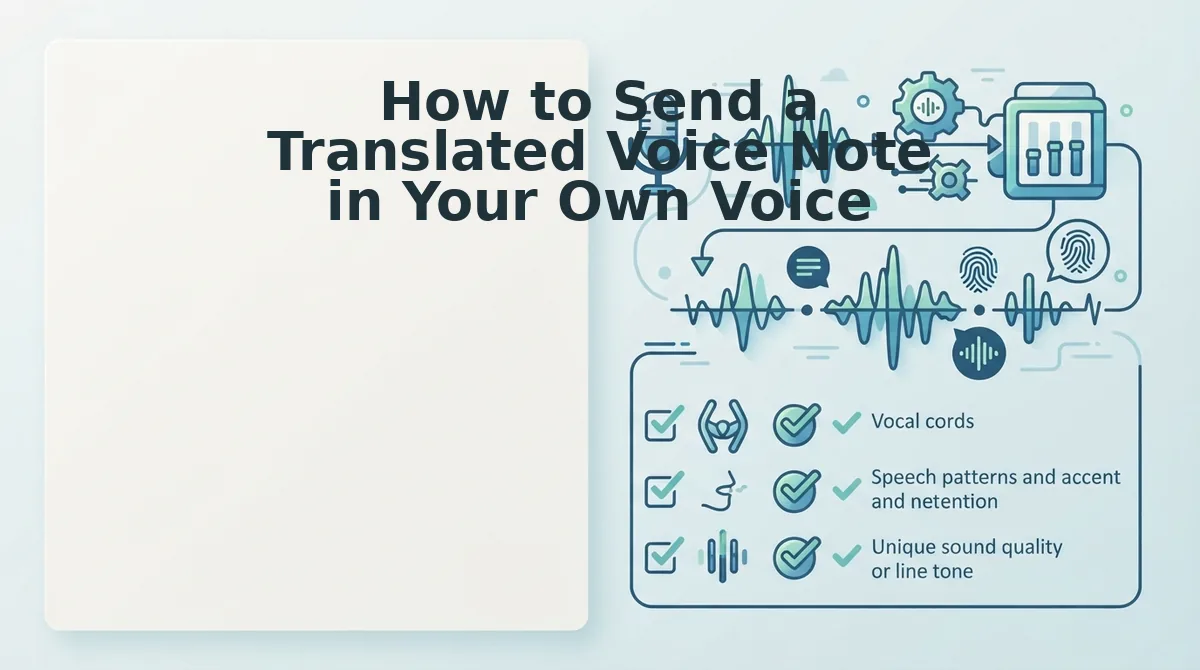
How to Send a Translated Voice Note in Your Own Voice
Five steps, about two minutes, no audio editor. You need one voice memo of 10â60 seconds and a translator that processes audio rather than typed text â timeline editing isn't required, because cleaning happens inside the tool.
- Upload and clean the recording first. Open the filler words remover, upload your raw memo, and let it strip ums, ahs, "like," and false starts before you touch translation. You should see one continuous waveform with no leftover fragments, usually 20â40 seconds of processing for a one-minute clip.
Pro tip: Clean before you translate, never after. A translator treats an "um" as content and a stitched pause as silence, so fillers come back as literal words or blank gaps in the target language. Re-cleaning translated audio later shifts every cut point against a new timing map, which is exactly what produces the choppy output people blame on translation.
- Type the correct names, companies, and numbers into the transcript. Open the transcript panel and correct every proper noun, brand name, and figure by hand. Expect to catch one or two per message â these are the items translators alter most often, and fixing them now costs seconds instead of a full re-record.
- Select the target language and translate. Choose your output language from the language menu and confirm voice preservation is switched on rather than a synthetic narrator. You should see a second track in the target language at your original pace and pitch.
- Play the audio while reading the translated transcript. Review both versions side by side in a single pass, listening for a name pronounced wrong or a number that shifted. You should see the two tracks line up sentence for sentence before you move on.
- Attach the file and send it with one line of context. Add a short note naming the original language and confirming the message was translated. You should see the recipient reply to your point rather than asking what the message was.
Why Your Translated Voice Note Sounds Choppy and How to Fix It
Choppy translated audio is almost always an editing artifact, not a translation artifact. Filler cuts mid-breath, stitched pause edges, and repeat exports each remove fragments of the timing your listener was following.
- Cleaning after translation instead of before. A translator renders fillers as words and trimmed pauses as silence, so later cuts fight a brand-new timing map. Fix: clean the source file first, then translate once.
- Filler words cut mid-breath. Removing an "um" that sat on an inhale deletes the breath the listener was already anticipating, so the next word arrives clipped. Fix: keep a beat of breath, or clean with a tool that preserves it.
- Stitched pause edges after aggressive trimming. Tightening every silence leaves hard cuts where room tone used to be, and the joins read as clicks. Fix: tighten less and translate from a single continuous take.
- Re-encoding on a second export. Each export compresses the file again, and artifacts stack up quickly on already-processed audio. Fix: export once, from the cleaned original.
Why does a voice note sound choppy after editing? Because editing tools cut at zero-crossings measured in the source language, then a second process â translation or re-export â re-times those cuts against a different waveform. The listener hears two edits layered, not one. Choppiness is therefore an editing artifact rather than a translation artifact, which means repairing the source file beats re-recording from scratch. Work in this order every time: fix spoken grammar and fillers in your own language, confirm the transcript reads cleanly, and only then send it to translate.
The same logic applies to sentence fragments. A trailing half-sentence gets translated literally and arrives as broken grammar in the target language, so repair the phrasing in your own language first. Before: "And the â what I meant was, the invoice goes out Monday." After: "The invoice goes out Monday."
If you have been blaming the translator for choppy output, run one raw memo through the filler words remover first and translate the cleaned version instead.
Review Before You Hit Send
Two questions decide whether you send it: does it sound like you, and does it still mean what you meant. Everything else is polish. That is the answer to the question this article opened with â the voice on the other end is yours, cleaned rather than cloned.
Check four things on the translated file:
- Names â every person, company, and product is pronounced the way the recipient expects.
- Numbers and dates â figures, deadlines, and currencies survived the language switch intact.
- Tone â the register matches the relationship, formal for a client, loose for a teammate.
- Length â the message still fits the channel it is going into.
Listen once at normal speed, then once while reading the transcript; that pairing catches a mangled name or shifted number faster than repeated re-listening. If the file will be forwarded, add one line saying it was translated â a short disclosure costs nothing and prevents your phrasing being read as your personality.
Start by cleaning your next message, then send the following update in two languages. Browse the voice message guides when you want the next workflow. Clean audio in, clean audio out, is the whole rule.
You can also translate a voice message.