
Does AI voice translation keep meaning? Yes, when the source message is clear. The engine translates everything you say, so fillers, half-finished fragments, and false starts get translated too. Cleaning the memo first, then comparing the original and translated transcripts side by side, is what protects your intent.
Meaning is more than the words you say. It is the words, plus the intent behind them, plus the tone register: whether you sound firm, friendly, or formal.
If your raw memos are full of fillers, awkward pauses, and disjointed grammar, that is normal. Most people think faster than they can speak cleanly, which is how so many end up in the re-record loop, deleting take after take.
This guide shows where meaning breaks in a messy memo. It then gives you a three-step method: clean, translate, compare. It also covers the one check most people skip before they hit send on a translated memo.
Before you read on, pull up the last voice memo you deleted and keep it in mind as your test case.
Where Does Meaning Break in a Messy Voice Memo?
Meaning usually breaks in the source recording itself, before translation starts. The translation engine faithfully carries whatever your memo contains, so clutter in the original becomes clutter in the target language.
Meaning drift is the gap between what you intended to say and what your listener understands after the message is translated.
Think of a photocopier. Feed it a page with coffee stains and crossed-out lines, and you get a perfect copy of the stains and the crossed-out lines. Translation treats spoken clutter the same way.
Drift starts simple and gets subtler. Fillers add noise, fragments blur references, and hedges quietly change how committed you sound.
| Drift point | What the listener hears | Fix |
|---|---|---|
| Fillers ("um," "like," "you know") | Hesitation, plus extra words that can come across as uncertainty | Remove fillers before translating |
| Fragments with unclear references ("that thing, the one from before") | A reference with no anchor, translated literally and left confusing | Name the specific item or document |
| False starts ("We ship Friday, no, Monday") | Two competing statements, and both get translated | Keep only the final version |
| Background noise | Misheard words that turn into wrong words in the transcript | Reduce noise before transcription |
| Hedges ("maybe," "I guess," "sort of") | A firm ask turned into a vague one | Cut hedges that don't reflect real doubt |
Why does a translated voice memo sound less confident than the original? Usually it is because hedges and false starts in the source were translated literally, word for word, into the target language. A spoken "I think we can probably deliver by Friday" carries two softeners, and the translation renders both faithfully, so a commitment you meant firmly arrives as a tentative guess. Add a false start such as "Thursday, sorry, Friday," and your listener now holds two dates, with no clear signal about which one you meant.
The hardest case is tone register. A brisk "just send it over" can land as abrupt in a more formal target language, so the more precise your source phrasing is, the less the translation has to guess.
Cleanup fixes most of the map. In VClar you can remove filler words from audio, fix spoken grammar, and reduce background noise before you translate, all while keeping your natural tone and accent.
How to Translate a Voice Memo Without Losing Intent
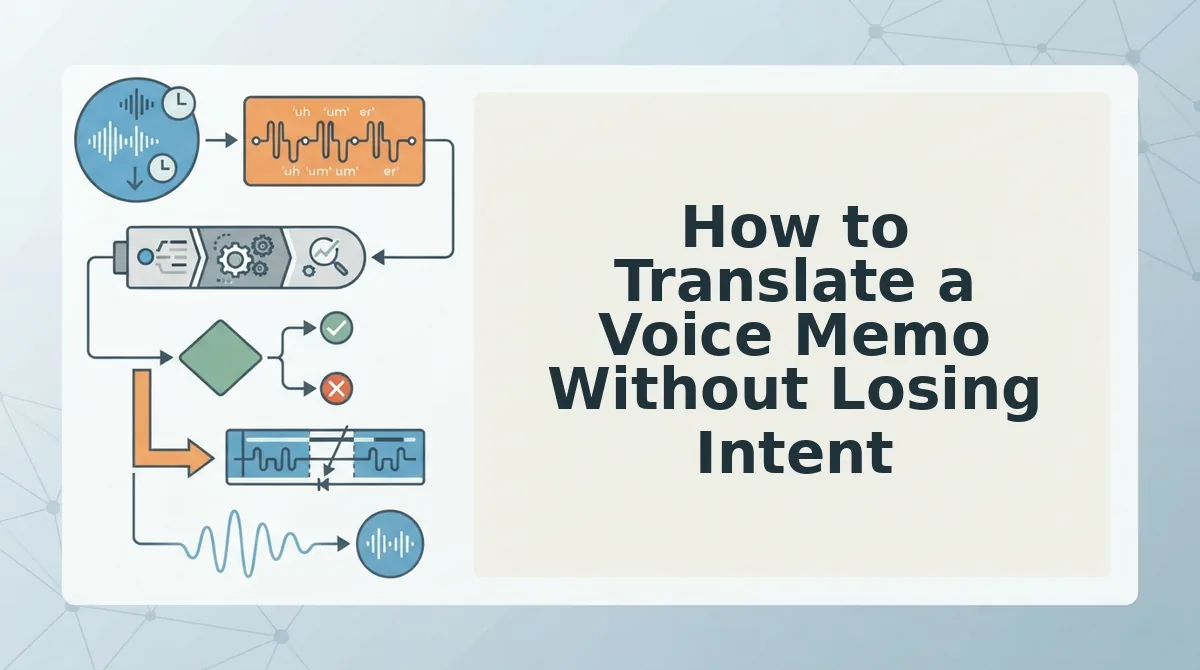
Clean the memo first, translate the cleaned version, then compare both transcripts side by side. Most tools translate raw audio. This order fixes drift at the source.
- Clean: remove fillers, false starts, and noise.
- Translate: choose your target language.
- Compare: check that your commitment level survived.
Before you start: you need a raw voice memo or a quiet place to record, plus a VClar account. The full workflow takes a few minutes.
1. Clean the Recording
Upload your raw audio or record directly. VClar removes fillers and reduces background noise, breath sounds, and mouth clicks. It also lets you fix grammar in a voice message and tighten loose fragments. Allow about one to two minutes.
For example, a founder records a Hindi investor update full of restarts and flags each restart before translating into English. You should hear one decisive take in your own voice.
2. Translate the Cleaned Version
Select your target language from the voice note translator in 11 languages, which supports 110 translation directions. Translate only the cleaned file, never the raw one. You should get translated audio plus a transcript within moments.
3. Compare the Side-by-Side Transcript
Open the side-by-side transcript and run the check most people skip: the commitment-level check. Confirm that every promise carries the same strength in both languages.
For example, a sales rep following up with an enterprise buyer in Spanish confirms that "can deliver" did not become "might deliver." That one review protects voice notes for sales follow-ups, where a softened verb can cost you a deal. Allow about one minute.
Pro tip: Read only the verbs and numbers in both transcripts. If those match, your ask survived.
Record once, clean, translate, compare, and send. You get one take with no re-record loop, and your intent stays intact in any of the 11 languages.
Meaning is only half the question, though. Your voice is the other half.
Keeping Your Voice vs. Keeping Your Meaning
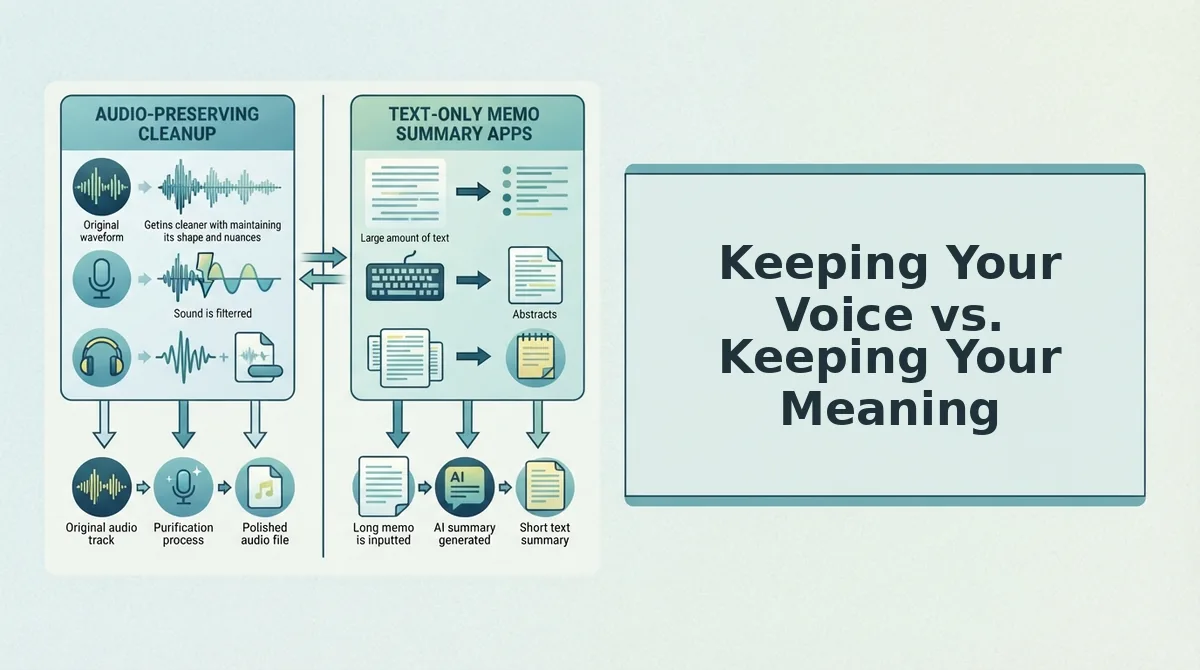
Voice cloning and raw-audio dubbing preserve how you sound, while clean-first translation preserves what you mean and still uses your natural voice. Vocal identity (accent, cadence, tone) is separate from intent, so choose the approach that fits your problem.
| Cloning or raw-audio dubbing | Clean-first translation | |
|---|---|---|
| Preserves | Your sound, either rebuilt synthetically or carried over from the raw take | Your intent, delivered in your natural voice |
| Input handling | Translates the memo as recorded, including fillers and false starts | Removes fillers and fixes spoken grammar, then translates |
| Real strength | Faithful to the original delivery when the script is already polished | Turns spontaneous, unscripted speech into a clear message |
| Best for | Creators localizing scripted, already-clean content | Founders, sales teams and freelancers sending off-the-cuff memos |
Consider a freelancer who sends a client update in French. They record once in English, and VClar strips the ums and false starts, corrects the spoken grammar and translates the cleaned message, so the client hears the freelancer's own accent and cadence delivering a decisive update. A clone might sound smoother but less like the freelancer, and dubbing the raw take would carry every hesitation into French, where a stray "basically" can blur a deadline or soften a commitment.
For a closer look at editing-first and cleaning-first workflows, see VClar vs. Descript.
When Should You Check a Translation You Can't Read?
Check every translation you can't read before you send an investor update, a buyer follow-up or a client deliverable. Open the side-by-side transcript and confirm these five points:
- The ask is intact. Confirm that your request still reads as a request, not as a passing suggestion.
- Numbers and dates are intact. Match every figure and deadline against the source, because one wrong digit can change a deal.
- Names are intact. Make sure the names of people, companies and products appear unchanged rather than translated as common words.
- The commitment level is the same. Check that "we will" has not softened to "we might" or hardened into a promise.
- The tone register is the same. Formal should stay formal, and a casual buyer note should not turn stiff.
Clean First, Then Trust the Translation
AI voice translation keeps the meaning of a messy memo when the source is cleaned before it is translated. The mess breaks intent more often than the language gap does.
So you don't need a perfect take, only a clear one. Remove the fillers and fix the spoken grammar first, and the translation starts from a message worth carrying across.
Your next step is to record one message you would normally re-record. Then clean and translate it with VClar and run the five checks on the side-by-side transcript. You get one take in your own voice, with no re-recording loop.