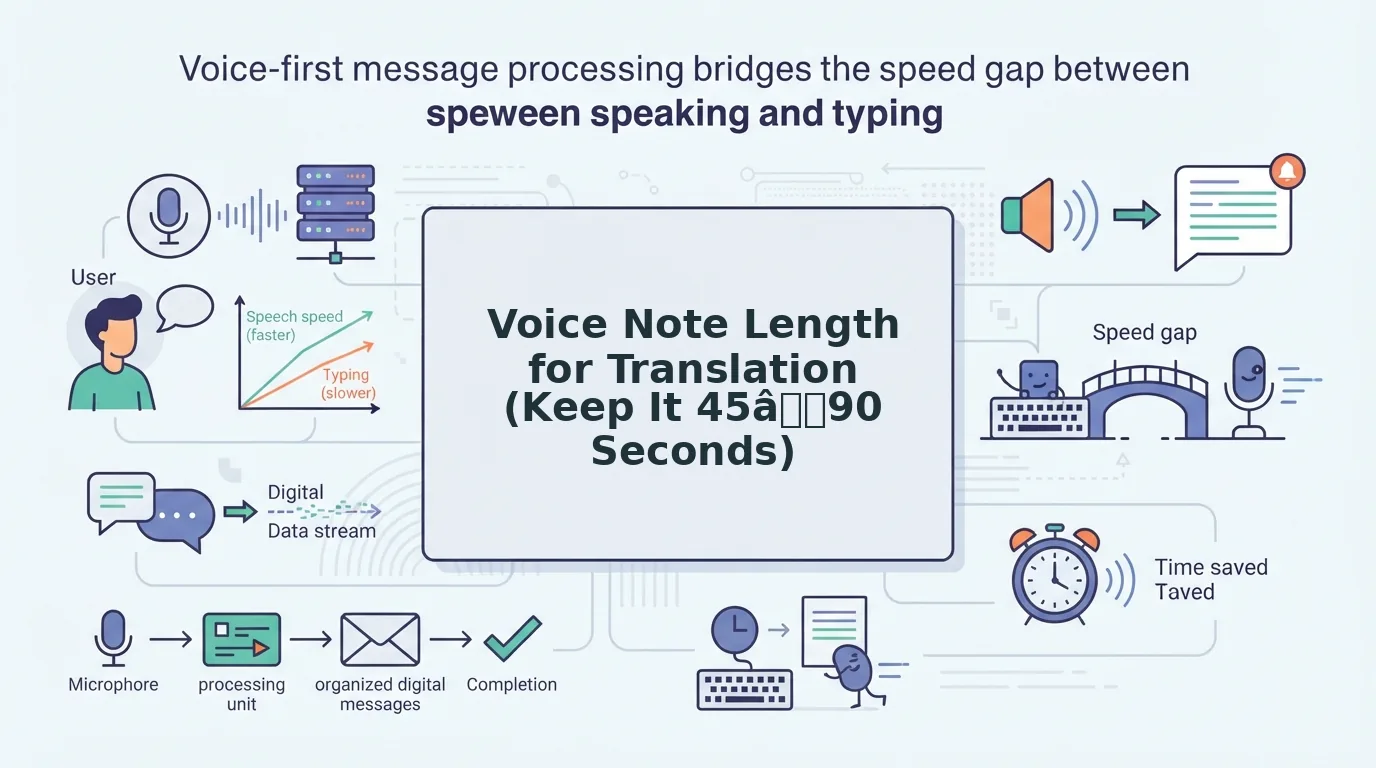

Keep a voice note to about 45â90 seconds and one complete idea before you translate it. Clean out filler words and false starts first, then split anything longer at natural idea breaks so each clip carries its own context. That is the practical voice note length for translation.
You think faster than you type, so you hit record. Then the message runs three minutes, you hear every "um," and the re-record loop starts: delete, retry, delete again.
Long, rambling clips are harder to follow in any language. A translator also carries every hesitation you leave in into the target language.
This guide gives you a simple length rule and a cleanup step that ends that loop. You'll learn how to split, clean, translate, and check each clip.
Along the way, you'll see why trimming a clip is not the same as cleaning it. That difference matters more than the stopwatch.
How Long Should a Voice Note Be Before You Translate It?
A voice note is ready to translate when it runs about 45â90 seconds and covers one complete idea. Completeness matters more than length. Each clip should make sense on its own, with no sentence cut off and no reference left hanging.
Translation direction is a source-to-target language pair, such as Hindi to English or Japanese to French. You need two things before you record: a chosen target language and a reasonably quiet spot.
Why one idea per clip helps the translator
Why should each voice note contain only one idea? A translation engine works out meaning from the surrounding words. When a clip holds one complete idea, every pronoun, verb tense, and reference points to something inside that same clip. That gives the translator the context it needs to choose the right phrasing. Think of it like an email. One paragraph per topic is easy to follow. A single paragraph that jumps from pricing to hiring to a meeting request forces the reader to guess where each thought ends. A 45â90 second clip is long enough to hold a full thought and short enough to stay on one topic.
How many words fit in 45â90 seconds?
The figures below are estimates based on a conversational pace of about 150 words per minute (wpm). Speaking pace varies by speaker, so your counts will differ.
| Clip length | Estimated words at 150 wpm |
|---|---|
| 45 seconds | About 110 words |
| 60 seconds | About 150 words |
| 90 seconds | About 225 words |
Don't cut clips too short
Over-splitting backfires. A clip that only says "she approved it" no longer tells the translator who "she" is or what "it" means, so the translator has to guess. A complete thought matters more than hitting a minimum number of seconds.
Worked example: a founder's investor update
Picture a founder recording an investor update that covers metrics, hiring, and an ask. Instead of one long take, the founder records each topic as its own clip. That way, the translated ask never borrows context from the hiring details. See more on voice notes for investor updates.
VClar cleans and translates each clip without altering your natural tone, accent, or cadence.
How to Split, Clean, and Translate a Long Voice Note
To handle a long voice note, list its ideas, split at topic changes, clean each clip, then translate. Cleaning comes before translating so the translator works from clear, grammatical speech instead of hesitations.
Before you start, you'll need: your original recording, your target language, and a voice message tool such as VClar. Plan on roughly 5â10 minutes for a three-minute note.
- List the ideas in the message. Write one line per topic you cover. This takes about 1â2 minutes. You should end up with a short list, such as "pricing, timeline, next meeting."
- Split at topic changes. Mark a cut wherever the topic shifts, using the matrix below. This takes about 2â3 minutes. Each clip should now run roughly 45â90 seconds and make sense on its own.
- Clean each clip. Remove filler words from audio, then fix grammar in a voice message. Cleaning also strips out ambient noise and mouth clicks while keeping your tone, accent, and rhythm. Each clip should sound decisive and still sound like you.
- Translate each clip. Select your target language in VClar's voice note translator, which covers 11 languages and 110 translation directions. You should get one translated clip per topic.
| Message type | Keep as one clip if | Split if |
|---|---|---|
| Investor update | It covers a single metric | Metrics, hiring, and an ask all appear |
| Enterprise follow-up | There's one next step | Pricing and implementation are both covered |
| Client status update | It covers one milestone | A blocker and a request share the note |
| Creator feedback | It covers one asset | Notes span several assets |
Pro tip: Split at a topic change, never mid-sentence.
Why trimming isn't cleaning
What is the difference between trimming and cleaning a voice note? Trimming shortens a clip by cutting its start, its end, or whole sections. Cleaning fixes what's inside the clip. That means removing filler words (um, ah, like, you know) and false starts, which are sentences you begin, abandon, and restart. It also means repairing sentence fragments, which are phrases that never finish a thought. A trimmed clip can still be full of hesitations, and the translator carries them into the target language. The order is clean, then translate, then check. Each step works from the best version of the one before it.
For example, a sales rep might record a follow-up to an enterprise buyer from the car. The rep removes road noise and fillers first, then translates the clean clips.
If the re-record loop eats your day, VClar is built for this record-once workflow. Next, here's how to check that the translation worked.

How to Check That the Translation Worked
Compare the original and translated transcripts side by side, one clip at a time. Run these five checks in order of importance.
- Confirm each clip carries one complete idea. Read every translated clip on its own and check that it states a full thought. A clip that ends mid-point means the split landed in the wrong place, so merge it with the next clip and translate again.
- Confirm references still make sense on their own. Look for words like "it," "they," or "that one" that point back to an earlier clip. Over-splitting breaks the link between a pronoun and what it refers to, so restate the noun before translating.
- Confirm names and numbers survive intact. Match every name, price, date, and figure across both transcripts. VClar's side-by-side transcript view makes these mismatches quick to spot.
- Confirm no filler or false starts leaked through. Scan the translation for stray hesitations or repeated openings. Leftover filler gets translated literally and makes the message sound unsure.
- Confirm the tone still sounds like the speaker. Play the translated audio and listen for the original cadence and emphasis. A flat or stiff result can land differently than the speaker intended.
The checklist also works on messages you receive. A freelancer who gets a long client update in another language can translate it section by section. They can then verify the names, deadlines, and requests in each part before replying.
Voice Note Translation FAQ
Most voice note translation questions are about length limits, built-in transcripts, cleanup order, and audio quality. The answers below cover each one.
What is the maximum voice note length VClar accepts?
VClar does not publish a maximum voice note length on its site. Structure matters more than any ceiling. A clip that holds one complete idea translates more cleanly than a long, wandering message, so split at topic changes no matter what a tool accepts.
Does WhatsApp transcribe voice notes?
Yes. WhatsApp has a transcripts feature for voice messages, and tutorial videos show how to use it. A transcript only shows what was said. Removing filler, fixing spoken grammar, and translating the message are separate steps, which is the job of a dedicated voice note translator.
Should you clean a voice note before or after translating it?
Clean it before you translate it. Fillers, false starts, and grammar slips get carried into the translation and often read as confusion in the target language. Cleaning first gives the translation a clear, direct source, so the meaning comes through without extra noise.
Does background noise or an accent hurt translation?
Background noise can hurt translation, but your accent does not need fixing. VClar reduces background noise, breath sounds, and mouth clicks while preserving your accent, tone, and rhythm. Cleanup happens automatically, so you skip timeline editing entirely.
Record Once, Clean, Then Translate
The best voice note length for translation is 45 to 90 seconds, with one idea per clip. A voice note sized that way keeps its meaning across languages, while a long one makes listeners piece together context.
The bigger shift is in how you record. Plan each voice note as a set of short, complete clips, and translation stops being a cleanup job you do afterward.
- Record in 45â90 second clips and split wherever the topic changes.
- Clean each clip before translating so filler never reaches the other language.
- Check the result side by side for names, numbers, and references.
Take your next voice note and clean voice memos online with VClar, then send it through the voice note translator, which covers 11 languages and 110 translation directions. Record it once, and it can go out in any of those languages in your own voice.