
You park, record a two-minute thought, hit play, and hear a wind tunnel with your voice trapped somewhere inside it. The take was good. The audio is not.
You can clean a voice note recorded in a car without recording it again, and without ending up with a voice that sounds like a machine reading a transcript. This guide covers the fixes that keep your cadence, accent, and phrasing intact â and it stops short of studio repair. If a window was open at highway speed, expect a usable message, not a flawless one.
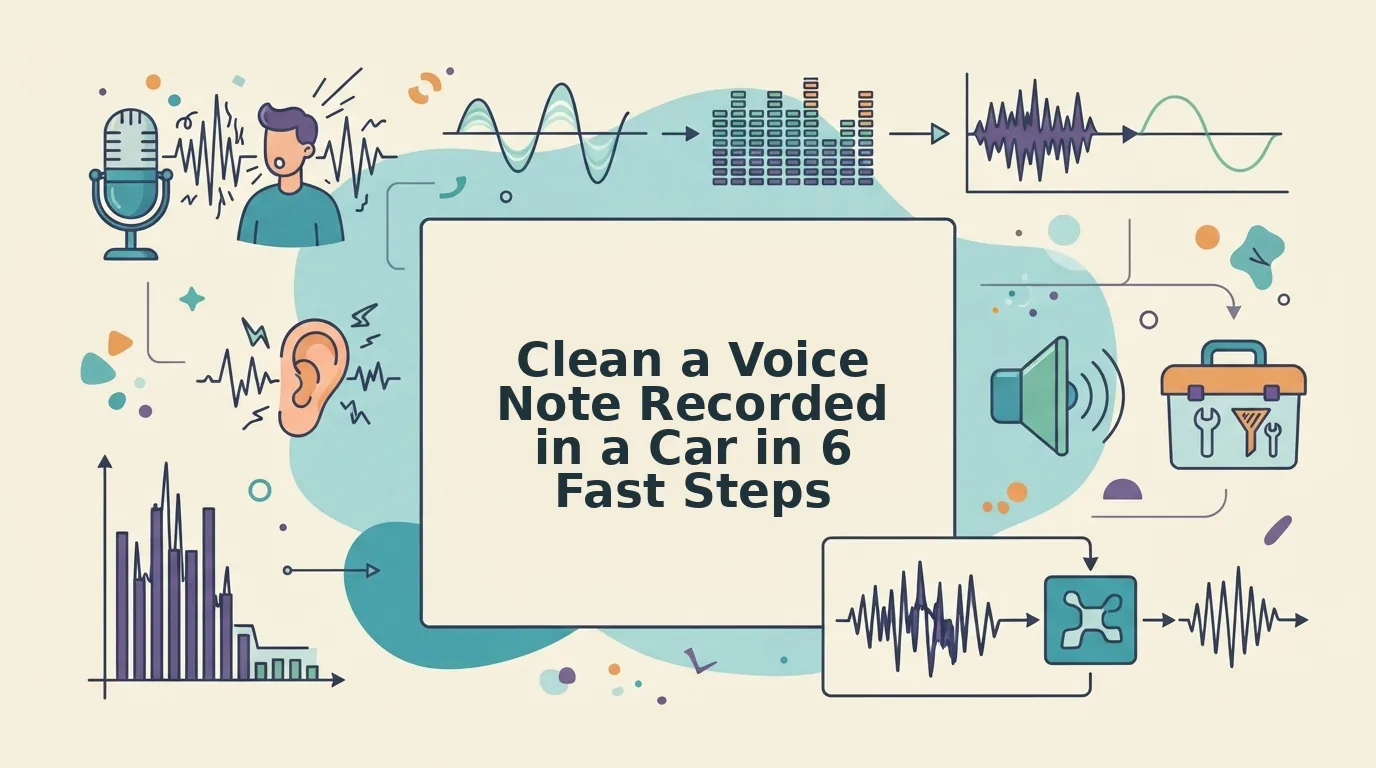
Three things are damaging your take at the same time:
- Steady drone â engine and road hum, low and constant.
- Transient hits â wipers, a passing truck, wind against the mic.
- Cabin reflection â your own voice bouncing off glass and hard trim.
Here is the uncomfortable part: the layer you probably blame least is usually doing the most damage to intelligibility. We will get to that.
Take one real workflow. A founder records a short investor update from a parked car, hears playback that sounds hollow and distant, and reaches for a single noise-reduction slider. Cranking it makes the voice thinner, not clearer. Treating the layers in order â drone, then transients, then reflection â is what makes the same take sendable as-is, which is the whole point of sending investor updates by voice instead of typing them.
If you would rather not manage those layers by hand, VClar removes filler words, cleans the audio timeline, and leaves your tone and rhythm recognizably yours.
Both of those fixes start with knowing what the microphone is actually picking up.
What Actually Makes a Car Voice Note Sound Bad?
A car voice note sounds bad because three separate noise layers sit on top of your voice: a steady engine drone, sudden road and wind noise, and echo bouncing around the cabin. Most advice calls all of it "background noise." That single label is why so many cleanups fail.
Car voice note noise is the combination of mechanical hum, outside disturbances, and reflected sound that a phone microphone records along with your voice inside a vehicle. It has three layers. Engine drone is a constant low rumble that never pauses. Transient road noise is a short, unpredictable burst, like a tire thump, a passing truck, or a wind gust. Cabin reflection is your own voice bouncing off glass and hard panels, so it arrives at the mic twice and sounds hollow. Each layer behaves differently, so each one needs a different fix.
Here is the three-layer model at a glance:
- Steady drone: constant, low, and sitting underneath your voice.
- Transient road and wind noise: brief, loud, and random.
- Cabin echo: caused by the shape of the space rather than by sound processing, so changing your position fixes it cheaply.
Two more terms matter. A plosive is the burst of air from "p" and "b" sounds hitting the mic. Signal-to-noise is how loud your voice is compared with everything else.
Why Blanket Noise Reduction Makes It Worse
The drone sits just below your voice. A filter wide enough to catch it also removes the low end of your speech.
Think of mowing a lawn so short to kill the weeds that you scalp the grass as well. You end up with a cleaned file that sounds both hollow and still boomy, because your voice loses its body while the rumble survives.
Precise cleaning starts with knowing which layer you are fixing.

How to Clean a Voice Note Recorded in a Car Step by Step
Clean a car voice note in this order: cut the low rumble first with a narrow low-cut, repair road transients by hand, damp the cabin echo, then remove filler words and fix spoken grammar, and listen back once. The sequence matters because the drone sits below your voice â filtering it first stops the later noise work from eating the low end of speech. Reversing the order smears the take and leaves the boom. Set aside about 10 minutes for a two-minute note, and keep a copy of the raw file before you touch anything.
Before you start: you need the original audio (from your phone's recorder or voice memo app), headphones, and either an audio editor or VClar.
- Import the file and listen once at low volume. Drop it into your editor or upload it to VClar. You should see a waveform where the loudest road bumps stand out clearly.
- Cut the rumble with a narrow low-cut. A low-cut filter is a control that rolls off everything beneath a set point and leaves the rest untouched. Place it just under the lowest note of the voice. The engine drone should fall away without thinning the take.
- Repair road transients by hand. Treat each bump, thud, and wind gust on its own clip rather than running a global filter across the file. Success is a timeline where the voice never ducks between words.
- Damp the cabin echo. Apply a short, light de-reverb â enough to reduce the bounce off glass and hard trim, not erase it.
- Remove filler words. Run the take through VClar's remove filler words from audio tool so the ums, "like," and false starts collapse without a jump in pacing.
- Fix spoken grammar. Use fix the grammar in a voice message to repair the sentences you built live while keeping your cadence.
- Listen back exactly once, on headphones. One pass, notes only on real problems â you should end with a file you would send as-is.
Pro tip: if you end up re-recording, close the AC vent. That matters more than lowering the fan speed, because the vent is what the mic hears.
Troubleshooting: still muffled after all three layers? The mic was covered, not the room. Cleaning cannot restore detail that never reached the capsule.
Worked example: you record a two-minute project update parked with the engine running. The low-cut drops the drone, the bumps get clipped out one by one, and a light de-reverb pulls back the cabin bounce. Filler removal takes out the false starts mid-sentence, grammar correction fixes the tangled clause, and the second listen is clean.
If you would rather skip the manual pass, VClar handles the cleaning and the language polish in one upload â this guide to cleaning ambient interference and breath sounds while keeping vocal character shows what it preserves.
Some takes, though, are past the point where any order of operations helps.
What Cleaning Can and Cannot Fix, and When to Just Re-Record
Cleaning recovers everything steady and everything repetitive; it cannot reconstruct audio the microphone never captured. Engine drone, road rumble, cabin echo, and filler words come back clean. Clipped peaks, a palm over the mic, and two people talking over each other do not.
| Removable | Partially recoverable | Not fixable |
|---|---|---|
| Steady engine drone below the voice band | Wind buffeting on the mic | Clipped peaks where the waveform flat-tops |
| Road rumble, tire hum, cabin echo | Windows-down gusts crossing your words | A palm, sleeve, or dashboard block over the mic |
| Ums, ahs, false starts, repeated phrases | Muffled tone from a phone in the cupholder | Two voices overlapping on one track |
The decision rule is a threshold, not a feeling: if getting to a clean sentence means cutting more than two of them, or more than a third of the take flubbed, re-record. Below that, clean.
Best for the founder sending a 40-second follow-up from a parked car: clean it â the content landed, only the room didn't. Best for the sales rep who fumbled the ask two minutes into a three-minute pitch: re-record it, because no cleaner rewrites a wrong sentence. And if you're weighing VClar against a full audio editor, the honest tradeoff is control versus steps â see VClar vs Descript for why a timeline editor is overkill on a single note.
Either way, the goal is your own cadence with the room removed: accent, rhythm, and tone stay intact after cleaning.
Questions People Ask Before Sending a Cleaned Voice Note
Will cleaning make me sound like a robot?
No. Cleaning removes the room, not the speaker â drone, transients, and echo come out while your accent, rhythm, and tone stay in. Text-to-speech replaces your voice; enhancement subtracts what the car added. You should recognize yourself in the output.
How long should a car voice note be?
Shorter survives better. Under a minute, cleaning has less noise to average and fewer sentences to tighten, so send long updates as two or three segments rather than one five-minute take.
Can a voice note with two people talking be saved?
Not reliably. Overlapping speech sits in the same frequency range as the noise being removed, so separation tools trade one problem for another. Record each person separately and send the cleaned takes side by side.
Should I clean before or after translating?
Clean first. Fillers and half-sentences translate badly and arrive as noise in the target language, so remove them while the audio is still in your own words, then translate the cleaned file â VClar handles 11 languages.
Send the Take You Already Have
Work the layers in order â steady drone, then transient road and wind, then cabin echo â and most car notes stop sounding like car notes. What's left is a decision: clean when the content is right, re-record when it flubbed.
Recurring car noise is a recording habit problem, not a file problem. If it keeps happening, read the voice clarity guide and change where the phone sits. If it's one take you've been avoiding, upload that voice note to VClar and compare the before and after yourself â that's the whole payoff: your own cadence, with the room removed.
When the message has to cross a language, clean first and translate second, because fragments survive translation badly. VClar translates cleaned voice notes into 11 languages, and the clarity you just recovered travels with them.
You can also remove fillers from a recording.