
You have already recorded this voice note twice, and a third take will not fix it. What fixes it is picking the right cleanup tool on the first pass, which is why it pays to compare two voice note cleaners against the same recording instead of scrolling two feature tables and guessing.
Some of what surfaces when you search for this is a different job entirely. Comparing two audio files for similarity is a signal-matching question, and a hardware voice recorder is a capture decision â neither one cleans a memo you have already spoken.
So treat it as a control test: one clip, two tools, same input. What follows is a sequence rather than a verdict, and it runs in a fixed order because each gate can end the comparison early. You will check output type, then score the transcript, then hit the gate that eliminates most of the field â not the language count, but what a tool can actually do with your voice in a second language. Clear that one and only pricing is left.
What should a voice note cleaner get right before you pay?
A voice note cleaner is software that edits the spoken message rather than the waveform â trimming filler words, fixing spoken grammar, and reducing background noise, breath sounds, and mouth clicks while keeping your voice, accent, and rhythm.
Think of it as a copy editor for speech: it deletes the false starts without rewriting your argument. If the output sounds like a different person, it is solving a different problem.
The pass condition is concrete. You would send the cleaned message without re-recording, and you would paste its transcript into an email without editing it first.
Prerequisites are minimal: a 60-second recording of your own, both tools on a free tier or trial, and a plain text file to tally corrections. Two terms carry the rest of this guide. A translation direction is one ordered language pair â English into Japanese is not the same direction as Japanese into English. A usable minute is a minute of delivered cleaned audio, not a minute uploaded.
Run four gates in order and stop at the first failure:
- Output type â audio, transcript, or both. Stop if it cannot return the format you need.
- Transcript accuracy â errors per 100 words on one fixed clip. Stop above roughly five.
- Translation direction coverage â your ordered pairs, not a language count. Stop if your pair is missing.
- Cost per usable minute â plan price divided by delivered cleaned minutes. Stop if it exceeds what the message is worth.
Pair-specific walkthroughs live in the comparison hub; these gates are what you apply once you open one.
How do you compare two voice note cleaners step by step?
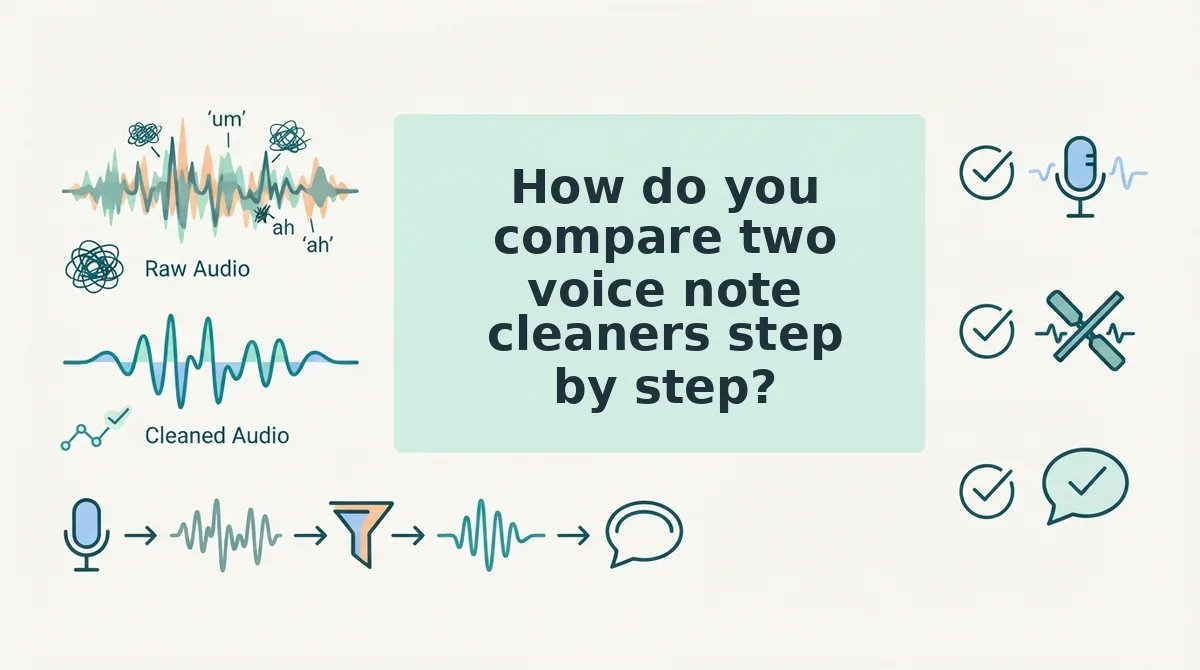
Compare two voice note cleaners by running the same 60-second recording through both and gating in a fixed order: output type, transcript accuracy, translation direction coverage, then cost per usable minute. Every gate has a stop rule, so the test ends the moment a tool fails.
Set up before you start: one unscripted 60-second clip of your own containing at least one person's name and one number, both tools open on a free tier or trial, and a text file for tallying corrections. Budget about 30 minutes total.
- Classify the output type (5 minutes). Upload the clip to tool A, run cleanup, and export or preview whatever comes back. Note whether you get cleaned audio, a transcript, or both, then repeat with tool B. Success looks like a playable file plus a block of copyable text. Stop rule: if a tool returns only text and you need sendable audio, end the comparison there.
- Score the transcript on the same clip (10 minutes). Count errors per 100 words: filler words left in, mis-heard names, dropped clauses, and punctuation breaking mid-sentence. A 60-second clip runs roughly 130 to 160 words at conversational pace, so one tally sheet covers it. As a worked example, a founder records a 60-second investor update in a car, runs it through both tools, and counts corrections side by side â the tool with fewer mis-heard names wins even when the other sounds smoother. Stop rule: more than about five corrections per 100 words eliminates the tool. Both tools should also be judged on spoken grammar correction, not just silence removal.
- Check translation direction coverage (5 minutes per tool). The gate that eliminates most of the field asks about ordered pairs, not language counts. A tool can advertise 11 languages and still leave you without a usable route: languages are counted one at a time, while directions are counted in pairs, so eleven languages cover up to 110 directions only where every pair is actually enabled. For a speaker who thinks in one language and sends in another, the question is never "how many languages" but "does my exact pair appear, in the direction I need, with equivalent cleanup on both sides?" Write your pairs down before you open a pricing page.
See 110 translation directions across 11 languages for how direction lists are structured. Stop rule: if your pair is missing in the direction you need, stop.What the spec says What it counts What to verify "Supports 11 languages" Languages, not pairs Whether your ordered pair is listed at all "110 translation directions" Ordered pairs (11 Ã 10) That both directions of your pair are enabled "Auto-detects source language" Convenience, not coverage That detection holds on accented or mixed speech - Convert sticker price into cost per usable minute (10 minutes). Open both tools' current pricing pages in separate tabs on the same day, since any figure quoted in an article is stale by the time you read it. Cost per usable minute equals plan price divided by delivered cleaned minutes â the minutes you would actually send, not the raw minutes you uploaded.
Stop rule: if the per-minute figure is higher than the message is worth to send, stop. Two filters sharpen the estimate: run your clip through filler word removal to see how much audio gets cut, and read the voice notes for founders workflow if your sends are investor or client updates.Line Where the number comes from Plan price The tool's own pricing page, checked today Raw upload allowance What the plan meters Delivered cleaned minutes What survives after cuts, rejected takes, and re-runs Cost per usable minute Plan price ÷ delivered cleaned minutes
How do you check the edits were actually good?
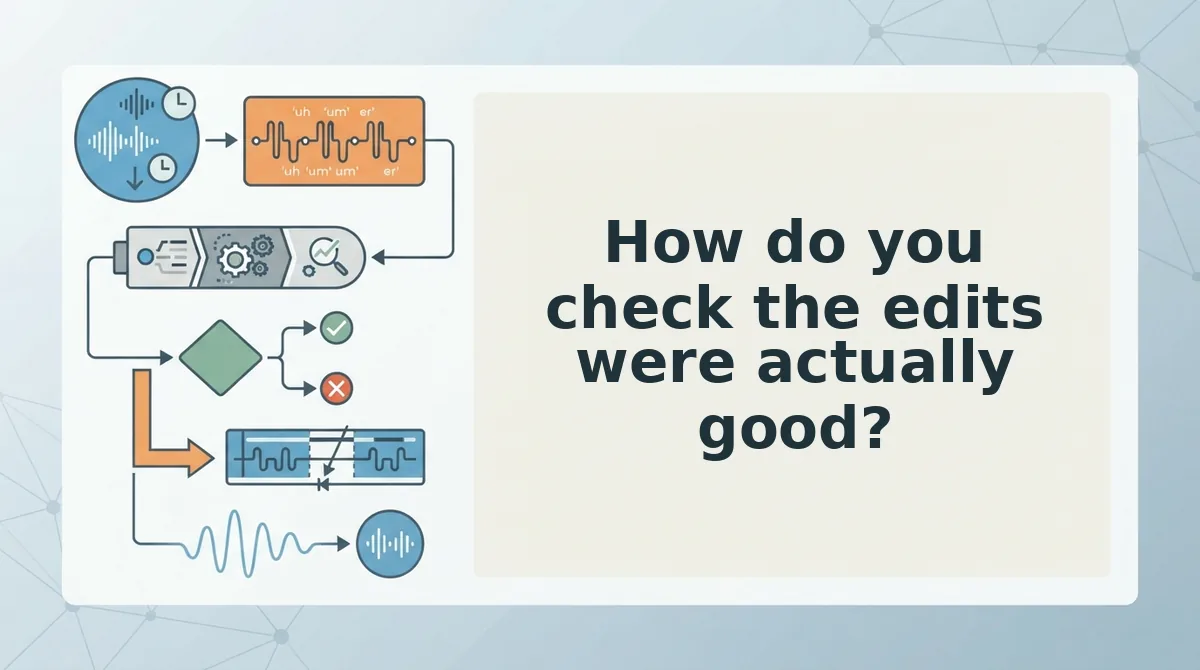
Score the output with a listenâreadâlisten loop over one 60-second clip, measured against a baseline you took before cleanup. "It sounds better" is not a test; a before-and-after count is.
- Baseline the filler count first. Run the raw transcript through the filler word counter and save the number. Without it, a 40% cut feels identical to a 5% cut.
- Listen for surviving cadence and accent. Play the cleaned audio once and check that your pauses and stress land where you put them. Flattened rhythm means the tool polished the wrong layer.
- Read for dropped clauses. Skim the transcript for the hedges and conditions you actually said. Missing qualifiers are invisible on playback because the audio still runs smoothly.
- Listen again for meaning shifts. Compare the second pass against the original for claims that changed rather than tightened, such as a suggestion that now reads as an ultimatum.
- Score noise and breath removal pass or fail. Clicks and room tone should disappear without the voice sounding rebuilt or gated. Every tool does this, so it is a gate, not a differentiator.
Do you need timeline editing to clean a voice note? No. Message-level cleanup edits the whole recording at once: it detects fillers, silence, and clicks and rewrites the audio timeline for you, so there is no waveform to drag. Timeline editing only becomes necessary when you want to reorder sentences, cut a section out, or stitch two takes together. That distinction matters in a comparison â if your clip is one continuous thought, a cleaner that ships no editor is not missing a feature you need.
Take your own clip to VClar and run this loop before you open a second tab; the first pass usually settles the question.
What else do people ask before they pay?
Can I clean a voice note without timeline editing?
Yes. Message-level cleanup processes the entire recording in one pass, removing fillers, dead air, and clicks without asking you to touch a waveform. Timeline editing is only needed for reordering or splicing, and a single continuous voice note never requires either.
How long should a voice note be before you translate it?
Test translation on 30 to 60 seconds of cleaned audio first, because quality drifts as clips run long and errors compound across sentences. Split anything over a few minutes into segments, check the first one, then translate the rest.
Do voice note cleaners work on WhatsApp voice messages?
Only if the cleaner accepts the compressed audio WhatsApp sends â Opus in an .ogg container, not WAV. Confirm the uploader's supported formats before paying, then run one real export through it, since forwarded copies can sound different from the original. See how to translate a WhatsApp voice note.
Is a free tier enough to compare two voice note cleaners?
Usually yes for the first two gates. Free tiers typically cover enough minutes to push one 60-second clip through each tool, which is all transcript quality and noise removal require. Translation and long exports are where caps appear.
Where to go once you have your scores
Act on the first gate you failed rather than on the total score. A tool that wins on features and loses the translation direction check is still the wrong tool for your clip.
Two comparisons you can drop now: depth of timeline editing and voice cloning. Neither earns its place on a 60-second message. One check you cannot skip is translation direction, which quietly disqualifies tools that pass everything above it.
Work in tiers from here. Run the filler words remover on a memo you actually need to send â one pass tells you whether the output is usable. Then put the single competitor still standing through the four-gate test, and commit.
The honest limit: cleanup tightens delivery, but it will not rescue a message with no point. Fix the point first. That is the answer the intro was circling â the gate that decides your choice is rarely the one the feature page leads with, and one upload reveals it.
You can also find tools for planning and reviewing speech.