
A voice note is sitting in your inbox, and typing a reply feels like answering a phone call with an email. The sender talked because talking was faster â and now you're staring at a text box, deciding whether to match their channel or default to yours.
That gap is why the search for vclar vs audiopen for replying to a voice note exists at all. Both tools show up when you look for help turning speech into something usable, but only one of them can hand audio back. The reply direction is unclaimed territory: AudioPen's own demo framing is "fuzzy thought to clear text, fast," which describes capturing a thought, not answering one.
You already know the friction. Raw memos carry verbal fillers, awkward pauses and disjointed grammar, so a spoken reply often sounds less confident than the sender intends â and the re-record loop, take after take, is the real cost nobody prices in. What you need is a decision rule, not another feature table. This comparison gives you a three-question channel-match test, runs it on a concrete case â a founder replying to an investor's voice update, linking to voice notes for founders â and then shows the one capability difference that settles most of these decisions. It surfaces later, in the comparison table, and it isn't about features at all.
For the underlying capability, see VClar as an AI voice message translator. No pricing, benchmark or head-to-head test data is documented for either tool, so everything below stays on capability.
Which tool is better for replying to a voice note with audio instead of text?
VClar is the better fit when your reply has to be heard; AudioPen is the better fit when the destination is a document. A voice note is a recorded audio message sent person-to-person instead of typed. A speech-to-text tool converts spoken audio into a written transcript or draft. A speech enhancer keeps the audio as audio and rewrites what's inside it â removing fillers, repairing spoken grammar, cutting noise â so the recording sounds like the speaker on a good day.
That last distinction is the whole answer, and it's an input/output asymmetry rather than a feature gap. Most comparison pages count rows in a table. The actual difference is modality: what comes out the other end.
AudioPen's documented output is text. That is a plain statement of function, not a criticism â text is exactly what you want when the goal is a note, a draft, or a document you'll edit later. Think of it like a court stenographer: flawless at turning speech into a record, but the stenographer was never hired to talk back. A tool that turns speech into a document is right when the destination is a document, and wrong when the destination is another human's ears.
VClar is a speech enhancer, not a transcriber. It returns cleaned audio with the speaker's tone, accent and rhythm intact, alongside text translation across 11 languages and 110 directions. So the reply arrives as a voice note the sender can play in one tap, in their own language, without the "ums" and false starts that make a considered answer sound improvised. You can record a first take directly in the browser and hear what the cleaned version sounds like before committing to it.
The short version for anyone deciding in ten seconds: if the sender talked, talk back â and let the tool handle the cleanup so the take lands on the first try.
VClar vs AudioPen compared on what a reply actually needs
A reply has different requirements than a note, so the comparison should be scored on reply criteria: what comes out, how clean it is, whether your voice survives, whether it crosses languages, and whether you can review before sending.
| Criterion | VClar | AudioPen |
|---|---|---|
| Output format | Cleaned audio, plus text translation | Text |
| Cleanup scope | Remove filler words from the reply, repairs spoken grammar, tightens phrasing, reduces background noise, breath sounds and mouth clicks | Produces a cleaned written draft from spoken input |
| Voice preservation | Keeps the speaker's tone, accent, cadence and intent | Not applicable â no audio is returned |
| Translation | Translates across 11 languages â Hindi, English, French, Japanese, Korean, German, Russian, Portuguese, Spanish, Italian, Chinese â covering 110 directions | Documented function is voice-to-text capture for notes and drafts |
| Review before send | Play the cleaned take before it goes out | Edit the text before copying it |
Best for the async replier: VClar â you received audio and want to answer in audio without three re-records. Best for the writer and note-taker: AudioPen â you're capturing a fuzzy thought and want it as clear text you can shape into a document, and that framing is honest about what it does well. Neither tool's price or measured speed is compared here, because no such data is documented for either.
The pattern in the table is one line: nothing in AudioPen's documented function returns an audio file, which means it can't send audio back to the person who sent you a voice note. VClar's cleanup answers the other half of the reply problem â the fillers and disjointed grammar that make a spoken answer sound unsure â while the 11-language coverage handles the case where the sender's language isn't yours.
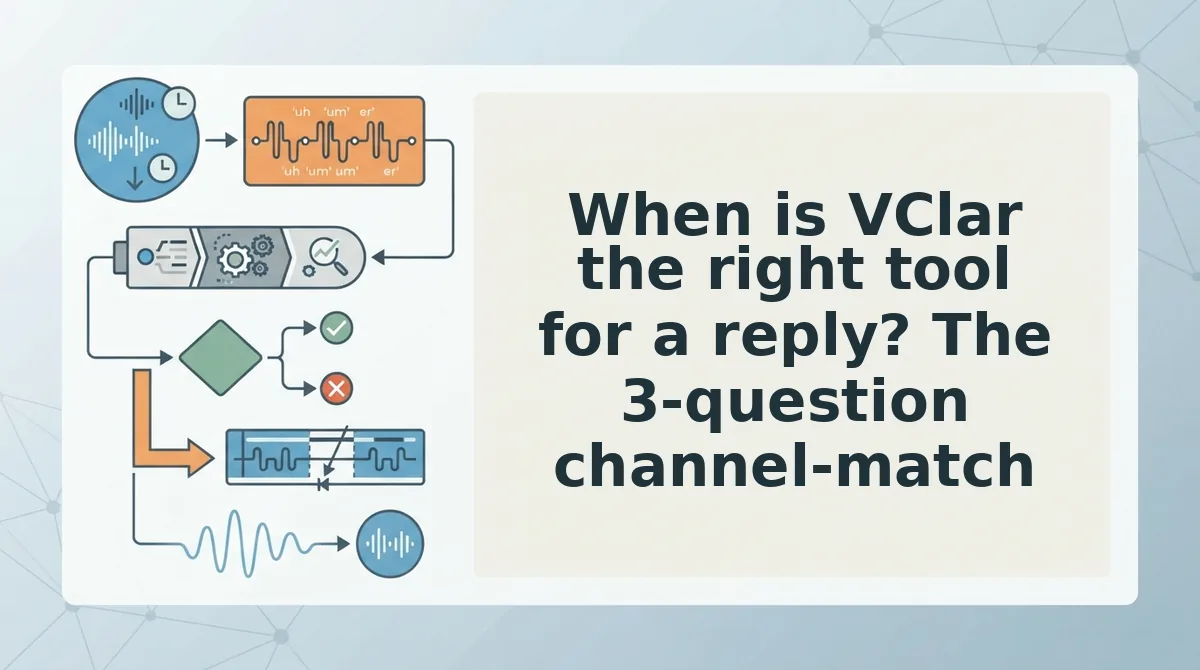
When is VClar the right tool for a reply? The 3-question channel-match test settles it in under a minute.
When is VClar the right tool for a reply? The 3-question channel-match test
VClar is the right tool for a reply when three things are true: the sender expects to hear you, the reply crosses a language, or the note has to land in under a minute as spoken audio. Ask the three questions below in order, and the first "yes" decides the format you send.
- Does the sender expect to hear you back? If yes, reply with audio rather than text. A voice note sets a channel expectation, and answering in a different channel reads as a downgrade even when the words are perfect. Match the channel first, then clean the recording so a one-take reply sounds decided instead of rushed.
- Does the reply cross a language? If yes, translate the cleaned audio instead of sending text in a second language. A text-only output forces a second tool into the loop â one app to clean, one to translate, one to record â and that is where most cross-border replies quietly stall and become a typed message two days later.
- How fast must it land? If the recipient has to act on it today, keep the reply to 30-60 seconds. That range is the working norm for a note someone has to do something about, not a measured benchmark â people who stop to act rarely replay past a minute. Check how fast you actually speak before assuming your drafted reply fits inside it.
| Your situation | Format to send |
|---|---|
| Sender expects to hear you back | Cleaned audio reply |
| Reply crosses a language | Cleaned and translated audio reply |
| Note goes into your own system, or needs a written record | Cleaned text note |
Voice tools get chosen by workflow fit rather than feature count â the Pick Two: Voice Memo Apps episode of Streamlined Solopreneur makes that point directly, and it is the reason this test asks about the recipient rather than the spec sheet.
Worked example: a B2B seller following up with an enterprise buyer after a demo call answers yes to question one and often yes to question three. The reply goes back as audio, held to 45 seconds, with the next step stated plainly â see voice notes for sales for that follow-up pattern end to end. Run the three questions once on your last five replies; the pattern you find is your default format.
Where AudioPen is the stronger choice, and where VClar stops short
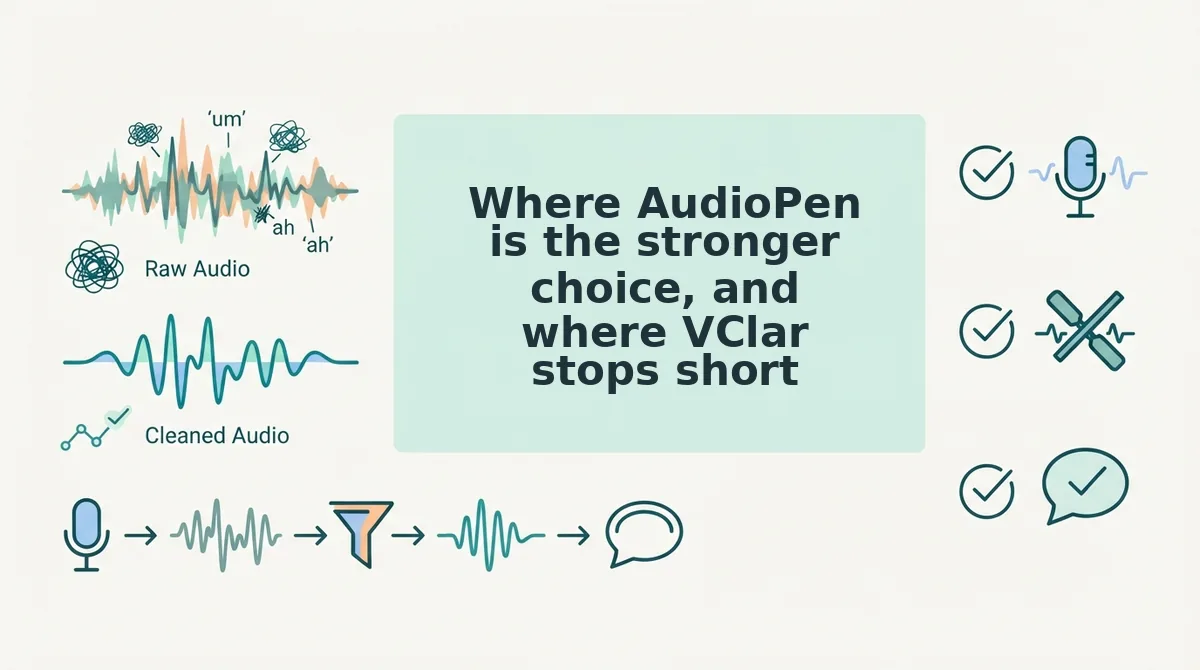
AudioPen is a fuzzy-thought-to-clear-text tool: you speak loosely, it hands back organized text. That is genuinely the better outcome when the note is going into your own system rather than to another person.
Start simple. If your voice memo is raw material for a document â a meeting recap, a task list, a draft section â text-first capture wins on every axis that matters. Searchable, structured, pasteable, no file to store and no timestamp to scrub.
Move up a level and the gap widens. Notes you want to find again in six months need to be text, because audio is not searchable in most systems. Think of it like a stenographer versus a courier: one produces a record, the other delivers a message. Replying is courier work, which is why a stenographer's tool feels wrong for it.
Can AudioPen send audio back? No. AudioPen's documented output is text, so the reply direction is simply not the job it was built for â that is a scope boundary, not a flaw, and it is worth knowing before you buy either tool.
VClar's limits deserve the same candor. It does not invent content you did not say; it does not clone your voice into a synthetic speaker â it preserves your natural tone and rhythm rather than replacing them; it needs a recording it can actually work with; and aggressive cleanup can flatten your delivery if you stop listening to the result. Reviewing the transcript is what catches over-trimming, because cleanup should tighten a reply, not rewrite the person sending it. For the underlying trade-off, see voice vs text.
How do you review a cleaned reply before you send it?
Review a cleaned reply by listening to the original once, reading the cleaned transcript, checking exactly what was removed, and only then sending. Four steps, maybe ninety seconds, and it is the step that settles whether the file still sounds like you.
- Listen to the original. Play your raw recording first, while you still remember what you meant. You are listening for intent, not quality.
- Read the cleaned transcript. Read it as the recipient would, without your own memory filling gaps. Anything that reads as someone else's sentence is a flag.
- Check what got removed. Confirm the cuts were fillers, false starts, and half-sentences rather than content. Sentence fragments are the most common casualty of cleanup and the most likely thing to restore by hand.
- Send, then note what you restored. If you put back a hedge or a qualifier, that was information, not noise â keep it next time.
This is the trust hinge nobody documents. The accent and tone objections get settled here, because you hear the cleaned file before the recipient does, and checking what was cut is the difference between a tightened reply and a misrepresented one. Picture a consultant sending a client a Friday update: the numbers stay, the "um, so basically" goes, and one qualifying clause comes back by hand because it changes the recommendation.
The teased finding holds up â the step that decides everything happens in the gap between cleanup and send, and it takes less time than re-recording once. Start with filler word removal on your next reply, run the four-step review, then read the voice message workflow guide to make the habit stick. Record one real reply now and send it cleaned, not perfect.
You can also find tools for planning and reviewing speech.