
A duplicate-charge email lands at the top of the queue, and the customer has already sent a second, sharper message. You have about thirty seconds and a phone in your hand. Typing a careful reply means losing the tone you would have hit by speaking it; sending a raw recording means shipping the ums, the false start, and the road noise along with the apology.
That gap â between what a support rep can say out loud and what a customer should actually receive â is what separates the two tools in this VClar vs AudioPen for customer support voice replies comparison. AudioPen is built around turning messy voice notes into organised text. VClar is built around sending cleaned audio back with a transcript beside it. Most buyers assume those are the same job. They are not, and that single difference decides what lands in the customer's inbox.
You will get a verdict you can act on today, a plain table of what each tool sends back, and a decision model for picking a channel by emotional temperature rather than by feature count. You will also find the case against audio for a set of tickets where you would expect it to win â the async voice workflows that read better as text. Work through the verdict first, then the escalation logic; the second one is where most support teams discover they have been defaulting to the wrong channel.
Which tool wins for customer support voice replies?
VClar wins when the customer should hear the answer. AudioPen wins when the rep needs the answer written down.
A voice reply is an audio message sent as the answer itself, not a summary of one. Speech enhancement is delivery repair â filler words removed, spoken grammar corrected, noise and breaths cleaned â while accent, cadence, and tone stay intact. It is not voice cloning or text-to-speech.
On the job support teams actually have, only one of the two qualifies. AudioPen is a voice-to-text organiser that turns a messy note into organised text. VClar is a voice enhancer that returns polished audio plus a transcript companion. A transcript is the text version sent alongside the audio, useful for skimming and record-keeping; it does not replace the recording. If the deliverable is something a customer listens to, text is a draft of the reply, not the reply.
Think of the difference between a proofreader and a recording engineer. Both fix the same sentence, but only one hands back something you can play out loud.
VClar's filler-word removal and spoken-grammar correction work on the audio timeline itself, which is why the result sounds like you on a good day rather than like a stranger reading your words. See voice messages for customer support for the recording workflow.
What does each tool actually send back to the customer?
Different deliverables. VClar returns enhanced audio the customer can play, plus a transcript alongside it. AudioPen returns organised text and does not send audio back â its own positioning is messy voice note in, organised text out.
| Tool | What the customer receives | What the rep keeps | Best for |
|---|---|---|---|
| VClar | Cleaned, enhanced voice message they can play | Transcript of the same message | Support reps who answer by voice |
| AudioPen | Nothing audio â the output is text | Organised written notes | Reps writing up summaries for themselves |
Read as jobs rather than features, the split becomes obvious. De-escalation is an audio job: a calm, filler-free human voice carries ownership in a way typed empathy rarely does. Refund confirmation usually is not, because the customer will re-read the amount and forward it to a colleague.
Reproduction steps for a technical bug belong in text â someone needs to copy an error string, and nobody scrubs audio hunting for a version number. Cross-border handoff sits in the middle: VClar translates cleaned voice messages across 11 languages and 110 translation directions, so a Portuguese-speaking customer can receive a reply you recorded in English.
AudioPen is genuinely good at what it claims. Dictate a rambling post-call recap and it hands back a tidy written note, which is exactly what an internal record should be. It simply does not advertise sending audio to anyone, and no vendor page frames either tool in support terms.
Best for support reps who answer customers by voice: VClar. Best for reps who want clean text summaries of their own calls: AudioPen. For the feature-by-feature breakdown, see the full VClar vs AudioPen feature comparison.
If you wanted text summaries rather than something a customer hears, you are in the right place for the wrong reason â and the next section explains why that instinct is often correct.
The answer splits cleanly once you ask which one calms a furious customer and which one documents a bug.
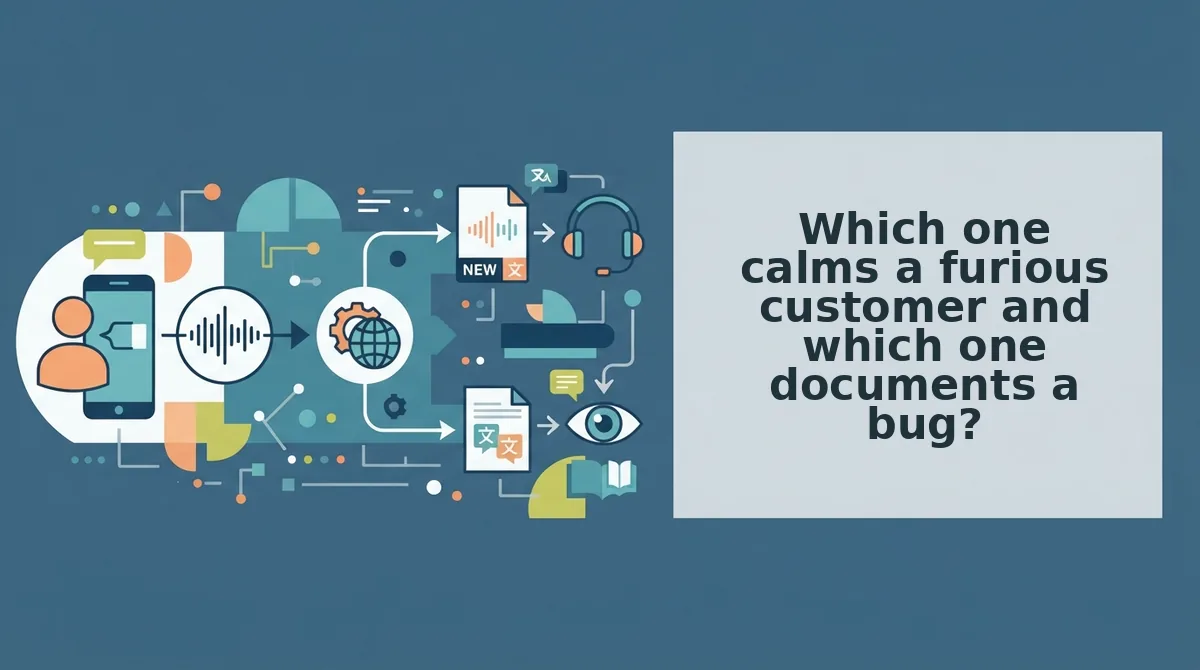
Which one calms a furious customer and which one documents a bug?
Audio calms a furious customer; text documents a bug. VClar returns enhanced audio plus a transcript, so it covers both, while AudioPen returns text only â the stronger pick for anything a rep forwards to engineering.
The Escalation Ladder is a two-by-two model that maps customer emotional temperature against ticket complexity to pick the reply channel. Four cells, four different answers.
| Customer state | Ticket type | Send as | Why |
|---|---|---|---|
| Furious | Simple â duplicate charge | Audio | Tone carries the apology |
| Furious | Relationship â churn threat | Audio | Customer wants a human |
| Calm | Technical â reproduction path | Text | Gets forwarded to engineering |
| Calm | Routine â order status | Either | Speed decides |
The rule underneath it: tone of voice carries the apology, the transcript carries the fix.
Furious, simple. A duplicate charge goes out as audio â VClar strips the "um" and "basically" so the apology lands decisive instead of hedged.
Furious, relationship. A churn threat also goes out as audio; the customer wants proof a human answered, and a transcript reads like a form letter.
Calm, technical. A reproduction path goes out as text. It will be pasted, searched and forwarded, and AudioPen's text-first output is genuinely efficient there.
Calm, routine. An order status goes out as whichever is faster to record.
Then there is the cross-border row, where the two tools are not close. A Spanish-speaking or Hindi-speaking customer needs the reply translated before it ships, and a transcript alone leaves the rep translating by hand. VClar translates cleaned voice messages across 11 languages.
Best for escalation-heavy support where tone is the product: VClar. Best for teams that need a clean written log fast: AudioPen.
Our recommendation: VClar as the default for anything emotional, AudioPen for anything headed to engineering. Guess wrong on tone and you lose a customer; guess wrong on a repro path and you lose one reply.
- Choose VClar if the customer's next action depends on how they feel.
- Choose AudioPen if it depends on what they read.
Before hitting record, four questions a rep can run in ten seconds:
- Angry? Audio.
- Retention at stake? Audio.
- Forwarded to engineering? Text.
- Non-English-speaking? Translate before sending.
If escalations still leave your desk as paragraphs, VClar cleans one reply in a single take â fillers gone, your cadence intact, transcript attached.
There is one column of that matrix worth pulling apart on its own.
Where does a written reply beat a voice note?
Written replies win the moment someone other than the customer has to act on what you said â forward it, file it, search it, or skim it with the sound off.
That is a limit of voice-first support, not a flaw in VClar. Three situations hand the advantage back to text:
- They need a compliance trail. Refund confirmations, cancellation terms, and escalation records belong in a form a customer can file and a manager can retrieve.
- They will read on a desktop with audio muted. A 40-second voice note nobody presses play on is a slower version of silence.
- The ticket moves to a second team. Engineers need copyable, searchable steps, not a waveform they have to replay to find step three.
This resolves the thread running through the whole comparison. The customer whose refund you calmed with a voice reply comes back later with a technical bug, and the correct channel flips: text now, audio again only if the exchange turns personal.
Point the one-take workflow at text instead
Say the fix out loud once, filler and all, and let VClar strip the hesitations and correct the spoken grammar. Paste the cleaned transcript into the ticket. The customer gets steps they can forward; the next team gets a handoff they can search. The audio stays an optional attachment rather than the deliverable.
If your queue is dominated by shared ownership and audit trails instead of emotional temperature, take the exit here: the VClar vs Descript timeline-editing comparison is the more useful read for clip-level control of finished audio.
Audio earns the second chance; written text is what makes that second chance auditable.
You can also find tools for planning and reviewing speech.