
You recorded the investor update three times, and the best take still has an "um" right before the most important number. Before you send the translated version, take a few minutes to review translated voice message side by side so you know exactly what changed and what is still your own.
To see what changed before translation, open the enhancement view in VClar. It shows your original transcription next to the improved wording, so you can confirm which fillers, false starts, and grammar slips were removed or fixed. Then compare that enhanced text with the translation before you send.
The re-record loop is familiar, and nobody needs to feel bad about it. Tutorial videos from TechUnow and Fix369 show how to translate a WhatsApp voice note, but they do not show how to verify the wording.
Consider this scenario: a founder records an investor update in English and plans to send it in Japanese. That is one of the 110 translation directions across VClar's 11 languages, and it is a common situation for anyone who uses voice notes for founders.
Before you start, have these three things ready:
- A recorded voice message in VClar
- A chosen target language
- The enhancement view open
This guide covers two review layers, five high-risk spots, and one decision table. It also explains why most errors happen before translation, not during it.
How to Review the Original and Enhanced Wording Before Translation
Review your message in two layers. First, compare your original transcription with the enhanced wording in the same language. Then compare the enhanced wording with the translation.
You only need a VClar account, one recorded or uploaded voice message, and a target language. The full review usually takes two to five minutes.
The Two-Layer Review works like this:
- Layer 1 compares the original with the enhanced version.
- Layer 2 compares the enhanced version with the translation.
This order is deliberate. Most people check the translation first, but you should verify the source-language comparison first. You read that language fluently, and any cleanup error carries into every language you translate into.
- Record or upload your voice message (about 1 minute). Speak in one take, or upload existing audio. When processing finishes, you should see your message listed as ready for review.
- Open the enhancement view (a few seconds). Select your message and switch to the view that shows the original and enhanced versions together. You should see two panels of text next to each other.
- Read the original next to the improved wording (1 to 2 minutes). This is Layer 1, and both panels are in the same language. Read sentence by sentence and confirm that each enhanced line says what you meant.
- Confirm what was removed and what was fixed (about 1 minute). Check that the removed fillers were truly filler and that the grammar fixes kept your meaning. Success means you would happily have said the enhanced version out loud.
- Compare the enhanced wording with the translation (1 to 2 minutes). This is Layer 2. Because you already approved the source text, you can focus only on what the translation might have changed.
Pro tip: Review Layer 1 in your native language. You will catch drift faster there than in a language you read more slowly.
| Changes | Preserved |
|---|---|
| Filler words (um, ah, "like," "basically," "you know") | Natural tone |
| False starts, sentence fragments, and circular phrasing | Accent |
| Spoken-grammar fixes | Rhythm |
| Background noise, breath sounds, and mouth clicks | Your authentic voice |
Meaning drift is a change in intent introduced during cleanup or translation. A trimmed qualifier or a reordered clause can shift what you promised, even when the grammar looks perfect.
How can you see what changed in your voice message before it was translated? Open the enhancement view in VClar and read your original transcription next to the improved wording. Every difference between the two panels is a change the engine made. That includes removed fillers, cut false starts, merged fragments, and grammar corrections. Confirm each change in your own language before you look at the translation. Any drift you miss at this stage gets copied into every target language, so this check protects all versions at once.
Over time, the comparison becomes a mirror for your speaking habits. You can learn more about how VClar can fix grammar in a voice message or remove filler words from audio, and use that feedback to get closer to a clean one-take message.
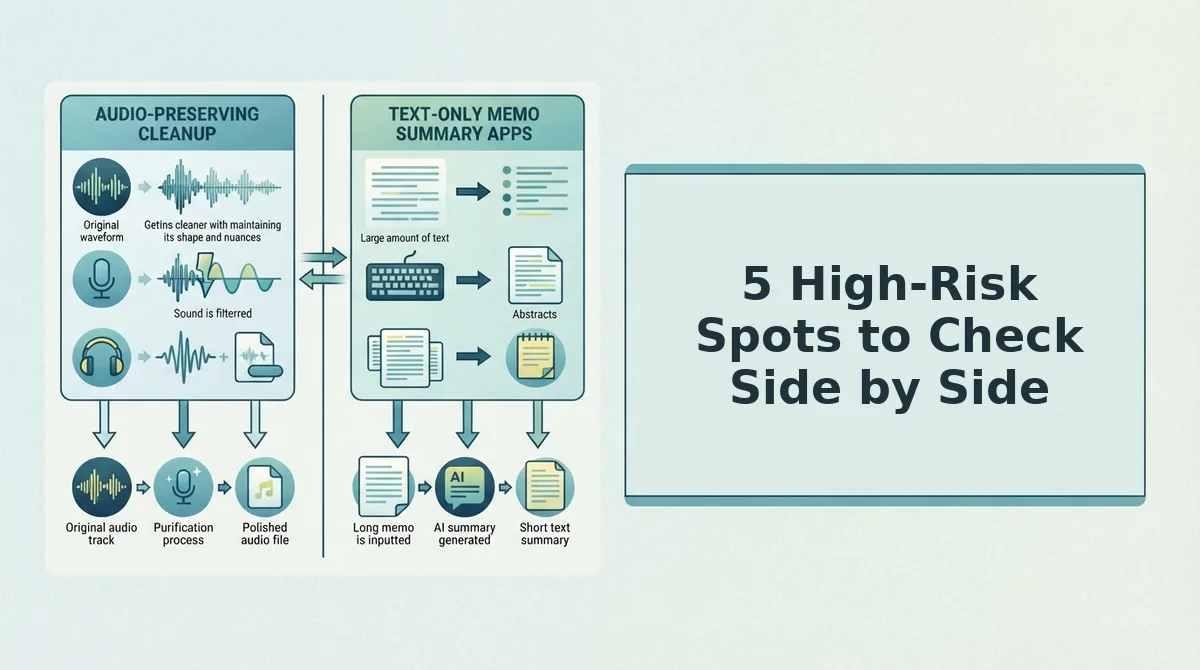
5 High-Risk Spots to Check Side by Side
To confirm the cleanup did not change your meaning, check five spots in both layers: names, numbers, negations, dates, and commitments. These are the places where a small shift causes the biggest misunderstanding.
- Proper nouns and names. People, companies, and product names can be misheard during transcription or altered during translation. Check that each name is spelled the same way in the original, the enhanced version, and the translation.
- Numbers and prices. A single wrong digit can change a quote or a forecast. Make sure every figure and currency matches across both layers, including any rounding.
- Negations. If "can't" becomes "can," the message reverses its meaning. Find every "not," "never," and "won't" in Layer 1, then confirm each one survives in Layer 2.
- Dates and deadlines. Date formats differ between languages, and spoken dates are easy to mis-transcribe. Confirm the day, month, and time zone in both layers.
- Commitments. The difference between "we will" and "we could" decides what the listener expects from you. Make sure cleanup did not soften or strengthen a promise.
Which parts of a translated voice message should you check most carefully? Focus on five high-risk spots. First, check proper nouns and names, because they are easily misheard. Second, check numbers and prices, because one wrong digit changes a deal. Third, check negations, because "can't" turning into "can" reverses your meaning. Fourth, check dates and deadlines, because formats vary between languages. Fifth, check commitments, because "we will" and "we could" set very different expectations. Review each spot in the original-versus-enhanced layer first, then in the enhanced-versus-translated layer.
For example, a B2B sales rep following up with an enterprise buyer in German confirms the price and deadline in Layer 1 before opening the German translation. Once both figures are approved in English, the rep only needs to check that they carried over correctly.
Be realistic about the limits of this review. You should still verify names, numbers, and industry jargon yourself, and machine translation can miss idioms.
If you send messages across borders, VClar's voice note translator in 11 languages supports 110 translation directions. You can run this same five-point check for every one of them.
Once you know where the problems are, the next step is deciding how to fix them.
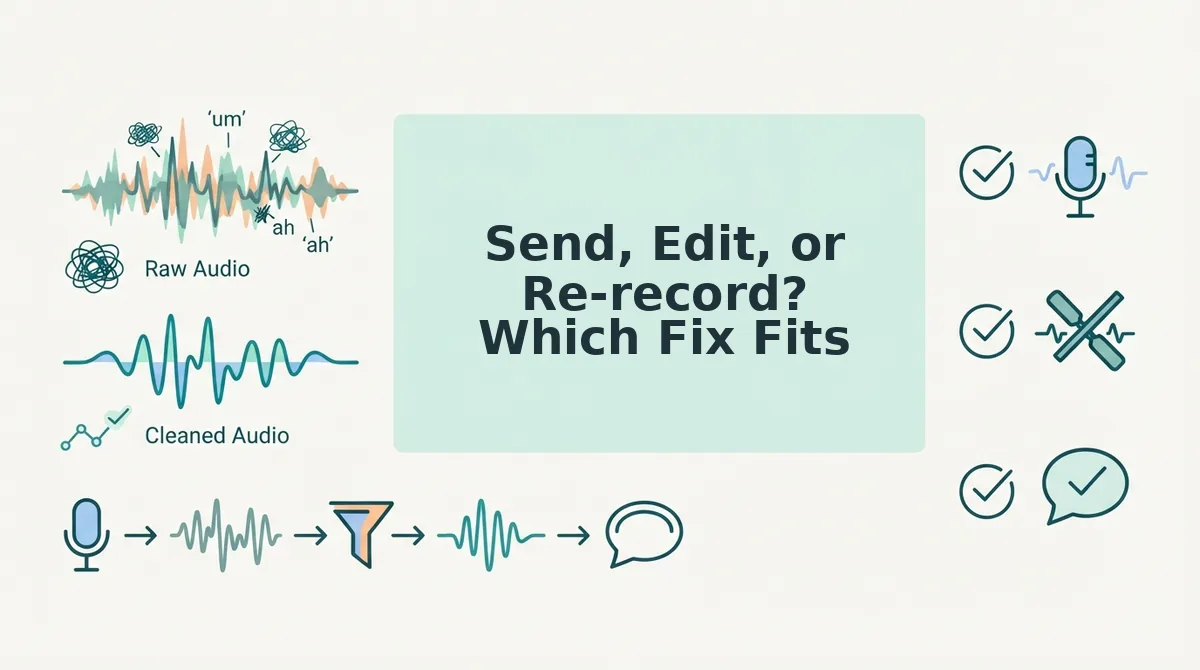
Send, Edit, or Re-record? Which Fix Fits
So what if something looks off? Fix the problem at the earliest layer where it appears. Send when both layers match, edit the cleaned source wording for drift or repeated errors, and re-record only when a fact or point you said is wrong or missing.
Use this matrix to turn your side-by-side review into a single action.
| What you see | What it means | Best action |
|---|---|---|
| Both layers match your intent | Cleanup and translation are accurate | Send |
| Minor wording drift in Layer 1 | Enhancement tightened a phrase slightly off-meaning | Edit the source wording |
| A Layer 1 error repeated in the translation | The translation faithfully copied a source mistake | Fix the source, not the translation |
| A wrong fact or a missing point you actually said | The recording itself needs new content | Re-record |
| Clean Layer 1 but an awkward idiom in Layer 2 | The phrasing does not travel well across languages | Simplify the phrasing in the source |
The principle is to fix upstream. A source-layer fix carries into every target language, while a translation-only patch has to be repeated for each language.
Editing a translation directly still has a place, especially when a fluent colleague wants a regional phrase for one market. Timeline editors such as Descript give producers precise control over individual cuts in long-form audio.
- Send: Best for sales reps who need fast replies once both layers check out.
- Edit: Best for founders whose ideas are right but whose phrasing drifted.
- Re-record: Best for consultants who left out a fact the client needs.
Treat re-recording as the last resort, not the default. That keeps you out of the re-record loop.
FAQ About Reviewing Translated Voice Messages
These answers cover voice preservation, language coverage, and how side-by-side review differs from basic voice-to-text translation.
Does cleanup change my accent or tone?
No. VClar removes fillers and fixes spoken grammar while preserving your natural tone, accent, and rhythm. It does not use synthetic voice cloning, so the message still sounds like you.
Which languages can I translate a voice message into?
VClar supports 11 languages: Hindi, English, French, Japanese, Korean, German, Russian, Portuguese, Spanish, Italian, and Chinese. Together they cover 110 translation directions. See the voice note translator page for the full list.
How is this different from translating a voice note in WhatsApp?
The WhatsApp methods shown in tutorials convert voice to text and translate it, with no cleanup layer or side-by-side review. VClar cleans the message first and requires no timeline editing. For a closer look, see VClar vs. Descript.
Run Both Layers Before Your Next Translated Message
Review Layer 1 first, scan the five high-risk spots, then use the decision table to choose whether to send, edit, or re-record. Fixing the source fixes every language, because every translation inherits the cleaned source wording.
Here is how that looks in practice. A consultant sending a client update in Spanish first reads the enhanced English wording against what they meant. They correct a drifted phrase in the source, then compare the Spanish version for names, numbers, and idioms before sending.
Each comparison also shows patterns in your own speech, such as the phrases you hedge on or the points you bury. These are habits you can improve over time, not flaws to be embarrassed about.
Your next step is to try VClar on your next high-stakes voice message and send it with confidence in one take.