
Three takes in, the memo is still 2:40. The rambling was never the real enemy â the re-record loop is, because every restart adds another rough draft without deleting a single dead phrase.
You already know what you want to say. What you need is to shorten a voice note to 60 seconds from the recording you already have, not a fourth attempt at saying it cleanly.
The method runs in three steps: a word budget so you know what a minute actually holds, a map of where the excess is sitting, then a three-pass edit that compresses the middle while leaving your opening line and closing ask untouched. A 60-second note holds roughly 130â150 words â one update and one ask, nothing more. VClar, an AI voice message translator, works on audio you have already recorded, stripping filler words and false starts while keeping your own tone and cadence. The counterintuitive part, and the one most trim tutorials miss: the missing seconds are almost never at the edges.
How many words actually fit in 60 seconds of speech?
A 60-second voice note holds roughly 130â150 words. That is one update plus one ask â not two updates plus context.
A word budget is the number of words your speaking pace allows inside a fixed length of time. It converts a vague target like "make it shorter" into something you can count on a transcript.
The arithmetic is unforgiving. Conversational speech runs about 130â150 words per minute, which is roughly 2.5 words per second; multiply by 60 and you have your ceiling. Think of it like a carry-on bag: the allowance is fixed, so packing faster does not buy extra room â it only forces you to choose what goes in.
Measure once before you cut anything:
- Play the memo with a transcript open beside it.
- Count the words in the first 30 seconds and double it to estimate your real pace.
- Subtract that pace from 150 to see how far over budget you are.
Pace varies a lot between speakers, so check your speaking pace if you want the figure for your own voice rather than an average.
Now split the memo into three zones: the cold open that sets context, the compressible middle, and the closing ask. Only the middle is negotiable. The cold open orients the listener, and the ask is the reason the note exists at all.
A memo that trails off mid-thought costs you twice, in seconds and in clarity. Rather than bridging the unfinished sentence, cut at the last complete idea and close with a direct one. If the recording ends in "and, um, I guess let me know, or â actually I'll follow up," replace it with "Let me know by Thursday." The listener gets a decision instead of a decision wrapped in a hedge, and you recover the trailing seconds without touching the middle of the file.
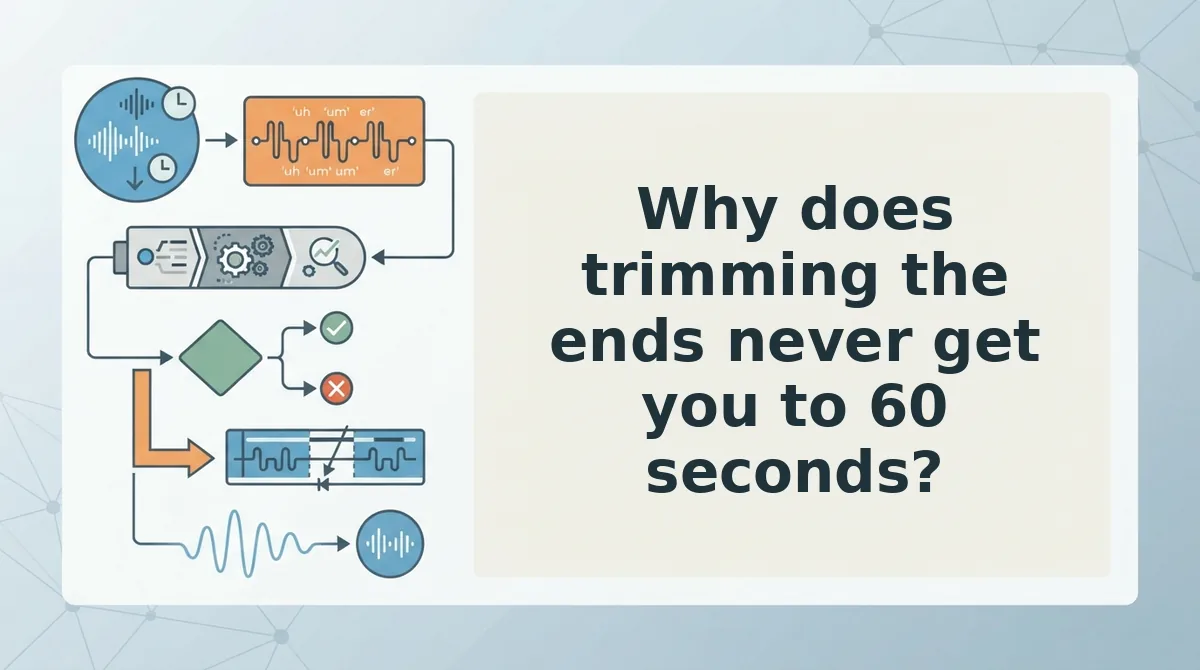
Why does trimming the ends never get you to 60 seconds?
Because the ends are not where the time went. Edge trimming recovers a realistic 2â10 seconds; compressing the middle recovers 40â80. That difference is the whole gap between a memo that feels tighter and one that actually fits.
| Approach | What it removes | Typical seconds recovered | Best for |
|---|---|---|---|
| Edge trimming (built-in app trimmer) | Dead air, setup noise, the tail after your last sentence | 2â10 | Cleanup of a recording that is otherwise well structured |
| Re-recording from scratch | Everything, including the parts that worked | Variable, at the cost of another take | A note you have not sent yet and genuinely need to rethink |
| Middle compression (three-pass edit) | Fillers, false starts, circular phrasing inside the body | 40â80 | A rambling memo that still contains one good update and one clear ask |
The built-in trim tools on modern phones are genuinely good at their job: precise, non-destructive, free. If your memo opens with four seconds of you setting the phone down and closes on a door click, two taps solve it â use them.
What trimming cannot touch is a middle that circles the same point three times. Trim behaviour also varies by app and version, which is why this article deliberately avoids a specific menu path: the controls move, the structural problem does not.
- Best for fast cleanup: the native trimmer, when the body of the memo is already clean.
- Best for a memo that runs long but says one thing: middle compression, which keeps your opening line and closing ask exactly as recorded.
- Best for a note you have not recorded yet: writing the ask down first, then speaking to it in a single take.
The three-pass edit is how you compress the middle without reaching for a fourth take.
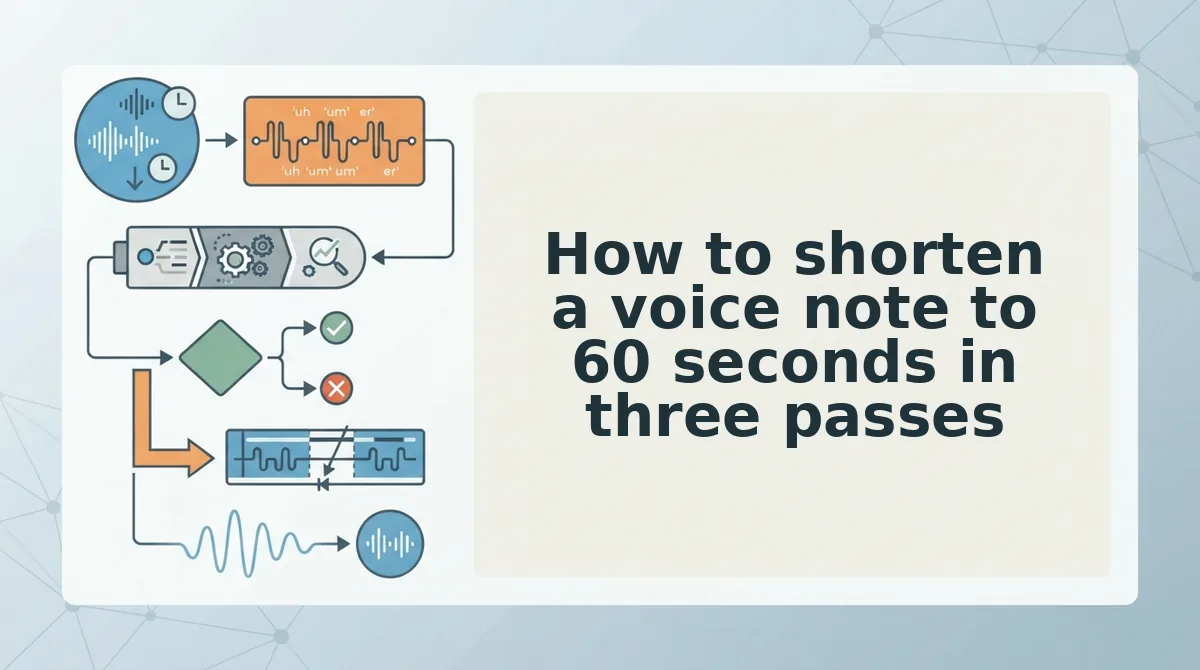
How to shorten a voice note to 60 seconds in three passes
Run three passes in order of yield â filler first, false starts second, circular phrasing last â and stop the moment the player reads 1:00. Each pass returns more seconds per minute of work than the next one, so you skip the tail end of the ladder instead of scrubbing by ear for something to cut.
Before you start: you need a recorder with a visible waveform and timeline (Voice Memos on iOS, Recorder on Android, or WhatsApp's built-in trimmer), the auto-generated transcript, and a blank note to park any details you delete. No transcript means no word count, and no word count means you are guessing whether you are at 60 seconds or 90.
Pass 1 â Delete filler words (2-3 minutes)
Open the transcript, then select and delete every um, ah, "like," "basically," and "you know," including the throwaway lead-ins at the top of sentences. You should see the timer drop 10-20 seconds on a three-minute memo [est.]. If the hunting is the slow part, remove filler words from audio in one sweep and spend your time on the two passes below.
Pass 2 â Cut false starts (2-3 minutes)
A false start is a sentence you begin, abandon, and restart before finishing the first clause. Select the abandoned attempt and delete it, keeping only the version you completed. Expect to recover another 15-30 seconds [est.], which is usually enough to land under a minute.
Pass 3 â Compress circular phrasing (1-2 minutes)
Circular phrasing is the same point made twice in different words with no new information attached. Keep the shorter version, delete the second lap. This pass yields the least â roughly 10-25 seconds [est.] â so run it last, and skip it entirely if you already hit 0:58.
Close the seam without a click
A seam is the join point where two clips meet. Cut on silence, never mid-word, and leave 150-250 ms of room tone on both sides so the join does not click. Play the result once at 1.5x; you should hear a continuous sentence, and if you hear a pop, undo and re-cut a few frames wider.
Then read the seams on the transcript, because clipped syllables leave grammar dangling, and fix grammar in a voice message wherever the edit broke a sentence in half.
Worked example: 3:10 to 0:58
Take a three-minute-ten voice note for founder updates: the opening context line and the closing ask stay exactly as recorded, and everything between them takes the three passes. That memo came in at 0:58 with no re-record, because the ask was never in the middle to begin with.
If pass one is the step you keep repeating by hand, let VClar strip the filler before you open the timeline, and spend your minute on the two passes only you can make.

How do you check the edit before you send it?
Check in this order: transcript diff, one pass at speed, then ask placement. Translation belongs after all three, never before.
- Transcript diff. Put the before and after text side by side and confirm your ask still exists word for word. If the request changed shape, you cut information rather than filler, and the memo no longer does its job.
- One listen at 1.5x. Play the whole file once at 1.5x. A sentence that still sounds circular at speed is still circular, so cut it rather than re-recording around it.
- Ask in the final 15 seconds. Confirm the closing ask lands inside the last fifteen seconds. Anything after it is dead air the listener skips, and anything before it competes for attention.
- Translate after the cut. Shorten first, then translate a voice note. Translation engines read complete sentences, so trailing-off fragments and circular phrasing degrade the output in every language.
Why does order matter when you translate a voice note? Because the translator receives only the audio you send, with no memory of what you meant. A fragment that trailed off mid-thought gets rendered as an incomplete sentence, and a point made twice comes back twice, so the listener reads a rambling message in a language you cannot proofread. Shortening first removes both failure modes at the source: every sentence has an ending, and every point appears once. Clean the audio, confirm the ask, and the translation inherits that structure instead of inheriting the mess.
What should you do the next time a memo runs long?
Record it once with the ask in mind, edit the middle rather than the edges, check it against the transcript, then send it.
That sequence settles the question this guide opened with. A three-minute-ten update reached 0:58 without a re-record, and the only parts left untouched were the opening line and the closing ask â so length was never the constraint, the middle was.
Two next steps. First, on your next rambling memo, skip the fourth take and run the three passes in order; you will finish before the re-record would have. Second, hand off the pass that costs the most and decides the least â open the filler words remover and let it clear pass one, then keep passes two and three for yourself, because only you know which laps were circular.
Record once, send once. The habit replaces the fourth attempt, and the next long memo becomes a middle to compress rather than a message to start over.
You can also remove fillers from a recording.