
A founder records an investor update in English, stumbles on the revenue sentence, and starts over. Four takes later, the message sounds stiff, and translation hasn't even started.
If that sounds familiar, the fix is not more practice. To stop re-recording voice notes before translating, you need three things: a phone, the language you think in, and your key facts settled before you hit record.
The short answer: Record once in your native language. Let VClar remove the fillers, fragments, and background noise. Review the cleaned transcript next to the original, then translate it into your target language. You send one clear message in your own voice without a second take.
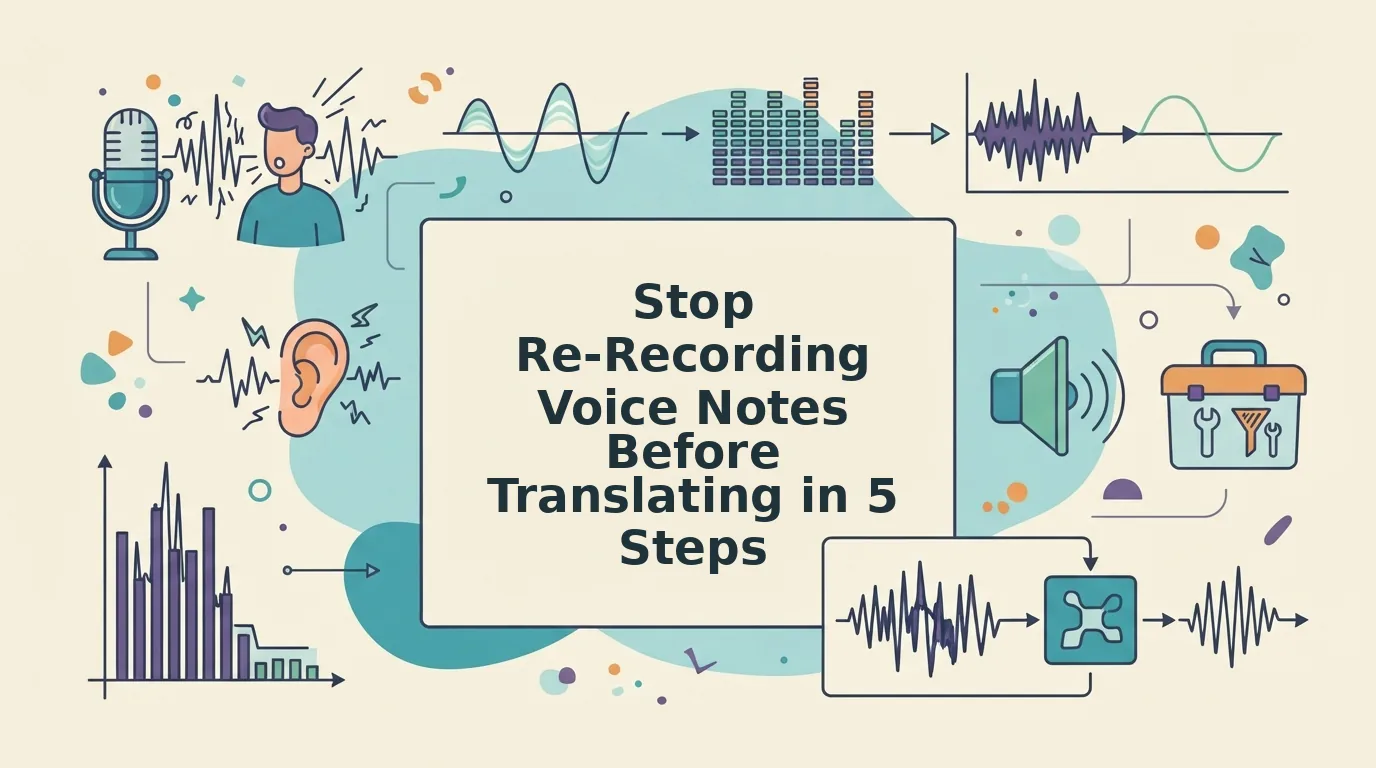
A re-record loop means retaking a voice note again and again because the raw take has fillers, pauses, and disjointed grammar. Rehearsing in a second language makes the loop worse. It trades clarity for polish, so your attention goes to accent and word choice instead of your point.
You think at around 150 words per minute. The time you lose goes into the redo, not the recording.
This guide first sorts the first-take mistakes that never needed a second take. Only one category does, and it is not the one most people expect. Then it walks through a five-step native-first playbook. For the founder version of this workflow, see voice notes for founders.
Which First-Take Mistakes Can You Fix Without Re-Recording?
Most first-take mistakes are delivery errors that cleanup can fix. Only content errors justify a second take. Delivery errors affect how you said something, so cleanup handles them. Content errors affect what you said, so only you can fix them.
A verbal filler is a sound or word such as "um," "like," or "you know" that fills a pause without adding meaning. Spoken grammar refers to the fragments, restarts, and loose sentence structure that are normal in speech but read poorly in a transcript.
| Delivery errors (clean, don't re-record) | Content errors (re-record) |
|---|---|
| Fillers such as um, ah, like, basically | A wrong number, date, or price |
| False starts and repeated openings | A missing ask or next step |
| Sentence fragments and circular phrasing | The message is meant for the wrong recipient |
| Background noise, breaths, mouth clicks | Not applicable: noise is always a delivery issue |
Use this rule when a take goes sideways. If the facts, the ask, and the recipient are right, keep the take. A stumble, a non-native turn of phrase, or a long pause is part of normal speech. None of them is a reason to start over.
Your tools should match the job. Full timeline audio editors give precise, word-by-word control over long recordings. They are best for podcasters and video editors who polish long-form audio. VClar cleans delivery automatically and keeps your tone, accent, and rhythm. It is best for founders, sales teams, and freelancers who send short voice notes every day. A re-record is best for anyone whose content is wrong, whatever tool they use.
Do you need to re-record a voice note because you said "um" too many times? No. Fillers, false starts, and pauses are delivery errors. Software built to remove filler words from audio can cut them while keeping the rest of your recording intact. VClar detects ums, ahs, "like," "basically," "you know," and repeated false starts. It removes them so the message sounds direct, and your natural voice, accent, and cadence stay the same. Save the second take for a wrong figure, a forgotten ask, or the wrong recipient.
The 5-Step Native-First Playbook for Translating Voice Notes
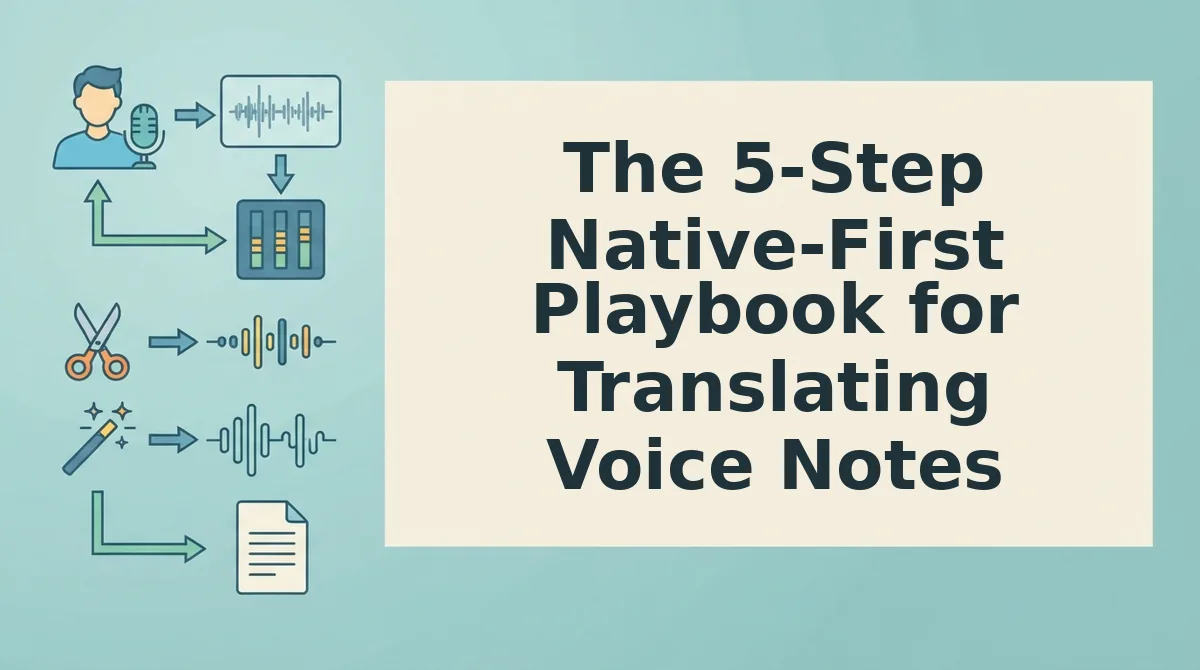
Record in the language you think in, clean the delivery, check the transcript, then translate. You need a phone or computer with a microphone, a VClar account, and your key facts written down. The five steps are:
- Record once in your own language.
- Clean fillers, fragments, and noise.
- Review the side-by-side transcript.
- Translate into the target language.
- Send without a second take.
1. Record Once in Your Own Language
Open VClar and record, or upload an existing memo. Speak naturally and keep going if you stumble. This takes as long as your message. The result is one raw take with every fact in it.
2. Clean Fillers, Fragments, and Noise
Run the cleanup. VClar removes fillers and false starts, tightens phrasing, and reduces background noise, breaths, and mouth clicks. You should hear a shorter, decisive version that still sounds like you.
3. Review the Side-by-Side Transcript
Compare the original transcript with the cleaned one. The side-by-side view shows each grammar correction, which helps you improve your spoken phrasing over time. For a closer look at this step, see how to fix grammar in a voice message. Allow about a minute for a short note.
4. Translate Into the Target Language
Choose your target language. VClar supports 11 languages: Hindi, English, French, Japanese, Korean, German, Russian, Portuguese, Spanish, Italian, and Chinese. That covers 110 translation directions. Your tone, accent, and rhythm are preserved, and VClar does not use synthetic voice cloning.
5. Send Without a Second Take
Play the translated version once and send it. Success means the recipient hears your voice, your point, and no retakes.
Pro tip: State your ask in the first sentence. Even if later sentences ramble, the request will come through cleanup and translation clearly.
Worked example: A freelancer parked in a car needs to send a client update in Spanish. She records it once in English, ignores the engine hum and two false starts, and cleans the take. She checks the transcript, then translates and sends the update in Spanish.
How do I stop re-recording voice notes before translating them? Record in your native language first, because that is where your thinking is clearest. Accept the stumbles, then use a cleanup tool to remove fillers, false starts, fragments, and background noise. Read the cleaned transcript to confirm the facts, the ask, and the recipient are right. Re-record only if one of those is wrong. Then translate the cleaned version into your target language. Your message keeps your natural voice and arrives in one take, so you skip the cycle of rehearsing in a second language.
Ready to run this playbook? Try the voice note translator in 11 languages and send your next update in one take.
Before you send, confirm that the cleaned translation worked.
How to Check the Cleaned Translation Worked
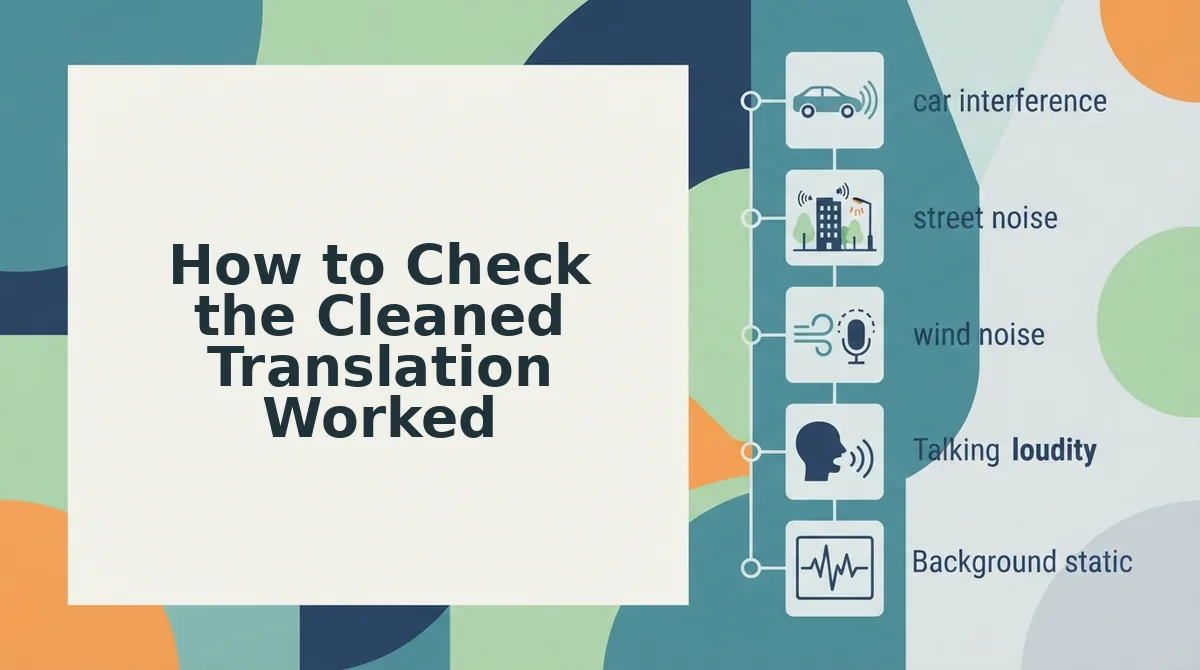
Check that the ask, the numbers, and the names survived cleanup and translation. Then fix any gap with a targeted change instead of a full redo.
- Confirm the ask. Find the sentence that tells the listener what to do and make sure it reads as a clear request. If the ask is buried or vague, the message fails even when the grammar is perfect.
- Verify every number. Compare prices, dates, and quantities in the transcript against what you meant. Cleanup fixes delivery, not facts, so only you can catch a wrong figure.
- Check names and jargon. Scan for product names, people, and acronyms that may translate too literally. Spelled-out terms usually survive translation better than shorthand.
For your next recording, build these four habits into the first take: one idea per sentence, the ask stated early, numbers said clearly, and jargon spelled out.
When a check fails, match the problem to the fix:
- Wrong figure: Re-record, because a content error is the one thing cleanup cannot correct.
- Heavy noise: Re-record closer to the mic so your words are clear before cleanup starts.
- Jargon that translates oddly: Spell out the term or rephrase it in plain words.
Worked example #3: A sales rep records a follow-up to an enterprise buyer in one take, then cleans and translates it. Before sending, the rep checks the transcript to confirm that the quoted price and the proposed next step, a Thursday call, read correctly.
Voice Note Translation FAQ
These answers cover the language, voice, noise, and app questions that come up most often after the playbook above.
Should I record in my native language or the target language?
Record in the language you think in, then translate. Speaking natively cuts the hesitations and false starts that drive most re-recording. VClar cleans the native take first and then translates it into any of its 11 supported languages, so your message keeps its intent instead of sounding halting.
Will translation keep my voice and accent?
Yes. VClar preserves your natural tone, accent, and rhythm instead of swapping in a synthetic voice clone. Cleanup removes filler words and fixes spoken grammar, but your listener still hears your own voice. That matters for sales, client, and team messages where trust depends on authentic delivery.
Does background noise ruin translation?
Not usually. VClar reduces background noise, breath sounds, and mouth clicks during cleanup, so everyday noise rarely blocks a usable translation. Very heavy noise can still mask words. If the transcript shows missing or garbled phrases, re-record closer to the mic rather than relying on cleanup to recover them.
How do I translate WhatsApp voice notes to English?
Save the WhatsApp voice note as an audio file, upload it to VClar, let it clean the recording, and then choose English as the target. English is one of the 11 supported languages. If you are weighing manual timeline editing against one-take cleanup, see VClar vs. Descript.
Record Once, Then Let the Cleanup Do the Work
Re-record only for content errors, and clean and translate everything else. That one rule replaces the take-after-take loop with a decision you can make in seconds.
The promise from the start of this article holds up. Most reasons people re-record, including fillers, false starts, clumsy grammar, and room noise, are delivery problems, and cleanup fixes delivery. A wrong price or a missing next step is the only failure worth a second take.
Once your native take is clean, it can move across 11 languages and 110 translation directions without losing your voice.
Record your next update once and let VClar clean and translate it. Your first take can now be your final take.