
Your two-minute-forty voice memo thinks out loud, doubles back on the hiring plan, and buries the one instruction that matters at 1:55, just before a four-sentence detour about a delayed shipment. You hit translate, and the listener in another language hears the detour as the message.
The button isn't the problem. Every popular walkthrough â the Fix369 and TechUnow videos, the WhatsApp and Messenger help pages â starts at the language menu and never touches the source audio, so none addresses an unusable transcript.
Translating is easy; the result is still wrong. Below you'll learn how to translate a voice note that goes off on tangents by repairing the recording first: the spine-sentence test, the keep-or-cut rule for dates and commitments, and the repair that stops French or Hindi from inverting your meaning. The fix lands before translation, not after â a sequencing point the next section makes mechanical.
Three things get you started: the original recording, its transcript, and the one target language you're sending to. VClar cleans and translates in a single pass across 11 languages while preserving your voice, accent, and cadence.
Why does a tangent get worse once it is translated?
A tangent gets worse in translation because translation is a two-stage cascade, and each stage inherits and then commits the previous stage's damage.
A rambling voice note should be cleaned before it is translated, not after. Translation runs the audio through speech-to-text, then machine translation. Stage one freezes every false start and abandoned clause into fixed text. Stage two must render that text faithfully, so cleaning afterward means rewriting a translation of a mistake instead of removing the mistake itself.
Think of a photocopy passed through two machines: the scanner captures the coffee stain, and the printer reproduces it at higher contrast. Translation does not add clarity; it amplifies whatever the source already does.
Does a rambling message get worse? Yes, measurably in structure if not in tone. A disfluency is any interruption in fluent speech â a filler, a false start, a clause abandoned mid-thought. Speech-to-text engines are built to be literal and transcribe those interruptions rather than resolve them. Machine translation is equally literal: it renders the sentences it receives and resolves ambiguity using only what sits on the page. A cascade is that two-stage chain, and the seam between the stages is where error compounds, because stage two has no access to what you meant, only to what stage one wrote down.
This is why the spine sentence has to be chosen first. A spine sentence is the single sentence a listener must retain after one play â the point everything else either supports or wanders away from. Once a detour is committed to the transcript, the second stage cannot tell spine from tangent.
Survives the chain: concrete nouns, numbers, names, dates, stated requests.
Does not survive: pronoun reference across an aside, mood and hedging inside abandoned clauses, the emphasis a speaker carried with volume.
VClar removes fillers and corrects spoken grammar before the voice note translator runs, so stage two receives text that says one thing.
How to clean a rambling voice note before you translate it
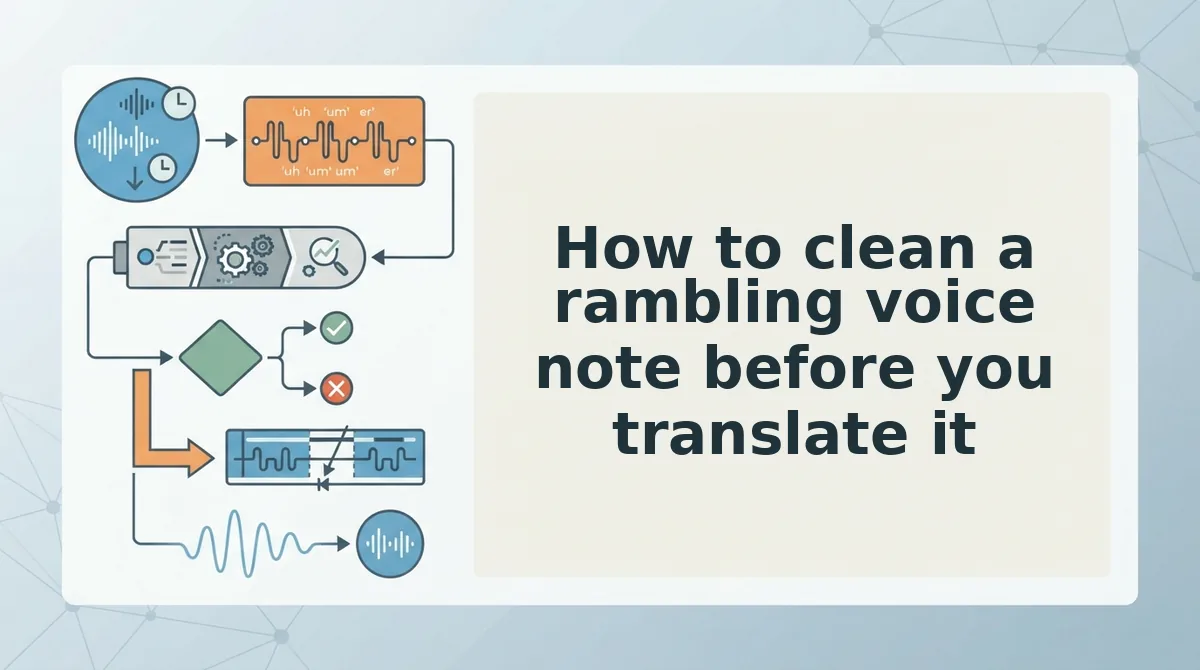
Cleaning a rambling voice note before translation takes three steps and roughly ten minutes: name the spine sentence in your own language, cut tangents while relocating anything carrying a date, number, name, or commitment, then repair the fragments that break your target language.
Work from the transcript, not the audio. You need the original recording, an auto-generated transcript, your single target language, and a tool that edits before it translates â VClar handles filler removal, grammar repair, and translation in one pass.
- Write the spine sentence first (2 minutes). Type the one sentence your listener must retain, in your own language, before you touch the audio. Take a founder recording an investor update: the churn number sits stranded inside a tangent about two engineering hires. Mark the number, move it to the front, and the update has a spine. The same pattern is walked through on the voice notes for investor updates page. Success looks like one sentence you could send alone.
- Cut tangents, keep the freight (5 minutes). Delete any passage that does not serve the spine sentence â unless it carries a date, number, name, or commitment. Those are freight: relocate them, never delete them. Use filler word removal to strip ums, ahs, and repeated false starts so the cuts land cleanly. Success looks like a transcript with no phrase that starts twice.
Run-on pattern What breaks downstream Where it surfaces Swapped subject inside a false start ("he said â I mean my buyer said") Agreement: the pronoun resolves to the wrong noun French, Hindi, Spanish, German, Russian Stacked "and then⦠and then" clauses Clause order: the last clause can read as the main one Japanese, Korean Subject dropped after a long aside Subject recovery: the verb has no stated actor Chinese A number restated twice with different values Numeral fidelity: both versions translate, one is wrong All target languages - Repair the fragments that break the target language (3 minutes). State each antecedent once, plainly, before you translate. A sales rep saying "he said, I mean my buyer said" hands the translator a subject it may render with the wrong gender in French; writing "my buyer said" fixes it at the source. Use spoken grammar repair for run-on sentences you don't want to retype. If a step still sounds tangled, use the stop-and-restate test: pause, restate the sentence once, and continue â cheaper than re-recording the whole memo. Success looks like every sentence having one clear actor.
With the source cleaned, the remaining question is whether the translation held.
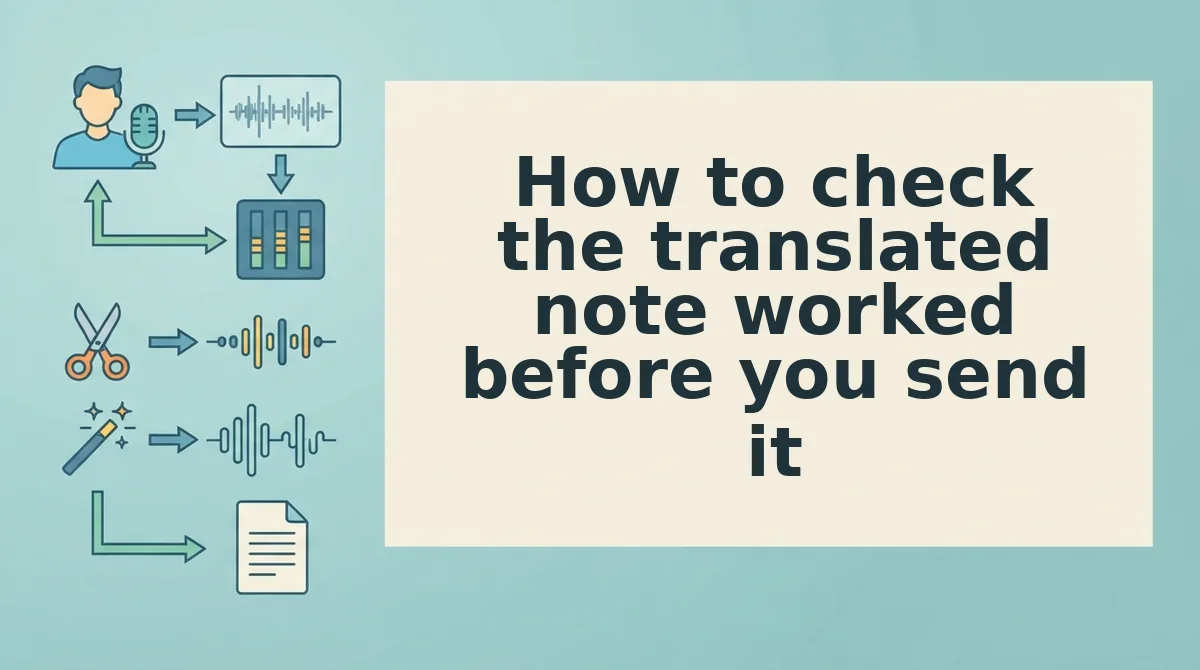
How to check the translated note worked before you send it
Run a 90-second check before the note leaves your phone: both transcripts open side by side, headphones on, no audio editor required.
- Play the translated note once without reading anything (30 seconds). Stop at the first moment you want to rewind â that rewind point is the diagnostic, not the accent or the audio quality. You should get through it without reaching for the scrub bar.
- Read the source transcript and the translated transcript in parallel (60 seconds). Confirm the spine sentence appears in the first two lines of both. You should see the same ask in the same position in both files.
- Scan for the four failure shapes: smooth audio with a missing number, a subject with no antecedent, a closing "and yeah" translated literally, a date that shifted. You should find every number, name and commitment exactly where it started.
WhatsApp and Messenger notes have no scroll-back, so line one carries the ask in both versions.
What does a bad voice note translation actually look like? It looks fine. The audio is smooth, the pacing is even, and nothing sounds broken â which is exactly why it slips through. The defect is structural: a price mentioned once in minute two is gone, a pronoun points at a client who was never named in the surviving audio, and a literal English rendering of a trailing "and yeah, that's it" reads like a dangling sentence to the recipient. Audio quality tells you the engine worked; only the transcript tells you the message survived.
Want the check to run against a clean source instead of a rambling one? Translate the cleaned note with VClar, then run the same three steps on the output.
Frequently asked questions about translating a rambling voice note
How long should a voice note be before you translate it?
Keep the source under two minutes. Length matters because of translation quality, not etiquette: a tangent in minute two overwrites the point made in minute one, and the machine translation step carries the tangent forward with equal weight. Past two minutes, cut before you translate.
Does translating make a rambling message worse?
Yes. Translation runs as two passes â speech-to-text, then machine translation â so every disfluency is processed twice and errors compound. A restarted sentence becomes two fragments, and a filler phrase becomes a phrase with real meaning in the target language. Cleaning the source first removes both problems at once.
How do I review edits when I am not a native speaker?
Compare, do not gut-check. Open the source transcript and the translated transcript side by side, confirm the spine sentence sits in the first two lines of each, and check that every number, name and date matches. Meaning drift is visible in a comparison; it is invisible when you only read the output.
Can I translate a WhatsApp voice message to English as-is?
You can export or re-record the note and translate it directly, but expect a rougher result. WhatsApp and Messenger give you playback and forwarding rather than transcript cleaning, so fillers and false starts travel intact. Cleaning the audio before translation is the difference between a quote and a summary.
What actually has to cross the language barrier
Only the point has to survive the crossing. The thinking aloud, the restarted sentence, the aside about hiring â that is transport cost, and every word of it gets processed twice on the way through.
That reframes the whole problem. A tangent is not content you are obliged to carry; it is weight you can drop before the barrier instead of dragging it across and paying for it in the target language.
Start with the spine sentence, then clean before you translate. If the blocker is the editing itself, the VClar vs Descript comparison covers the no-timeline-editing route: upload, strip fillers, translate, no clip dragging.
Send one cleaned, translated note today rather than waiting for a memo that comes out perfect on the first take. A shorter, sharper version crosses the barrier; a perfect draft that never ships does not.
You can also translate a voice message.