
You record an investor update between meetings. Three sentences in, you have already restarted twice: "Revenue grew, well, Q3 revenue grew..." You can still translate a voice memo with mid-sentence restarts in one pass, without recording it again.
To translate a voice memo where you keep restarting sentences, record naturally in one take. Then clean the audio first by removing restarts, filler words, and grammar breaks. Next, translate the cleaned memo into your target language. Review the result before you send it, so your listener hears one complete thought in your own voice.
Restarts are normal. They show your brain editing in real time, and no one should feel embarrassed about them. This is common in voice notes for founders, who often think faster than they speak.
You need two things: the original recording and a target language chosen from the 11 that VClar supports. The goal is a translated memo that sounds clean and decisive, not stitched together.
This guide explains why restarts break translations and walks you through a 4-step clean-first workflow. It also covers what to check before you hit send. One warning: there's one restart you must NOT delete, and the section below explains which one.
Why Do Mid-Sentence Restarts Break a Translation?
A translator treats each restart as its own partial sentence. As a result, the fragments and repetitions carry over into the target language. The listener hears broken phrases in a new language instead of one clear thought.
A mid-sentence restart is a spoken moment where you stop a sentence partway through and begin it again, either repeating words or changing direction.
Here is a simple example. "We should, we should ship Friday" becomes "We should ship Friday" once the restart is removed. If you leave the restart in, the translation repeats the stumble word for word.
Think of it like photocopying a draft that has crossed-out words. The copier does not know which words you meant to cross out, so it copies every scribble. A translation engine works the same way with every spoken fragment.
Transcription-only tutorials on YouTube, such as those from Circuit Hive and Terry Lab, show how to turn speech into text. However, they leave restarts in the transcript. When you translate that text, the fragments come along.
Restarts fall into three types. Each one needs different handling:
| Restart type | Example | What to keep |
|---|---|---|
| Repeat restart | "We should, we should ship Friday" | One clean instance of the phrase |
| Abandoned clause | "The pricing is, so the demo went well" | Only the completed clause |
| Self-correction | "Tuesday, no, Wednesday" | The final, corrected version |
How should you clean restarts before translating a voice memo? Remove repeat restarts so each phrase appears once. Cut abandoned clauses, which are half-sentences you dropped mid-thought, so only completed ideas remain. For self-corrections, keep the speaker's final choice and drop the earlier attempt. Do this cleanup on the source audio before translation, not after. If you clean the source first, the translator only receives finished sentences. Cleaning afterward means fixing errors in a language you may not speak well. That ordering is the core of a clean-first workflow, and it keeps your intended meaning intact in every target language.
VClar can remove filler words and false starts automatically, so the cleanup happens before translation begins.
Self-corrections: keep the final version
This is the restart you must not delete completely. In "Tuesday, no, Wednesday," the correction carries the real meaning, so only Wednesday stays. If you delete the whole phrase, the date disappears from your message.
Restarts are thinking out loud. They are not a flaw you need to fix by speaking slower.
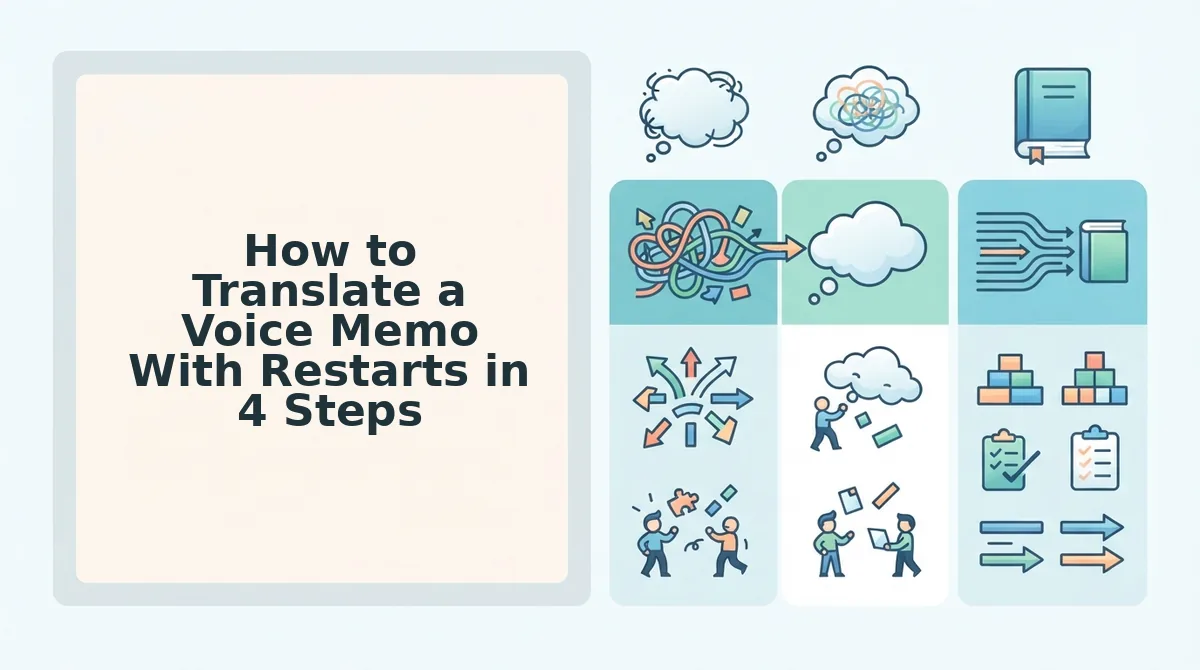
How to Translate a Voice Memo With Restarts in 4 Steps
To translate a voice memo with restarts, follow four steps: record in one take, clean the audio, choose a target language, and review before sending. All you need is your original recording, a target language, and VClar.
- Record your message naturally in one take. Speak the way you normally would, and let the restarts happen. This takes only as long as the message itself. Decision rule: re-record only if the core message is wrong or missing. If the delivery simply stumbles, keep the take and clean it. When you finish, you should have one complete recording with every point you meant to make.
- Clean the memo before you translate it. Upload or open your recording in VClar and run the cleanup. What does voice memo cleanup remove before translation? VClar removes filler words, false starts, and grammar breaks. It also tightens loose phrasing and reduces background noise, breath sounds, and mouth clicks. It preserves your natural tone, accent, and rhythm, so the memo still sounds like you. You do not need to cut waveforms or drag clips, because the tool works without timeline editing. It can also fix sentence fragments in voice messages, which matters most for abandoned clauses. When cleanup is done, you should hear complete sentences with no repeats.
- Select your target language. Choose from 11 supported languages across 110 translation directions. You can explore the full list on the voice note translator in 11 languages page. After you select a language, the cleaned memo is translated into it.
- Review the translation and send it. Play the translated memo from start to finish. It keeps your tone, accent, and cadence, and it uses no synthetic voice clone. Confirm that self-corrections kept the final version, then send.
Worked example: A B2B sales rep needs to send a follow-up to an enterprise buyer who works in another language. The rep records one take and restarts twice while recapping pricing. Next, the rep cleans the memo so only finished sentences remain. Then the rep selects the buyer's language, reviews the translated memo, and sends it.
If re-recording until a take sounds perfect slows you down, switch the order. Record once, clean, then translate. VClar takes you from one take to a polished message without the re-record loop.
Before you send, run a quick final check on the translated memo.
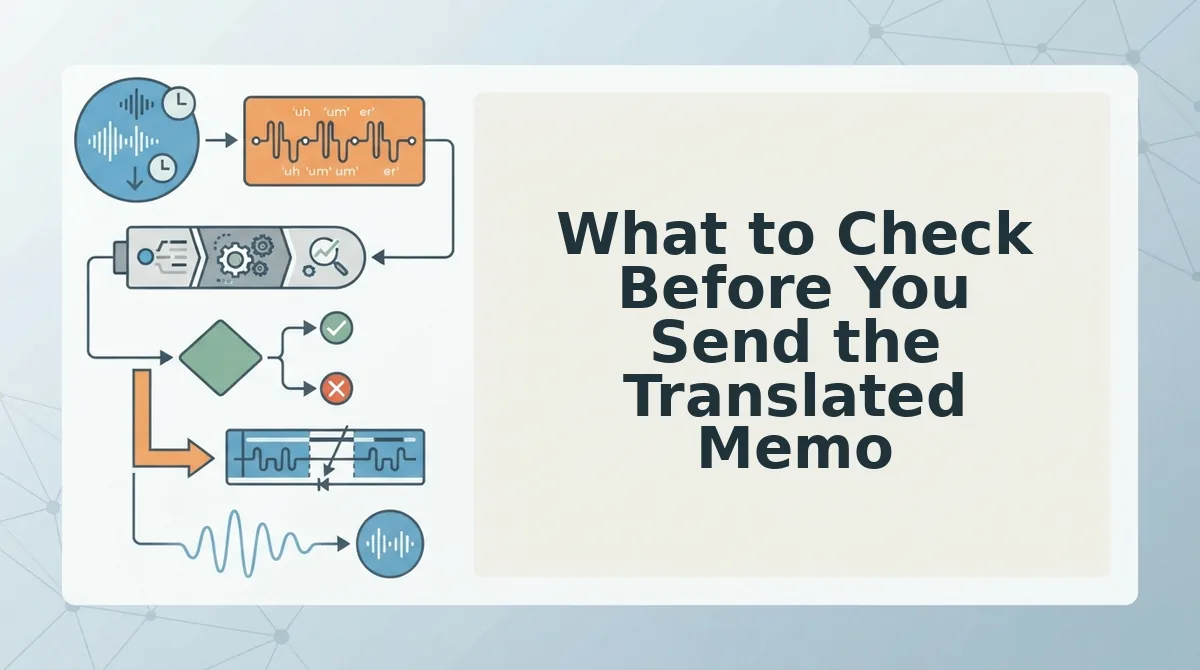
What to Check Before You Send the Translated Memo
Check five things before you send: self-corrections, names, numbers and dates, dropped meaning, and voice match. Automated cleanup is fast, but you still own the facts.
- Confirm each self-correction kept the final version. When you said "Tuesday, no, Thursday," the cleaned memo should say only Thursday. Replay every spot where you corrected yourself, because a kept first draft carries the wrong fact into every language.
- Verify names are spelled and pronounced as intended. Client names, product names, and place names can shift in a transcript or translation. Read the transcript line by line, since a misspelled name undercuts an otherwise clear message.
- Check that numbers, prices, and dates are intact. Restarts often happen right around figures, such as "it's 40, sorry, 45 thousand." Compare each figure against your notes before sending.
- Look for abandoned clauses that carried real meaning. Some false starts contain a caveat you never finished, like "unless the vendor..." If that point matters, add it back in a short follow-up line.
- Listen for whether the memo still sounds like you. Your tone, accent, and rhythm should come through, not a flattened delivery. Play it once from start to finish as the recipient would hear it.
Here is how that works in practice. A consultant records a client update for a team that works across borders. After cleaning and translating it, the consultant checks each stakeholder's name and every budget figure before hitting send.
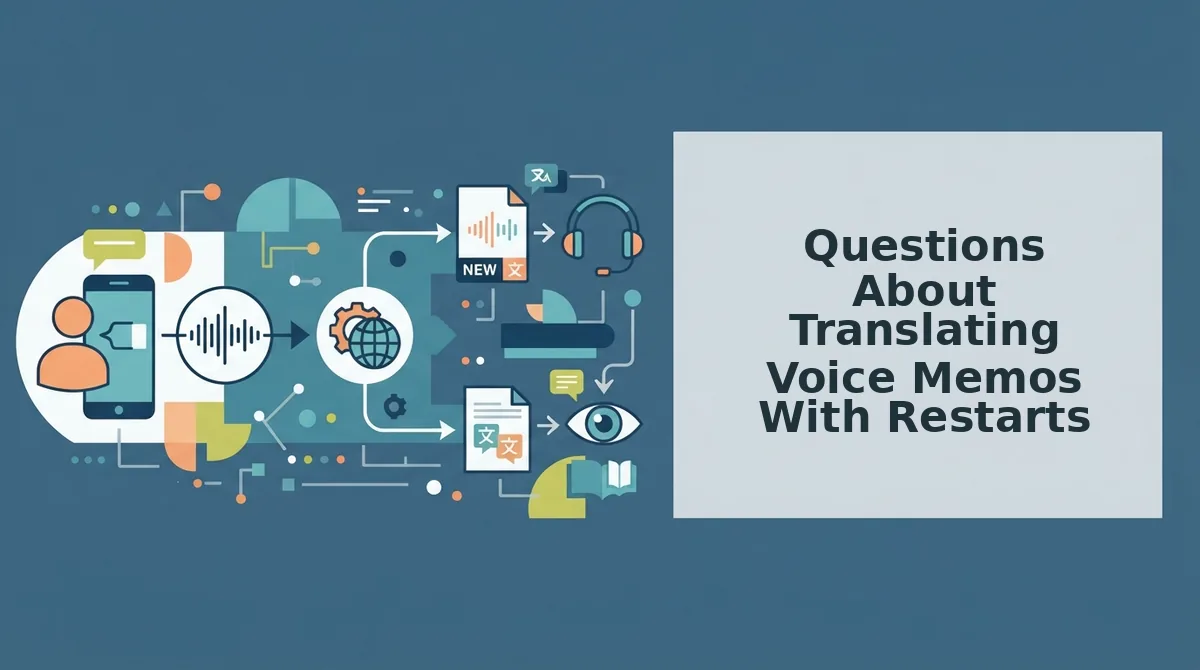
Questions About Translating Voice Memos With Restarts
The questions below cover common gaps in the workflow: messaging apps, voice preservation, language pairs, and when to re-record.
How do I translate WhatsApp voice notes to English?
Save or export the voice note, clean it first to remove fillers and restarts, then translate the cleaned version into English. The same clean-first workflow applies to memos from any messaging app.
Will the translated memo keep my accent and tone?
Yes. VClar preserves your natural tone, accent, and cadence. It does not use a synthetic voice clone, so the translated memo still sounds like you speaking.
Which languages can I translate between?
VClar supports 11 languages and 110 translation directions. The languages are Hindi, English, French, Japanese, Korean, German, Russian, Portuguese, Spanish, Italian, and Chinese.
Should I re-record or clean the memo?
Re-record when the core message is wrong or missing. Clean the memo when the content is right but the delivery stumbles. Restarts, fillers, and false starts are cleanup problems, not reasons to start over.
Send One Clear Thought in Any Language
A memo full of restarts translates cleanly when you fix the delivery before the language. Stumbles are a normal part of thinking out loud, and recording more takes will not fix them. The fix belongs in the tool.
Three takeaways carry the whole method:
- Clean first, then translate. This keeps false starts out of the target language.
- Keep the correction. The final version of each restart is the one you actually meant.
- Verify the facts. Check names, numbers, and dates before anything leaves your outbox.
Record once, review once, and let one clear thought reach anyone in any language. Clean and translate your next memo.