
You finish a call, pull onto the road, and log the follow-up as a voice memo at the next red light â engine idling, window cracked, one take, no intention of re-recording. It sounds fine to you. Run it through a translator and it often comes back mangled.
You are not imagining that mismatch, and you do not need a quiet room to fix it. You can translate a voice memo recorded in a car without recording again, provided you clean the file before the language shift happens. What follows covers why road noise breaks audio that sounds perfectly acceptable to a human ear, which specific car sounds cause which failures, and the clean â repair â translate sequence that gets a usable result in a single pass.
One thing up front, because most guides skip it: what garbles your translation is rarely the language pair. It is the low hum sitting under every word â and that thread picks up again below.
VClar handles the cleanup and the translation together, across 11 languages, while leaving your accent and cadence intact.
Can You Translate a Voice Memo Recorded in a Car?
Yes. A voice memo recorded in a car can be translated accurately, on one condition: clean the audio before you translate it. The language pair is almost never the problem; the recording conditions are. Engine hum, wind buffeting, and Bluetooth compression degrade the speech signal before any translator reaches it, and a model working from a degraded signal guesses at words a human listener would have filled in reflexively. Clean the file first and a one-take memo from a parked car becomes as usable as a studio recording. Skip that step and you get a fluent translation of the wrong sentence.
A translation-safe voice memo is a recording whose speech is intelligible to a machine rather than merely to you â⦠bars.
| Car noise | What it does to the signal | How it fails in translation |
|---|---|---|
| Engine and idle hum (low frequency) | Sits beneath the voice and masks consonant detail | Recognition confidence drops on the words carrying the actual meaning |
| Wind buffeting and open-window rush (broadband) | Smears the gaps between words and phrases | Sentence boundaries blur, so the translator loses where one idea ended |
| Air conditioning, indicator clicks, seatbelt chimes (transients) | Arrive as short sharp spikes | Get rendered as inserted words or stray syllables in the output |
| Bluetooth hands-free compression | Thins the vocal band before the file is ever saved | Detail is gone permanently â no later edit can restore it |
| Filler words and false starts | Add disfluency between the real clauses | The translator repairs the stumble instead of the point you were making |
The gap above is the whole story: a human listener is a forgiving decoder who mentally deletes hum and finishes your sentence from context. Automatic speech recognition has no such prior â it hears the hum as part of the signal and commits it to text.
A translation-safe memo starts before you press record. Six things to get right in the car:
- Windows up, vents angled away from the microphone.
- Phone mounted at roughly six to eight inches from your mouth, never on your lap.
- One thought per memo, so sentence boundaries stay clean.
- Full stops rather than trailing sighs â end each memo on a deliberate close.
- Speakerphone or handset microphone rather than a compressed Bluetooth path where you have the choice.
- Parked or stationary for anything longer than a quick note.
You do not need a timeline editor to act on this. Stripping hum, breath sounds, and mouth clicks is a cleanup pass, not a mixing session â see how that differs from a full audio editor before you install one. VClar runs that cleanup and then the translation on the same file, so the 11-language output keeps your natural tone instead of a synthetic stand-in.
How to Translate a Car Voice Memo Step by Step
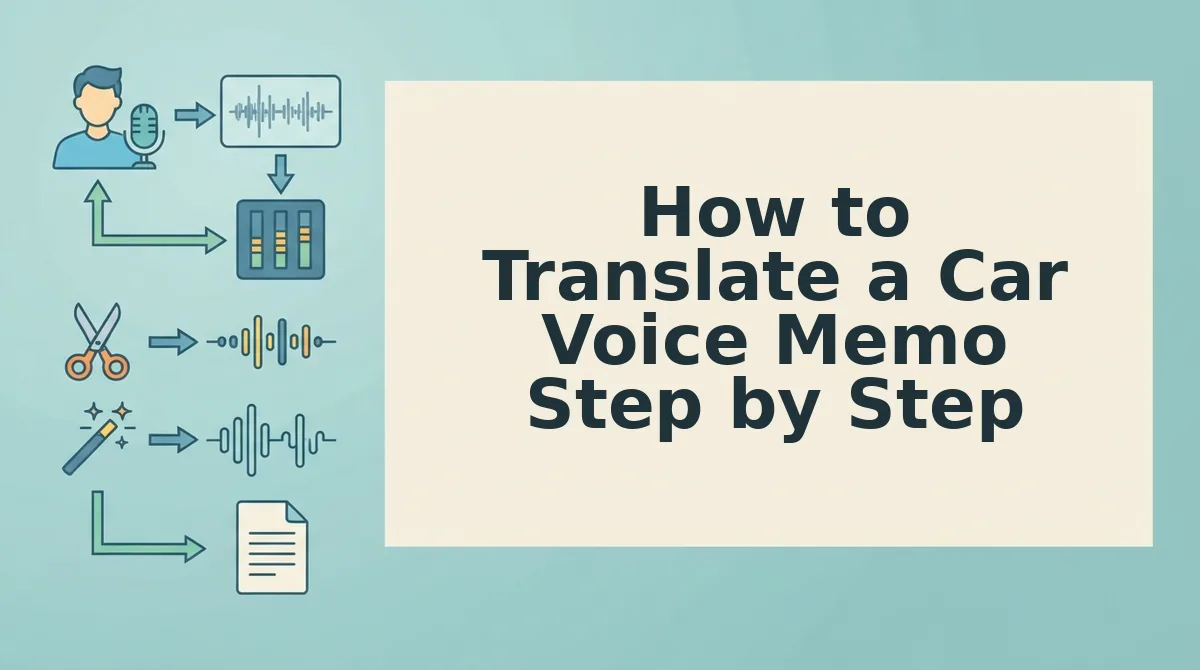
Run the memo through three gates in a fixed order â clean the audio, repair the speech, then translate â and do all of it after you park. Everything you need is already on your phone.
Before you start: the recorded file (iPhone Voice Memos stores it as M4A, an Android recorder saves its own format, and a messaging app holds the voice note inside the chat), a parked car, and a tool that accepts audio rather than pasted text.
- Park, then locate the file (about 1 minute). Open Voice Memos or your recorder, tap the memo, and choose Share â Save to Files so you have a file you can upload. In WhatsApp or Telegram, long-press the voice note and export it. You should see the M4A or equivalent sitting in your Files app.
- Gate 1 â Clean the audio (about 2 minutes). Upload the raw file and let it strip engine hum, wind rumble, breath sounds, and mouth clicks. This gate removes everything that is not your voice, so the next two gates work on speech alone. Success looks like a file where you can hear the consonants at the ends of words.
- Gate 2 â Repair the speech (about 1 minute). Now remove filler words from the audio â ums, ahs, "like," "basically," repeated false starts â and fix the grammar in the voice message so each sentence closes properly. Your voice, accent, and pacing stay as recorded. Success looks like a memo you would be comfortable playing to a client.
- Gate 3 â Translate last (under a minute). Select the target language and translate the cleaned file. Because the noise and disfluency are gone, the model is resolving language only. VClar covers 11 languages and 110 translation directions, so the same cleaned memo can go to more than one recipient without a second pass.
- Check and send (about 1 minute). Play the translated audio once, confirm names and numbers survived, then send the audio or the transcript. You should hear your own delivery in the second language, not a flat synthetic read.
Order is not cosmetic. Translating raw audio forces one model to resolve background noise, verbal disfluency, and a language shift simultaneously, and errors from the first two problems get locked in as if they were meaning. Clean, repair, translate hands each gate a single job.
A worked example: a B2B sales rep records a post-meeting follow-up in the car, cleans the hum and breath sounds from the M4A, repairs four false starts into two clean sentences, then translates for a buyer working in another language. The recipient gets the follow-up in their language, in the rep's voice, minutes after the meeting rather than the next morning. The same pattern applies to voice notes for founders logging updates between calls.
Cleaning and repairing take minutes; the re-record loop costs you the message entirely. Next: how to tell whether the output is actually correct.
How Do You Know the Translation Actually Worked?
A car memo translation worked when the cleaned source is accurate, names and numbers survive, every sentence ends, and the tone still matches what you meant. Run these five checks, in this order, before you send.
- Listen to the cleaned source, not the raw one. The translation is built from the cleaned audio, so that is the version to judge. If the cleaned memo misstates something, every language inherits the mistake.
- Confirm names and numbers survived. Numbers and proper nouns are the first casualties of low recognition confidence. Check every price, date, and name by hand, every time.
- Confirm no sentence end went missing. Road rumble can swallow the last words of a sentence. Match each translated sentence to one in the source.
- Compare tone against what you meant. A tone shift usually means the repair gate was skipped, not that the engine picked the wrong register. If a request now reads as a demand, rerun cleanup first.
- Read the translation aloud once. Speaking it exposes awkward phrasing your eye skips. One pass takes seconds.
Troubleshooting: When the Output Looks Wrong
- Garbled output: Engine hum masked consonants. Rerun noise cleanup, then translate again.
- Dropped sentence ends: Trim the memo to its last complete thought and translate that.
- Tone shift: Apply filler and grammar repair before translating.
- Misheard numbers: Restate the figure in a short follow-up memo recorded while parked.
VClar runs cleanup before translation in one workflow, so these checks become a quick confirmation instead of a repair job.
What Else Trips Up a Car Voice Memo Translation?
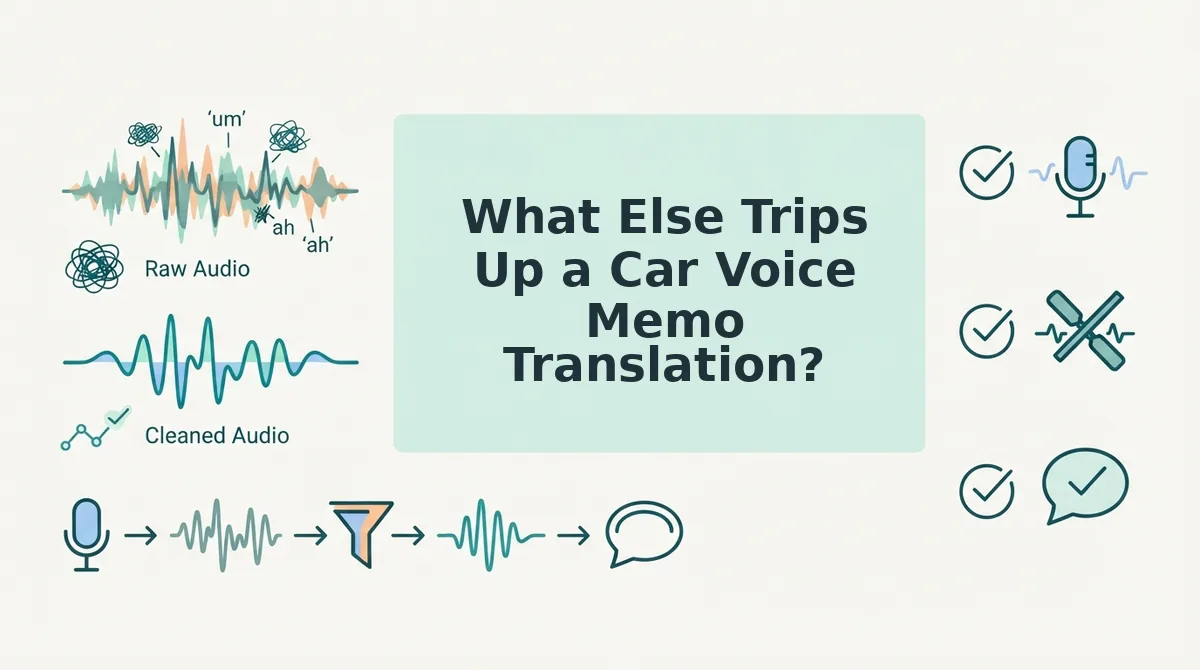
Driving safety, memo length, unfinished thoughts, and the wrong cleanup tool cause most remaining failures.
Is it safe to translate a voice note while driving?
Recording hands-free while driving is generally fine; translating while driving is not, because reviewing output pulls your eyes off the road. The safe sequence is record hands-free, park, then clean and translate. Check your local hands-free rules before recording.
How long should a car voice memo be before translating?
Keep each memo to one idea. Several short memos beat one long one because a single misheard phrase cannot collapse the whole message. If road noise garbles one memo, you repair that piece instead of redoing everything.
What happens if my voice memo trails off mid-thought?
A trailing-off memo gets restructured to its last complete thought before translation. Translating the fragment as-is produces a sentence that ends nowhere, which reads as confusing or abrupt in the target language.
Can a grammar checker fix a voice memo the way it fixes text?
No. Text grammar tools cannot hear filler words, false starts, or engine hum, so they cannot do what the repair gate does. To fix grammar in a voice message, the correction has to happen in the audio itself.
Clean the Audio, Then Let the Language Through
The blocker for a car memo was never the language; it was the noise sitting between your voice and the translation. Fix the audio first and the translation follows.
- Clean: strip engine hum, wind noise, and road rumble so recognition can hear you.
- Repair: remove fillers and false starts and fix spoken grammar.
- Translate: carry the cleaned message into any of 11 languages.
The real cost of a noisy memo is the re-record loop, and cleanup removes the need for it. Keeping your tone and cadence matters more than a flawless transcript, because the memo still has to sound like you.
Start small by sending cleaner voice notes from the car next time. Or clear the backlog of memos already sitting in your recorder. Better yet, open VClar and clean and translate one car memo now instead of booking a quiet room. Your commute can become a send-ready workspace in any language you need.
You can also translate a voice message.