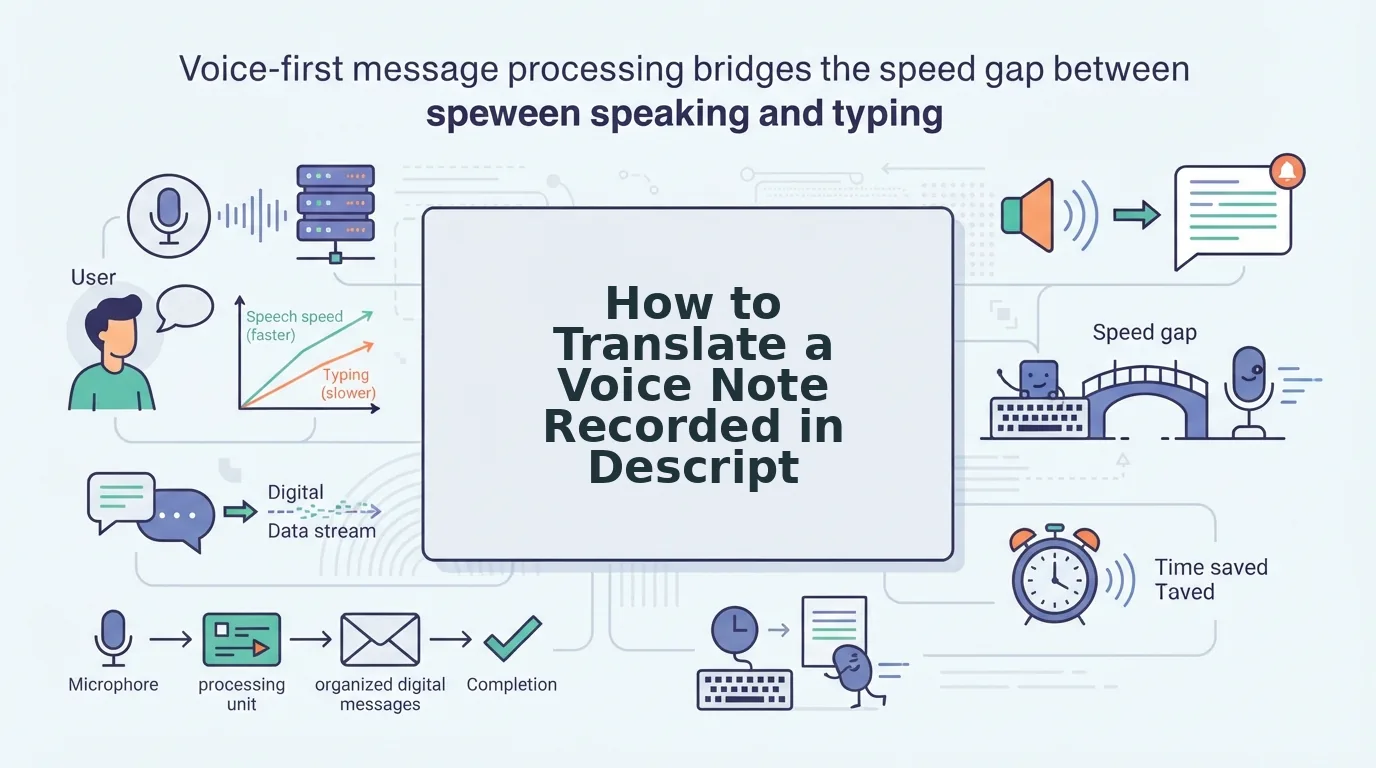

A 70-second voice message arrives in a language you half-read. The meeting starts in ten minutes, and every tutorial you open lands you on an editing timeline with tracks, waveforms, and an export menu.
You do not need a video editor to translate a voice note. A voice note is one audio track: no picture to sync, no second layer to mix, no render settings to choose. A timeline solves a problem you never had.
That mismatch explains the results you are getting. The tutorials that rank for this are video-translation and transcription walkthroughs, built for footage and on-camera speakers rather than a single memo you need to translate a voice note from.
Here is the shorter path: what you actually need before you start, a five-step sequence that keeps your voice and accent intact, and the one ordering mistake that undoes both. Whether you clean the audio before or after translating it changes the output more than your choice of tool does, and it is the reason some translated messages sound like a stranger reading your words.
What do you actually need before you translate a voice note?
Voice note translation is the process of converting a spoken recording into another language while keeping the speaker's timing, tone, and delivery intact. You need three things to do it without a video editor: the audio, a target language, and a transcript that is already clean.
Editing software exists for one hard job, keeping picture and sound in sync across multiple tracks, then rendering them out. Bring a voice note to that job and you are renting a moving truck to carry a single envelope.
The rule that matters more than the tool is the Clean-First Order: clean, then translate. A translator reproduces what it hears, not what the speaker meant, so filler words and false starts arrive in the target language intact if you skip ahead. Translate raw audio and your "ums" come back as French "ums."
| Path | Setup time | Your voice survives | Cleaning included |
|---|---|---|---|
| Video editor | Longest â you build a timeline | Yes | No |
| Hosted audio-translation tool | A few minutes | Yes | No â raw audio goes in |
| Voice-first cleaner | Under two minutes | Yes | Yes |
The middle row is the honest compromise. A hosted audio-translation page gets you off the timeline, but nothing in that flow removes filler words from the audio before the translator hears them. If the tradeoffs matter to you, the Descript vs VClar comparison lays them out side by side. VClar strips fillers, repairs spoken grammar, and translates across 11 languages in one pass, without substituting a synthetic voice for yours.
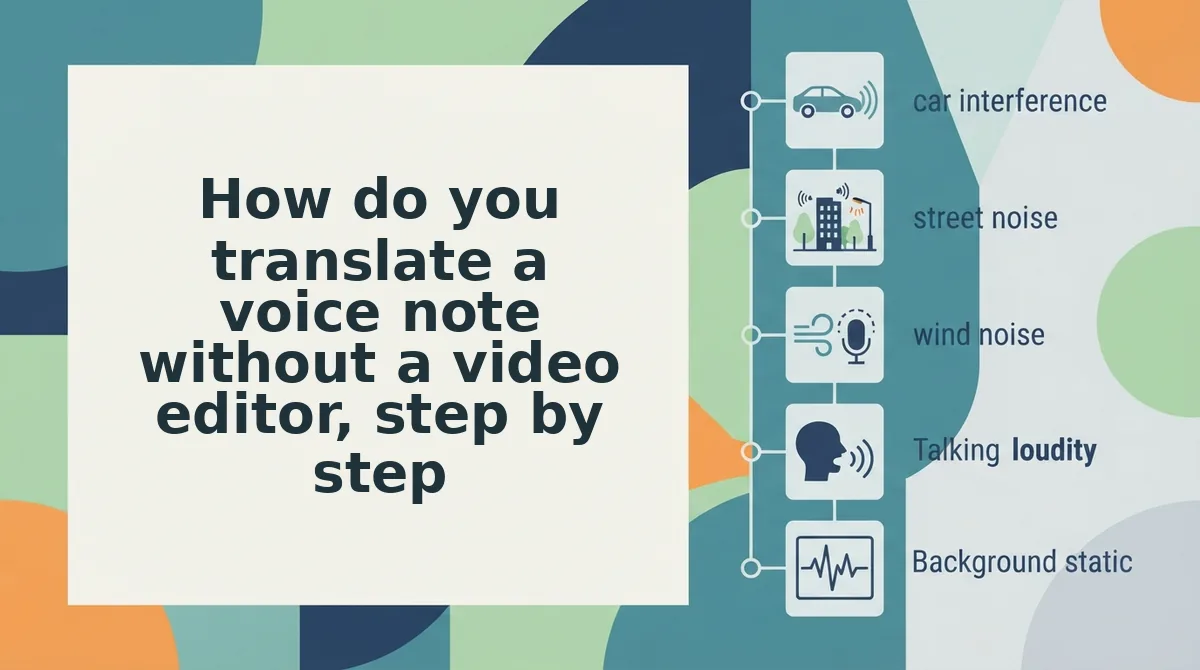
How do you translate a voice note without a video editor, step by step?
Run the five steps below in order and the whole job takes under five minutes on a one-minute note. You need the raw audio, the language you are targeting, and a tool that cleans before it translates.
- Record or re-record the note in idea blocks (about 2 minutes). Treat length as structure, not a stopwatch: one idea per three to four sentences, and close each thought fully before you pause. You should hear a complete sentence at every stopping point, not a sentence that continues after the pause.
- Fix the trailing ending at the source (30 seconds). Play the last five seconds of the recording. An unfinished thought translates into an unfinished thought, usually with a hedge the speaker never voiced, so finish the sentence here rather than trying to patch it in the output language.
- Upload the audio and select the target language. Confirm the source language is set correctly first, then pick the target. VClar covers 11 languages across 110 translation directions, so check the pair you need before you upload rather than after. You should see the file listed with both languages shown.
Pro tip: clean before you translate, never after. Re-running a translation on a cleaned file means translating a moving target, and the second pass can shift word choices you already approved.
- Read the transcript against the audio. The transcript is where spoken fragments show up as gaps in logic. If a sentence still reads as half a thought, fix the grammar in the voice message â or rerun step two â before you accept the take. Success looks like every line standing alone without a filler word in front of it.
- Download the audio and transcript together. They translate in a single pass on the voice note translator, which is what keeps your accent, cadence, and emphasis in place. Do not treat them as two separate exports; you should end with one cleaned, translated recording and its matching text.
If you record voice messages often, the voice message best practices guide covers the recording habits that make steps one and two automatic, so translation stops being a repair job.
Next, how do you check that the translated voice note actually worked?
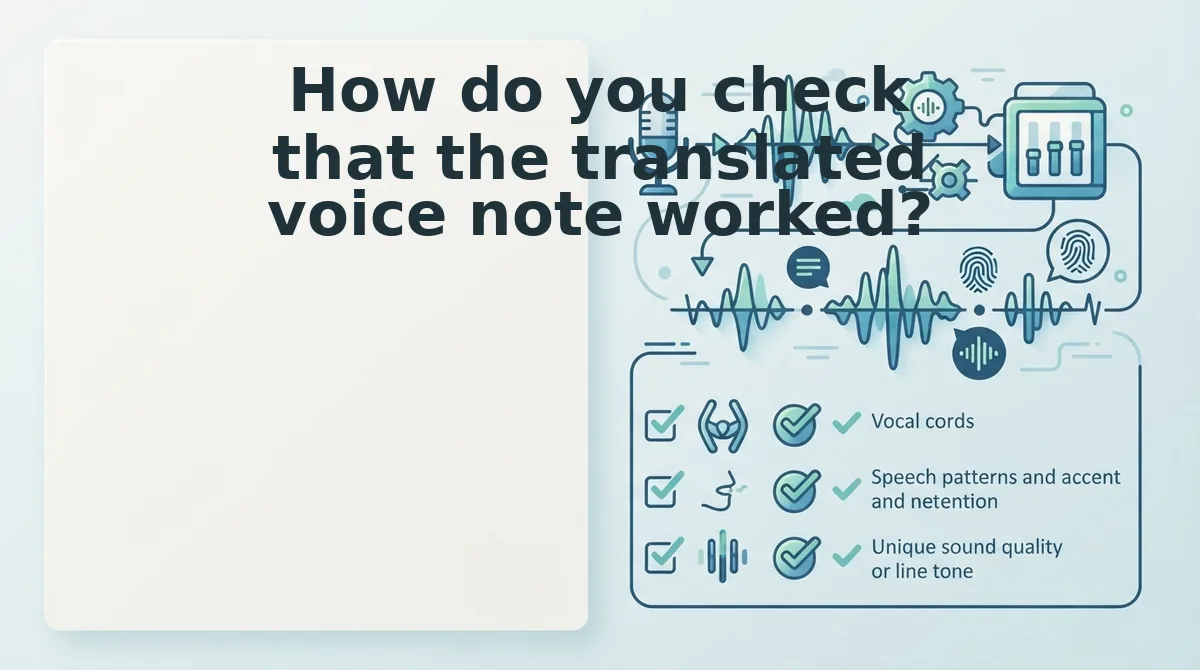
How do you check that the translated voice note worked?
Run five checks in under a minute: one listen for identity, one read for complete sentences, one scan for merged ideas, one pass for invented hedges, and one look at the closing line.
- Listen once for whether the voice is still yours. Play the first ten seconds without reading along. If you hear a flat narrator instead of your own cadence and accent, the file was replaced rather than enhanced, and you should re-run the original audio.
- Read the transcript for complete sentences. Every line should stand on its own without the listener supplying a missing verb or subject. If a line opens mid-thought, repair the source with fix grammar in a voice message and translate again.
- Check that no idea got merged with the next one. Cleaning tightens silence, and an aggressive pass can pull two separate points into one sentence. Read for a period where you meant a pause.
- Flag any hedge you never said. A "probably," "I think" or "maybe" at the head of a translated line usually marks a source sentence that trailed off. Unfinished source, unfinished target â and the translator fills the gap.
- Compare the last sentence to the last thing you meant. Endings drift first in translation. If yours now asks a question you never asked, the source ended ambiguously.
Why does a sentence fragment translate badly?
A fragment translates as a guess because the target language has to supply what your source left out. Say "sent it Tuesday, no reply yet" and an English listener infers "I." A translator working into French or German has no such licence to assume, so it either inserts a subject you never spoke or renders the line as a note-to-self. The result reads as broken grammar rather than shorthand, and the tone shifts from decisive to hesitant. Fragments are the single most common reason a clean-sounding voice note comes back sounding unsure of itself.
The problem is structural, not stylistic. Languages differ on whether a subject is obligatory:
| Expects an explicit subject | Routinely drops the subject |
|---|---|
| English, French, German, Spanish | Hindi, Japanese, Korean, Chinese |
A subjectless fragment in the source becomes a guess in the target, never a stylistic choice.
Voice note translation questions people actually ask
Four questions come up repeatedly, and each has a short answer that holds regardless of which app recorded the memo.
Do WhatsApp voice notes need a different process?
No. WhatsApp audio follows the same clean-then-translate order as any other voice note: get the file out, strip fillers and false starts, then translate the cleaned version. The export steps live in the walkthrough for translating a WhatsApp voice note.
Does the translated voice note still sound like me?
Yes, because the audio is enhanced rather than replaced. Fillers, breath sounds and mouth clicks come out and spoken grammar gets corrected while your accent, pitch and rhythm stay intact, so the translated message carries your delivery instead of a synthetic voice reading a script.
Are free transcription tools enough to translate a voice note?
Free transcription gives you text only. You end up with a written transcript and no translated audio, so the message has to be read rather than heard. VClar translates the audio itself across 11 languages and 110 translation directions.
What happens to background noise after translation?
It gets reduced before translation runs, not after. Cleaning handles background noise, breath sounds and mouth clicks alongside filler words, so the translated file starts from a clean source and does not carry the original room tone into the new language.
Send the next voice note clean the first time
The whole method reduces to one ordering rule you can apply to every future message: clean the audio first, translate second. Every walkthrough that opens a timeline gets that backwards, and the reversal is exactly what traps you in the re-record loop.
Record the thought once. Let the fillers, false starts and fragments come out of the source, check the five signals above, then translate the cleaned version â same voice, same accent, one take.
Next step: translate a voice note without a video editor and send the memo you already recorded, in the language the person on the other end actually thinks in.
You can also translate a voice message.