
You record an investor update on the drive home, and one thought loops for about 40 seconds of "and," "so," and "but" before it reaches the point. Now that message has to make sense to someone who speaks another language.
That loop is normal. You think faster than you type, and spoken thoughts run long. To translate run-on sentences in a voice message well, treat them as a speech problem. Grammar lessons usually treat them as a writing problem, which is why so many voice notes for founders lose their meaning once they reach another language.
This guide shows you how to make every point easy to follow for a listener in another language. It covers 4 steps and a way to check the result. It also explains why translating first and fixing later backfires.
Before you start, have three things ready: a recorded voice message, a known target language, and a few minutes to review the transcript.
Key Takeaway: Before you translate, split long spoken sentences into single-idea statements. Remove fillers and false starts. Then translate the clean version so each clause becomes one clear sentence.
What Is a Run-On Sentence in a Voice Message, and Why Does It Break Translation?
A spoken run-on sentence is a stretch of speech that joins several independent clauses with no audible boundary between them. It is usually held together by chains of "and," "so," or "but." The listener hears one long thought where there should be several complete ones.
An independent clause is a group of words that could stand alone as its own sentence. In writing, a comma splice joins two of these with only a comma. A fused sentence joins them with no punctuation at all.
Speech produces its own patterns. These are the four most common:
- The and-chain: "We closed the round and the team grew and we hired two engineers and the roadmap moved up."
- The so-loop: "So the launch slipped, so we reworked pricing, so now the deadline is Friday."
- The restart: "The contract, the thing is, what we need on the contract is approval."
- The tangent return: "Revenue is up, which reminds me of the vendor issue, anyway, revenue is up 12 points."
Here's the catch: semicolons and commas do not exist in audio. A listener hears only pauses and boundaries. That means the fix for a spoken run-on is splitting it, not punctuating it.
Think of a run-on as a train with no stations. Passengers can't tell where one stop ends and the next begins.
Why do run-on sentences hurt translation? A long spoken sentence forces the translator to guess where one clause ends and the next begins. Languages also order ideas differently. Japanese and Korean, for example, often place the verb at the end, so the translator has to reorder the clauses. When the boundaries are unclear, a qualifier can attach to the wrong idea, and a condition can turn into a fact. This is why translating first and fixing later backfires: the translation locks in the guess. Splitting the speech first gives each idea its own boundary, so it carries across intact.
Text checkers can't see these patterns, which explains why text checkers miss spoken grammar. VClar fixes spoken grammar and tightens phrasing directly in the voice message.
So what actually works?
How to Translate a Run-On Voice Message in 4 Steps
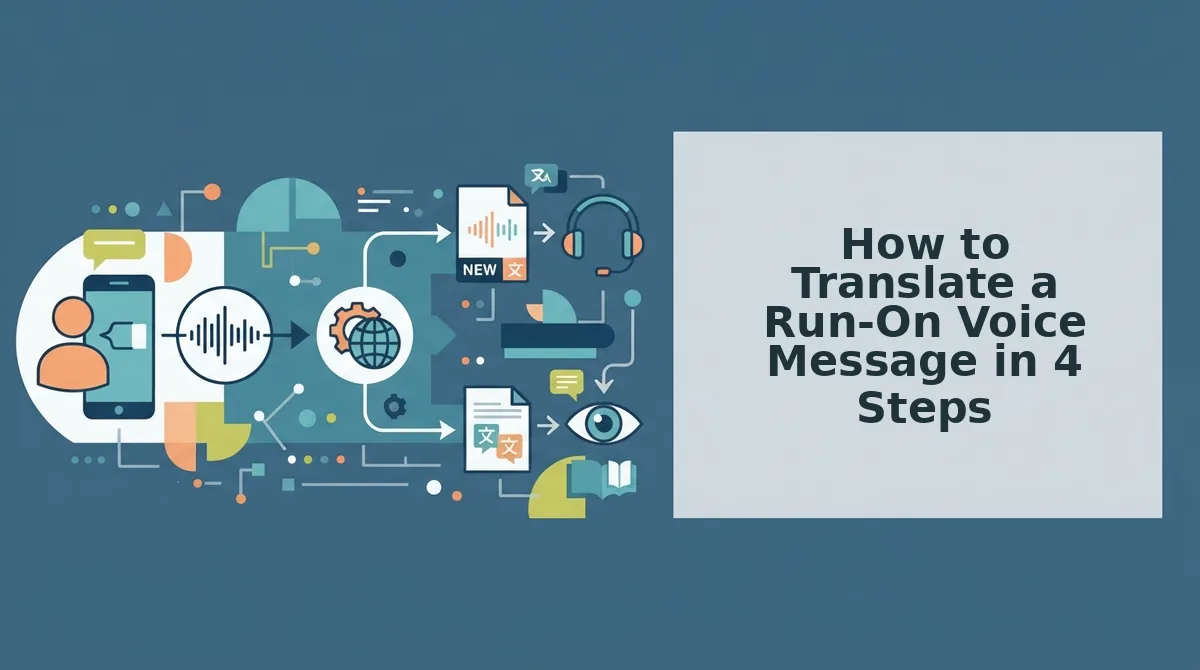
Translate a run-on voice message by cleaning and splitting it first, then translating last. You need a recorded or uploaded voice message, a chosen target language, and about 5 minutes.
The process follows a Split, Clean, Translate order. First, remove fillers and false starts so only real content remains. Second, split each loop into single-idea statements. Third, review the side-by-side transcript to confirm that every clause still says what you meant. Fourth, translate the cleaned message into your target language. Translation comes last on purpose. A clean source gives the translator clear boundaries, so each statement maps to one sentence in the target language. Translating a messy original preserves the loops and forces guesses about meaning.
-
Remove fillers and false starts
Upload raw audio or record your message, then remove filler words from audio, such as "um," "like," "you know," and repeated restarts. This takes about 1 minute.
Expected outcome: The message sounds decisive, and the restarts are gone.
-
Split loops into single-idea statements
Break each and-chain and so-loop into separate statements, with one idea per sentence. VClar can fix grammar in a voice message while preserving your tone, accent, and rhythm. This takes about 1 to 2 minutes.
Expected outcome: Each statement can stand on its own.
-
Review the side-by-side transcript
Compare the original transcript with the cleaned version, line by line. Check that no condition, number, or qualifier moved to a different idea. This takes about 2 minutes.
Expected outcome: Every cleaned sentence matches your original intent.
-
Translate the cleaned message
Select your target language and translate. The voice note translator in 11 languages covers 110 translation directions. This takes under 1 minute.
Expected outcome: Each source statement becomes one clear translated sentence.
Consider a B2B sales rep recording a follow-up for an enterprise buyer who works in another language. The pricing explanation loops through tiers, discounts, and renewal terms. Once the rep splits it into separate statements, each point translates as its own clear sentence, and the buyer can act on it.
If your messages cross languages every week, run them through the Split, Clean, Translate workflow before you send them.
The final step is checking that the translation actually worked.
How to Check the Translation Worked
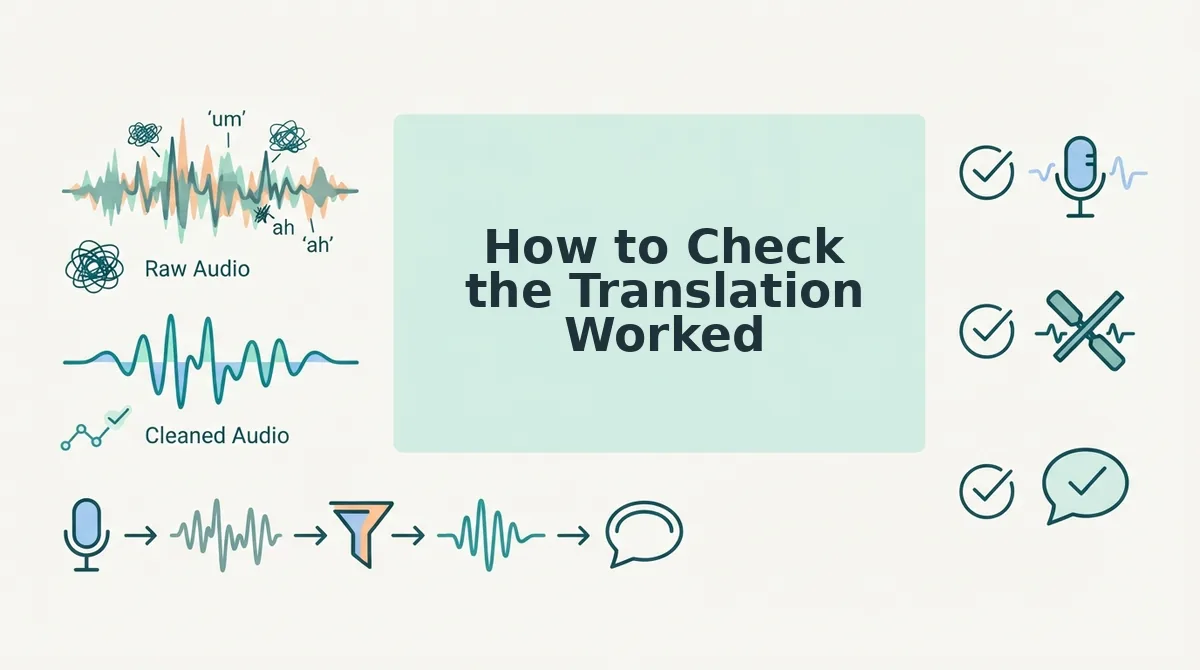
A translation worked if every sentence carries one idea, no clause went missing or moved, and the message still sounds like you. The quickest way to confirm this is to compare the original run-on, the split version, and the translated output side by side.
Hypothetical example for illustration only, not a customer result. Translations shown in French.
| Pattern | Original run-on | Split statements | Translated output |
|---|---|---|---|
| And-chain | "I talked to the vendor and they said the shipment is late and we need to tell the client and maybe push the launch." | I talked to the vendor. The shipment is late. We need to tell the client. We may need to push the launch. | J'ai parlé au fournisseur. La livraison est en retard. Nous devons prévenir le client. Nous devrons peut-être repousser le lancement. |
| So-loop | "The budget got approved so we can hire so I'll post the role so expect candidates next week." | The budget was approved. We can now hire. I'll post the role. Expect candidates next week. | Le budget a été approuvé. Nous pouvons maintenant recruter. Je vais publier l'offre. Attendez-vous à des candidats la semaine prochaine. |
| Restart | "The meeting is, wait, no, the meeting moved, it's Thursday now, not Wednesday, Thursday at ten." | The meeting moved to Thursday at 10. It is no longer on Wednesday. | La réunion a été déplacée à jeudi à 10 h. Elle n'a plus lieu mercredi. |
Run each translation through this three-point checklist:
- One idea per sentence: no sentence bundles two actions or decisions.
- No orphaned or reordered clauses: every point in the original appears, in the same logical order.
- Intent and tone survive: the urgency, hedges like "maybe," and your voice remain intact.
If you read both languages, checking the translation yourself works well and is best for bilingual speakers. A side-by-side view is best for cross-border teams sending into a language they don't read. Over time, it also shows you which run-on pattern you lean on most.
VClar puts this workflow in one place: record once, clean the filler and grammar, then translate while keeping your natural tone and accent.
Run-On Voice Message Translation FAQ
These answers cover the practical decisions that come up after you record a run-on message.
Should I re-record, clean, or send the voice message raw?
Send raw only for low-stakes notes in a shared language. If the stakes are higher, there's a language gap, or time is short, clean it instead. For example, a consultant updating a cross-border client team can clean and split one take rather than re-recording it repeatedly.
Will splitting sentences change my meaning or voice?
No. Splitting changes sentence boundaries, not intent. Your tone, accent, and cadence are preserved. The side-by-side comparison lets you confirm every clause survived and that hedges or urgency still read the way you meant them.
How do I translate WhatsApp voice notes to English?
Use the same Split, Clean, Translate order. Upload the audio, break run-ons into single-idea sentences, clean the filler and grammar, then translate a voice message into English. Translating after cleanup keeps the output accurate.
What about sentence fragments in voice memos?
Grammar repair in Step 2 fixes them. Fragments like "Thursday at ten" become complete sentences before translation, so the engine isn't left guessing at missing subjects or verbs.
Send One Clean Take in Any of 11 Languages
A run-on doesn't mean you need to re-record. It means the message needs structure before translation. Once you split first, translate second, and confirm each sentence holds one idea, the run-on stops being a problem and becomes a draft.
Two speaking habits make the next voice note easier to clean:
- Pause between points. A short breath gives each idea a natural boundary.
- Say the conclusion first. Lead with the decision, then add context.
You don't have to speak perfectly to be understood clearly. VClar supports 11 languages and 110 translation directions while keeping your own voice. That lets you break the re-record loop and speak with one-take confidence.
Record your next message once with VClar and send it clean in the language your listener speaks.