
A freelancer records a project update for a client who works in another language, plays it back, hears three "ums" and a sentence that collapses halfway through, and records it again. And again. The update was ready in their head in forty seconds; the recording takes fifteen minutes.
Voice is faster than typing until the message has to survive translation. If you need to translate voice memos for international clients, the fix isn't better delivery â it's a repeatable sequence that turns one rough take into a send-ready message. Below is a four-step workflow: Record, Clean, Translate, Review. You'll also see why the step most people skip is #2, not the translation itself â and why skipping it is the single biggest reason translated memos land badly with clients.
Record one natural take, remove filler words and repair spoken grammar, translate the cleaned memo into the client's language, then review names, numbers and commitments before sending. Cleaning first matters because a raw transcript carries every stumble into the target language, where it reads as confusion rather than spontaneity.
Most tutorials stop short of this. Walkthroughs of iPhone Voice Memos transcription and ChatGPT transcript cleanup end at a text file on your screen â they never get you to a client-ready message in another language. If your work runs on spoken updates, the same discipline behind voice notes for freelancers applies here, just with one extra handoff.
How Do You Translate Voice Memos for International Clients?
Translating a voice memo for a client means recording one natural take, cleaning the fillers and spoken grammar out of it, translating the cleaned memo into the client's language, and reviewing names, numbers and commitments before it goes out. The output is a client-ready message that still sounds like you, not a synthetic voice clone reading a script.
Voice memo translation is the process of converting a spoken message into another language while keeping the speaker's tone, accent and rhythm intact. Think of it like editing a letter before mailing it abroad: you wouldn't post a first draft with crossed-out words and expect a translator to make sense of the margins.
| Step | Purpose | Output |
|---|---|---|
| Record | Capture the message in one natural take | A single unedited voice memo |
| Clean | Strip verbal fillers and repair spoken grammar | A filler-free, grammatical memo |
| Translate | Convert the cleaned memo into the client's language | Audio or a transcript in the target language |
| Review | Check names, figures and commitments | A send-ready message |
Three prerequisites do most of the work: you need to know the client's language, you need to know the purpose of the message, and you need a quiet-enough recording. Everything else is execution, and the full sequence fits inside a normal voice message workflow you can repeat for every client. VClar handles the clean and translate stages in one pass, so the audio you send keeps your cadence instead of flattening into a generic synthetic read.
Translate a Voice Memo Step by Step
You need three things before starting: the client's language, a quiet room, and a recorder â a phone's built-in voice memo app is enough. The whole sequence takes roughly five to eight minutes for a one-minute message.
-
Step 1: Record in One Natural Take (2 minutes)
Open your recorder, state one main point, and speak the way you normally would for 45â90 seconds. Don't restart over a filler word â you're cleaning that out in the next step.
Success looks like: a single file you'd never send raw, but which contains the whole message.
Here's where most workflows break.
Clean the memo before you translate it. Verbal fillers and false starts in a raw transcript get carried literally into the target language, so the translation inherits the confusion and amplifies it â a sentence that trails off in English becomes a sentence that makes no sense in German. Cleaning first means the translator, human or automated, works from complete thoughts instead of fragments.
-
Step 2: Clean the Audio Before Translating It (2â3 minutes)
Upload the file to remove filler words from audio â the ums, ahs, "like," "basically," and repeated false starts â then fix grammar in a voice message so half-finished sentences become whole ones. Reduce background noise, breath sounds and mouth clicks in the same pass.
This is timeline editing without the timeline. In a traditional editor like Descript you'd scrub the waveform cutting each filler by hand; VClar detects them and closes the gaps so the delivery stays continuous. If you want the comparison in detail, see VClar vs Descript.
Success looks like: a memo you'd happily send in your own language, with no dead air and no restart seams.
Pro tip: clean first, because fragments translate badly. A cleaned memo gives the translation engine complete clauses to work with; a raw one gives it noise dressed as content.
-
Step 3: Translate the Cleaned Memo Into the Client's Language (1â2 minutes)
Use a voice note translator to convert the cleaned memo â the AI voice message translator handles the audio directly, so you don't re-record in the second language. It covers 11 languages across 110 translation directions.
Languages supported Hindi English French Japanese Korean German Russian Portuguese Spanish Italian Chinese Then choose the delivery format. Translated audio suits relationship updates and quick confirmations â the client hears a voice, not a wall of text. A translated transcript suits anything the client may forward internally or reference later, like scope notes and pricing.
Picture a B2B sales rep following up with an enterprise buyer: one memo, cleaned and translated into the buyer's language, goes out without a second recording session and without a colleague drafted in to translate.
Success looks like: a file in the target language that still carries your cadence and accent rather than a flattened synthetic read.
That's the memo out the door â but the last mile still decides whether the client trusts it.
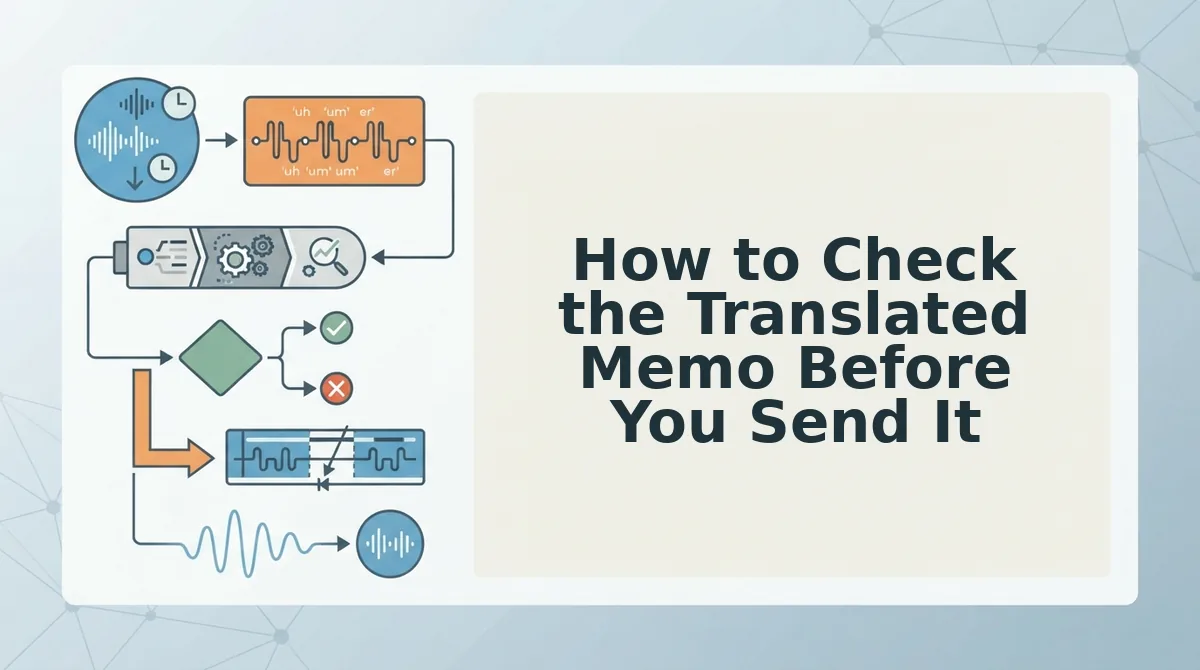
How to Check the Translated Memo Before You Send It
Run a five-point review pass before you send: names, numbers, dates and time zones, deliverables and commitments, and tone. A translated memo that sounds fluent but misstates a deadline or a price is worse than a rough one sent in your own language.
The pre-send checklist
- Names spelled and pronounced right. Play the audio back and confirm each client and company name survives the translation intact.
- Numbers and prices. Listen for currency, quantities, and units. Spoken numbers are where translation drift shows up first.
- Dates and time zones. Confirm the translated memo names the same day and hour you meant, in the client's local framing.
- Deliverables and commitments. Check that every "I'll send," "we'll deliver," and "by Friday" landed with the same weight.
- Tone that still sounds like you. The clean voice should keep your cadence and accent, not flatten into an announcer read.
But one message type needs more than a checklist. Stakes change the format you should send, not just the words inside it.
Decision matrix by message stakes
| Message type | Send translated audio | Add translated transcript | Add a fluent human reviewer |
|---|---|---|---|
| Status update | Yes | Optional | No |
| Feedback | Yes | Recommended | Optional |
| Follow-up | Yes | Recommended | No |
| Pricing or contract | Yes, as a companion | Required | Required |
Best for solo freelancers: translated audio plus a quick transcript for status updates and follow-ups, where speed matters more than ceremony. Best for agencies and consultants: the same workflow with a second reviewer on feedback threads. Best for teams sending commercial terms: translated audio, a transcript, and a fluent human reviewer before anything leaves the building. For the agency workflow in practice, see voice messages for agencies and consultants.
Note where dedicated transcription tools still win: if you only need searchable text and never need the audio to travel, a plain transcript service is a fine, honest choice. VClar earns its place when the spoken message itself has to arrive â cleaned, translated, still in your voice.
When does a voice memo need human translation review?
A voice memo needs a fluent human reviewer whenever a mistranslated word carries money, legal exposure, or a binding commitment. Pricing, contract terms, scope changes, deadlines tied to penalties, and anything a client might quote back to you should get a translated transcript plus one fluent speaker's read before it sends. Low-stakes status updates and quick follow-ups rarely justify that step. The rule is stakes, not length: a 30-second memo quoting a rate needs more review than a five-minute project recap.
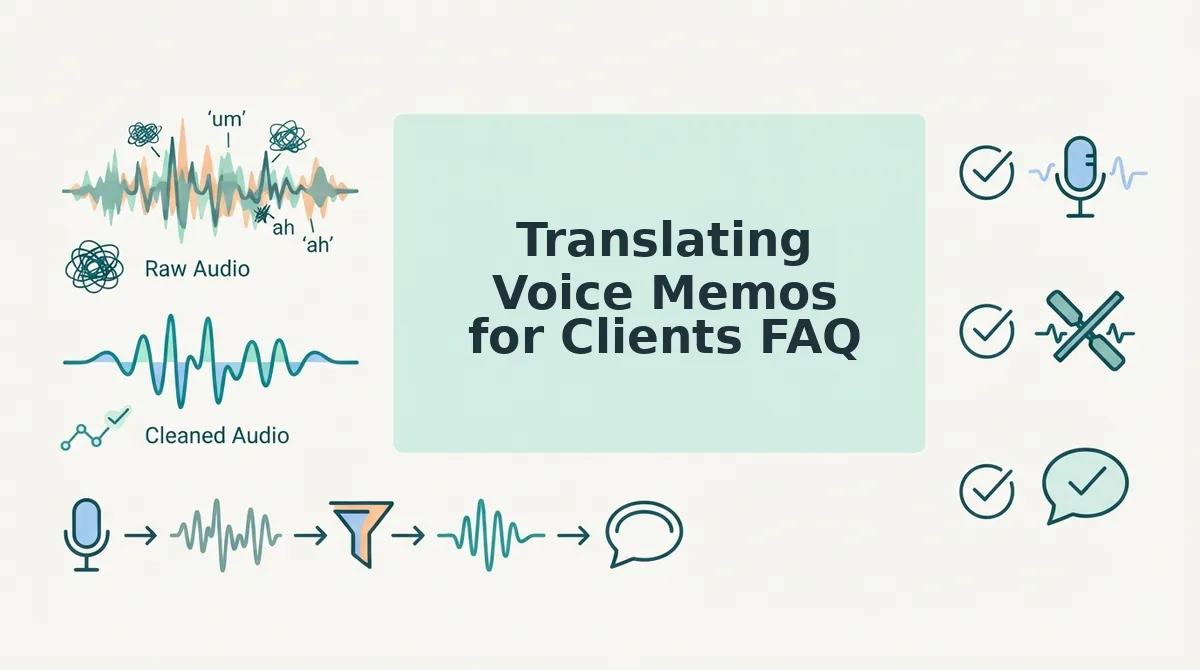
Translating Voice Memos for Clients FAQ
Will the translated memo still sound like me?
Yes. VClar preserves your natural tone, accent, and rhythm rather than substituting a synthetic voice. It cleans the delivery â filler words, false starts, background noise â and translates the speech while keeping the way you actually talk, so clients hear you, not a text-to-speech stand-in.
How do I translate WhatsApp voice notes to English?
Export the voice note from the chat, upload the audio to VClar, choose English as the target language, then review the cleaned audio and transcript before sending. The same steps work for voice memos from other messaging apps. Full walkthrough: translate WhatsApp voice notes.
Can I translate a client's reply back into my language?
Yes. All 110 directions work both ways across the 11 supported languages, so incoming client voice notes can be translated into your language using the same workflow. That makes a single thread readable in both directions without either side switching to typed text.
Do I need to clean the memo before translating, or after?
Before. Removing filler words and tightening the spoken phrasing first gives the translation a cleaner source, so hesitations and false starts don't get carried into the target language. Cleaning after translation means re-editing audio you have to re-check anyway.
Send Your Next Client Memo in Their Language
The whole method collapses into three habits: record in one take, clean before you translate, and match the review level to the stakes of the message. That is what turns a spontaneous voice note into something a client in another language can act on.
Consider the founder recording an investor update once, then cleaning and translating it for an investor who does not speak English â same voice, same conviction, delivered in the listener's language. That is the payoff of the workflow: one take, no re-recording loop, no written draft. The same pattern works for voice notes for founders and for any client-facing update.
Run your next client memo through VClar and send it cleaned, translated, and still unmistakably yours.
You can also translate a voice message.