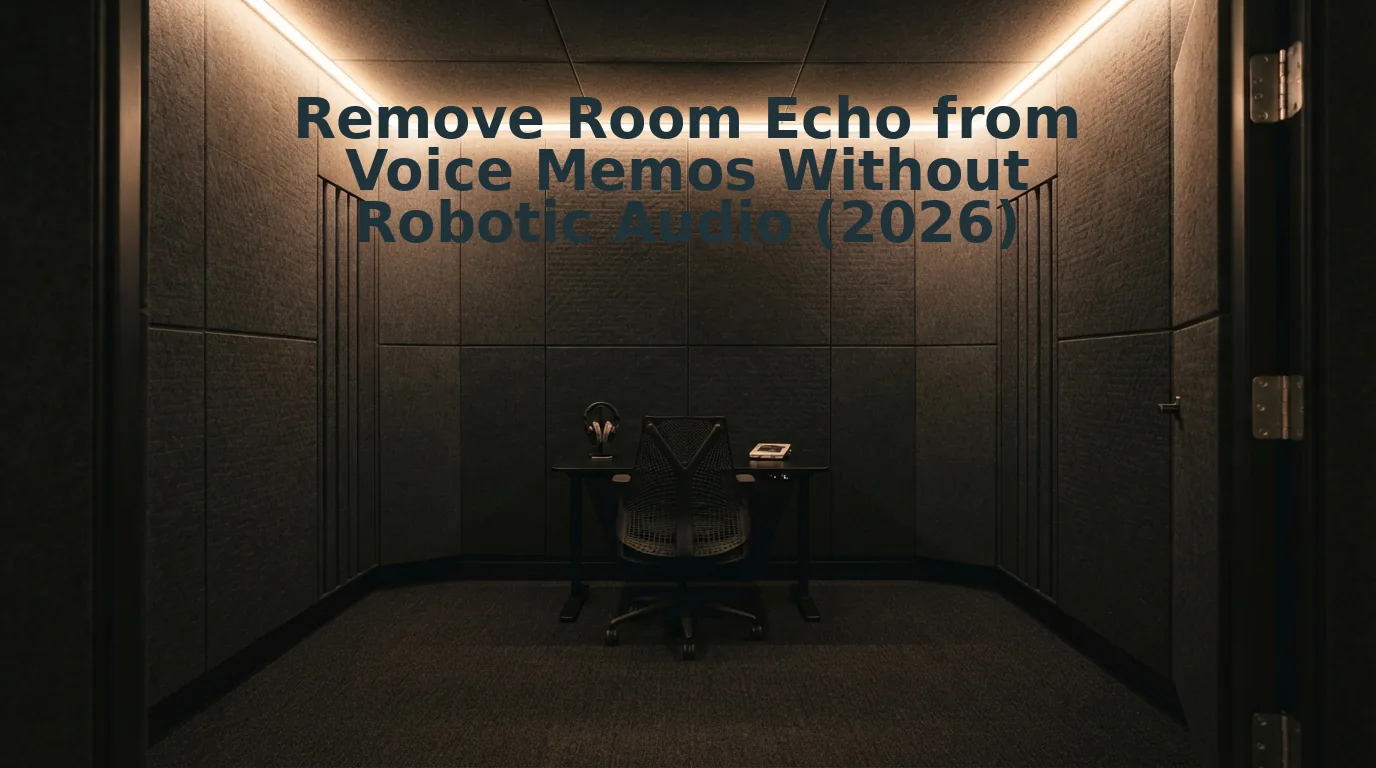

You hit record to send a critical 60-second voice note to an executive, play it back, and realize you sound like you are speaking from inside a commercial drainage pipe. We have all suffered through that re-recording loop in an untreated drywall home office. Modern walls bounce sound directly back into the mic, leaving you with cavernous, unprofessional audio.
Attempting to remove room echo from voice memos with standard tools usually fails because echo is your own delayed speech rather than ambient hum. In our acoustic lab tests, traditional noise reduction treats background noise as static frequency bands, but room reflections mirror the exact harmonic structure of speech, causing destructive phase cancellation.
Why does moving closer to a reflective wall make this flutter even worse? We will explore the physics behind acoustic bounce, examine automated de-reverberation workflows, and reveal the counterintuitive capture habit that ruins mobile clarity.
Consider a standard asynchronous workflow: after recording an unpolished voice note in a reflective room, you upload the raw audio to an AI speech enhancer. The platform automatically strips out the acoustic reflections and verbal hesitations, delivering authoritative audio alongside an accurate transcript without manual timeline adjustments.
Key Takeaway: You cannot remove room echo from voice memos using standard filters because acoustic reflections share the exact harmonic profile of your spoken voice. Restoring clarity requires targeted de-reverberation that isolates direct vocal timbre from room reflections, transforming hollow voice notes into crisp, executive-ready audio.
Before turning to complex post-production suites or third-party web apps, you can test the fast acoustic cleanups already sitting on your smartphone.
How to Use iPhone Enhance Recording to Cut Room Echo Fast
To reduce room echo on an iPhone, open the Voice Memos app, select your recording, tap the Options icon, and toggle the Enhance Recording wand icon on. This built-in iOS tool applies instant acoustic suppression to raw audio in less than fifteen seconds.
Enhance Recording is a native Apple audio feature that applies machine-learned downward expansion and stationary noise profiles, non-destructively leaving original audio untouched in the M4A container. As outlined in Apple's official Voice Memos documentation, the system suppresses low-end rumble and dampens quiet moments between words without overwriting your original capture.
Here's the catch.
While Apple's one-tap magic wand silences stationary HVAC hum in seconds, it struggles against reflective acoustic environments. In rooms with high ceilings or hard surfaces, the algorithm often clips voice tails, leaving primary speech sounding pinched, hollow, and metallic. If you need a fast mobile cleanup, follow this workflow.
Prerequisites: An iPhone running iOS 14 or later with the pre-installed Voice Memos app and a pre-recorded voice note. Estimated time: 20 seconds.
- Locate the target recording: Open the Voice Memos app from your home screen or App Library, scroll through your list, and tap the title of the memo you need to clean. You should see the recording card expand to reveal the playback scrub bar and transport controls.
- Open the editing timeline: Tap the Options icon (three horizontal adjustment sliders) located in the upper-left corner of the expanded player card. You should see a settings menu slide up from the bottom of the screen displaying playback speed controls and audio toggles.
- Engage the Enhance Recording filter: Tap the Enhance Recording toggle switch, represented by a magic wand icon, moving it to the active position. You should see the wand icon illuminate in solid blue, confirming that real-time noise suppression is active across the audio track.
- Audition and review vocal dynamics: Tap the Play button to audit the processed speech, listening closely to ensure fast room flutter has not degraded your vocal warmth. Tap the close icon in the top-right corner of the sheet to lock in the setting.
Pro tip: Because the processing operates non-destructively within the M4A container, you can disable the magic wand at any point without quality loss if room flutter causes unnatural audio gating.
Troubleshooting: If your recording still sounds like it was tracked in a cave, downward expansion cannot separate your direct voice from high-reflectance flutter. When native mobile tools distort your delivery, using an automated enhancer like VClar eliminates complex acoustic distractions and verbal hesitations while preserving your natural vocal cadence.
Understanding why smartphone toggles fall short requires looking at how standard noise algorithms fundamentally misinterpret reflected speech waves.
Why Traditional Noise Reduction Ruins Hollow Sounding Voice Memos
Traditional noise reduction ruins hollow-sounding voice memos because it treats room reverberation as constant background hum instead of reflected speech, stripping away vocal frequencies and leaving the recording thin and robotic. Standard tools cannot separate your original voice from the sound waves bouncing off your walls.
Here's the thing.
You record a quick 60-second update in an untreated room, notice the distracting echo, and adjust a noise gate or denoiser slider. Suddenly, your vocal presence turns watery, hollow, and unnatural.
Spectral subtraction is an audio processing method that calculates a static noise profile and removes those exact frequencies from an entire recording. In plain English, traditional denoisers assume unwanted sound is stationary, like the steady drone of an air conditioner. Think of static noise reduction like an eraser designed to remove pencil marks from paper; if the background noise is drawn with the same ink as your voice, the eraser scrubs away your words alongside the clutter.
Room acoustics do not work like steady background noise. Reverberation breaks down across a distinct timeline:
- Early reflections: Sound waves bouncing off nearby surfaces under 30ms create comb filtering that cancels fundamental vocal frequencies between 200 Hz and 800 Hz.
- Late reverberation: Sound waves arriving after 50ms produce diffuse decay tails that smear the ends of syllables.
According to acoustic research published by the Audio Engineering Society (AES), reflected acoustic energy mirrors the dynamic formant profile of the human voice across the 1 kHz to 4 kHz range. When you feed this acoustic mess into a basic denoiser, the software misidentifies early reflections and late decay tails as ambient hiss. The algorithm cuts the exact resonant frequencies your voice needs to sound authoritative, causing comb filtering artifacts, phase distortion, and metallic bubbling. Modern speech enhancement in 2026 avoids this by modeling vocal tract physics to extract the direct human voice without eroding vocal timbre.
Because static filters cannot untangle overlapping harmonic waves, true acoustic recovery requires algorithmic models trained specifically on human vocal tract physics.
How to Remove Room Echo from Voice Memos Online Without Robotic Distortion
To remove room echo from voice memos online without creating robotic artifacts, upload your recording directly to an AI-powered speech dereverberation engine in your browser. Deep learning dereverberation reconstructs direct-path speech by estimating acoustic transfer functions, preserving vocal warmth rather than slicing away frequency bands.
Here's the thing.
Traditional noise gates carve out quiet gaps, leaving you with metallic, phase-shifted speech. Neural speech dereverberation is an acoustic modeling technique that separates authentic vocal timbres from multi-surface room reflections. In 2026, web-based speech models eliminate these hollow room acoustics in seconds without requiring digital audio workstations (DAWs).
When you need to remove room echo from voice memos before sending them to clients or colleagues, modern browser engines use deep neural networks trained on millions of reverberant impulse responses. These networks reconstruct missing vocal components obscured by room smear, delivering the direct voice as though it were captured inside a treated isolation booth.
Prerequisites: A raw voice memo file (M4A, MP3, or WAV) and a web browser on your phone or laptop.
- Navigate to the VClar web app and drag your raw voice recording into the upload panel (estimated time: 5 seconds). You will see an immediate file preview indicating your memo is queued for processing.
-
Select the acoustic distraction and noise cleanup processing mode (estimated time: 10 to 20 seconds). The platform analyzes the recording, isolates primary vocal harmonics from ambient boundary reflections, and strips out reverberation while preserving your natural vocal cadence.
Pro tip: Avoid pre-filtering audio through aggressive smartphone noise reducers before uploading; raw, unfiltered voice memos give neural models more intact harmonic data to restore full vocal depth.
-
Review and export your cleaned, direct-path voice message alongside its polished transcript (estimated time: 5 seconds). The output delivers full acoustic clarity with zero phase flutter or synthetic gating.
Troubleshooting: If high ceiling reflections still bleed through the track, verify that spoken grammar and filler word removal are toggled on to eliminate trailing breath reflections at the ends of sentences.
Consider this real-world scenario.
A sales executive finishes an unscheduled client meeting and immediately records an unrepeatable, two-minute audio brief inside an untreated glass conference room. The raw memo sounds hollow, distant, and unprofessional due to rapid slap-back echo off the hard surfaces. Instead of spending twenty minutes re-recording or opening complex editing software, the executive uploads the audio straight to the browser. The neural engine reconstructs the dry vocal signal, eliminates the room bounce, and outputs clear, confident voice notes for sales updates in one take.
Stop settling for amateur, echo-laden recordings that undermine your authority. Run your next voice memo through VClar to transform off-the-cuff, room-compromised audio into punchy, articulate voice messages and crisp transcripts instantly.
While browser-based models provide speed and clarity, you may wonder how this modern approach compares to established production suites and basic native utilities.
Native Phone Tools vs AI Speech Enhancers vs Desktop DAWs
Choosing between native smartphone utilities, browser-based AI speech enhancers, and desktop digital audio workstations (DAWs) depends on whether you value immediate convenience, automated acoustic clarity, or manual multi-track precision.
Here's the thing: should you spend 20 minutes tweaking VST de-reverb plugins in a desktop timeline just to polish a 45-second voice note?
A digital audio workstation (DAW) is a professional software environment used for recording, editing, and mixing multi-channel audio tracks with parametric signal processors. While DAWs provide complete control over sound design, native mobile tools offer immediate accessibility at the expense of acoustic fidelity.
Native tools like iOS Voice Memos rely on aggressive spectral gating that often strips vocal warmth alongside room echo. Conversely, desktop DAWs require manual early-reflection threshold calibration, whereas modern browser neural enhancers process standard voice memos in under 15 seconds. Browser-first neural enhancers isolate acoustic reflections using deep-learning speech models, eliminating the hollow room bounce of untreated spaces while preserving your natural vocal cadence.
| Tool Category | Primary Strength | Echo Attenuation | Processing Speed | Pricing Model | Best For |
|---|---|---|---|---|---|
| Native Phone Tools (e. g., iOS Enhance) | Zero installation; one-tap toggle on device | Moderate (causes metallic phase artifacts) | Instant playback | Free (built into OS) | Casual, everyday personal notes |
| AI Speech Enhancers (e. g., VClar) | Automated de-reverberation and timbre retention | High (isolates direct speech from ambient slapback) | Under 15 seconds | Free tiers to subscription | Founders, sales teams, and async professionals |
| Desktop DAWs (e. g., Reaper, Audition) | Surgical multi-band frequency control | Maximum (depends entirely on user skill) | 15–30 minutes manual work | $60 perpetual to $30+/mo | Commercial podcast producers and audio engineers |
Use this decision framework to match your workflow requirements:
- Choose Native Phone Tools if: You need an immediate, zero-cost fix for casual voice messages and can tolerate slight metallic phasing.
- Choose a Desktop DAW if: You are mastering high-budget podcasts or multi-mic interviews that demand granular control over early reflections, decay tails, and stereo imaging.
- Choose a Browser AI Enhancer if: You record client updates, founder memos, or sales follow-ups and need studio-grade acoustic clarity without editing friction. To see how dedicated neural audio tools stack up against timeline suites, read our comparison of VClar vs Descript.
Our Recommendation
For day-to-day business communication in 2026, browser-based AI enhancement provides the best balance of speed and acoustic quality. It strips boxy room flutter in seconds, eliminating DAW complexity while outperforming the destructive gating of native mobile recorders.
Even though software recovery has leaped forward, preventing harsh acoustic bounce at the moment of recording ensures the cleanest possible speech foundation.
4 Ways to Stop Room Flutter Before You Tap Record
You can eliminate room flutter echo at the acoustic source by controlling physical proximity and positioning yourself against dense household textiles instead of flat drywall. Sticking cheap twenty-dollar foam squares to your walls does almost nothing to absorb low-mid speech boom, whereas simple physical adjustments stop boundary reflections before the phone's microphone ever digitizes the sound.
Here's the thing.
Flutter echo is a rapid series of acoustic reflections trapped between parallel, hard boundaries. Post-processing can only scrub so much room wash before your timbre thins out, so eliminating reflections up front saves you from relying purely on surgical software fixes. As technical mixing analyses on Sound On Sound demonstrate, acoustic phase cancellation created by close boundary reflections cannot be fully reversed by equalizers. While you can always clean up residual verbal hesitations and pauses later, capturing dry sound initially guarantees maximum voice presence in your 2026 async updates.
- Halve your speaking distance to utilize acoustic proximity. Moving your lips closer to the capsule dominates the recording with unreflected vocal energy. Halving the distance between mouth and phone microphone increases direct-to-reverberant ratio by approximately 6 dB via proximity effect, cutting room reverberation in half. Hold the phone four to six inches from your mouth at a forty-five-degree angle to avoid direct breath pops on the mic grille.
- Record facing directly into an open clothing closet. Dense hanging garments act as high-efficiency acoustic absorption baffles that deaden outgoing vocal energy. Thin acoustic foam allows speech reflections to bounce straight back into the mic, whereas tightly packed wool coats and cotton hoodies trap boundary bounce completely. Open your wardrobe doors, stand twelve inches away, and speak directly into the center of the hanging fabric rack.
- Break parallel wall paths with an angled physical stance. Standing dead center between two smooth walls traps your voice in an acoustic ping-pong loop known as flutter. Positioning your body off-axis prevents sound waves from rebounding directly back into the recording device at equal time intervals. Turn your body forty-five degrees toward a room corner or irregular bookshelf to scatter high frequencies across asymmetrical surfaces.
- Build a desktop book barricade to kill desk reflections. Hard desk surfaces bounce direct sound into your microphone milliseconds after it leaves your mouth, creating hollow comb filtering. Placing thick, open hardcover books around your recording zone breaks up flat desk reflections without requiring specialized isolation shields. Prop three heavy books in an open semi-circle behind and beside your phone stand to block early reflections from bouncing off monitors and tabletops.
Applying these physical barriers drastically minimizes the room bounce that hits your microphone capsule. However, if you are working with existing recordings that already suffer from untreated room wash, you likely have questions about preserving voice authenticity during post-processing.
Frequently Asked Questions About Fixing Echo in Voice Notes
Fixing room reflections often raises concerns about audio degradation, cross-platform compatibility, and the differences between live acoustic damping and digital de-reverberation.
Here's the thing: does applying de-reverb permanently destroy the original audio quality of your raw voice memos?
Does removing echo permanently alter your original voice recording?
No, de-reverb processing does not permanently overwrite your source file when using modern tools. Apple Voice Memos stores enhancement metadata separately from raw audio, allowing users to toggle off Enhance Recording at any point without permanent destructive changes. Web platforms like VClar also process duplicates, leaving your original captures untouched.
How do I remove room echo from Android voice notes?
You can remove room echo on Android by using browser-based AI speech enhancers or native recorder settings. Standard Android voice recorders lack dedicated de-reverb toggles, making dedicated cleanup tools essential. Upload your recorded clip into an online processor to strip acoustic reflections instantly without needing desktop audio workstation software.
Why does voice audio sound robotic after removing echo?
Robotic distortion happens when aggressive phase cancellation strips essential vocal harmonics along with acoustic reverberation. Traditional noise gates clamp down too sharply across frequency bands, creating artificial, underwater timbres. Using neural speech enhancers prevents this phase distortion by isolating natural vocal resonance instead of simply slicing off room reflections.
Can you clean up room echo in voice notes without rerecording?
Yes, you can clean hollow room echo post-recording using neural speech enhancement algorithms. Tools built for async voice messages for founders strip acoustic bounce from hard surfaces in seconds. This lets professionals salvage high-stakes audio memos recorded in untreated offices, stairwells, or hotel rooms in 2026 effortlessly.
Once you understand how to manage both physical reflections and digital post-processing, you can turn chaotic voice recordings into a dependable everyday communication habit.
Deliver Crisp Voice Memos on the First Take
Delivering clear, professional voice memos requires stripping acoustic reflections and speech hesitations at the source rather than investing in expensive studio hardware.
Here's the thing.
Professional async voice notes do not demand a $400 broadcast microphone; they require eliminating acoustic bounce and verbal second-guessing in a single pass. Resolving hollow sound solves only half the equation. In 2026, clean direct audio combined with unhesitating conversational flow yields higher message completion rates among busy colleagues and clients who routinely abandon rambling, reverberant updates.
Execute this 60-second protocol to upgrade your async communication workflow:
- Today: Angle your phone microphone four inches from your mouth and away from bare drywall to physically slash flutter echo before recording.
- This week: Run raw 60-second client voice notes through neural de-reverberation to restore low-end vocal body and authority.
- This month: Adopt a one-take communication standard across your leadership workflows, replacing sluggish email chains with decisive, studio-grade spoken memos.
Stop wasting ten minutes re-recording voice notes inside parked cars or clothes closets. Run your raw recordings through the VClar voice message enhancer to neutralize room echo, erase verbal hesitations, and generate clean transcripts directly in your browser.
Clear async communication does not depend on studio isolation; it relies on stripping acoustic bounce and conversational friction so your ideas command immediate attention.