The memo is already recorded. The thinking is already done. Then you play it back, hear three ums, a false start, and a sentence that trails off into silence, and the send slips to tomorrow. That gap between having something to say and sounding like you meant it is where vclar vs audiopen for sending audio stops being a feature argument and becomes a decision about what actually lands in the recipient's inbox.
You already know the problem. Filler words, pauses, and disjointed grammar undermine your authority before the message is ever sent, so you re-record, then re-record again, and the loop eats the time the tool was supposed to save. The reasonable instinct is to compare tools. The more useful move is to ask what each one outputs.
This page answers that directly. You will get a one-passage verdict on which tool sends clean audio rather than a text note, a plain-language definition of the two product categories involved, and a comparison built on what each tool actually delivers to the other person. Along the way you will hit a finding that surprises most readers: the whole review landscape we observed stops at the moment text appears on screen and never follows the message one step further. Start with the pillar page on the ai voice message translator if you want the category context first.
Which Tool Sends a Clean Audio Message Instead of a Text Note?
VClar sends a cleaned audio message; AudioPen sends structured text. That single difference decides the question before any feature checklist begins.
A voice message enhancer is audio-processing software that removes verbal fillers and acoustic distractions from a recording while keeping the speaker's voice intact as audio. VClar is built this way: it strips ums, ahs, "like," "basically," "you know," and repeated false starts from the timeline, then returns a file you can send. It also translates cleaned voice messages across 11 languages and 110 directions, and it preserves the speaker's timbre, accent, and cadence rather than substituting a synthetic voice.
A voice-to-text note tool is a transcription-and-summarization layer that converts speech into written notes. AudioPen fits here. The framing in Louis Pereira's own demo is "fuzzy thought to clear text, fast," and that is a fair summary of the category: speech goes in, organized writing comes out.
Think of the difference the way you would think about a photo editor versus a scanner. One returns the same picture, improved. The other returns a document about the picture.
This is why the comparison keeps getting framed wrongly. Across the five YouTube videos we observed, weighted toward product demos and reviews, not one follows a voice note all the way to the recipient's inbox. They end at the screen, and the screen is not where your message has to survive.
VClar's outbound path is straightforward: record or upload, let the enhancer clean the audio, then send audio that sounds like you on a good day. If you need the language layer too, the voice message translator handles the translation without flattening your delivery.
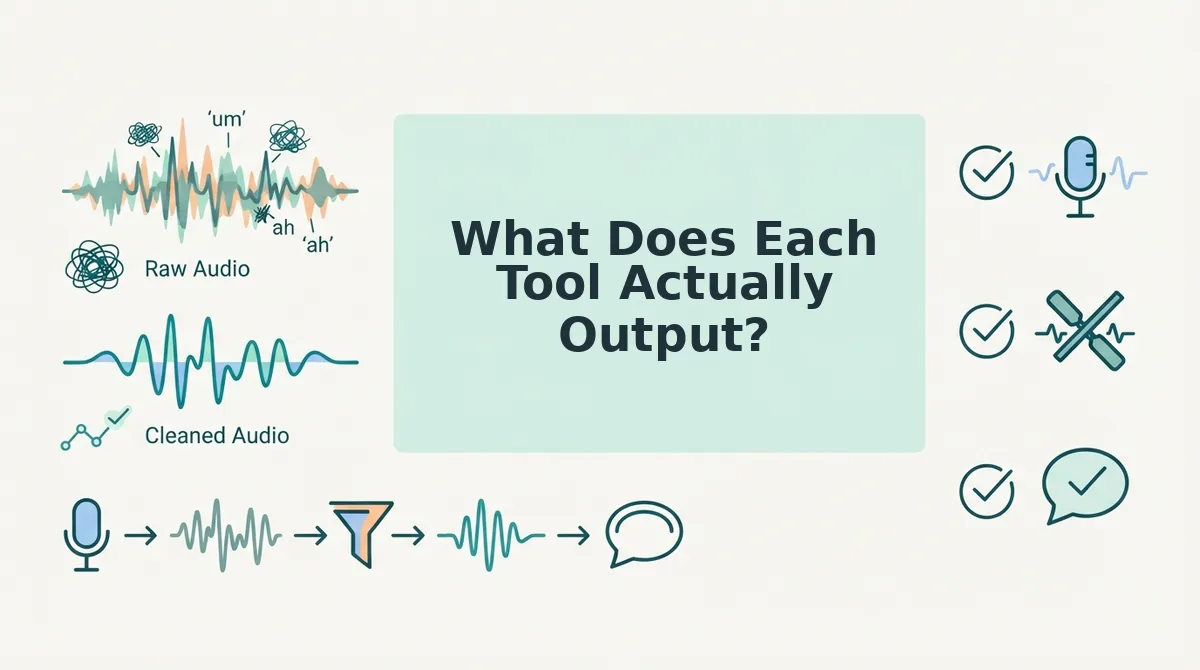
What Does Each Tool Actually Output?
The useful comparison is not a feature grid. It is a three-row matrix of output medium: audio only, text only, or both. Read it against what the recipient opens, and the choice becomes obvious.
Output medium
What the recipient receives
Tool that fits
Best for
Audio only
A cleaned voice message they can play in one pass, in your voice, accent, and rhythm
VClar
Founders, sales teams, and cross-border operators who need tone and intent to land, not just words
Text only
Structured written notes, summaries, and organized copy
AudioPen
Writers, researchers, and note-takers who want a spoken draft turned into something they can edit and file
Both
A cleaned audio message plus a readable transcript of the same content
VClar
Creators and freelancers sending to recipients who may read on mute or listen later
What Is AudioPen Actually Built to Do?
AudioPen is a voice-to-text drafting tool that converts unstructured spoken thought into written notes, summaries, and reformatted text. It listens to you talk and hands back a document.
Think of it as a dictation service staffed by an editor: you speak the way you think out loud, and what returns is a typed memo rather than a recording of your voice. The voice is the input medium, never the deliverable.
The documented workflow is short. You speak freely into the app, receive structured text, then choose a style that reshapes the output â a tighter summary, an email draft, a bulleted list, a blog outline. No audio editing step exists in that loop, because the audio was never the point.
That positioning is consistent across the material published about the product. The AudioPen Demo by Louis Pereira frames the promise plainly as fuzzy thought to clear text, fast â an input-to-note tool. Tim Verdouw's review treats it the same way, as a writing and note utility rather than a messaging one; those two view counts are the only quotable figures in the landscape and they say less about capability than about how the product is talked about.
The practical consequence: AudioPen is a thinking and drafting tool. It is well suited to the messy stage before you know what you want to say, and poorly suited to the moment after, when you need that thought to arrive in someone else's ears. If you are still deciding which medium your message deserves, the voice vs text comparison lays out the trade-off before you commit either way.
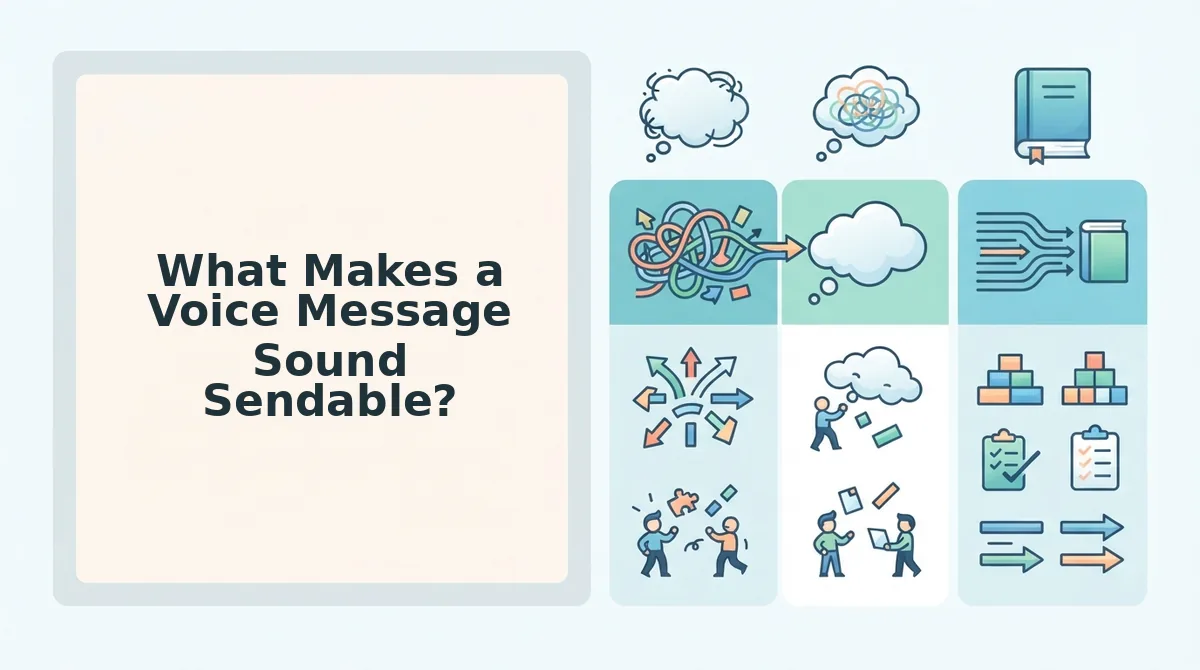
What Makes a Voice Message Sound Sendable?
A voice message sounds sendable when the recipient hears a decision rather than a rehearsal. Five things separate the two, and all five are judged by the listener, not the sender.
They hear no filler. Ums, ahs, "like," "basically," and abandoned false starts are removed from the timeline, so the message reads as decisive. Removing filler words from audio also shortens the file â a 70-second ramble often lands under 45.
They hear you, not a robot. Your accent, cadence, and rhythm stay intact because the tool edits the recording rather than replacing your voice with synthetic speech. This is the difference between cleaning a message and impersonating yourself.
They hear correct grammar on the first take. Spoken grammar drifts â subjects and verbs fall out of agreement, sentences restart mid-clause. Fixing grammar in a voice message in place means you never re-record a thought you already explained well. See fix grammar in a voice message.
They hear a clean signal. Background noise, breath sounds, and mouth clicks are reduced so the words carry without the listener leaning in. Acoustic clutter is the most common reason people abandon a voice note halfway through.
They hear it in their own language. A cleaned message can be delivered as translated audio across 11 languages and 110 directions â audio to audio, not a transcript the recipient has to read. The voice note translator across 11 languages covers the full direction map.
Can you clean a voice message without it sounding synthetic? Yes. VClar edits the existing recording â cutting fillers, tightening gaps, correcting spoken grammar, and reducing noise on the original audio timeline â instead of regenerating speech from a text transcript. Your pauses, emphasis, and accent survive because they were never discarded. The listener hears a more composed version of the same person, which is exactly what a sendable message should sound like.
Where Each Tool Is the Wrong Choice
Both tools are wrong for specific jobs, and naming those jobs is faster than comparing feature lists. Use the 30-second Recipient Test first, then disqualify accordingly.
Before you send anything, ask three questions about the person receiving it. Is the message tone-dependent â does meaning live in how it is said, not just what is said? Is it skimmable â can they get the point in five seconds? Is it forwardable â will they pass it to a third party who needs the context intact? Audio wins on tone and forwardability; text wins on skimmability. If two of the three point one way, stop deliberating.
VClar is wrong when the deliverable is a document. If the recipient needs something they can search, quote, edit, or file, audio is the wrong medium no matter how clean it is. Record once, transcribe, and send the text.
VClar is wrong for long recordings and timeline editing. It is built for messages, not for cutting a 40-minute interview or trimming a podcast segment to the second. Reach for a full audio editor when you need multitrack control.
VClar is wrong when you need a transcript archive. If your goal is a searchable library of everything you have ever said, you want a notes system with retention, not a send-ready message.
AudioPen cannot help at all with outbound audio. There is no path from its structured text back to a sendable voice message; the output is text, and text is what reaches the recipient. For outbound audio, that is a dead end rather than a trade-off.
The Hybrid Workflow
Talk into AudioPen until the argument is clear, and let it produce a structured text draft.
Read that draft once out loud as a script, then record it in VClar â the read-through is where the filler disappears naturally.
Clean the recording, confirm the tone still sounds like you, and send the audio. Budget two minutes total.
Founders running this loop on investor updates and team briefings can start with voice notes for founders, and the voice message best practices guide covers length, openings, and when to skip audio entirely. If your next message has to arrive as sound rather than text, record it once in VClar and let the cleaning happen before you hit send.
With the wrong-choice cases out of the way, the verdict fits in a single sentence.
The Verdict in One Sentence and What to Do Next
The rule worth memorizing: if the deliverable is something a person will hear, send cleaned audio; if it's something a person will read, generate text. That one line settles the comparison â AudioPen turns speech into notes, VClar turns speech into a sendable voice message that still sounds like you.
Here's the payoff to the question we opened with: the gap between these tools isn't accuracy, it's the output medium. A flawless transcript still arrives as a transcript.
Two moves from here
Record one real message the way you'd actually speak it â a client update, a follow-up, a quick brief.
If it comes back sounding like you on a good day, that's your default. If not, keep the text path.
These tools never competed on features. They competed on what the recipient receives â and cleaning a voice note isn't about sounding different, it's about sounding like the version of you that had time to rehearse.