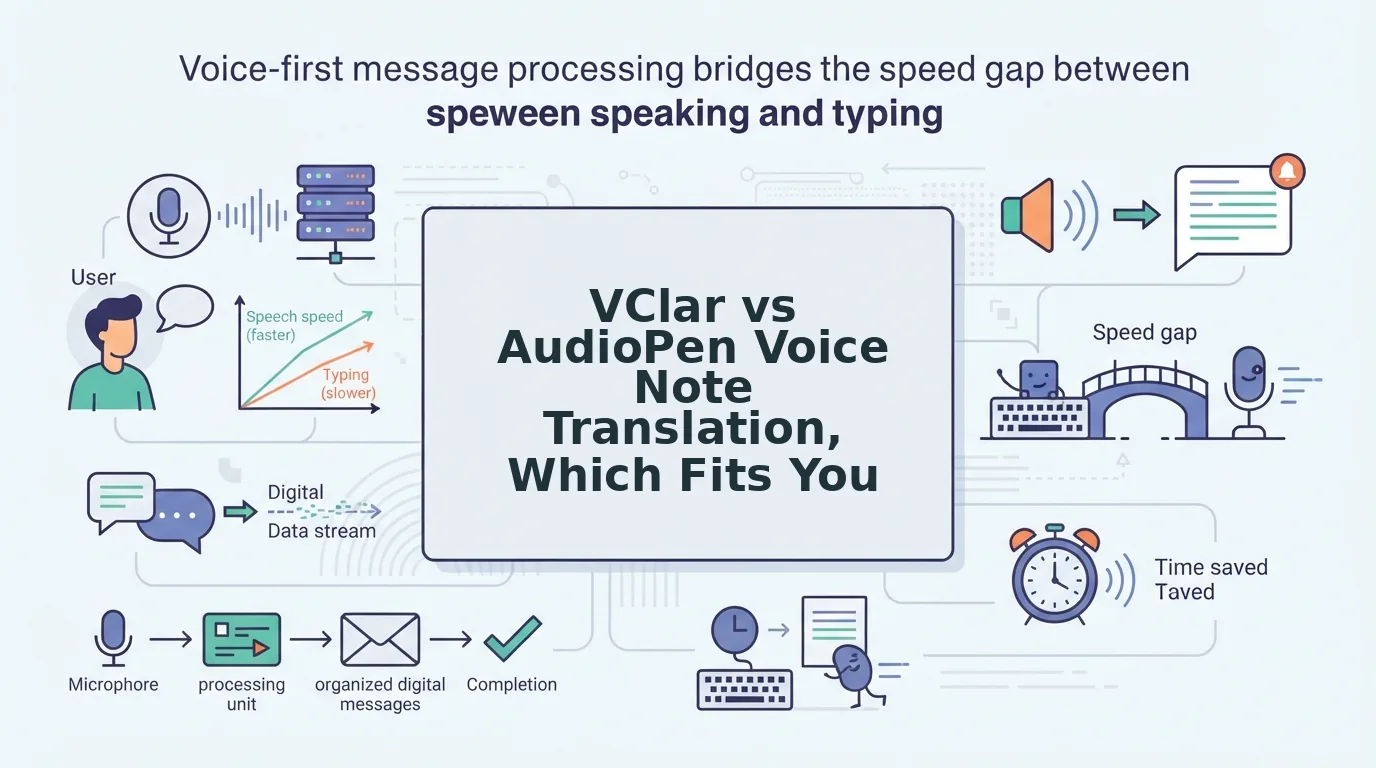

You record a two-minute investor update, hear three "ums," a false start, and a stray "basically," then delete it and start again. Now that same note has to reach an investor who reads in Japanese. That re-record loop is the real problem behind any vclar vs audiopen voice note translation decision.
AudioPen turns a rambling voice note into structured, clear text you can edit and paste. VClar returns cleaned, translated audio that keeps your own tone, accent, and cadence, plus a matching transcript. Choose by one question: does the recipient need to hear your voice, or only read your point?
Both tools start from the same habit: talking instead of typing. AudioPen describes its job as going "from fuzzy thought to clear text" (AudioPen Demo, Louis Pereira, YouTube). VClar removes fillers, fixes spoken grammar, and translates the cleaned message across 11 languages.
This guide helps you choose by output, not by feature count. You will see a Capture â Clean â Translate â Deliver pipeline, a decision matrix keyed to what the recipient needs, and an honest look at when AudioPen is the better pick.
The running example is a founder sending an English investor update that must land in Japanese, a common case in voice notes for founders. One row in the matrix settles most decisions, and it is not translation quality. Before reading on, note who receives your next voice note and whether they will press play.
How do VClar and AudioPen compare for translating voice notes?
AudioPen ends with text, and VClar ends with a sendable voice message plus a transcript. That difference in output matters more than any single feature.
To compare the two, judge them on three things: what the tool produces, whether that output can be translated, and which language pairs it supports. Text output suits readers. Translated audio suits listeners who need to hear the speaker's own voice.
Three terms frame the comparison:
- Voice-to-text summary turns speech into written prose, often restructured for clarity.
- Voice-to-voice translation outputs audio in another language while keeping the speaker's delivery.
- Translation direction is one source-to-target language pair, such as English to Japanese.
| Pipeline stage | AudioPen | VClar |
|---|---|---|
| Capture | Spoken voice note | Record a message or upload raw audio |
| Clean | Rewrites rough speech into clear, structured text | Removes fillers and false starts, fixes spoken grammar, and reduces background noise, breaths, and mouth clicks |
| Translate | Verify on AudioPen's site | 11 languages, 110 translation directions |
| Deliver | Text | Cleaned voice in your tone, plus a transcript |
Now for the row that settles most cases: does the recipient need to hear you?
| Recipient need | AudioPen | VClar |
|---|---|---|
| Recipient speaks another language | Check AudioPen's current translation support | Translated audio and transcript |
| Your voice matters for trust | Text only; your voice is not delivered | Keeps your tone, accent, and cadence |
| Reader skims and never plays audio | Strong fit: clean, structured text | Transcript works, but the audio goes unused |
Is VClar or AudioPen better for translating rough voice notes? The answer depends on whether the recipient needs to hear you. VClar is built for spoken messages that must reach someone in another language. It removes filler words, corrects spoken grammar, reduces background noise, and translates the result across 11 languages, keeping your own tone and accent and adding a transcript. AudioPen focuses on turning "fuzzy thought" into clear, structured text, and the sources reviewed here do not confirm its translation features. If the deliverable is writing, AudioPen fits. If it is a voice message in another language, VClar fits.
Best for writers and note-takers: AudioPen, when polished text is the final product. Best for founders, sales teams, and cross-border operators: VClar, when a cleaned, translated voice message is what gets sent.
In the founder example, an English update can go out as Japanese audio in the founder's own voice. Check the full list of pairs on the voice note translator in 11 languages page.
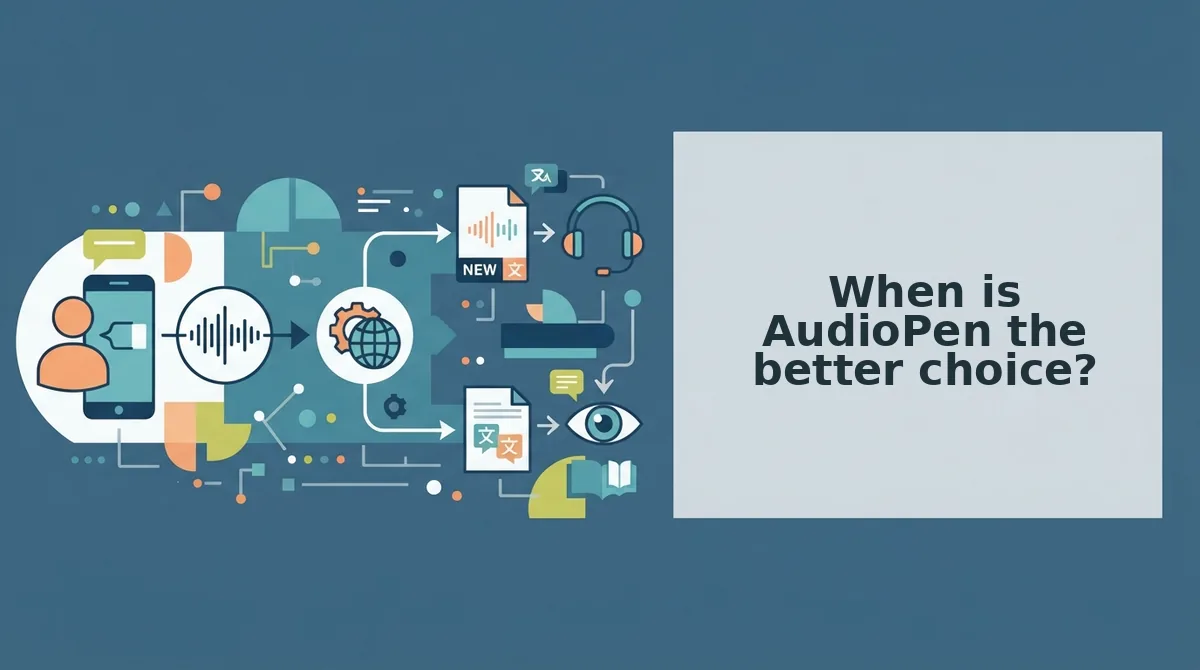
When is AudioPen the better choice?
AudioPen wins when the end product is writing rather than a sent voice message. If nobody will ever press play, clean text is the better deliverable.
A voice-to-text writing tool converts spoken, unstructured thoughts into organized written prose. AudioPen fits this description and frames its purpose as moving "from fuzzy thought to clear text" (AudioPen Demo, Louis Pereira, YouTube).
Think of it as dictating to an assistant who hands back a tidy typed memo. You keep the ideas, but your voice stays in the room.
Simple: personal journaling
Journaling is the clearest fit. You talk through your day on a walk, and you get readable entries back. No recipient exists, so preserving your vocal tone adds nothing.
Intermediate: drafting written posts
Many people think faster out loud than at a keyboard. A rambling spoken idea can become a first draft of a blog post, newsletter, or social update. The audience reads the post, so text output is what you need.
Advanced: skim-only recipients
Some recipients will never play audio. They include busy stakeholders who scan updates between meetings, teammates who search a shared doc, and anyone reading on a muted phone. For them, structured text beats a voice message, because skimming is the main way they take in information.
Use this rule: if your note will be read, pasted, or archived as text, start with AudioPen. Before choosing, check AudioPen's own site for any translation support, because the sources here describe it only as a voice-to-text tool.
The calculation changes once a listener in another language enters the picture.
When is VClar the better choice for translated voice notes?
Choose VClar when the recipient should hear you in their language, with your tone, accent, and rhythm intact. AudioPen remains a strong fit when the final deliverable is written text. VClar fits when the final deliverable is your voice.
| Criterion | VClar | AudioPen |
|---|---|---|
| Primary output | Cleaned, translated audio plus a transcript | Written text drafted from your speech |
| Speaker's voice in final message | Preserved: natural tone, accent, and rhythm | Not the focus, because the output is text |
| Audio cleanup | Filler words, spoken grammar, phrasing, background noise, breath sounds, mouth clicks | Not an audio cleanup tool |
| Review view | Side-by-side original vs. cleaned comparison | Edit the generated text |
| Best for | Voice-first senders who need one-take clarity across languages | Writers who turn spoken ideas into posts or notes |
Can I translate a voice note and still sound like me?
Yes. You can translate a voice note and still sound like yourself if the tool cleans and translates your own recording rather than replacing it with a generic synthetic voice. VClar takes your rough note, removes filler words, fixes spoken grammar, and reduces background noise, breath sounds, and mouth clicks. It then delivers the message in one of 11 languages while preserving your natural tone, accent, and rhythm. You also get a transcript alongside the audio, so the recipient can listen or read. The goal is a clearer version of your delivery, not a stand-in voice.
Anatomy of one rough note (illustrative)
- Fillers removed: "Um, so, basically, I wanted to, like, follow up" becomes "I wanted to follow up." The filler words remover handles this step.
- Spoken grammar fixed: "We was thinking" becomes "We were thinking," which is how you fix grammar in a voice message without re-recording.
- Fragment tightened: "Next week? For the pilot." becomes "We'd like to start the pilot next week."
- Acoustics cleaned: Café noise, sharp inhales, and mouth clicks are reduced.
The side-by-side original vs. cleaned view shows exactly what changed. Over time, it doubles as a mirror for your own speaking habits.
Best for B2B sales reps: You can follow up with an enterprise buyer in their language while keeping the warmth they heard on the discovery call. Best for freelancers and consultants: You can send a client update that sounds personal and polished from a single take.
If you re-record follow-ups three times before sending, try VClar's workflow instead: record once, clean, translate, review the comparison, and send.
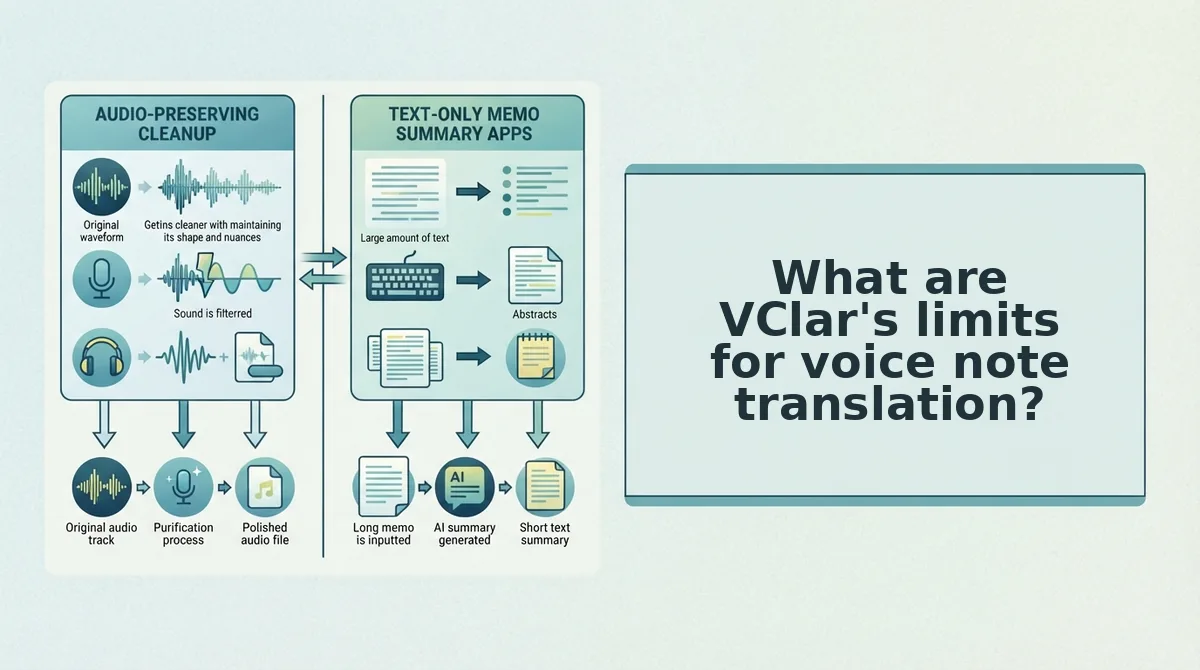
What are VClar's limits for voice note translation?
VClar has clear limits. It translates short voice messages across 11 languages and returns cleaned audio plus a transcript. It does not handle other languages, long recordings, written summaries, timeline editing, or synthetic voice cloning. These are its five main constraints:
- Eleven languages only. VClar supports Hindi, English, French, Japanese, Korean, German, Russian, Portuguese, Spanish, Italian, and Chinese, which gives 110 translation directions. Any other language is out of scope, so confirm both languages before you record.
- Short messages only. VClar is built for messages of about 45 to 90 seconds. For longer recordings or meeting notes, split them into focused updates or use a dedicated tool.
- No structured summary. VClar returns your cleaned voice and a transcript, not bullet points or a formatted article. If you need a written deliverable, use a text-first tool.
- No timeline editor. VClar does not offer manual waveform or track editing. It cleans automatically, and you review the result in the side-by-side view.
- No synthetic clone. VClar does not generate a new artificial voice. It keeps your own delivery and polishes it.
VClar vs AudioPen FAQ
These answers cover the questions the sections above leave open, from WhatsApp sending to using both tools together.
How do I translate a WhatsApp voice note before sending it?
Record your message in VClar, let it clean and translate the audio, then send the cleaned file in your WhatsApp chat. Most tutorials, including TechUnow's "How To Translate Voice Message In WhatsApp" with 143,478 views, cover only the receiving side. That leaves senders without a workflow.
Does AudioPen translate voice notes?
This is unverified. The sources reviewed for this comparison do not confirm whether AudioPen offers voice note translation. Features change often, so check AudioPen's current website for up-to-date language support before you rely on it for multilingual messages.
Can I use AudioPen and VClar together?
Yes. Many workflows suit both tools. Use AudioPen to draft written posts, notes, or emails from spoken ideas. Use VClar to send voice updates that need to sound like you, with filler words removed and translation into the recipient's language.
Does the recipient also get a written version?
Yes. VClar delivers a transcript alongside the cleaned, translated audio. Recipients who prefer reading, or who are in a meeting, can skim the text and play the voice note later.
With those questions answered, the final step is choosing a tool for your next message.
Which should you pick for your next voice note?
Pick AudioPen when you need text. Pick VClar when the recipient should hear your own voice in their language.
The intro's question comes down to one thing: what the recipient actually receives. Decide that first, and the right tool becomes obvious.
Before you commit, test it on a real note:
- Record your roughest 45-90 second note, including the fillers, false starts, and background noise.
- Run it through VClar and play the original and cleaned versions side by side.
- Listen for your tone, accent, and rhythm. If they survive the cleanup and translation, you have a one-take message ready to send without re-recording.
Still comparing tools? Read VClar vs Descript next.
A translated voice note builds trust only when it still sounds like the person who sent it.