
Short answer: For a recorded voice message that has to arrive in another language, VClar fits better â it cleans spoken grammar and translates the recording itself as audio plus transcript. Grammarly fits typed text. Grammarly is built for the page; VClar is built for the take you just recorded.
That gap is the whole of the vclar vs grammarly for multilingual voice messages comparison, and it shows up fastest on the days the message also has to leave your language.
You already pay for a writing tool, and it earns its keep on email. What it never touches is the um at second four, or the truck reversing outside your window.
What follows is a criteria table built for spoken messages rather than typed paragraphs, a straight answer on whether a text checker can fix a voice message at all, and a look at how VClar handles a recording headed for another language. The full VClar vs Grammarly comparison covers the wider feature ground; this page stays on the multilingual voice angle.
Picture a founder recording an investor update in English for a backer who reads Japanese â the founder voice note case exactly: right content, three ums, one restart. The deciding factor in cleaning it up isn't grammar quality.
VClar vs Grammarly at a Glance for Voice Messages
They handle different halves of one job: VClar cleans and translates recorded audio, returning cleaned audio plus a transcript, while Grammarly corrects text you have already typed or pasted. One works on the take, the other works on the page.
| Criteria | VClar | Grammarly |
|---|---|---|
| Input | Recorded audio or an uploaded voice memo | Typed or pasted text |
| Output | Cleaned audio plus transcript | Corrected text |
| Spoken error handling | Removes ums, ahs, "like," "basically," "you know," false starts, breath sounds, mouth clicks and background noise; tightens phrasing | Not applicable â those errors never survive into text |
| Translation | 11 languages, 110 translation directions | Language coverage must be confirmed on Grammarly's official pages; no count is stated here |
| Voice preservation | Keeps your tone, accent and cadence; no synthetic voice cloning | Not applicable â output is text |
| Best for | Founders, sales teams, creators and cross-border operators sending spoken messages | Writers polishing documents, email and written posts |
The Output Format Test
Before comparing features, answer one question: what does the recipient actually receive? If the answer is text, Grammarly covers you and the recording is optional. If the answer is your voice â because tone carries the message, or because the person on the other end expects to hear you â then the work has to happen inside the audio, and that is a different job.
Grammarly is genuinely strong at the text half. It catches the mechanics of written English well enough that most people stop thinking about them, across documents, email and longer drafts. That strength simply starts one step after a voice message ends.
VClar covers Hindi, English, French, Japanese, Korean, German, Russian, Portuguese, Spanish, Italian and Chinese, producing 110 translation directions. A translation direction is one source-to-target language pair, so English to Japanese is one direction and Japanese to English is another. The full language list shows what each pair supports, and each cleaned message comes back as audio plus a transcript you can forward as text.
Can Grammarly Fix a Voice Message?
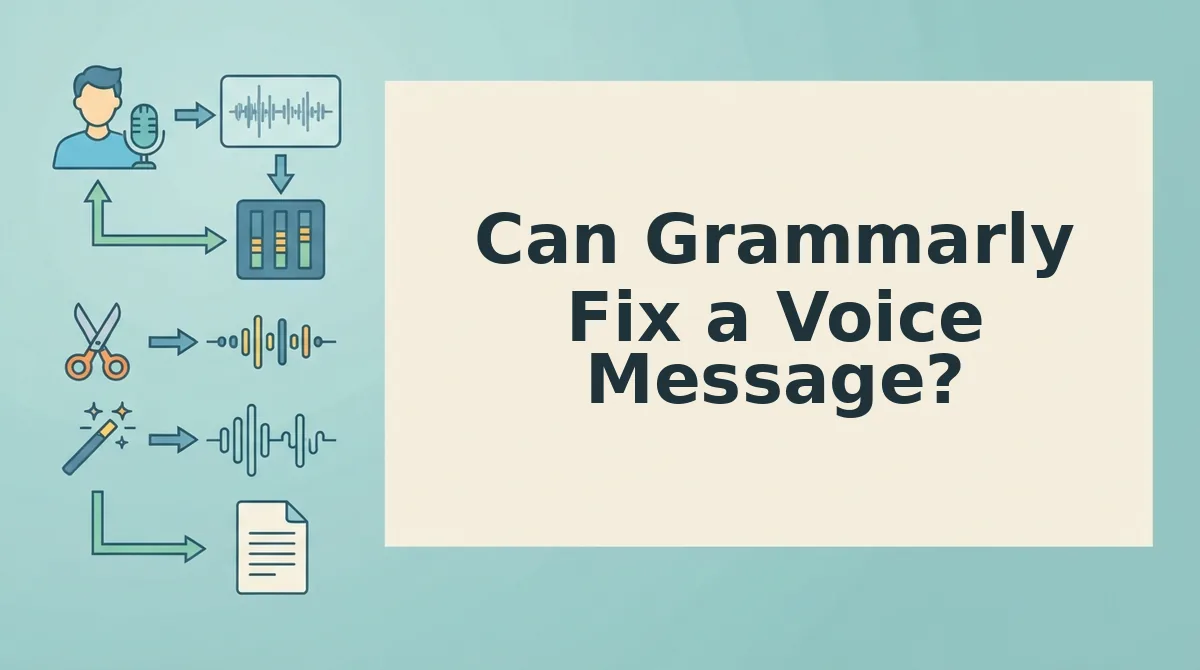
Not the audio itself. Grammarly reviews text, so a recording has to become text before anything gets checked â and by then the ums, restarts and room noise are already part of the file. The correction lands on the transcript, not on the message your listener hears.
Spoken grammar is the set of conventions a listener applies to speech rather than writing: where a sentence restarts, which words carry the emphasis, how a hesitant clause reads as uncertain even when the words are correct. Filler words are the verbal placeholders â um, ah, "like," "basically," "you know" â that hold a speaker's place in the conversation while they think.
Think of a text checker as a copy editor who only reads the transcript of a meeting. The argument, the interruptions and the long pause before the answer never reach their desk, so they can fix the commas but not the delivery.
Grammarly works on text, so a voice message has to change form before it can be checked. You record the note, run it through a transcription tool, paste the text into the checker, accept the corrections, and then choose: send text instead of your voice, or read the corrected script aloud and hope the second take is cleaner. Four steps replace one, and the recording you actually wanted to send tends to get abandoned around step three. The audio problems â the filler, the restarts, the room â travel with the file, not with the transcript.
That is the split. A text checker sees spelling, punctuation and sentence structure. It cannot see what never survives transcription:
- Ums, ahs and verbal placeholders
- False starts and abandoned sentences
- Breath sounds and mouth clicks
- Background noise and room echo
- Circular phrasing that repeats the same point three ways
Fixing those means working on the timeline of the audio, which is the workflow behind fixing grammar in a voice message. Whether Grammarly itself handles multilingual text checking should be verified on its official documentation before you rely on it for a non-English draft.
Where that leaves a message headed for a listener in another language is the next question.

How VClar Handles a Voice Message in Another Language
VClar runs a foreign-language voice message through one pass: you record or upload the audio, choose the target language, and get back cleaned audio plus a matching transcript. The re-record loop disappears because the spoken message is corrected and translated in the same step.
Before you start, you need a saved voice memo or a working microphone, and you need to know which of VClar's 11 supported languages the recipient speaks. Those include Hindi, English, French, Japanese, Korean, German, Russian, and Portuguese.
- Open VClar and start a new voice message. Allow microphone access if your browser asks. You should see an empty recording timeline ready to accept input.
- Record or upload your audio. Speak naturally for the length of your message, or drop in an existing voice memo. A 30-second follow-up takes roughly 30 seconds to capture â one take is enough.
- Select the target language from the Language menu. Set the language your recipient speaks, not the one you are speaking. You should see the selected language shown on the message card before you continue.
- Turn on the cleaning options. Enable filler removal for ums, ahs, "like," and "you know"; spoken grammar correction; phrasing tightening; and noise, breath, and click reduction. Here is where the filler word remover does the heaviest lifting on spontaneous speech.
- Run the clean-and-translate pass. Submit the message and wait for processing. You should see the cleaned audio file and the transcript appear together, both in the target language.
- Review the transcript, then send. Read the text once to confirm names, numbers, and intent survived intact, then share the audio with the transcript attached. The recipient gets your voice, not a synthetic read.
| Process step | VClar path | Text-checker path |
|---|---|---|
| Capture | Record or upload the voice memo | Record, then transcribe separately |
| Clean | Fillers, spoken grammar, phrasing, noise, breath, clicks in one pass | Paste text and correct written grammar only |
| Language | Select the target language | Translate the corrected text in a second tool |
| Output | Cleaned audio plus transcript | Text only |
| Send | Deliver audio and transcript together | Re-record the audio or send text instead |
A B2B sales rep following up with an enterprise buyer in Spanish is the clearest case. They record one spontaneous message, VClar strips the false starts and tightens the phrasing, and the buyer receives clean Spanish audio with a written transcript to skim. No second take, no typed summary standing in for the call. Teams doing this regularly can see the full pattern in voice notes for sales.
What preserving your voice means in translation
Preserving your voice means the translated message keeps your tone, accent, and rhythm rather than flattening them into a generic read. VClar translates the speech while leaving the character of the original delivery intact, so a warm close still sounds warm and a direct ask still sounds direct. It does not build a synthetic clone of you, and it does not swap you for a robotic avatar that recites the script. The listener hears the person they were already talking to, in a language they understand â which is the whole point of sending audio instead of text.
If your team sends voice follow-ups after calls rather than typed recaps, that is the workflow VClar was built for: one recording, cleaned and translated, sent as audio with the transcript attached.
Is VClar Worth It If You Already Pay for Grammarly?
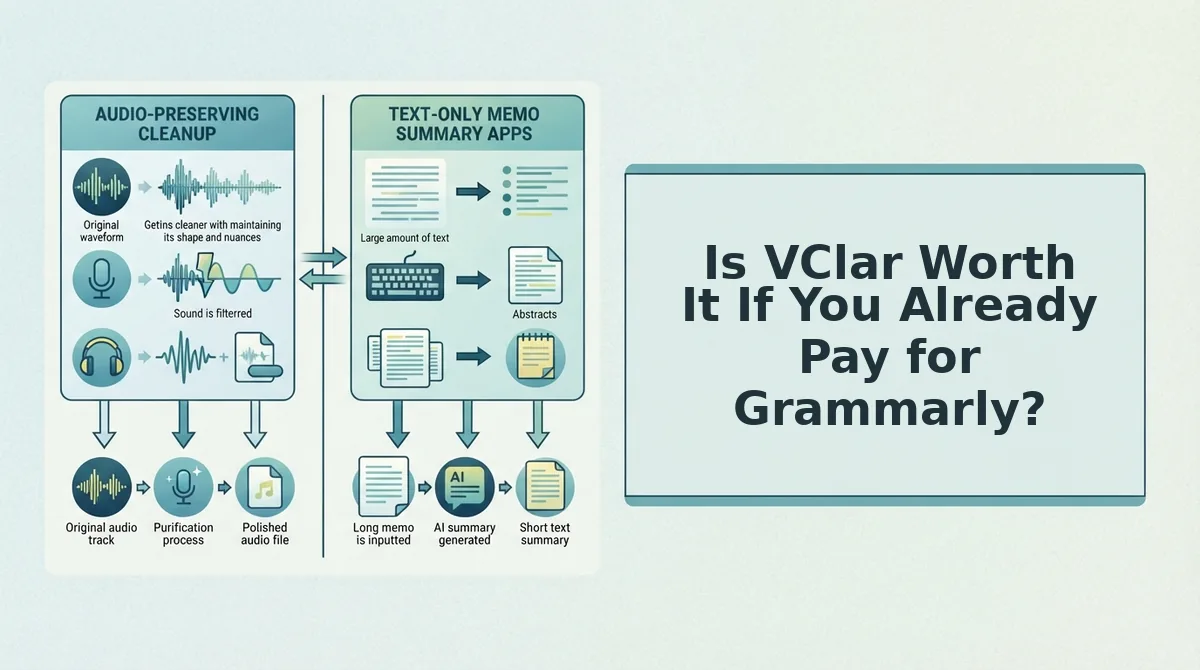
Usually the answer is to keep both, not to replace one. Grammarly corrects typed text in documents and email; VClar corrects spoken audio and translates it. If you send voice messages across languages, they solve different problems.
The reason is that the two tools act on different output mediums. A text checker never touches the audio file, so it cannot remove a filler word you actually said out loud. VClar never rewrites your long-form document. Decide by medium, language need, and volume:
| Your situation | Grammarly | VClar | Verdict |
|---|---|---|---|
| Typed output, same language | Strong fit | Out of scope | Grammarly alone |
| Audio output, same language | Cannot clean the audio | Removes fillers and noise | VClar alone |
| Audio output, cross-language | Requires transcribe-and-paste | Cleans and translates in one pass | VClar alone |
| Typed documents plus occasional voice notes | Daily driver | Adds spoken cleanup | Use both |
| Frequent cross-border voice messaging | Secondary | Primary | Use both, VClar first |
Best for documents, email, and typed client work: Grammarly. It edits inside the text apps you already write in and handles long-form drafts well, which is exactly what a voice-first tool does not do.
Best for founders, sales reps, and cross-border operators who send voice messages: VClar. It handles cleaning and translation together across its 11 languages, and returns audio plus transcript. For the underlying trade-off between the two formats, see voice vs text messages.
Where Grammarly Is the Better Choice (and VClar's Limits)
Grammarly wins on typed work, and VClar is deliberately narrow. Knowing where VClar does not apply saves you from forcing a voice tool into a text job.
- Long documents and reports. Grammarly is built for sustained prose where structure and consistency matter across pages. VClar processes voice messages, not long-form writing, so a 20-page proposal belongs elsewhere.
- Email and inline editing inside text apps. Grammarly works where you type, correcting as you go in the tools you already use. VClar produces a cleaned audio file and transcript; it does not sit inside your inbox.
- When the recipient needs text only. If the buyer, hiring manager, or client will not open audio, translation adds a step you do not need. Send corrected text instead.
- Languages outside VClar's 11. VClar covers Hindi, English, French, Japanese, Korean, German, Russian, Portuguese and three more. Anything outside that set falls back to a text workflow.
- Style and tone rules for written brand copy. VClar tidies spoken phrasing; it does not enforce a written style guide. Keep your text checker for that job.
Those limits matter less once you know which tool owns which format â which is the question the next section settles.
Which Tool Should You Use for Multilingual Voice Messages?
Start with the Output Format Test: if the finished message has to arrive as audio in another language, use VClar. If it has to arrive as typed text, use Grammarly. If you do both, pay for both â the tools do not overlap.
Take a freelancer sending a weekly client update in French. Speaking it out loud in one take is faster than drafting it, but the raw audio carries false starts and a string of "euh." VClar removes the fillers, corrects spoken grammar, and returns the same voice, same accent, ready to send â French is one of its 11 languages. The voice notes for freelancers workflow shows the full loop, and the transcribe-paste-correct-re-record detour simply disappears.
Grammarly fixes how your message reads; VClar fixes how it sounds â and only one of those survives a voice note.
The next time you would re-record, record once instead: send your next voice message through VClar and let the cleanup happen before your client hears it.
You can also translate a voice message.