
You hit stop on the recording, then remembered: the client reads Japanese, not English. A voice note that will be translated stops being a casual message the second you send it â the listener has no tone of voice to fall back on and no easy way to ask what you meant.
The tutorials that rank for this problem all start at the Translate button. BirdViewArt shows the tap; Noor frames it as one-click. None of them touch the fifty seconds you already spent talking. Syam Kapuk's walkthrough is built for someone receiving a foreign-language note, which is the tell that the friction runs in both directions.
Three things have to be true first, and almost no guide says so: something captured the audio, a translator sits on one end or the other, and you know which language your listener reads rather than speaks.
What follows are six speaking rules that decide whether the transcript survives the language switch, the length boundary where long notes stop working, and the repair pattern for a note you have already trailed off in. Rule three matters more than the other five, and it argues against the advice you have probably heard about slowing down.
If the note is already recorded and cluttered with dead air and filler, start with a voice message translator that cleans the audio before it crosses languages â then read the rules for next time.
How to Speak for Translation in Six Rules
Speak the way a subtitle reads: name the subject before any pronoun, say numbers and names in full, finish every clause, keep one idea per sentence, cut idioms, and pronounce proper nouns the way your listener will hear them. Those six habits decide whether the translation is usable; the app only carries them across.
Have three things ready before rule one: a recorder (phone voice memo, WhatsApp hold-to-talk, a Slack huddle capture), a translator that accepts audio or a transcript, and your listener's reading language confirmed. That last check takes ten seconds and prevents the most common wrong-language send.
Why do voice notes translate badly when the grammar is fine? Because grammar is not what translation reads first. The engine transcribes your audio, splits it into clauses, and translates each clause while holding the previous one as context. A clause with no stated subject borrows its neighbour's, a self-correction gets resolved to a single value, and internal shorthand like "the usual" has nothing to point at. Your grammar can be flawless and the output still collapses, because the missing piece was never grammatical. It was referential.
-
Name the subject before the pronoun
Say "Priya needs the deck," not "she needs it," and repeat the noun whenever the topic changes. This adds about two seconds per sentence; success looks like a transcript where every "it" has a noun in the same clause.
-
Say numbers, dates and names in full. Read "3/4" as "three quarters" and "the 17th" as "the seventeenth of November." You should see no figure come back in a different format than the one you spoke.
-
Finish the clause
Complete the grammatical unit before you pause or change direction. Finishing beats slowing down â a fast, complete sentence translates cleanly, while a slow fragment still has nothing to attach to. Slowing your delivery preserves the ambiguity; only completing it removes the ambiguity.
-
Keep one idea per sentence. Split at every "and then" or "but also" and start a new sentence instead of stacking clauses. You should get one output sentence per idea, which is what makes a translated note skimmable.
-
Cut idioms, puns and internal shorthand
Replace "ballpark," "circle back," "the usual," and team nicknames with plain descriptions of the thing itself. Success looks like a transcript a stranger could act on without your chat history.
-
Pronounce proper nouns the way the listener will hear them. Say each product or place name clearly once, then use a short consistent form. You should see the same spelling every time it appears.
Filler words are not a speaking rule; they are a cleanup pass. Ums, "like," and false starts read as padding in the output but rarely break meaning, so handle them on the file afterward with a tool that can remove filler words from audio rather than policing yourself live. VClar does exactly that after recording while keeping your accent and cadence intact, so the cleaned note still sounds like the person who sent it.
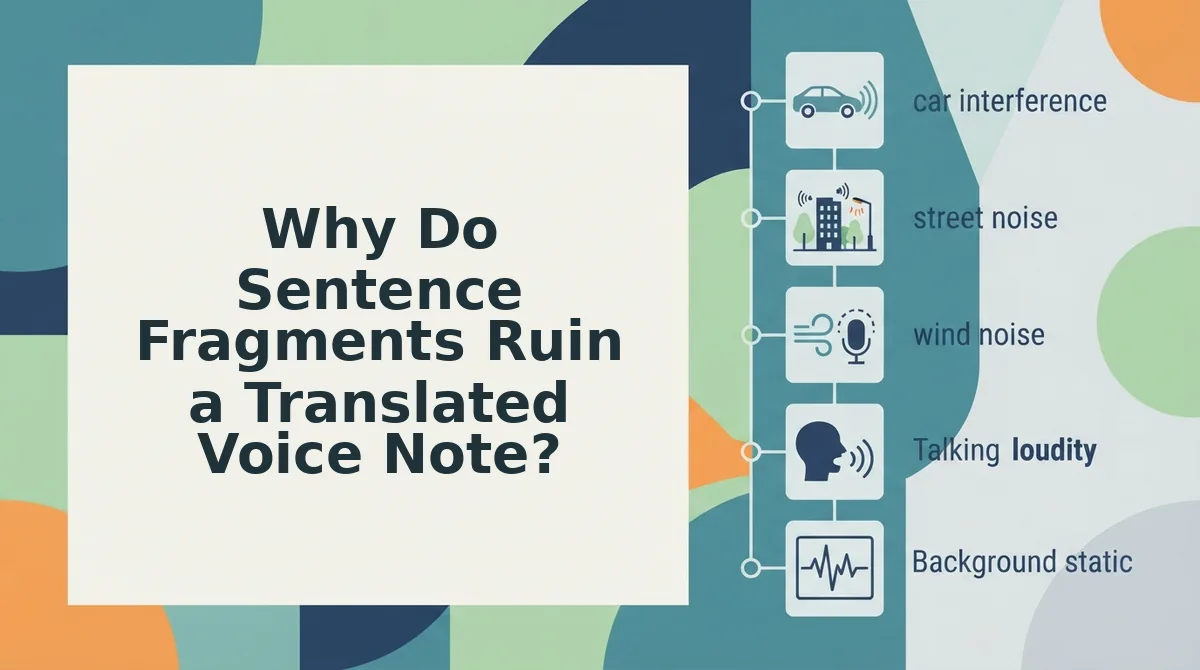
Why Do Sentence Fragments Ruin a Translated Voice Note?
Because translation works clause by clause, and a fragment gives the engine no subject or verb of its own, so it borrows the previous clause's â and the output reads as broken rather than merely casual.
A sentence fragment is a spoken clause missing its own subject, verb, or completion, such as "but the timeline, yeah."
The pipeline runs in two stages: your audio becomes text, then that text is segmented into clauses before any language switches hands. Segmentation is where fragments cost you, because each segment is translated as a near-independent unit.
Think of it like replying "yeah, the second one" in a group chat to a message the other person cannot see. The words are fine; the reference is missing, so they guess.
| What people say | Why it breaks in translation | What to say instead |
|---|---|---|
| "yeah, but the timeline, yeah" | No subject or verb of its own, so it inherits the previous clause's | "The timeline is the problem." |
| "send it Tuesday, or, no, the Tuesday after" | Two competing dates resolved as one; the correction is dropped | "Send it Tuesday the twenty-fourth, not the seventeenth." |
| "same as last time, but for the Berlin thing" | Both references are internal; nothing in the audio anchors them | "Use the March invoice format for the Berlin client." |
If you already trailed off mid-thought, do not re-record the whole note. Restate the subject, finish the clause out loud, and keep going â the repair lands inside the same sentence group, so the translator carries it forward.
Filler words read as padding in the output; fragments break meaning outright. Only one of those needs a new sentence. Where the damage is grammar rather than structure, the fix grammar in a voice message workflow repairs tense and agreement after transcription.
Before you send, one check separates a good translation from an embarrassing one.
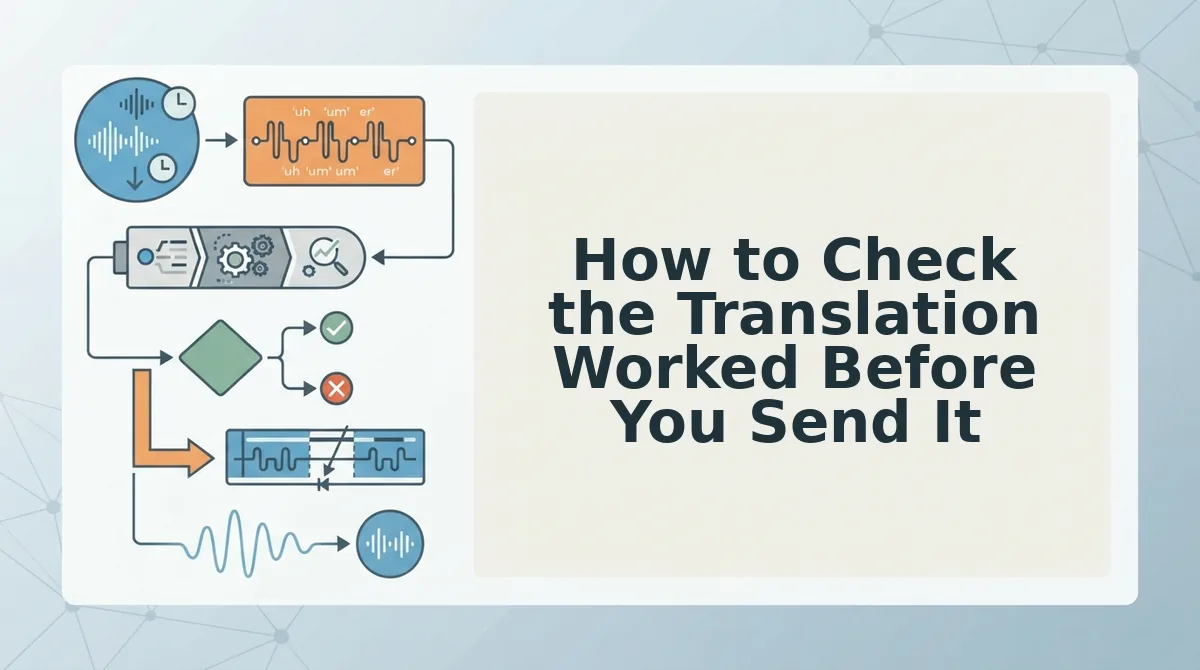
How to Check the Translation Worked Before You Send It
Three checks decide whether a translated voice note is safe to send: read the transcript for numbers and names, listen for one complete sentence in the target language, and confirm which app is actually doing the translating. If the topic changes mid-note, start a second note instead.
The one-idea length rule
End the note when the topic changes, not at a word count. One idea per note keeps the translation inside a single span, so pronouns still point at a subject the engine can see. In practice that is 60â90 spoken words per idea: a three-topic update becomes three short notes that also survive being forwarded separately. If you cannot name a note's topic in five words, it is two notes. That is the whole rule, and it needs no timer.
Have the cleaned transcript and the translated audio open; the pass takes about two minutes.
- Read the transcript and tick every number, date, and name (30 seconds). Each should be spelled the way the listener knows it, and stay identical in the translation.
- Play the first ten seconds of translated audio and listen for one complete subject-verb sentence (20 seconds). You should hear the clause resolve, not a fragment leaning on a pronoun.
- Open the receiving app, then Settings, then Language, and note which engine translates (30 seconds). The target language there should match the one set in your recorder.
Quality also depends on the receiving app: if it retranslates on its end, your cleanup controls only part of the output. What stays intact is your accent, cadence, and tone â VClar preserves delivery rather than flattening it, across 11 languages and 110 translation directions at vclar.com/languages.
WhatsApp, Slack, or email moves only where the Translate control sits, not what the transcript needs.
If the transcript is the weak link, VClar cleans the fillers and translates the note in the same pass.
Common Questions About Voice Notes That Get Translated
How do I translate a WhatsApp voice note?
Convert the audio to text first, because WhatsApp's translate option applies to messages rather than to spoken audio. Long-press the note to see what your version offers. A cleaned transcript, with fillers already removed, gives the translator far less to guess at.
Does translation keep my accent and tone?
Yes â VClar preserves the speaker's accent, cadence, and tone rather than flattening them into a neutral synthetic voice. The words change language; the delivery does not. The receiving app can still re-process audio on its end, so output quality is partly outside your control.
Do filler words make a translation worse?
Yes. Fillers and false starts give the engine tokens with no meaning, and a repeated "like" can be read as the verb. Removing them shortens the input and leaves fewer places to guess. That is the first fix on the checklist above.
Can I fix a voice note I already sent?
Not in place â most apps do not let you edit sent audio. Use the repair pattern instead: send one short follow-up that restates the subject and finishes the clause. It costs a few seconds and stops the listener from translating a dangling fragment.
The Habit That Beats Re-Recording
One habit improves translation accuracy more than any app setting: finish the clause you started. A complete sentence translates better than a slow, carefully pronounced fragment, because the engine resolves pronouns against the subject inside the same clause.
So pick a single rule for your next note â name the subject before the pronoun â and add a second only once the first is automatic. A checklist you half-remember is worse than one habit you no longer think about.
Try that rule on the next message you send, even a two-line one. When you want the whole pass in one place, clean the note in VClar and translate it there, the same workflow behind voice notes for founder updates. Speak the way you think; the cleanup can happen after.
You can also translate a voice message.