
You are on take three of the same sixty-second voice message, and the only thing that changed is how tired you sound.
That loop â record, wince, re-record â is the real thing you are shopping for. A feature grid does not fix it.
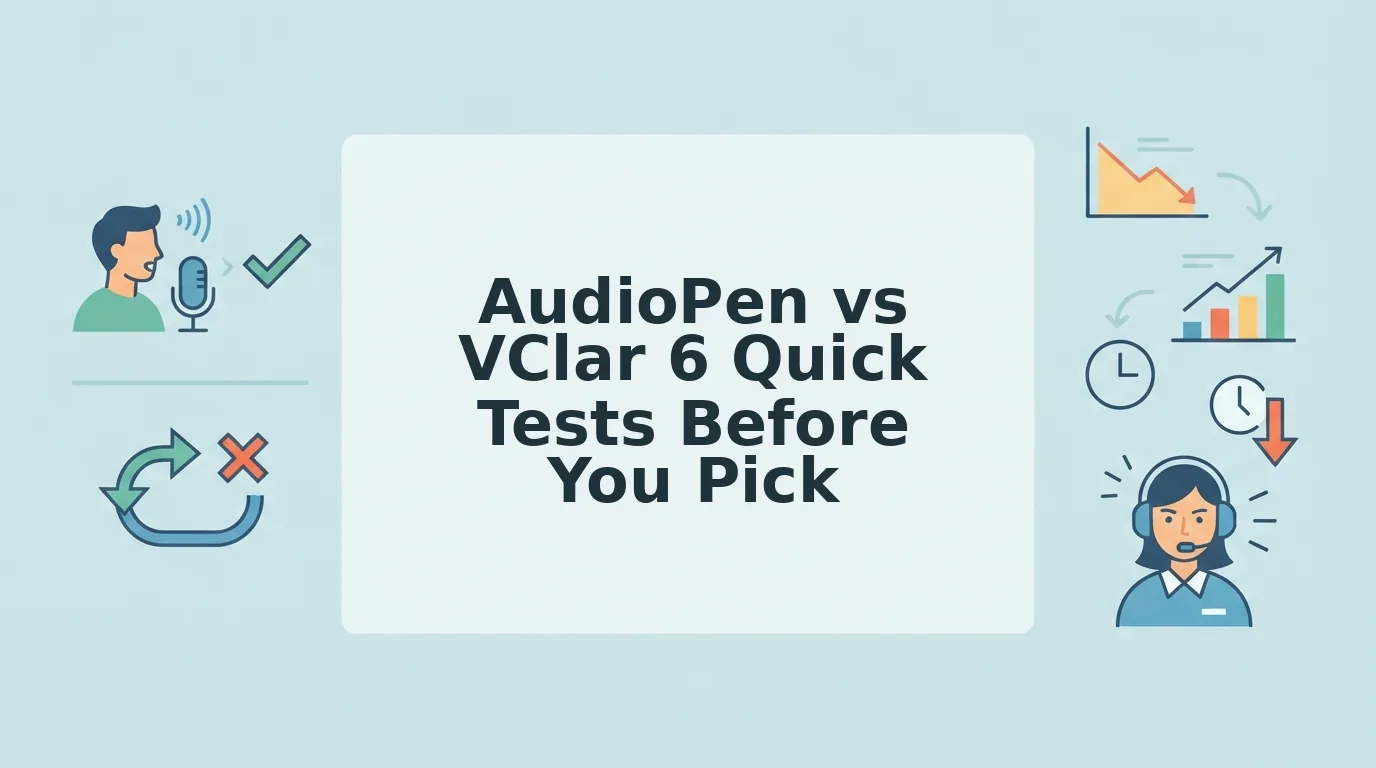
Both demos sound polished, which is why the comparison tabs pile up and none of them close. This is not a verdict; it is a test protocol. Six checks, one clip, about ten minutes, and what to test before you pick AudioPen or VClar becomes something you measured instead of something you guessed.
You will build one reusable clip first, then run the checks in elimination order. One of the six disqualifies most tools in under a minute, and it is not the check buyers start with â it sits third on the list.
VClar is an AI voice message translator that returns cleaned audio rather than a summary, so hold that distinction as you read. It decides more of these checks than any feature list does.
Set Up One Test Clip Before You Compare AudioPen and VClar
Record one clip once and reuse it everywhere, so any difference you hear comes from the tool rather than from a better second take. You need three things before you start: your normal voice-recording app, a notes app to hold your baseline numbers, and a stopwatch.
- Open your recorder and record one 60-second message (2 minutes). Speak as you normally would, but deliberately plant two fillers â one "um" and one "you know" â plus one self-correction, such as "let's meet Thursday â actually, Friday." You should finish with a single file holding three known test points.
- Save the file and stop recording. Name it test-clip and do not overwrite it. Success looks like one file you can upload five times without touching the microphone again.
- Open your notes app and type the sentence count of your own clip. Count each complete thought as one sentence, before any tool edits the audio. You should have a number on paper to compare against later.
- Open the filler word counter and count your raw fillers. Upload the same file, note the total, and write it beside your sentence count. You should now have two baseline numbers instead of an impression.
- Upload the identical file to AudioPen, then to VClar. Same file, same order, no second take. Success means both results trace back to the same source file.
- Start the stopwatch at upload and stop it at the first playable output. Record the time in seconds beside each tool. You should now hold a finished scorecard with six rows ready to fill.
What Should You Test Before Choosing AudioPen or VClar
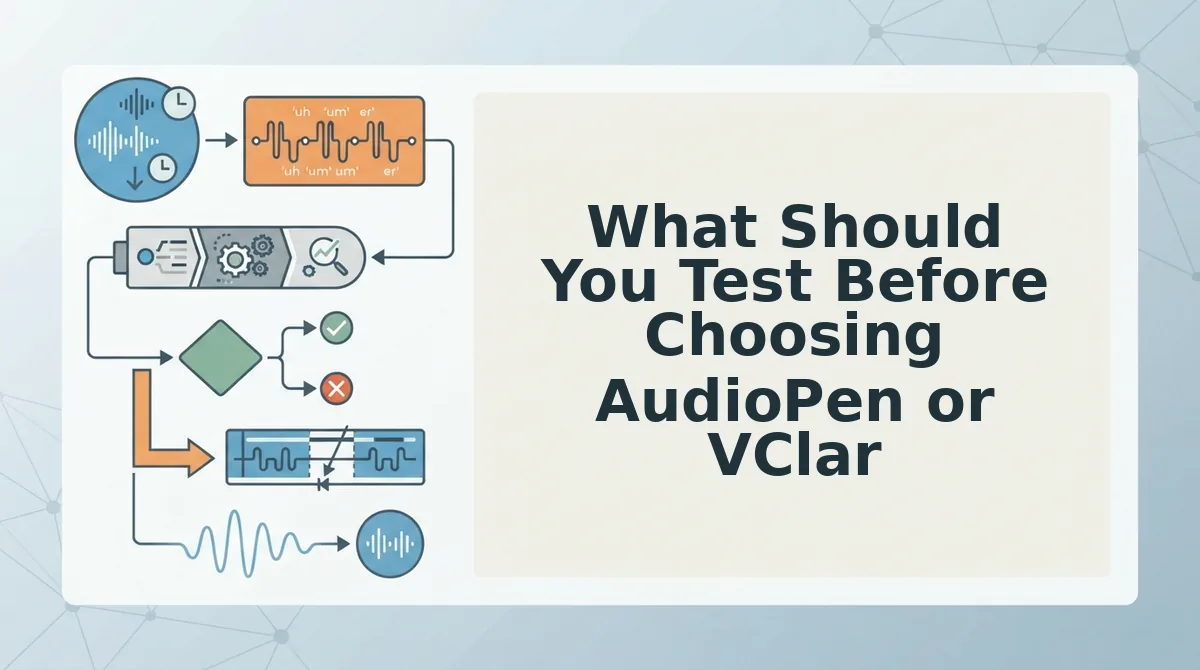
Test six things, in this order: whether audio in returns audio out, whether filler removal is audible in the file, whether grammar fixes keep your voice, whether the transcript is complete, whether your actual language direction works, and whether it suits a 45 to 90 second message.
- Audio in, audio out. Check what comes back after upload. Transcript tools return text, voice-message tools return a playable file. Pass: a sendable audio file. Fail: text only â stop here.
- Audible filler removal. Play the output and listen for your planted "um" and "you know." Editing text does not edit sound. Pass: both fillers gone from the audio. Fail: they survive in playback.
- Grammar repair without voice replacement. Confirm the rephrased lines still carry your cadence and accent, using a spoken grammar fix pass rather than a synthetic read. Pass: recognizable as you. Fail: a different speaker.
- Transcript completeness. Compare the output sentence count to the number you wrote down. Clean is not the same as shortened. Pass: count matches or exceeds baseline. Fail: a summary.
- Real language direction. Test in your own pair, not English alone â coverage runs to 11 languages across 110 directions you cannot verify from one demo. Pass: output in the target language, meaning intact. Fail: drift or refusal.
- Fit for 45 to 90 seconds. Time one real message end to end, because that is the unit of work, not a studio recording. Pass: faster than a re-record. Fail: slower than take two.
Why a clean transcript can still sound messy. Cleaning a transcript is not the same as cleaning the waveform. A text-level tool edits your words after your voice has been converted, so the page looks spotless while the audio file still carries every "um," breath, and false start. If you send audio â and a voice message is audio â the fillers are still there. This is the hinge of the whole comparison: check whether the cleaning happens in the audio timeline, then listen rather than read. Ten seconds of playback answers what a page of text cannot. Tools built around removing filler words without re-recording are the ones that pass this check by design.
Some of these tests fail loudly. Others fail quietly, and the quiet ones are the ones that cost you the message.
Which Checks Fail Silently, and How Do You Catch Them
Three checks pass inspection and still hand you an unusable message: filler removal that only edits text, summarization disguised as cleaning, and language coverage proven only in English. None of them throws an error. Each has to be caught by scrubbing, counting, or switching language pairs on your own clip.
Scrub to the timestamp of your own filler instead of listening end to end. Transcript cleanup leaves the waveform untouched, so the "um" at 00:14 is still audible at 00:14 even when the returned text reads clean.
Count sentences in the returned transcript against the count you made before uploading. Summarizers drop lines without warning, and a five-sentence message that comes back as three was rewritten, not cleaned.
Test a direction with different word order from English. Filler handling and grammar repair behave differently in Japanese or Hindi than in English, so an English-only pass proves nothing about the pair you speak. Confirm your pair exists on the supported language pairs page first.
| Check | How it fails quietly | Verification move | Pass looks like |
|---|---|---|---|
| Audio round trip | Returns polished text, no playable file | Download the output and play it | An audio file you can send as-is |
| Filler removal | Text is clean, the waveform is not | Scrub to your filler's timestamp | Hesitation gone from the audio itself |
| Transcript completeness | Cleaning is actually summarizing | Count sentences before and after | Same count, tighter wording |
| Language direction | Only English was ever proven | Run your real pair, non-English source | Filler and grammar handled the same way |
Why does filler removal that only edits text fail the round-trip test? Because the cleaning happens in the transcript layer, not the audio layer. The text arrives with the "ums" deleted, but the recording is unchanged, so anyone who plays the file still hears every hesitation. A transcript edit is cheap to produce and easy to mistake for voice cleanup. The round trip settles it in seconds: download the returned audio, scrub to where your filler was, and listen. Scrub to a filler and the answer is immediate.
Repeat one clip on a second day, too. A tool that shortens on Monday shortens on Tuesday, and one that flattens your cadence does it consistently.
Balance cuts both ways. AudioPen is genuinely good at turning spoken ideas into readable text for anyone whose destination is a document; it simply is not built to hand audio back, so Check 1 disqualifies it for voice-message workflows rather than ranking it lower on quality. VClar's honest limit is scope: it is a voice-message tool, not a note-taking app, and it will not compress a rambling ten-minute brainstorm into an outline.
Best for: AudioPen suits writers, students, and note-takers who want a thought captured as text and never need the audio again. VClar suits founders, sales teams, and cross-border operators sending 45 to 90 second messages across 11 languages, where the file itself is the deliverable.
No winner here, deliberately. Both tools score on the same clip, and your scorecard outranks any vendor matrix. The side-by-side AudioPen comparison covers the spec-level differences before you run it.
Questions Buyers Ask Before Running the Six Checks
Does a free trial cover a full run of all six checks?
One clip is all a full run needs, so whatever single upload your plan allows covers every check. Confirm your access on the pricing page before recording, then spend the entire run on that one file.
What if my voice messages are shorter than 45 to 90 seconds?
Run the same checks on a smaller sample. Filler removal and sentence counting work at any length. A 15-second clip simply yields fewer hesitations to find and a thinner grammar sample, so treat a pass as weaker evidence.
Do I have to score both tools, or only the frontrunner?
Score both. The second upload costs one file and roughly the same listening time, and it prevents the specific regret of picking a frontrunner before learning it returns no audio. Two scorecards also tell you whether a failure came from the tool or the clip.
Do I need my own recording, or can I use a sample file?
Use your own voice. Every check depends on details a demo file cannot supply: your particular fillers, your cadence, your language pair. A sample recorded by someone else can pass all six checks while your real message fails two of them.
Score It, Don't Vibe It, Then Pick
All six checks compress into one sentence: audio out, audible filler removal, grammar repair that keeps your voice, a complete transcript, your real language pair, and a 45 to 90 second fit.
Mark each pass or fail on the same clip and let the scorecard decide. The ordering matters more than the total, because a tool that fails Check 1 cannot be rescued by a better transcript. Text cannot be sent where a voice message was expected, and that finding travels with you into every future comparison, not just this one.
Next step: record one unscripted 60-second message about something you actually need to send this week, and run it through VClar. Then weigh the scorecard against the workflow in voice notes for founders and choose the tool your own audio endorses.
You can also compare voice editing tools.